

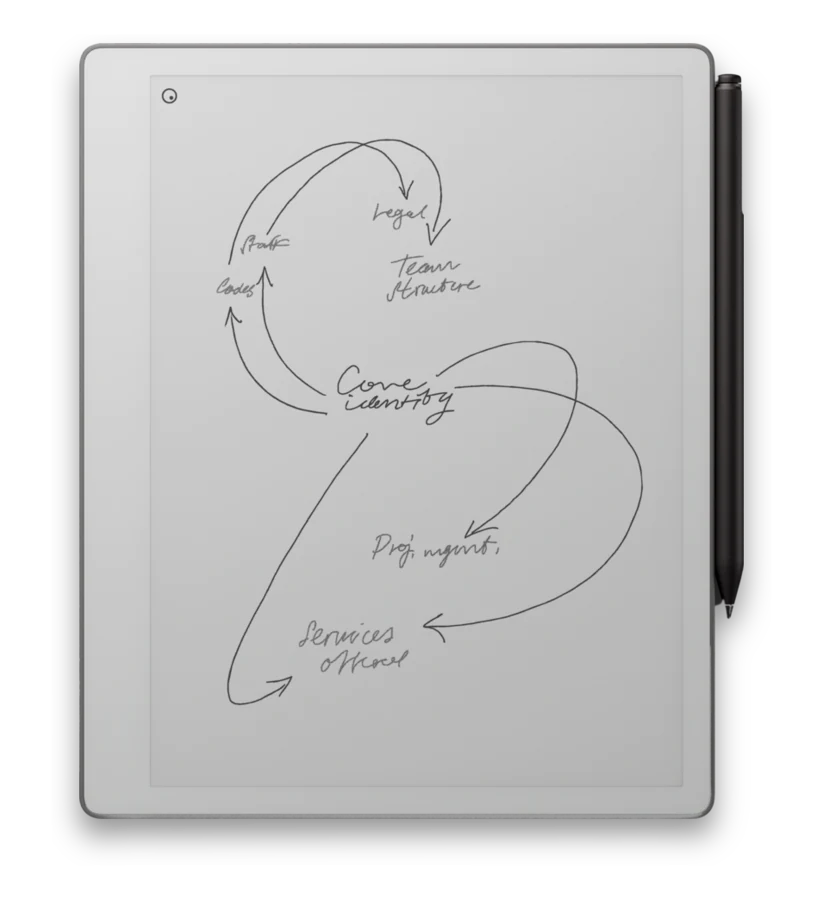
An iPad with a stylus can do a hundred things. The reMarkable does two of them - writing and reading - and does them the way paper does, without the hundred other things competing for your attention. That is the whole comparison in one sentence.
A general tablet like an iPad or an Android slate is a computer with a screen. That is a strength when you want apps, video, color, and the web, and a weakness when you sit down to take notes and a notification pulls you somewhere else. The reMarkable trades capability for focus on purpose.
How they differ
| reMarkable | iPad / Android tablet | |
|---|---|---|
| Screen | E-ink, reflective like paper, no glare, readable in sunlight | Backlit LCD or OLED, bright and colorful, harsher for long reading |
| Writing feel | Textured, paper-like resistance with very low lag | Stylus on smooth glass; excellent, but glassy |
| Distractions | No apps, browser, or notifications by design | Everything is one tap away |
| Battery | Days per charge | Hours per charge |
| Color and video | Black and white (color e-ink on Paper Pro and Paper Pro Move), no video | Full color, video, games, everything |
| Eye comfort | Easy on the eyes over long sessions | More fatigue from a backlit screen |
| Best at | Notes, reading, marking up documents, thinking | Being a do-everything computer |
Why the e-ink screen matters
An LCD or OLED screen shines light into your eyes. E-ink reflects ambient light the way a printed page does, so it does not glare in the sun and is more comfortable for hours of reading. There is no blue-light backlight staring back at you late at night, and the matte surface is what gives handwriting its paper-like feel in the first place.
Why fewer features can be the feature
The most common thing new reMarkable owners say is that they get more done because there is nothing else to do on it. No inbox, no feed, no "quick check" that turns into twenty minutes. If you have ever opened a tablet to jot a note and resurfaced somewhere unrelated, that is the gap the reMarkable is built to close.
When an iPad is the better choice
This is not one-size-fits-all. If you want to draw in full color, watch video, run apps alongside your notes, or use a single device for everything, an iPad is the right tool and the reMarkable will feel limited. Plenty of people keep both: a tablet for doing, a reMarkable for thinking and reading.
Already have an iPad? You can still use it with a reMarkable. The Klass-RM Uploader runs on Mac today, with iPhone and iPad coming soon, and sends files from Mac straight to your tablet; more on that in Getting Files onto reMarkable.
Set up your reMarkable to write on
The device gives you the paper feel; hyperlinked PDF notebooks give it structure. Our notebooks are laid out for reMarkable 2, Pure, Paper Pro, and Paper Pro Move, in left- and right-handed versions, with free samples to try first.