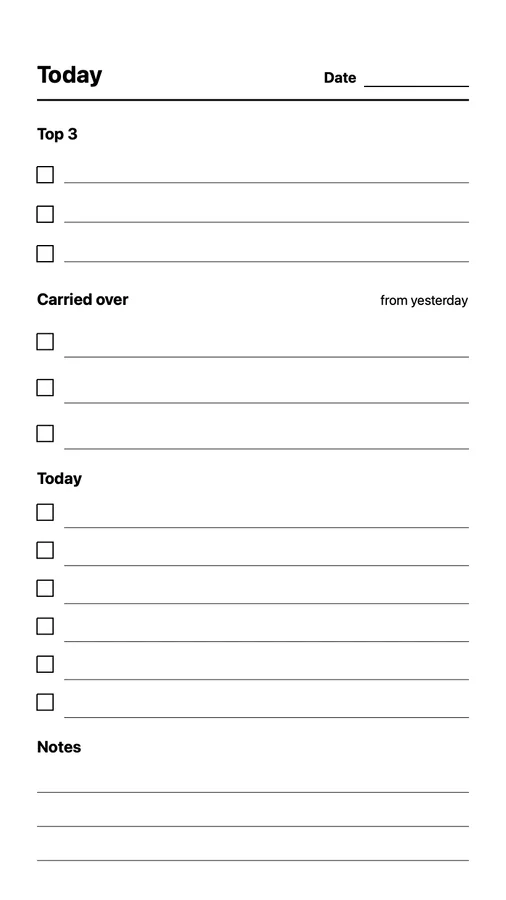
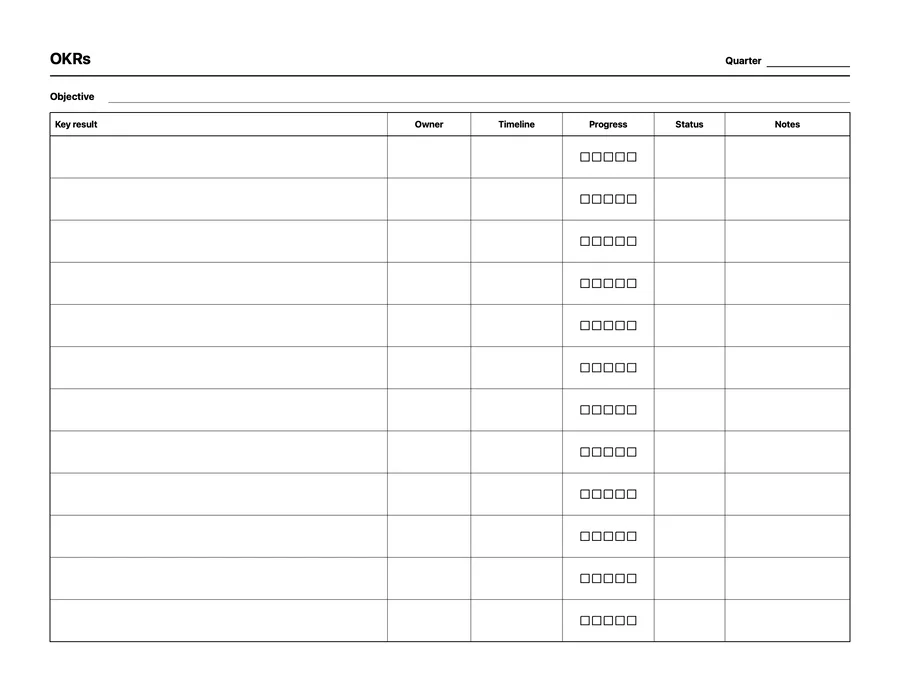
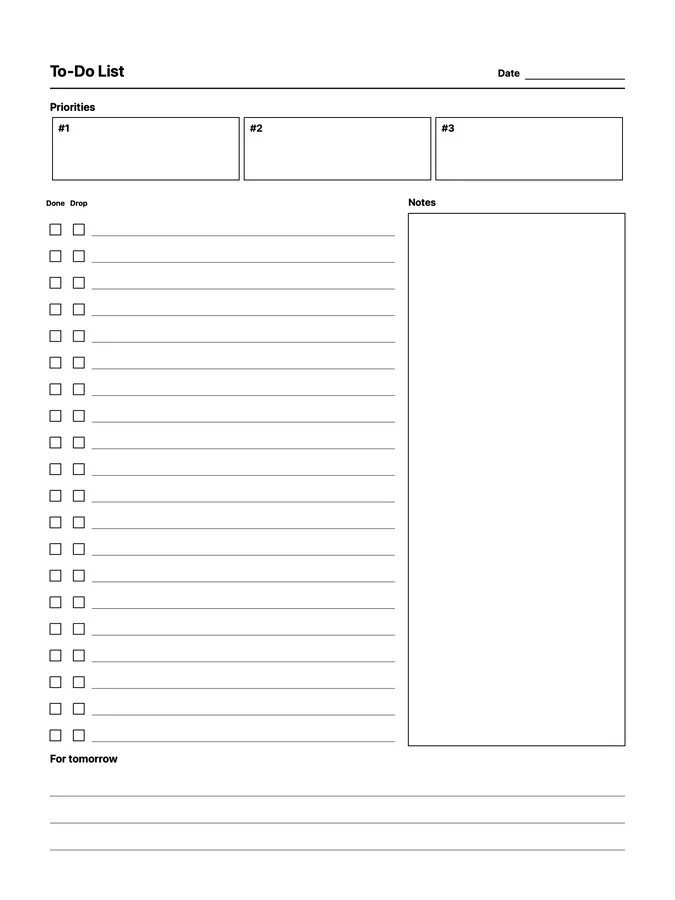
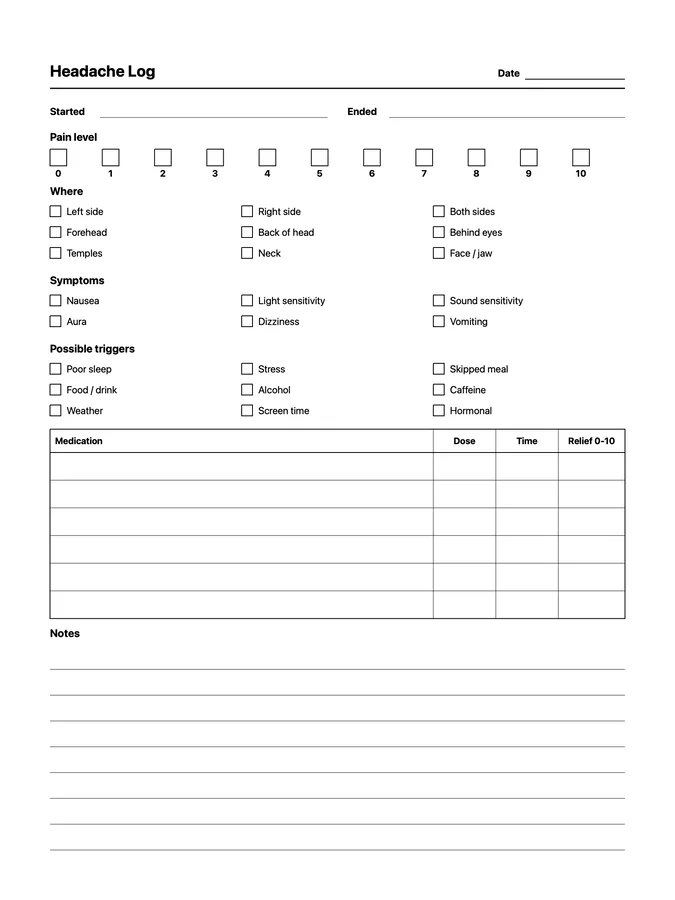
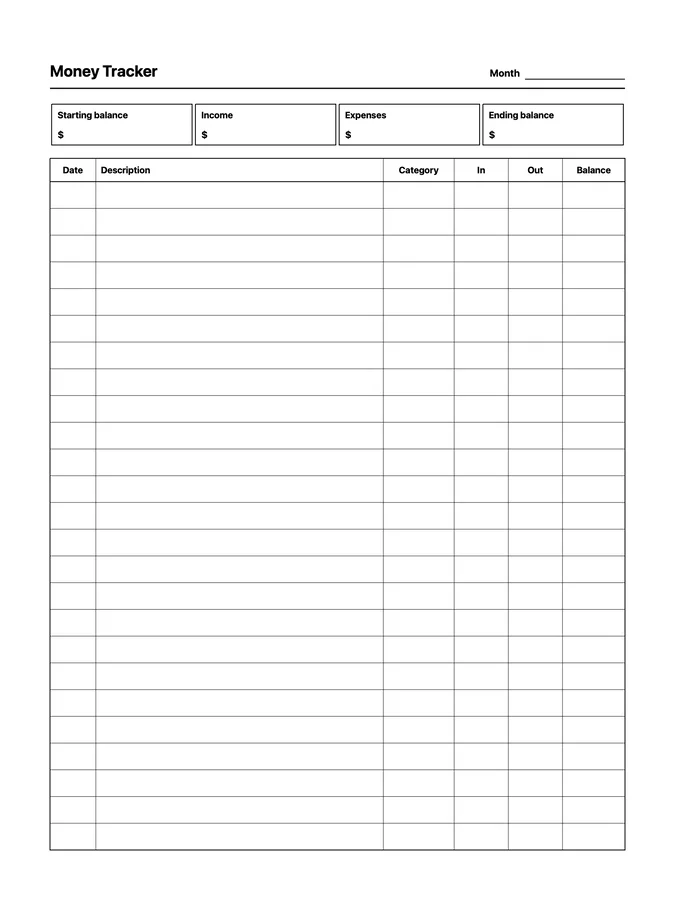
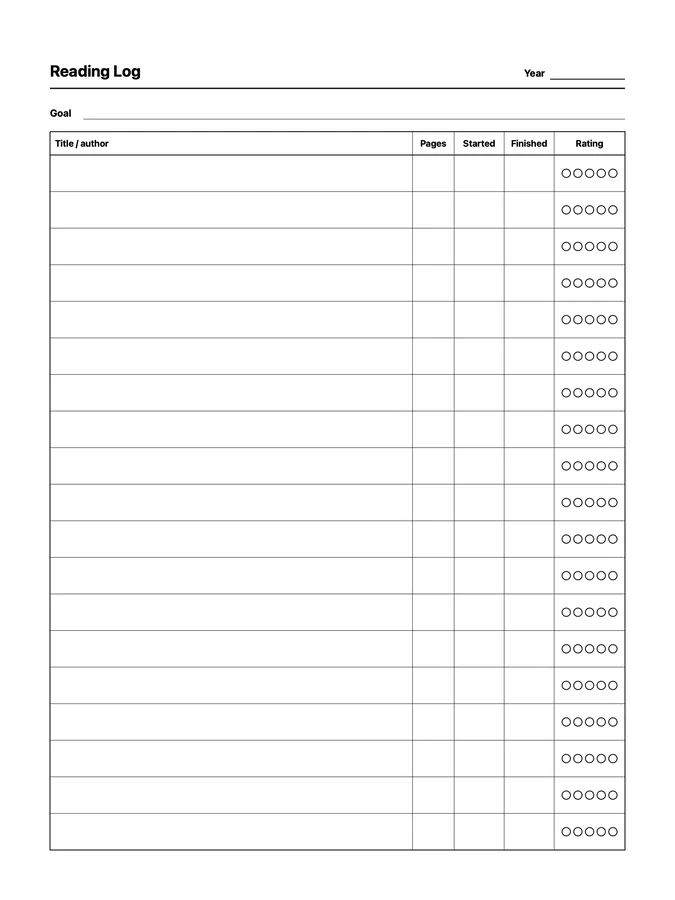
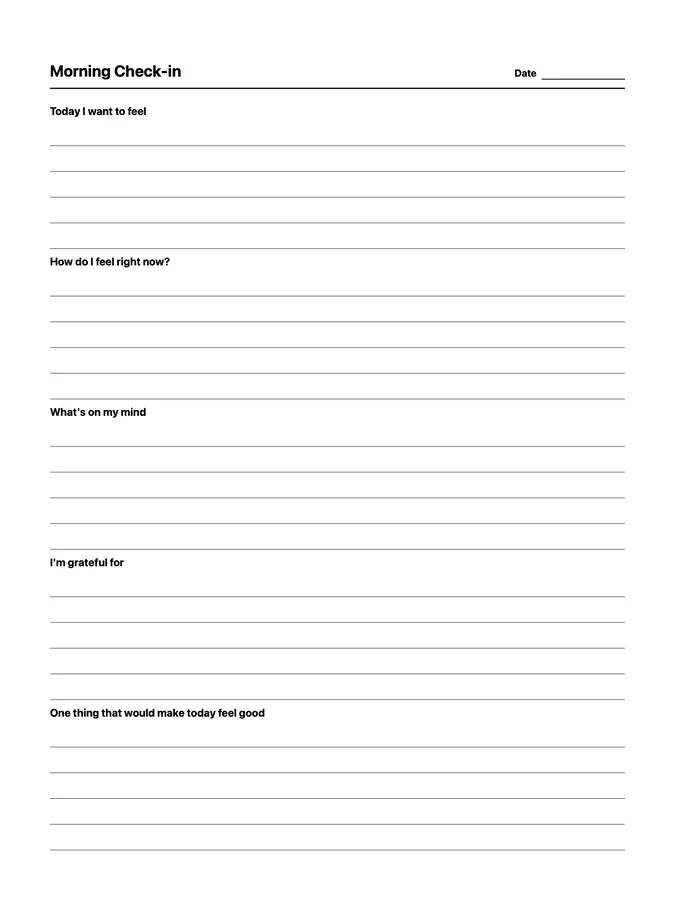
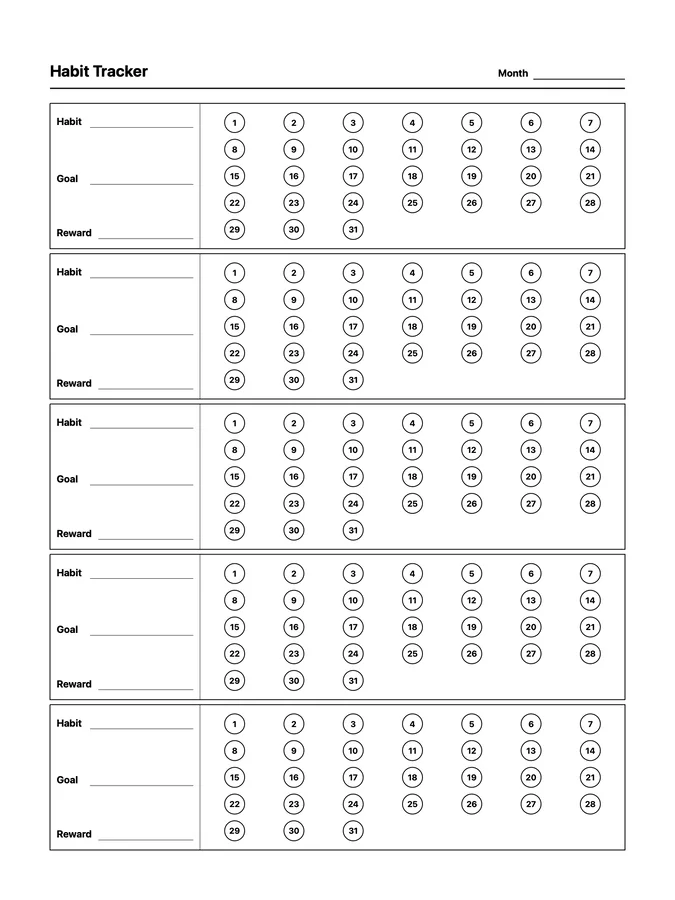
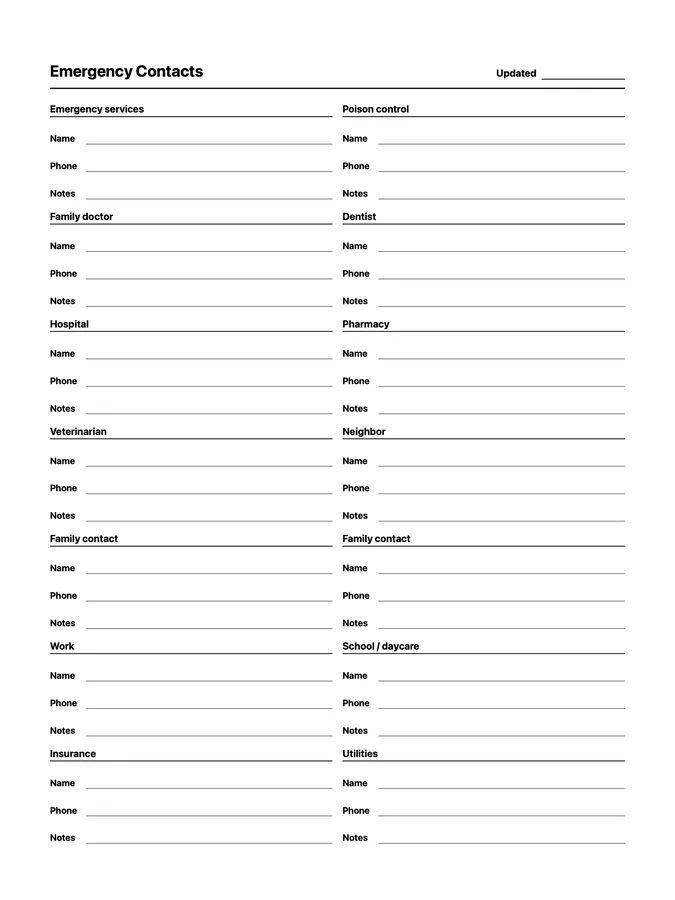
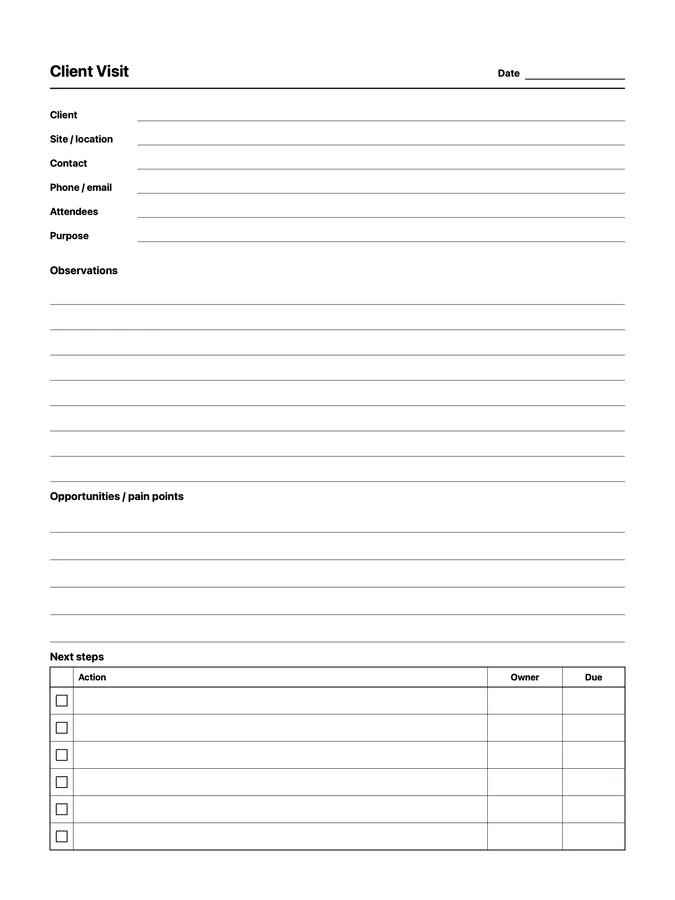
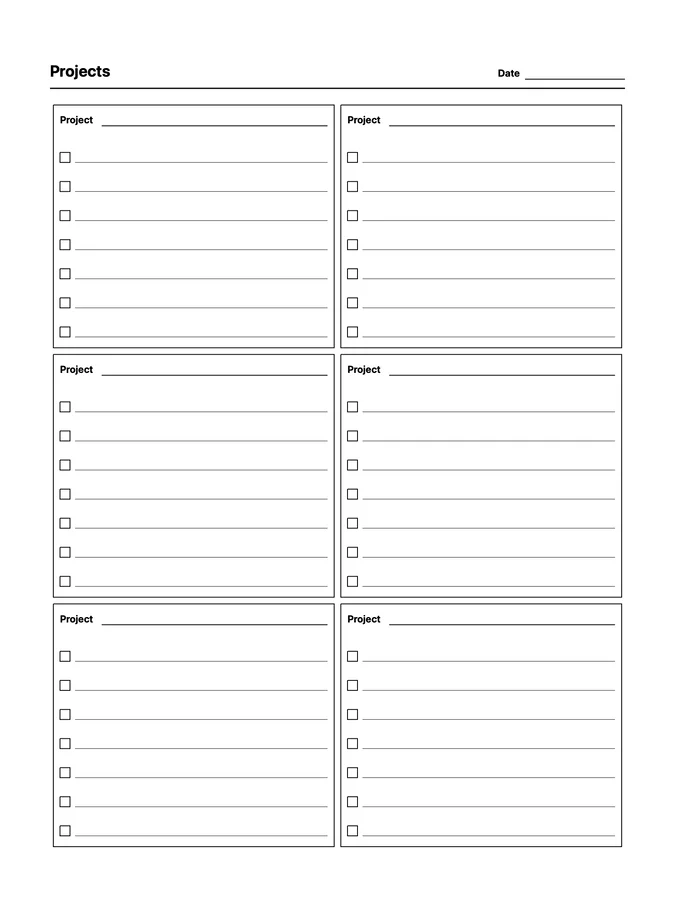
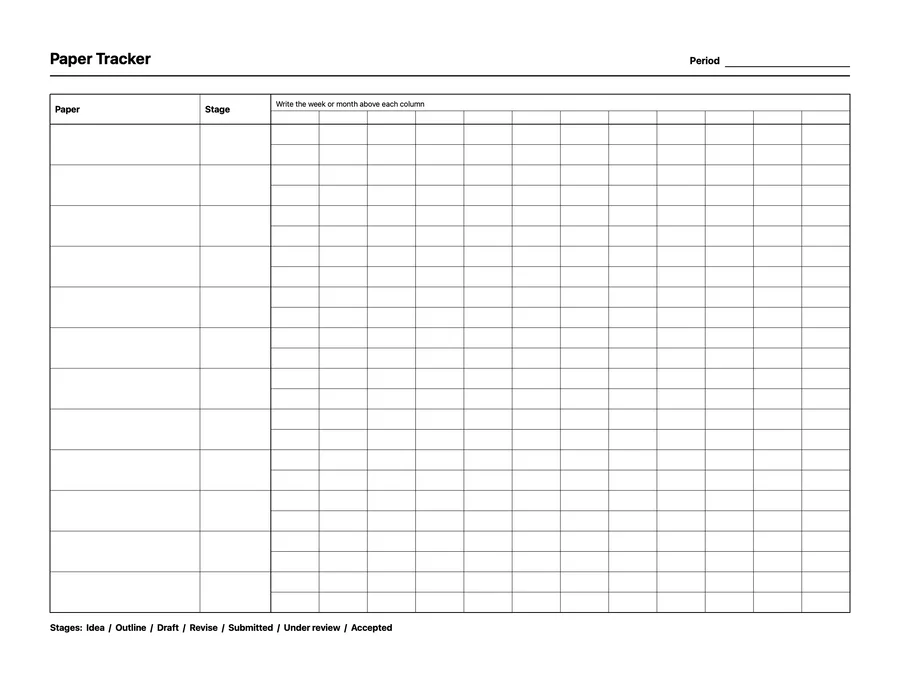
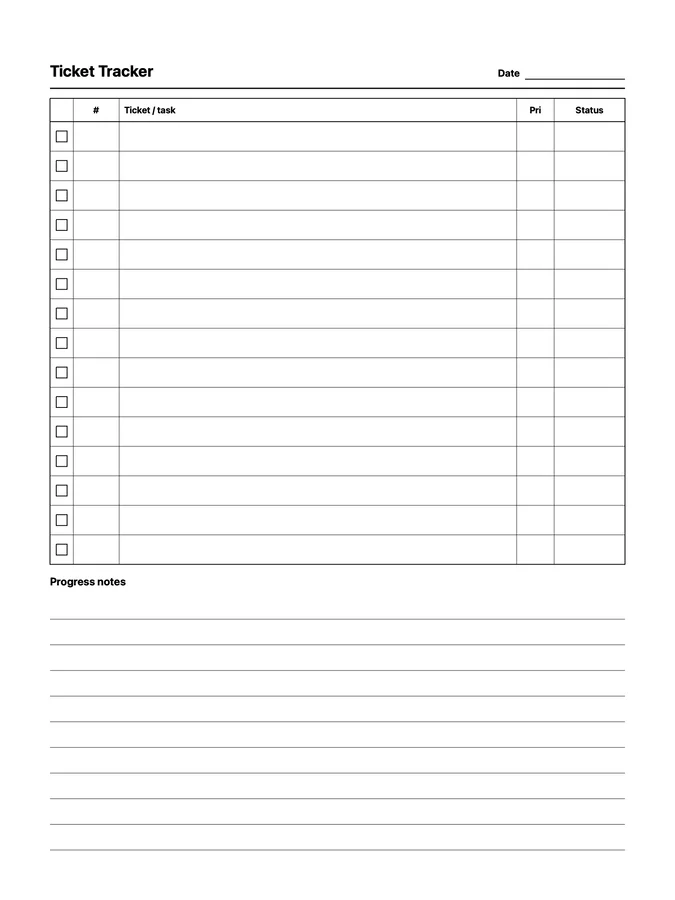
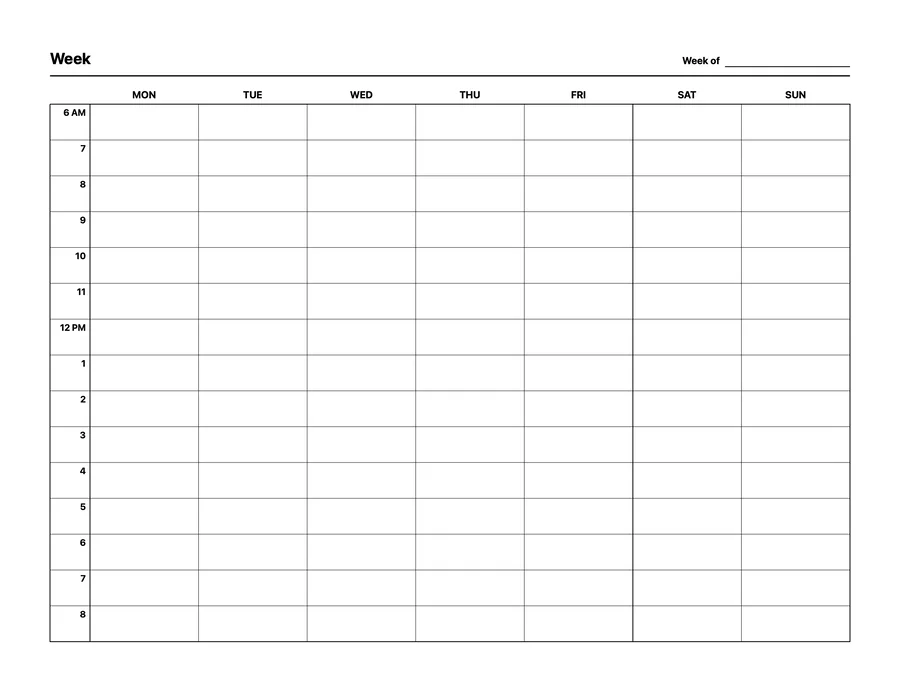
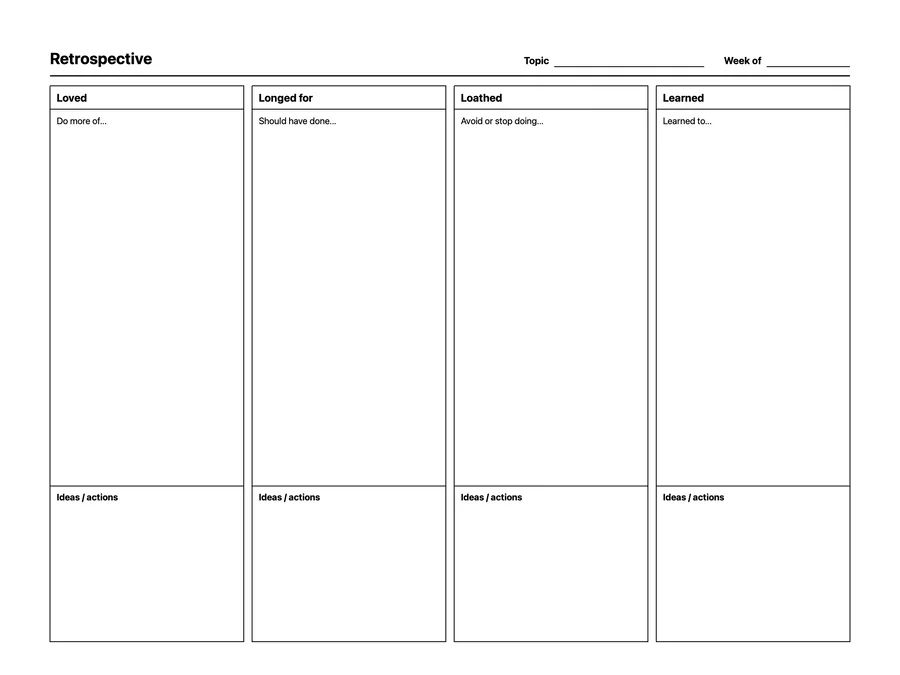
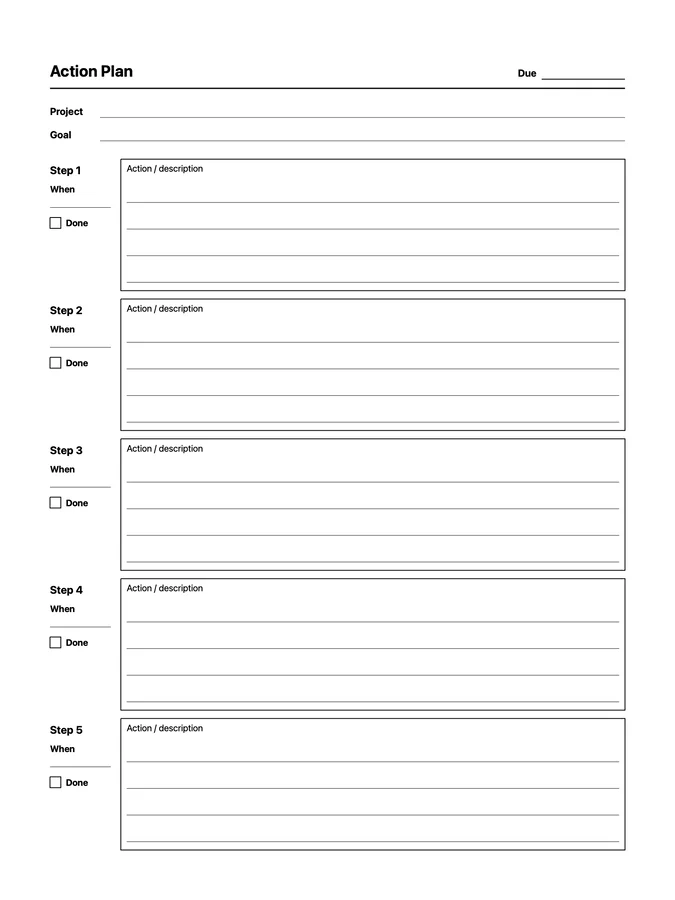
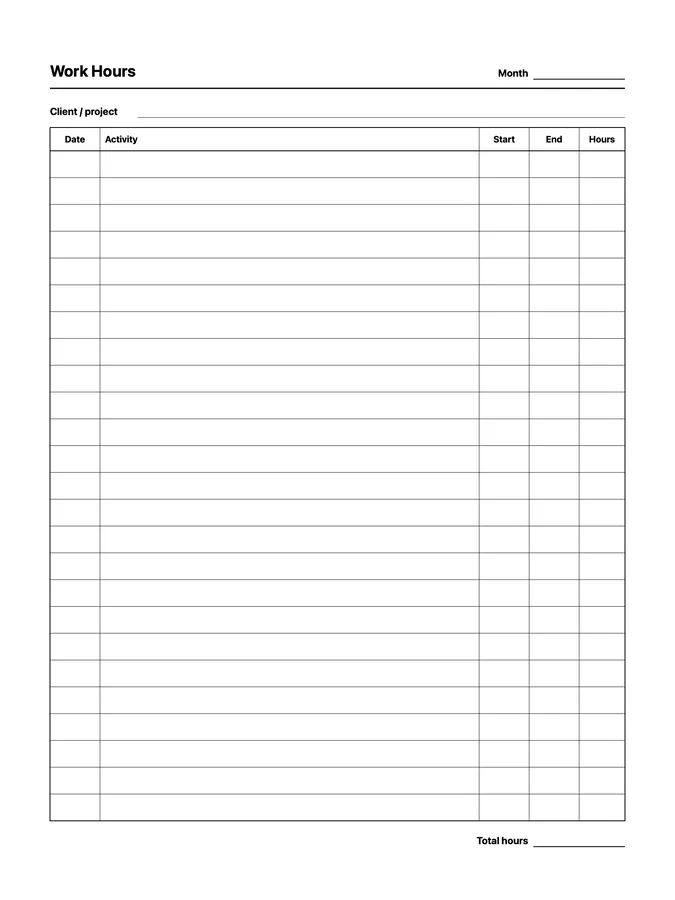
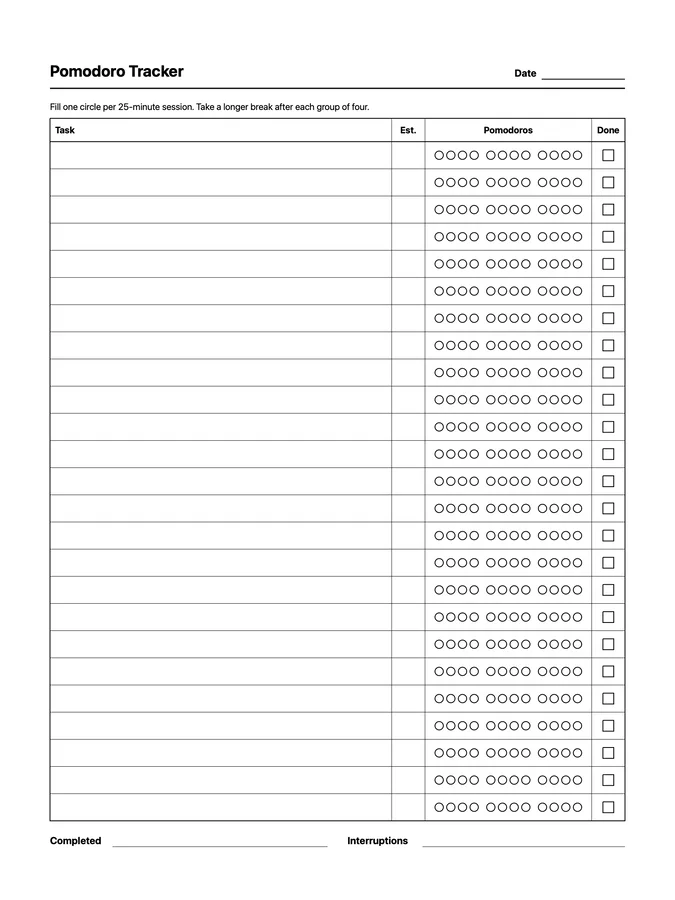
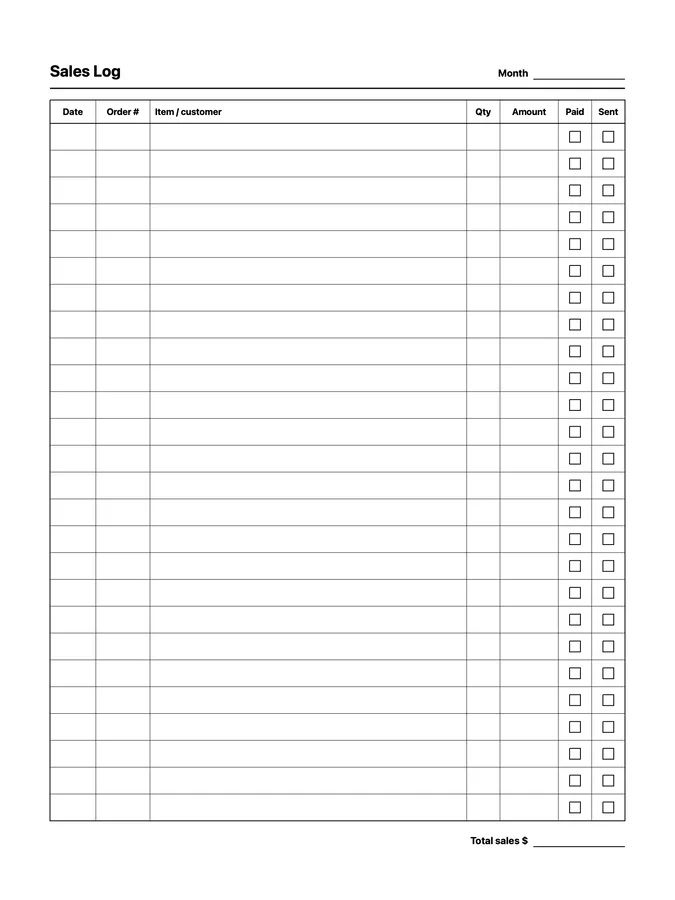
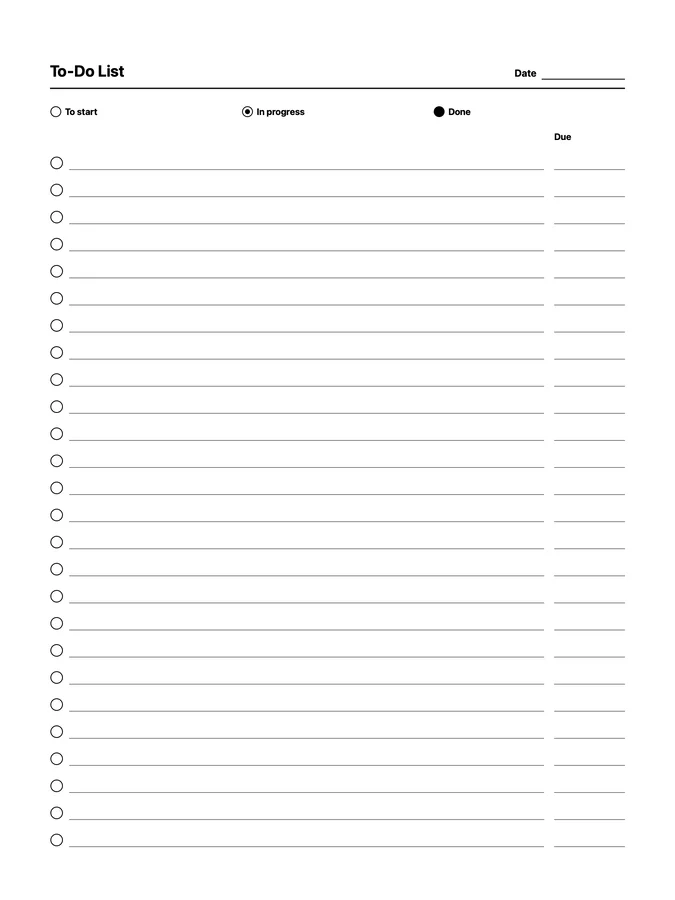
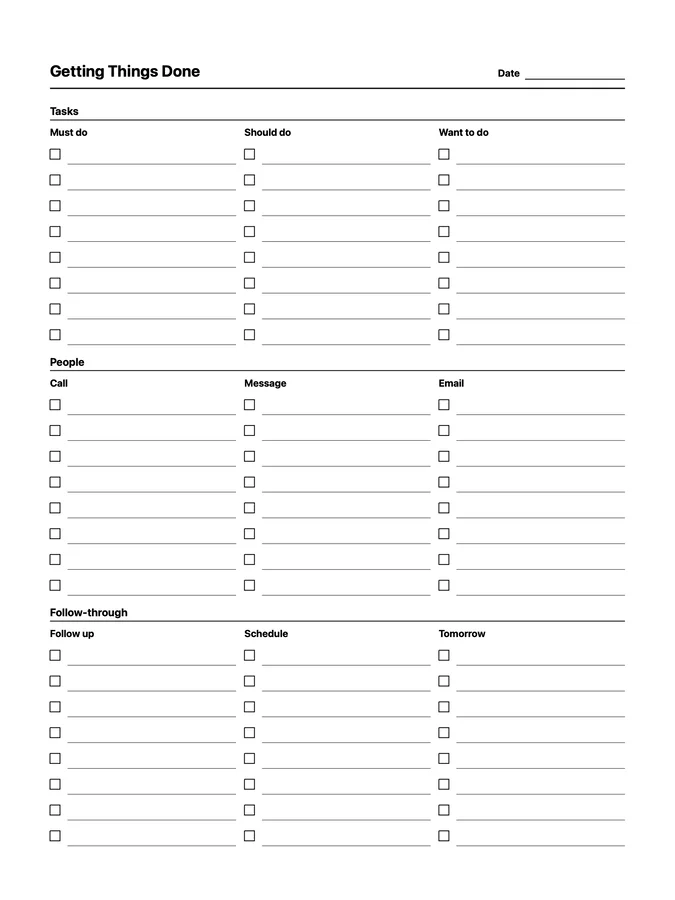
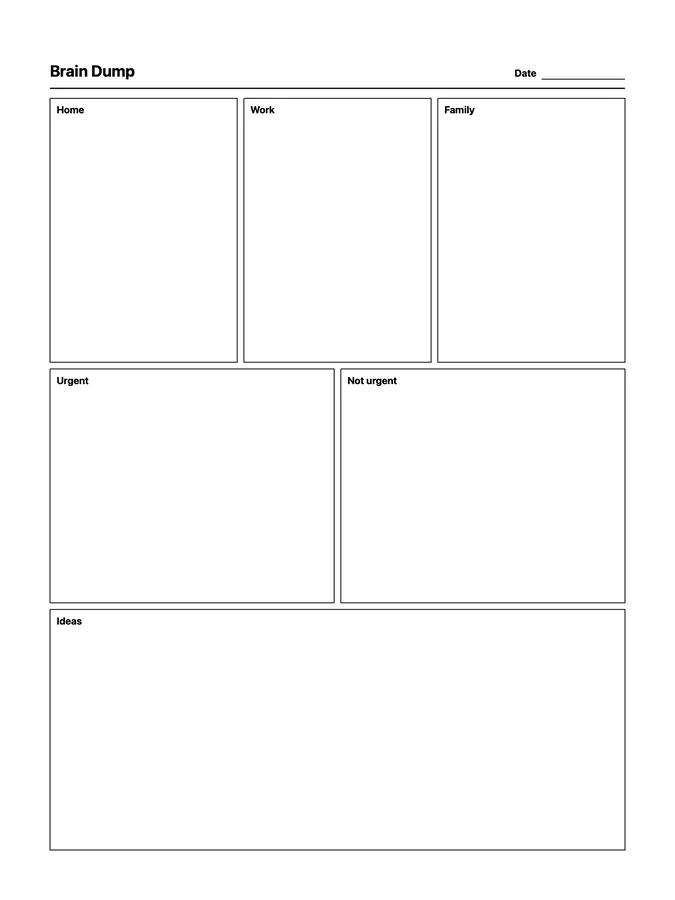
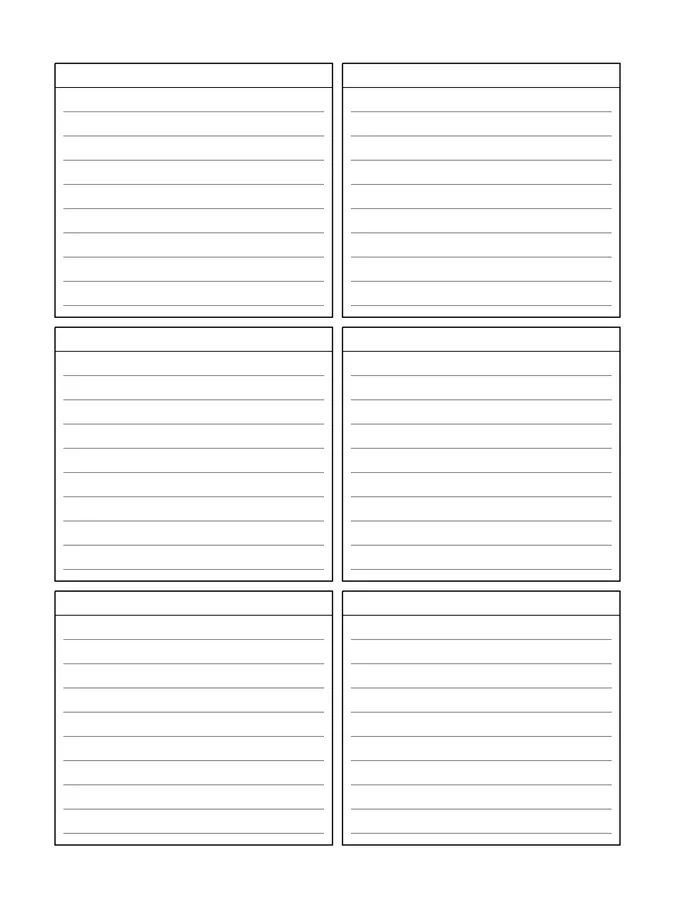
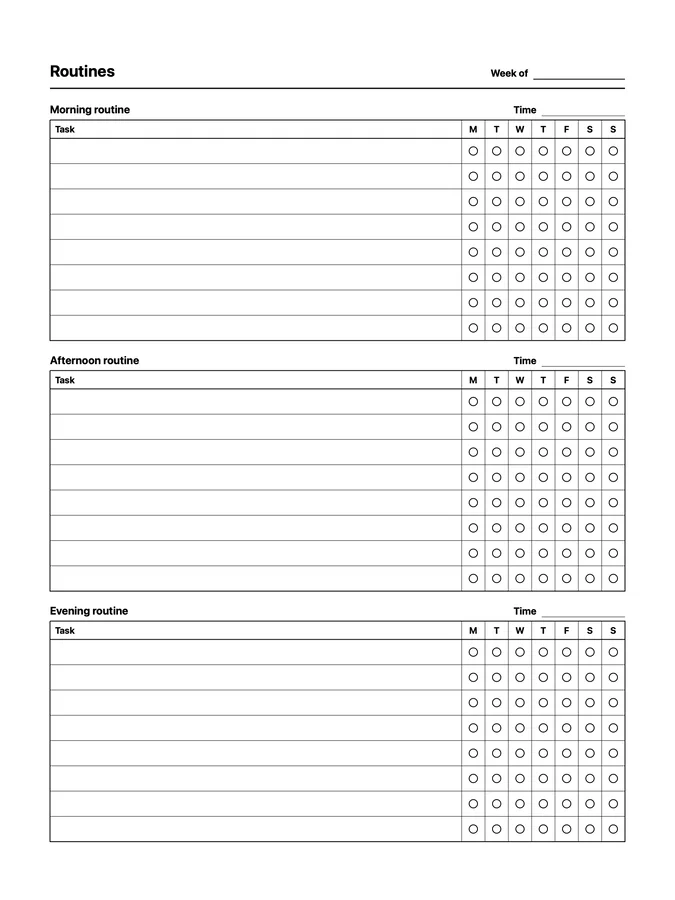
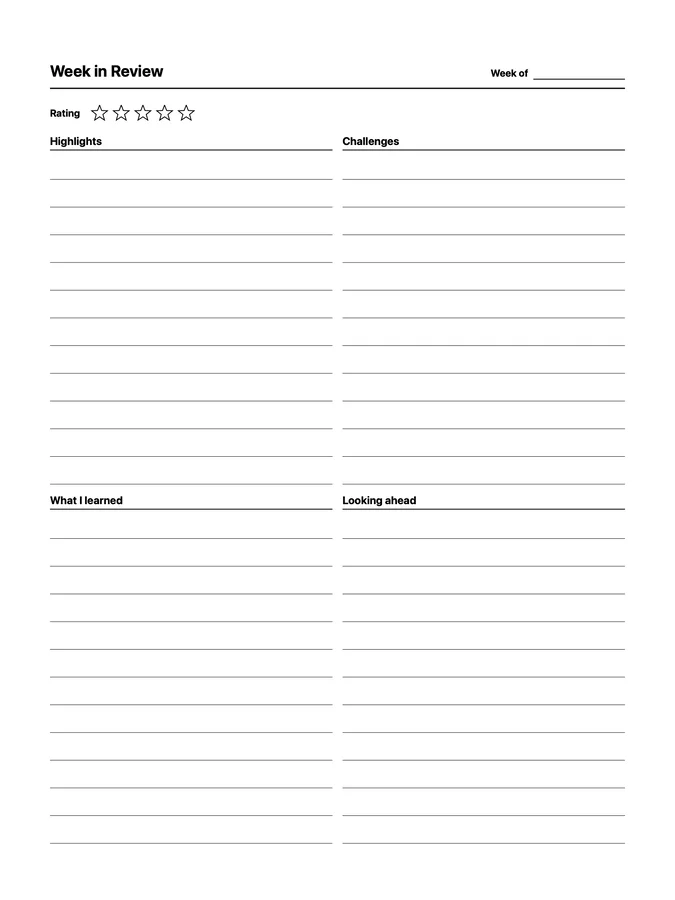
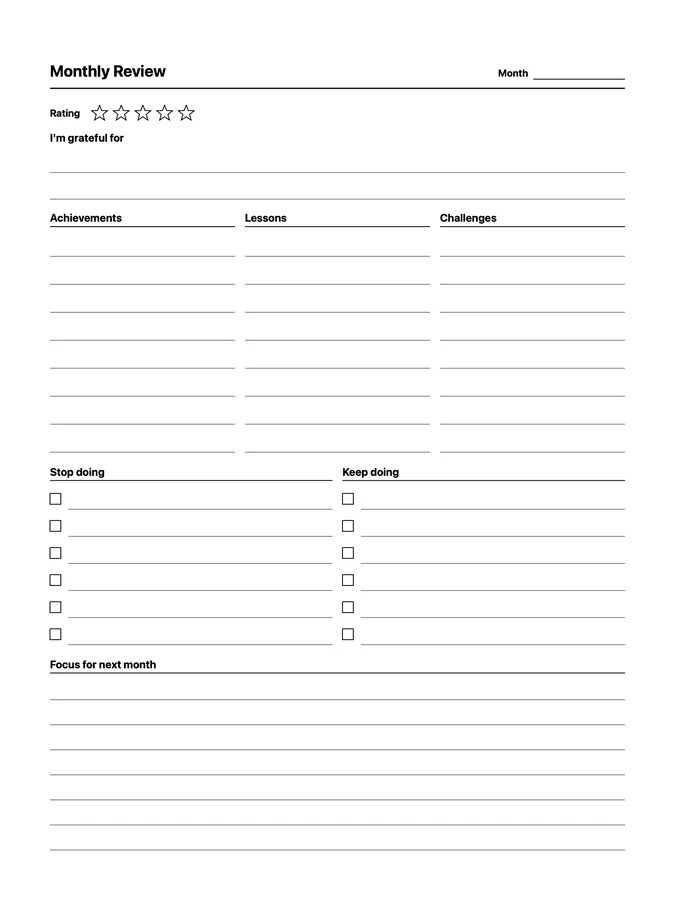
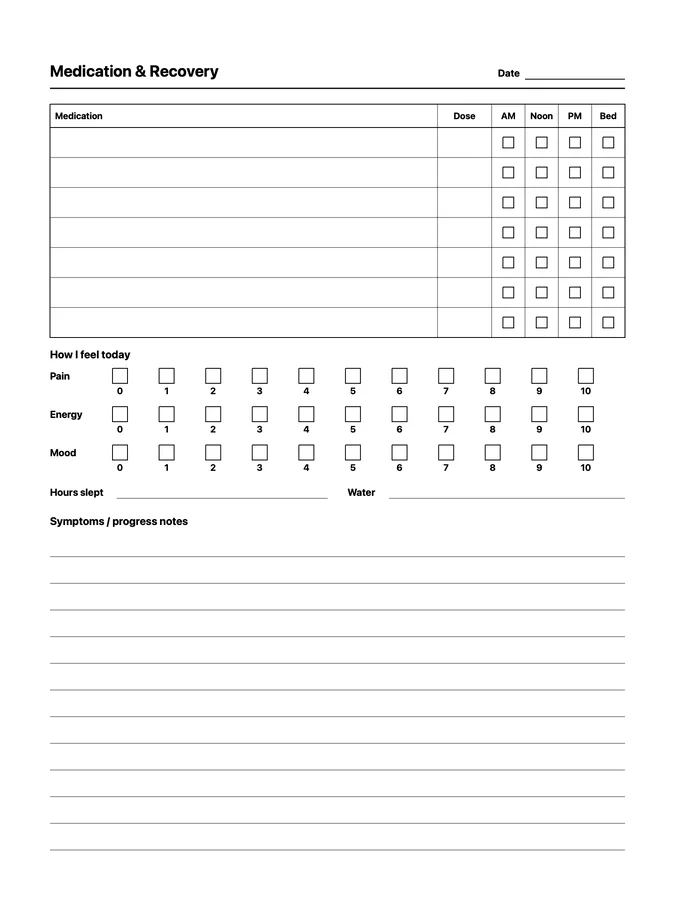
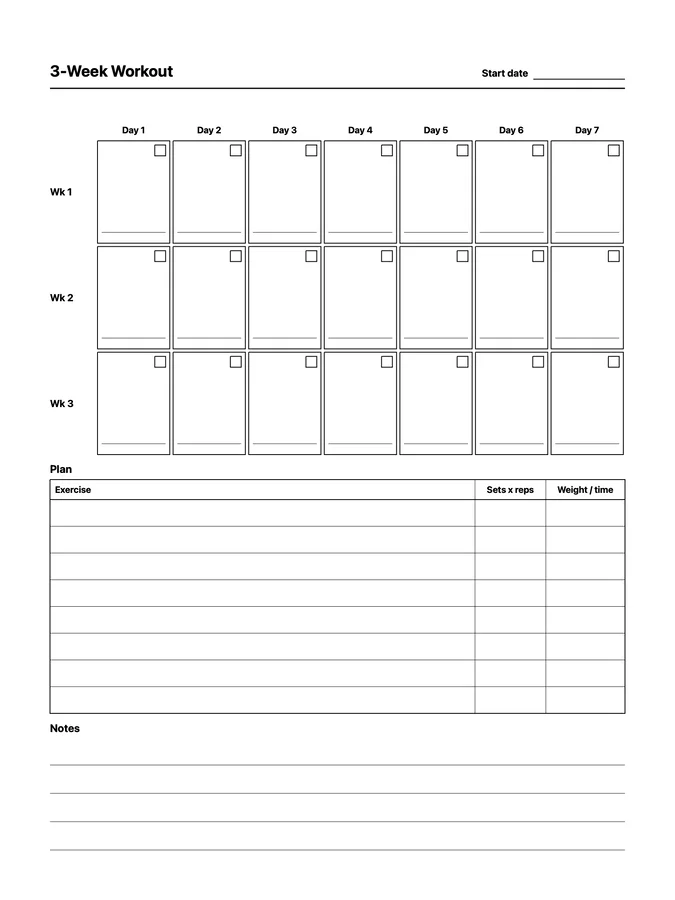
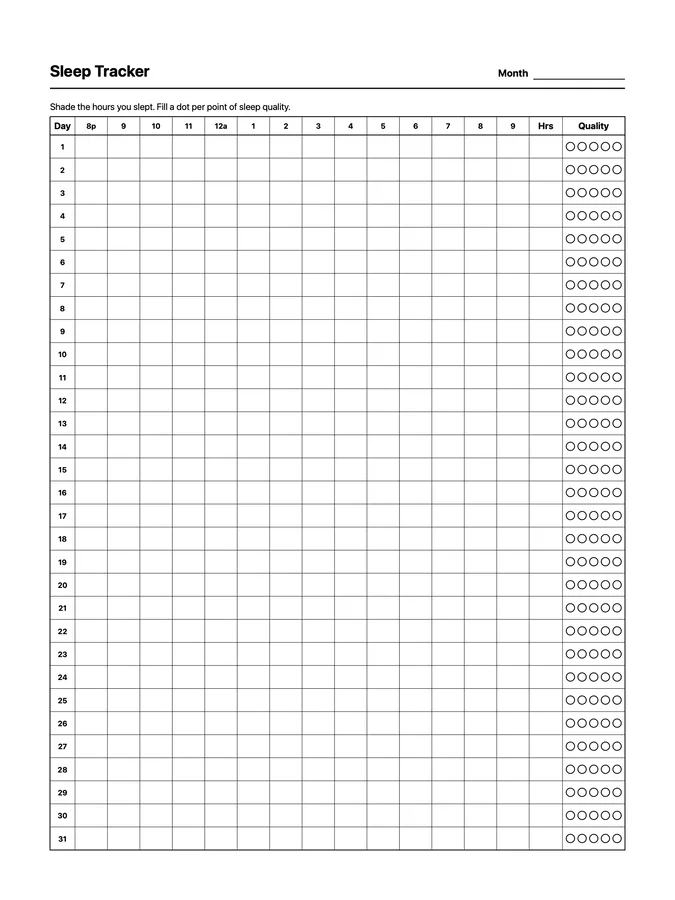
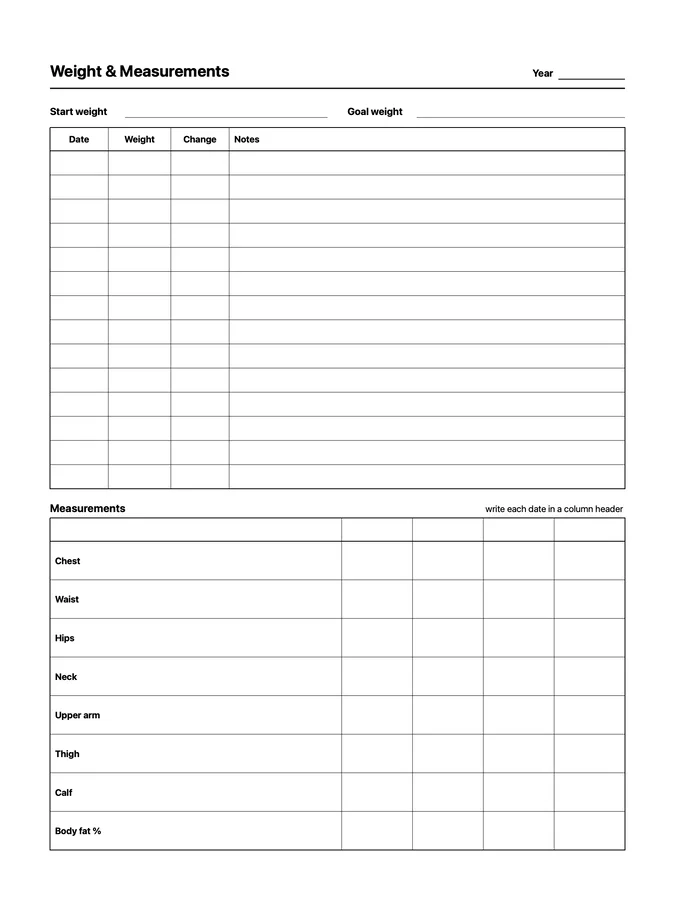
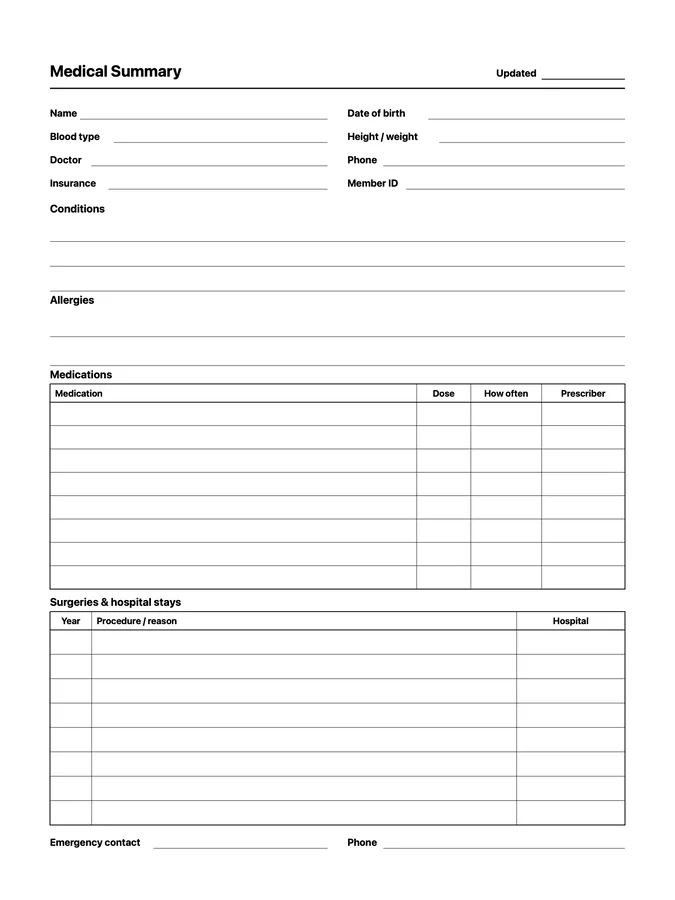
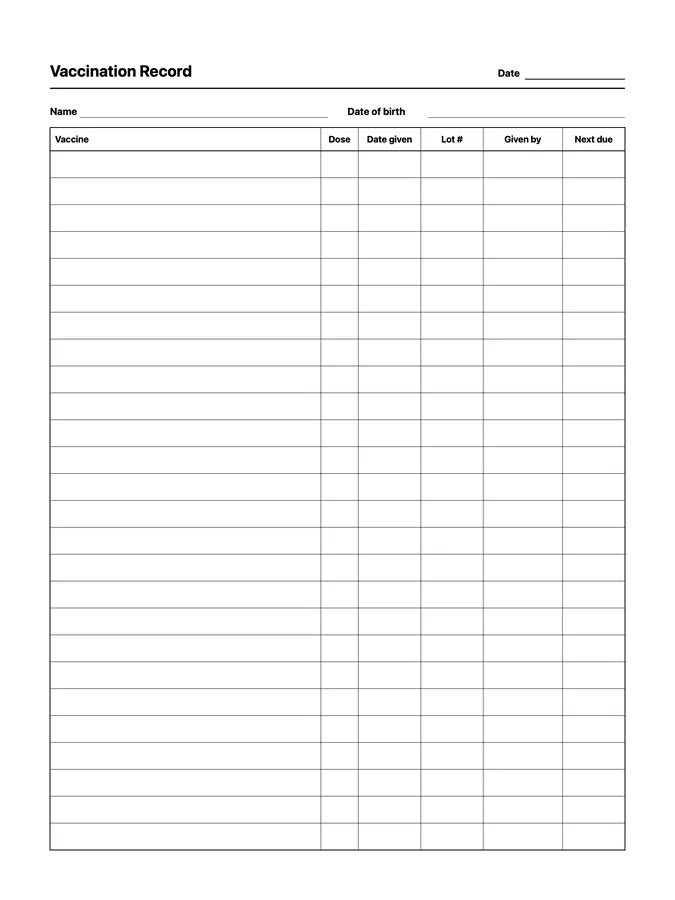
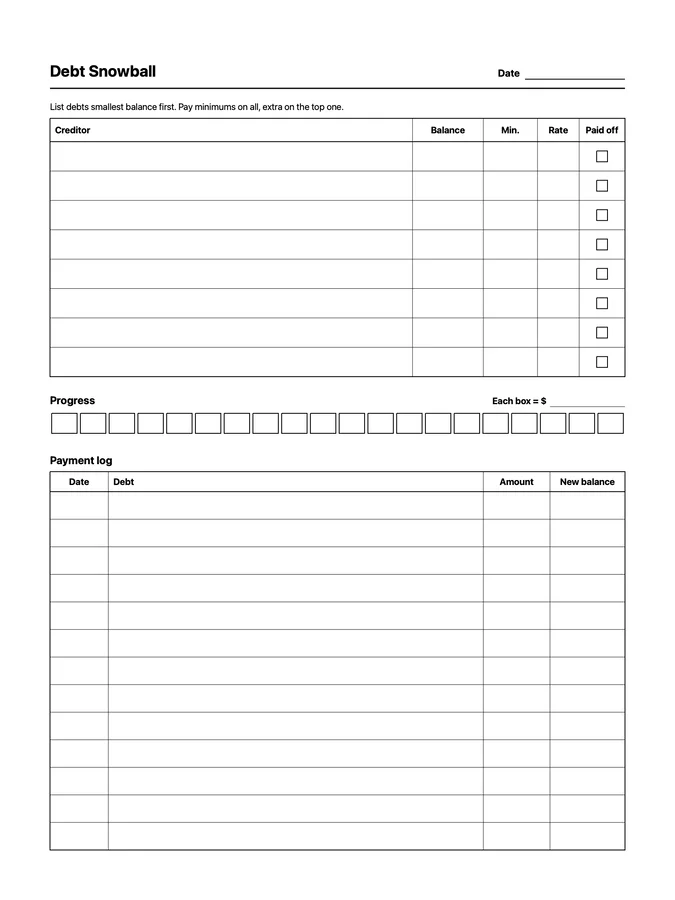
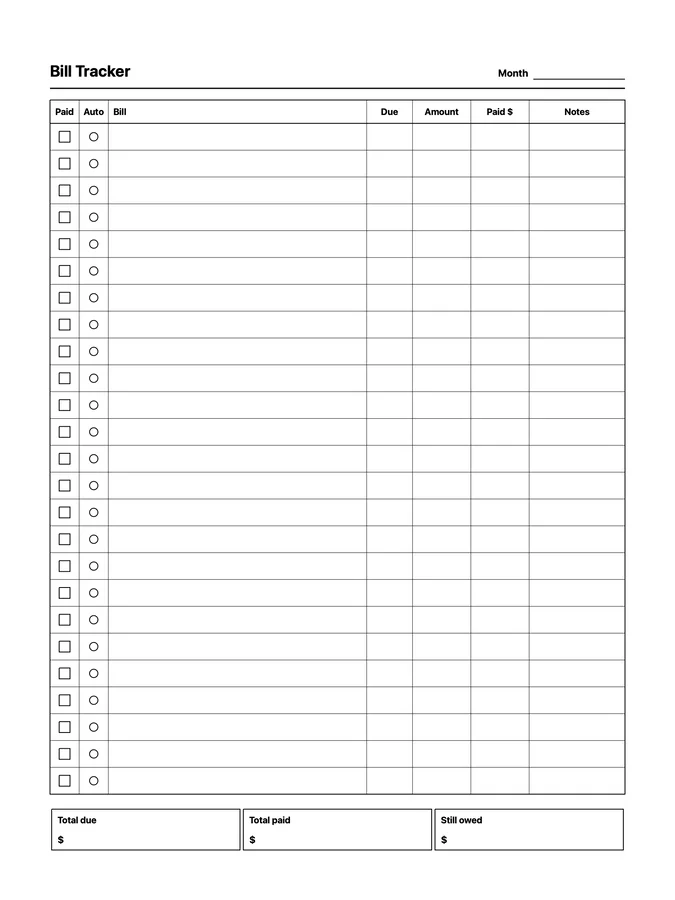
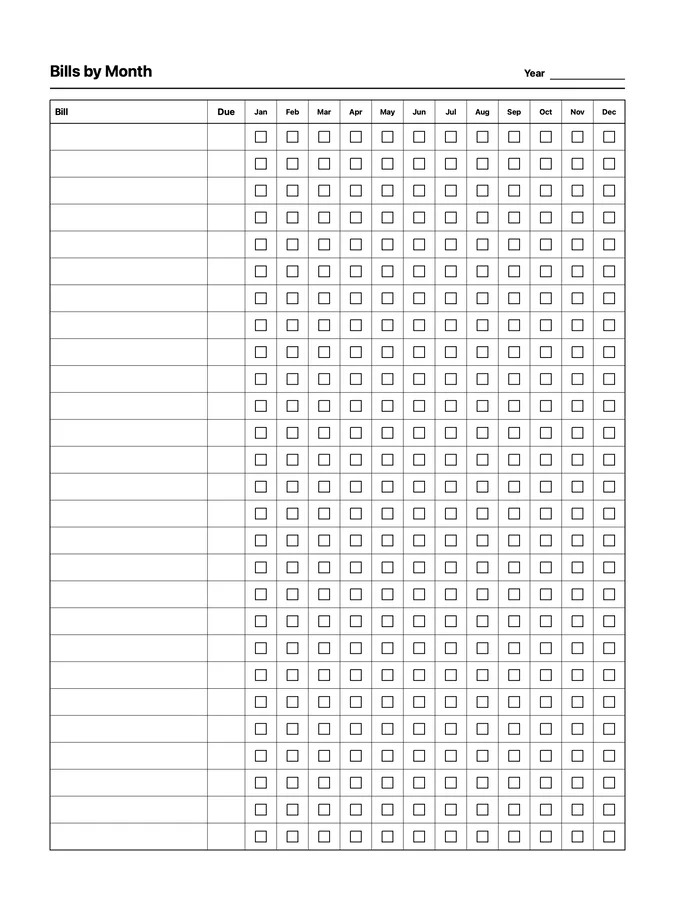
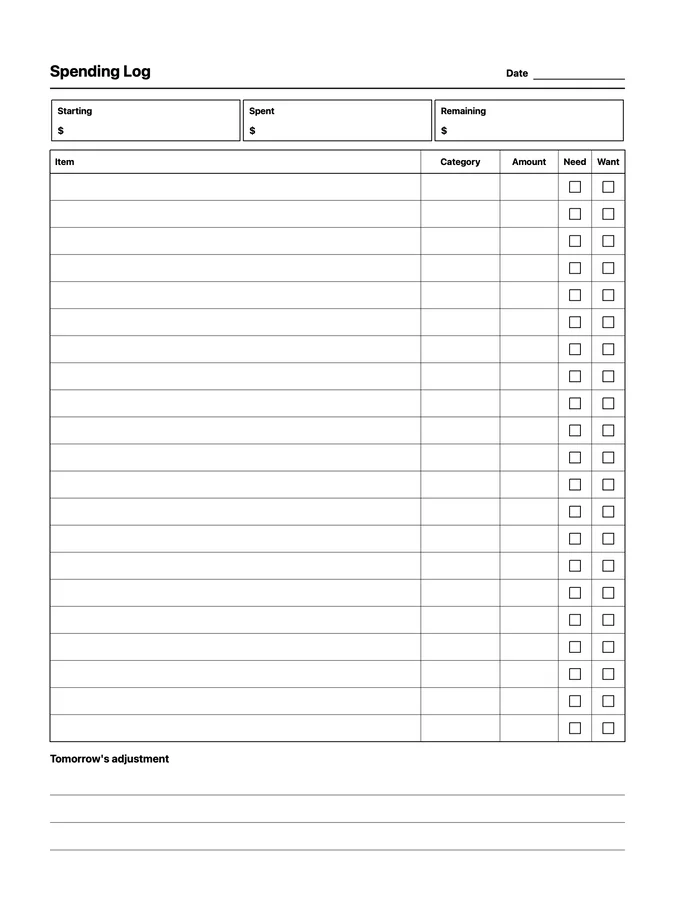
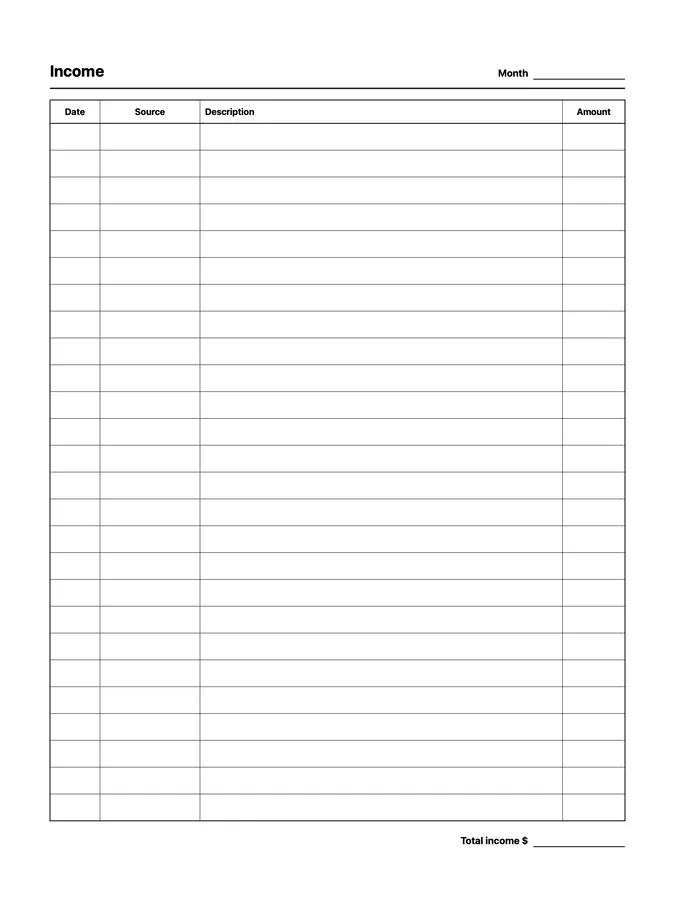
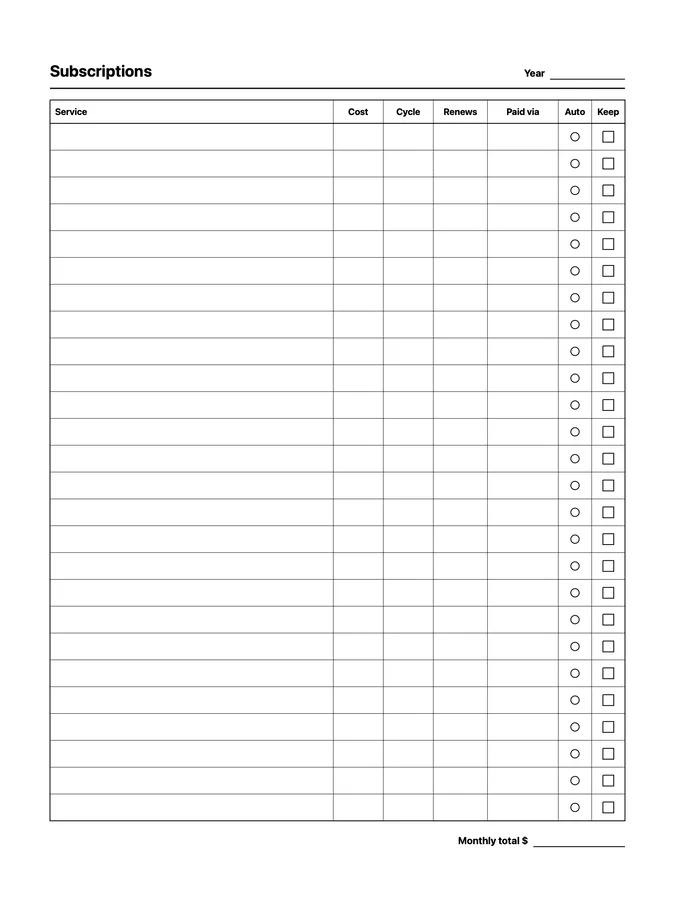
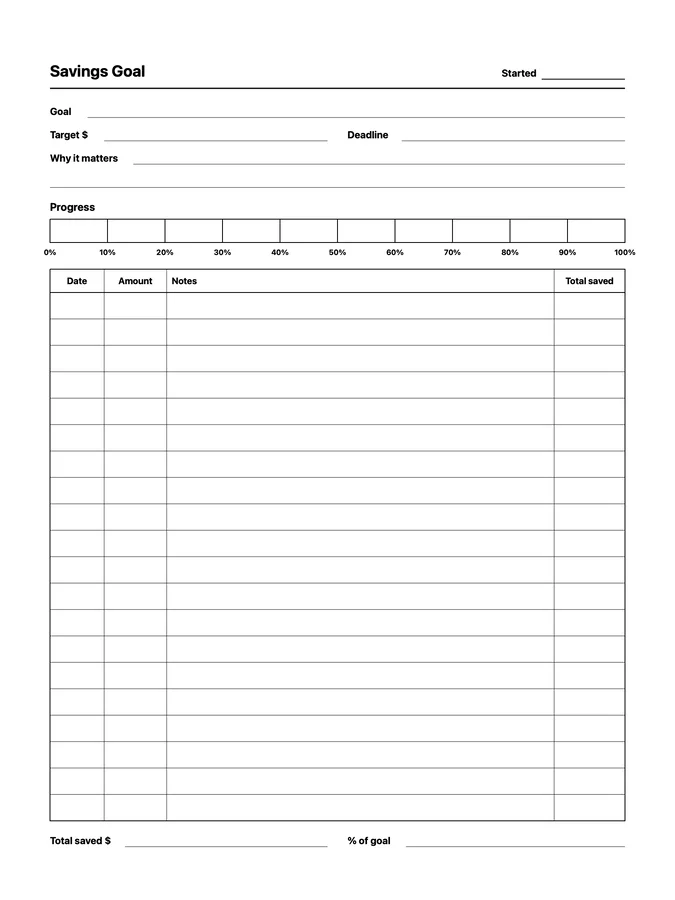
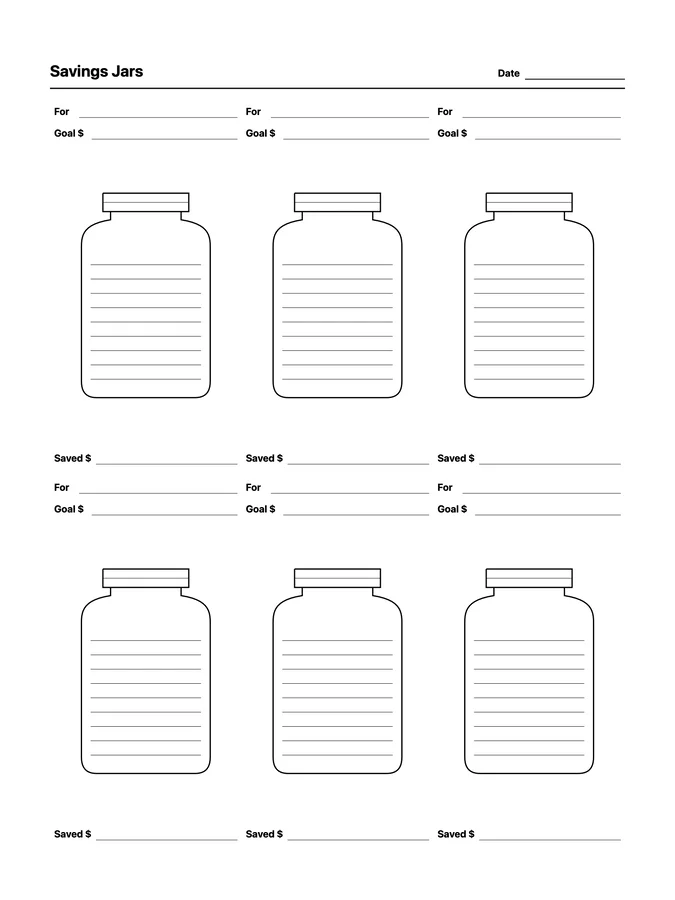
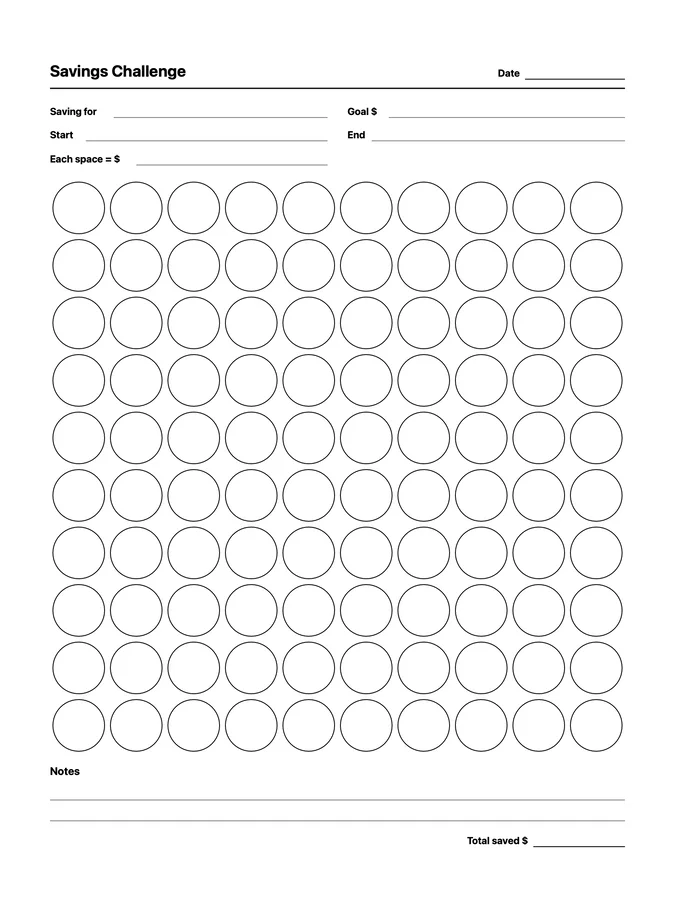
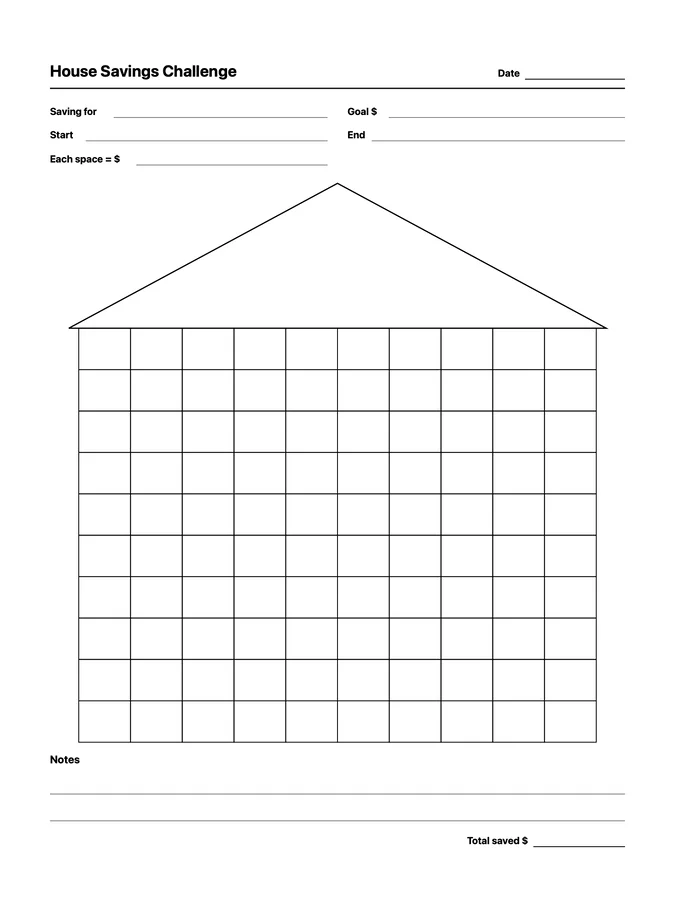
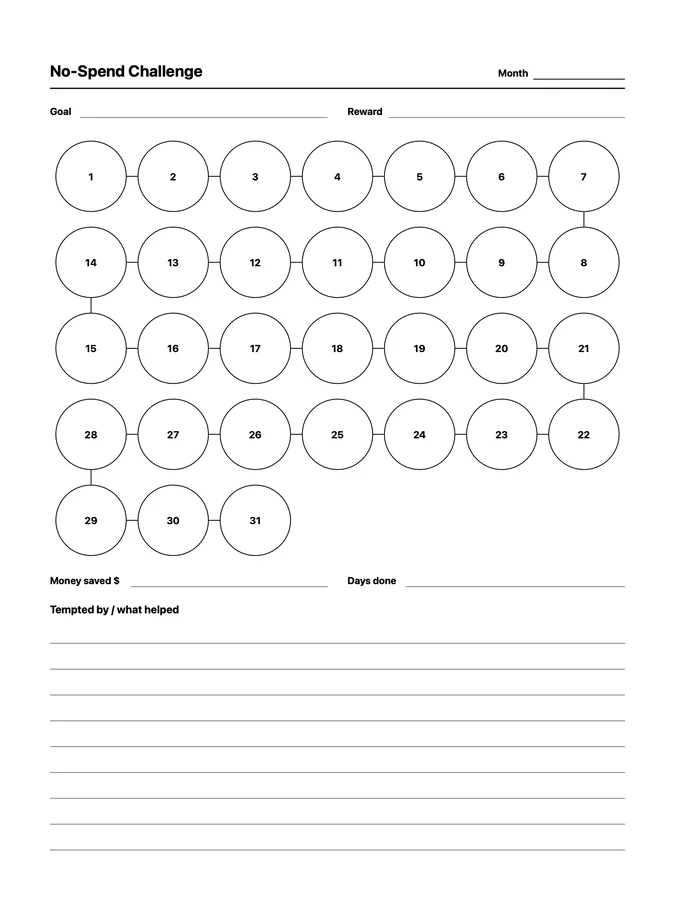
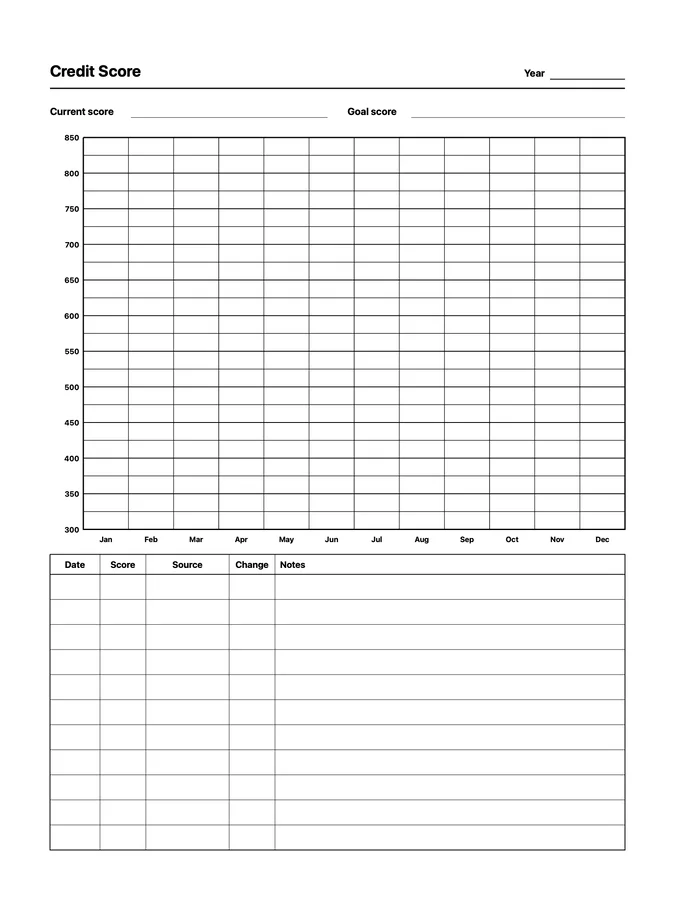
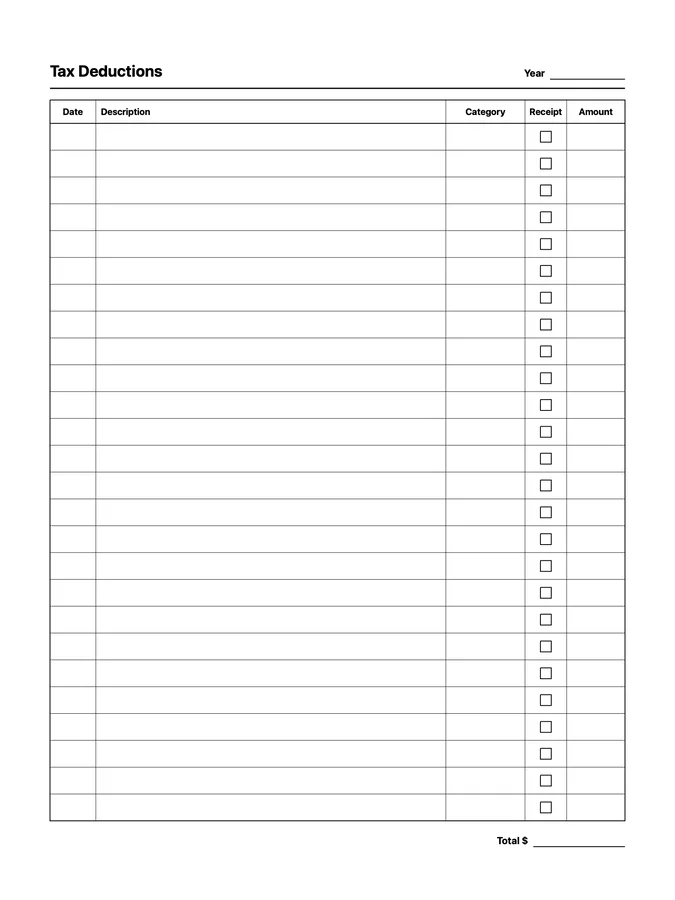
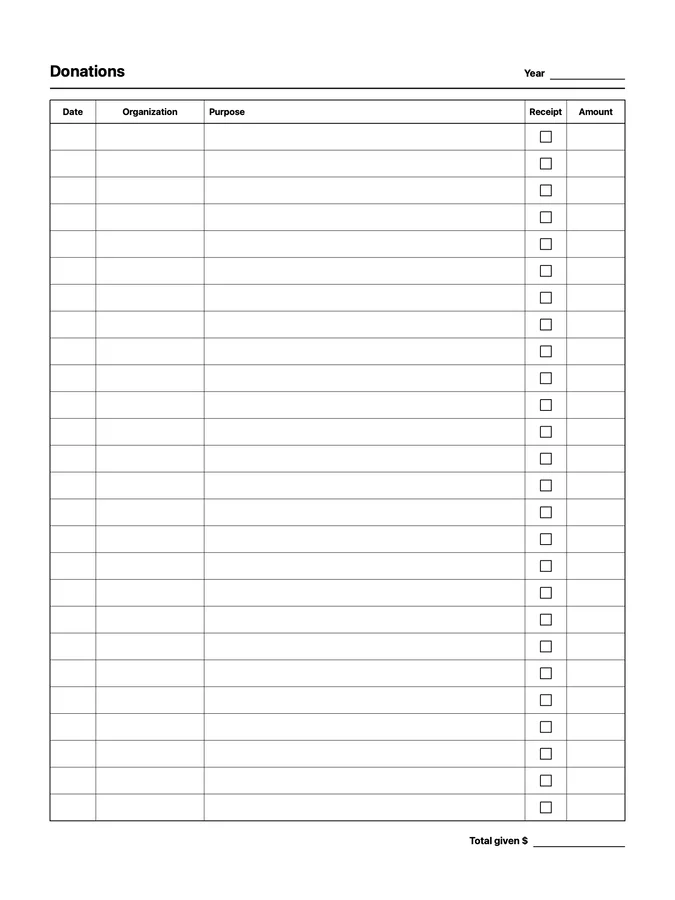
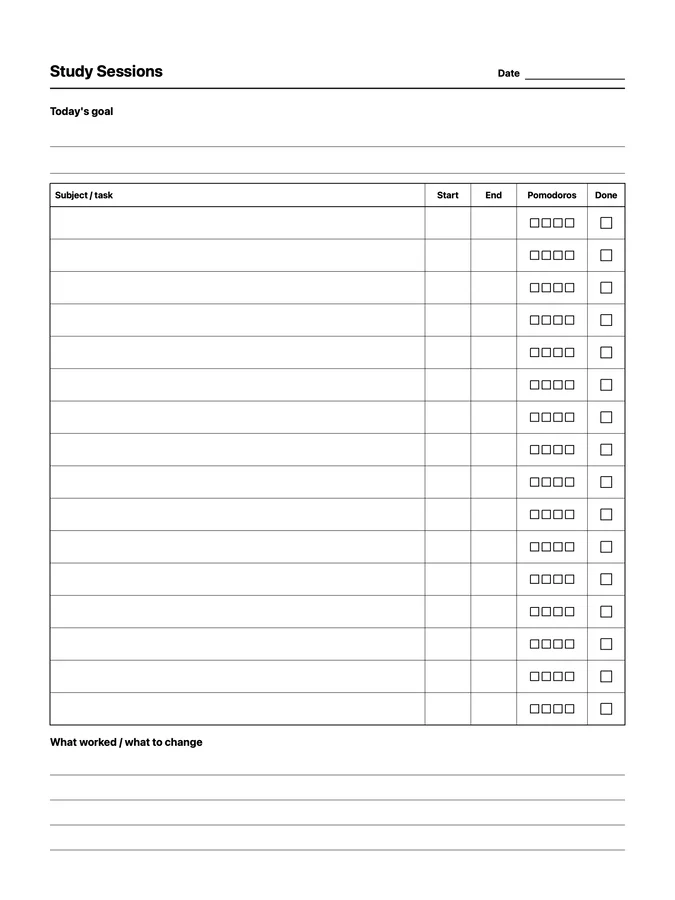
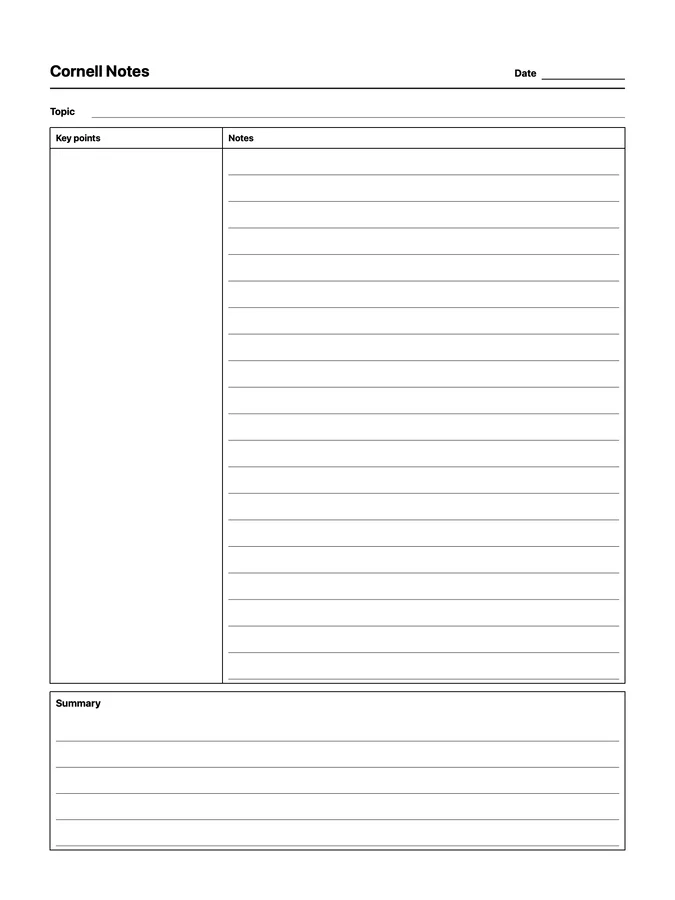
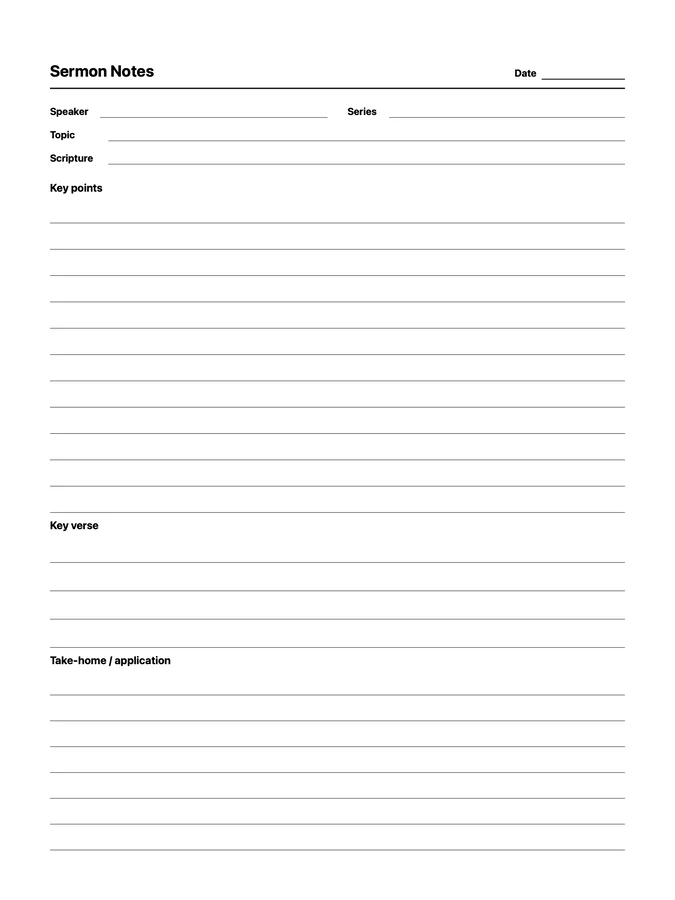
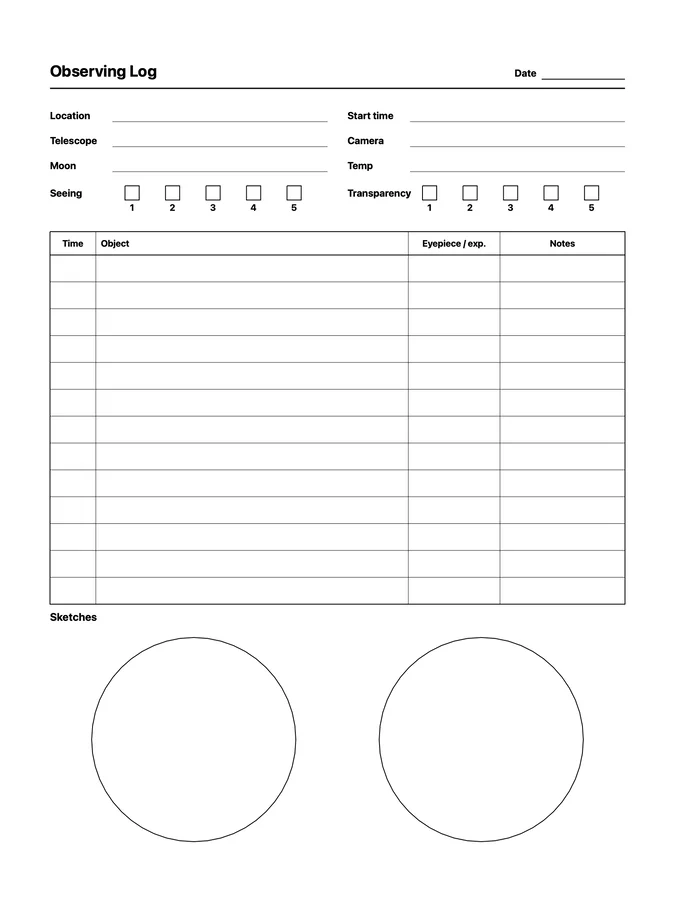
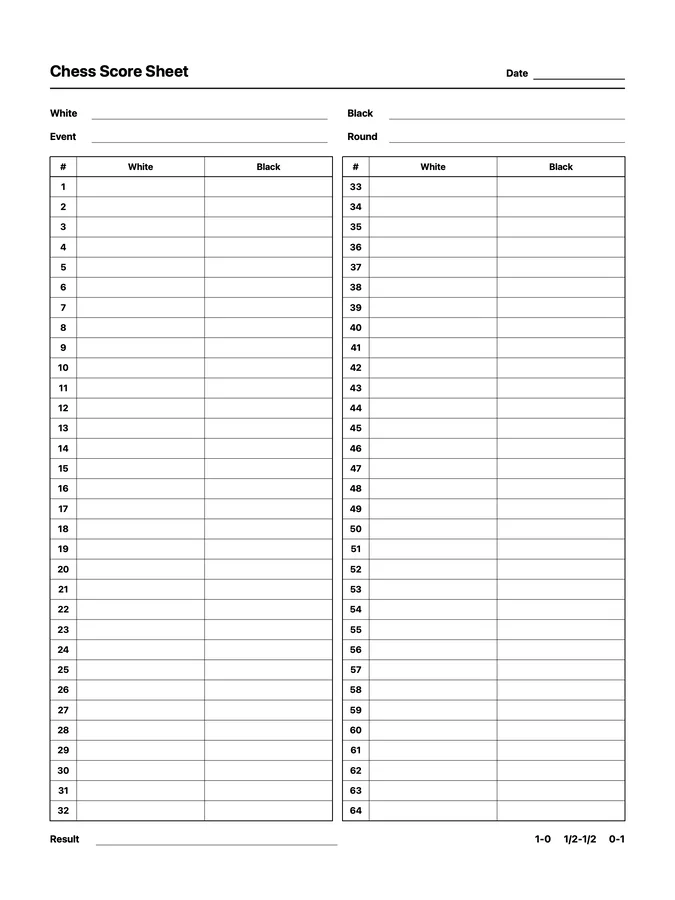
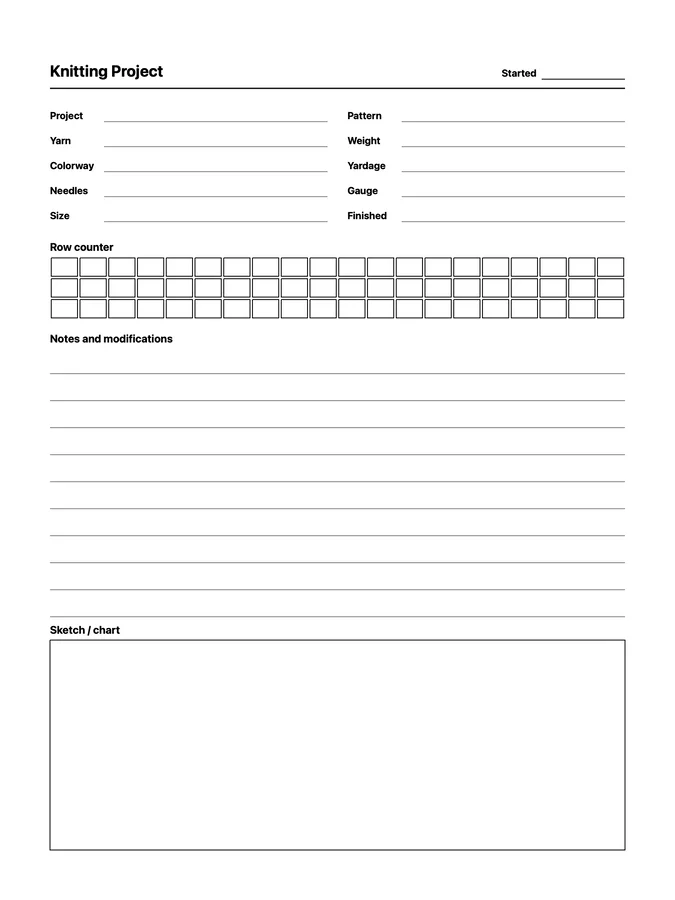
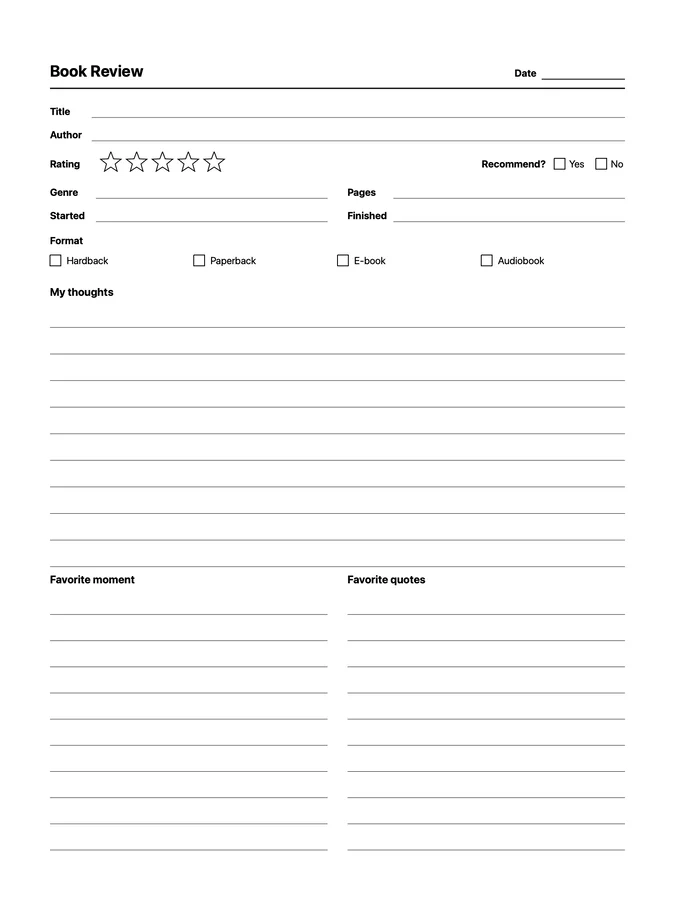
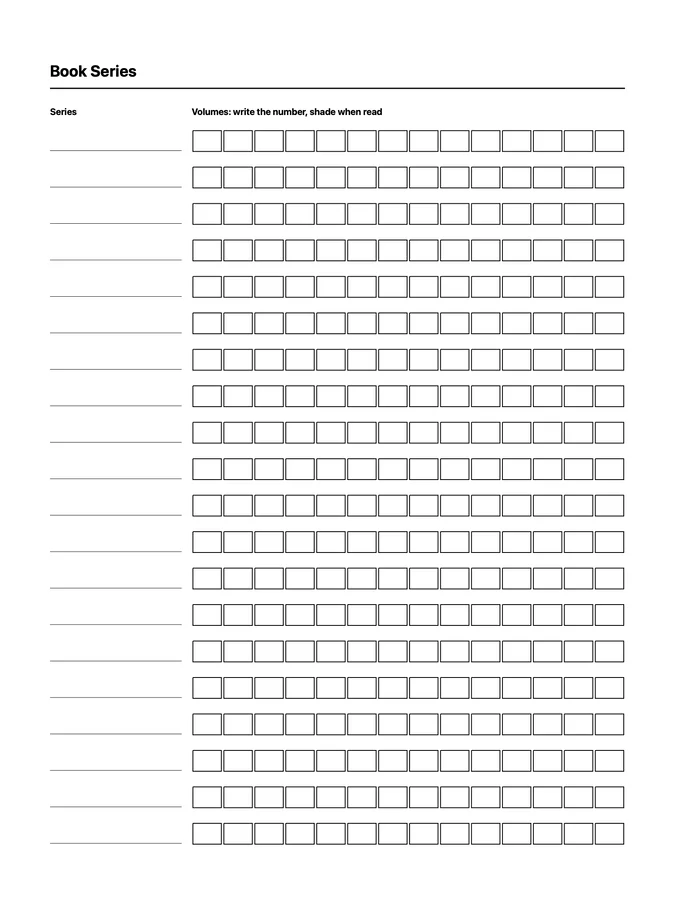
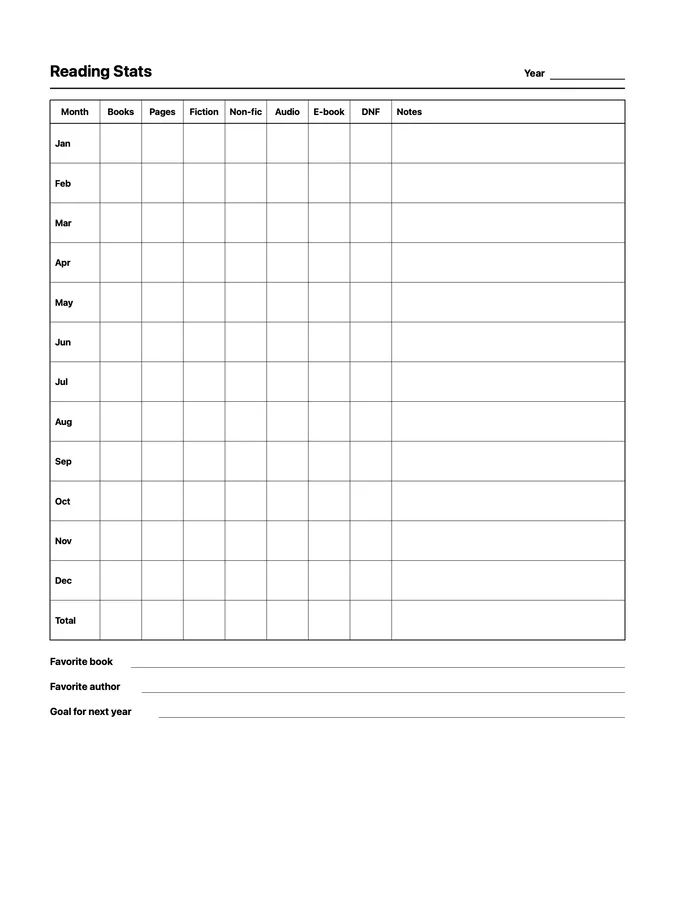
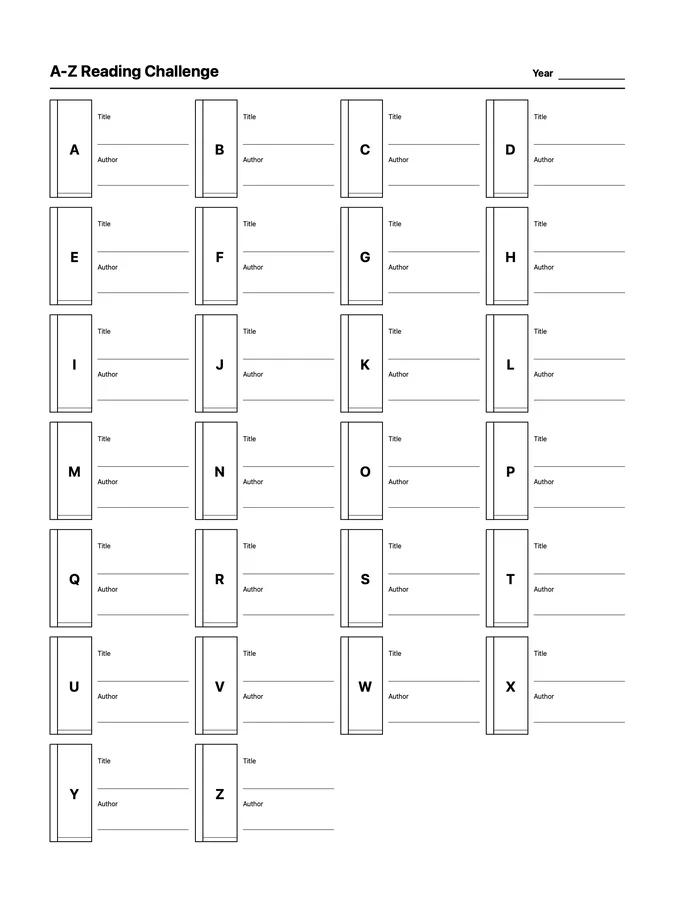
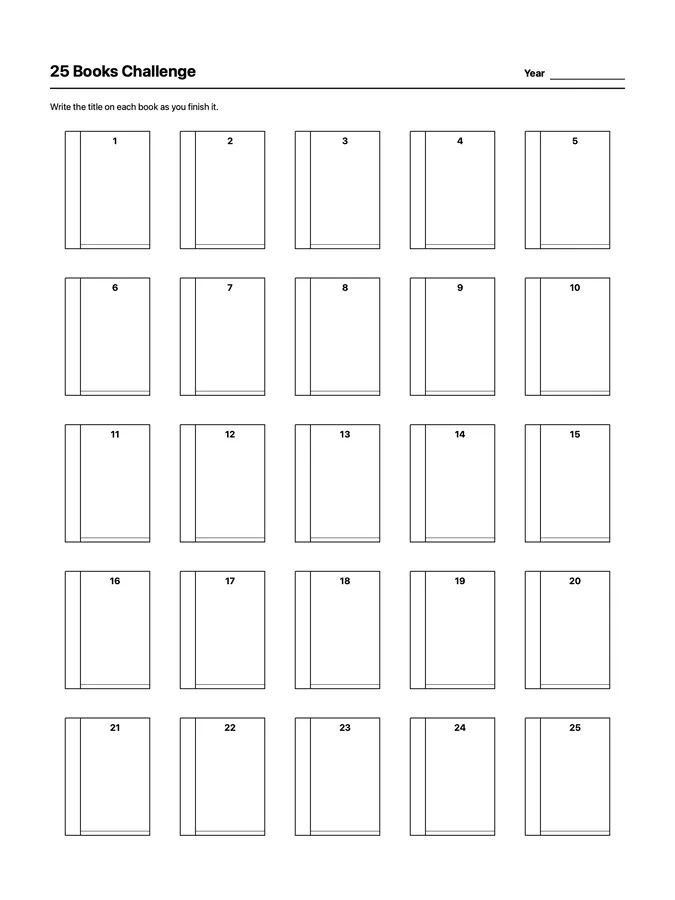
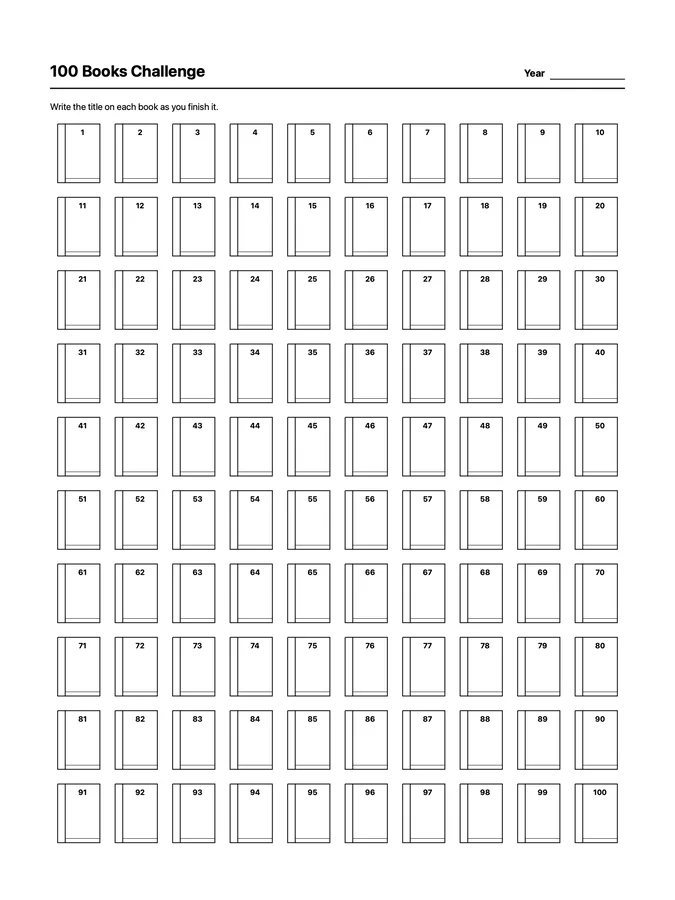
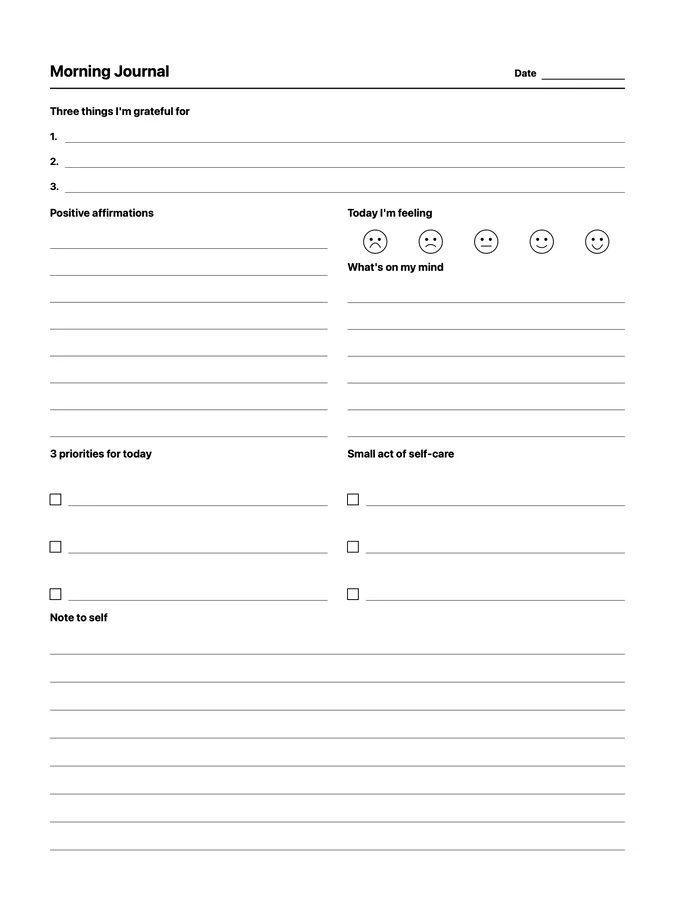
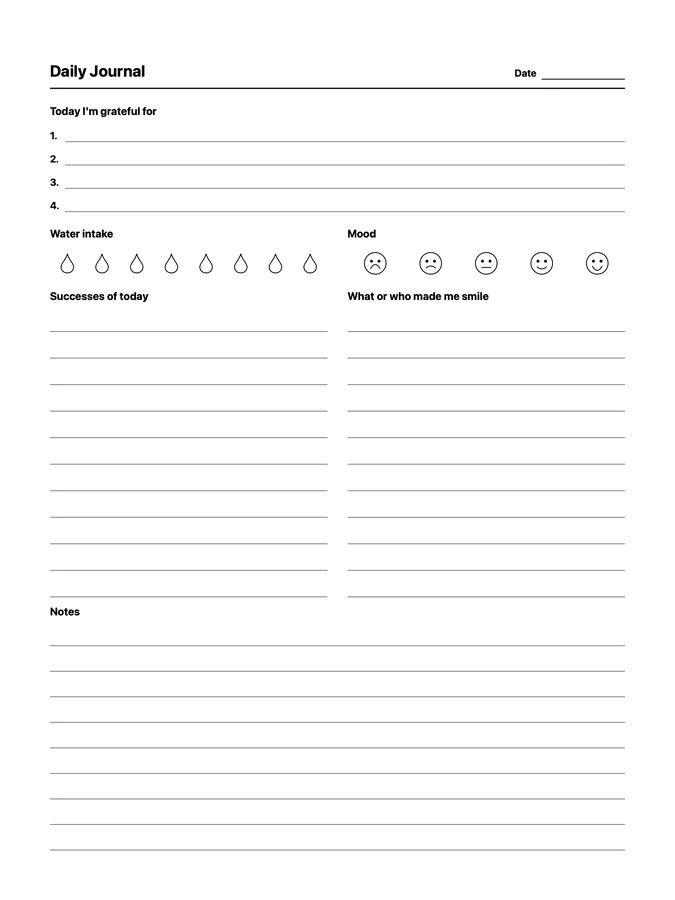
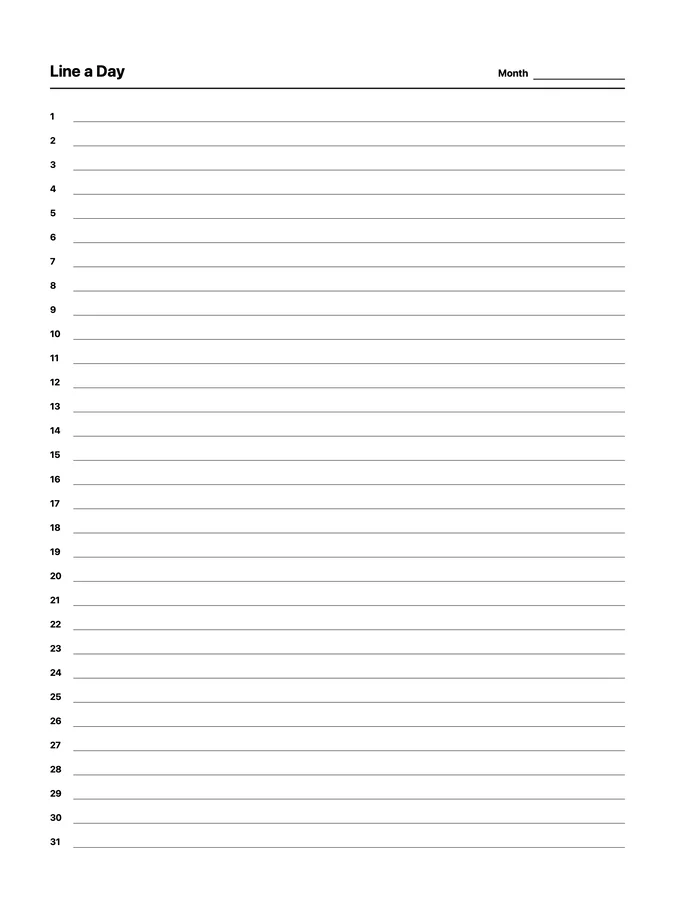
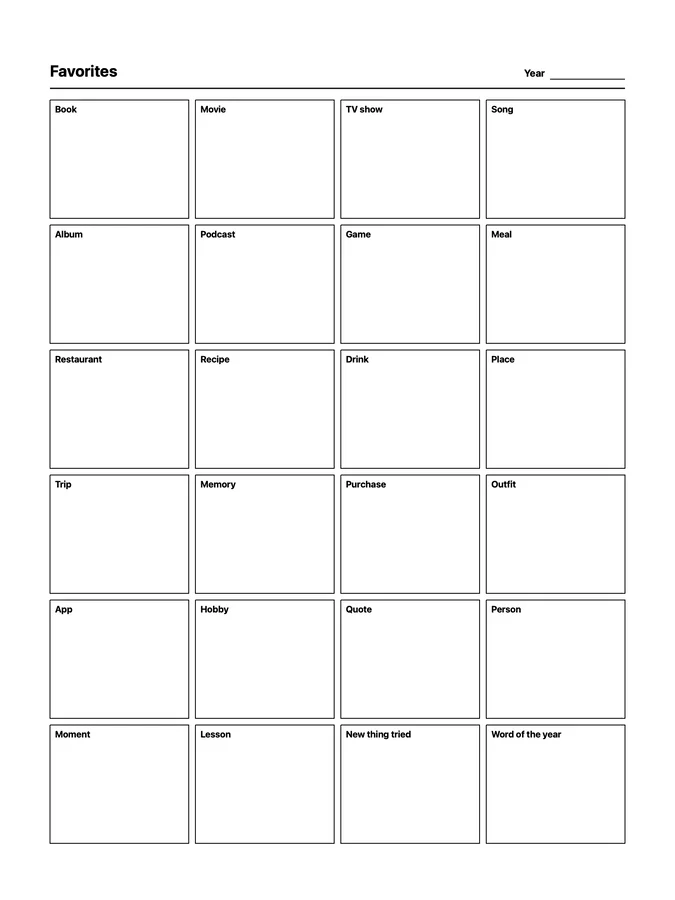
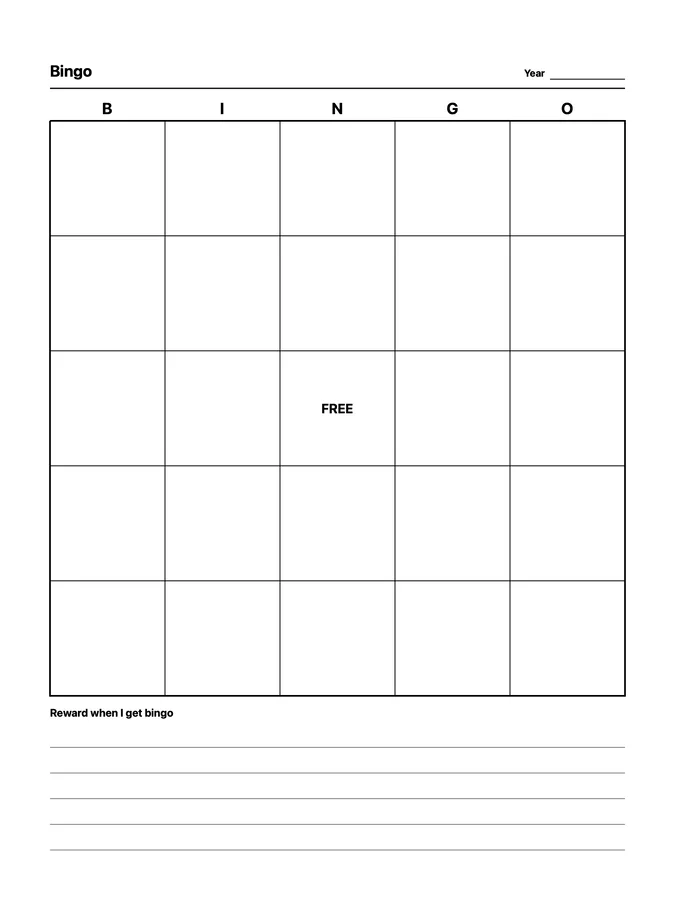
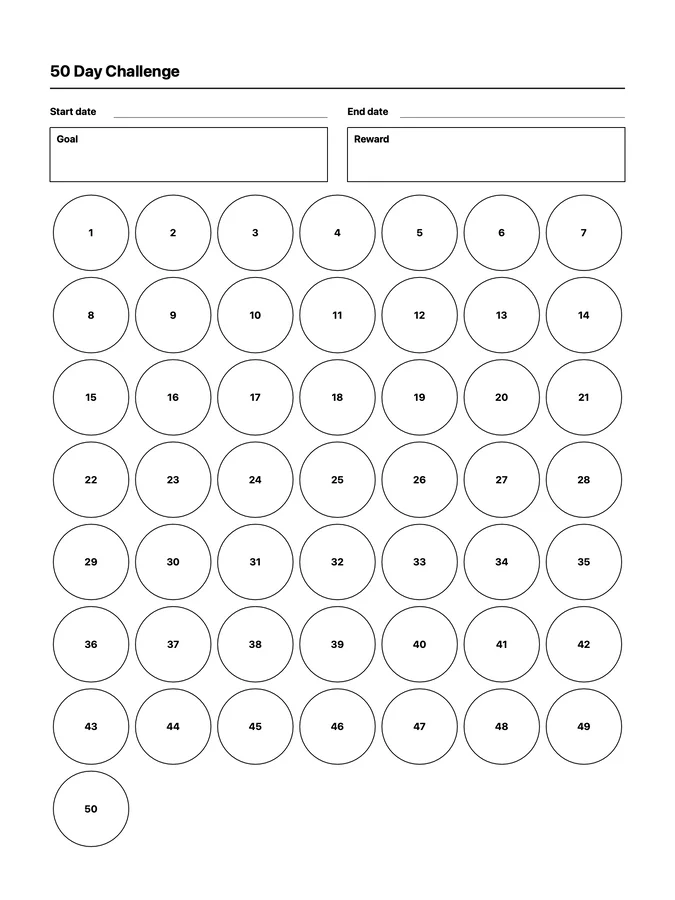
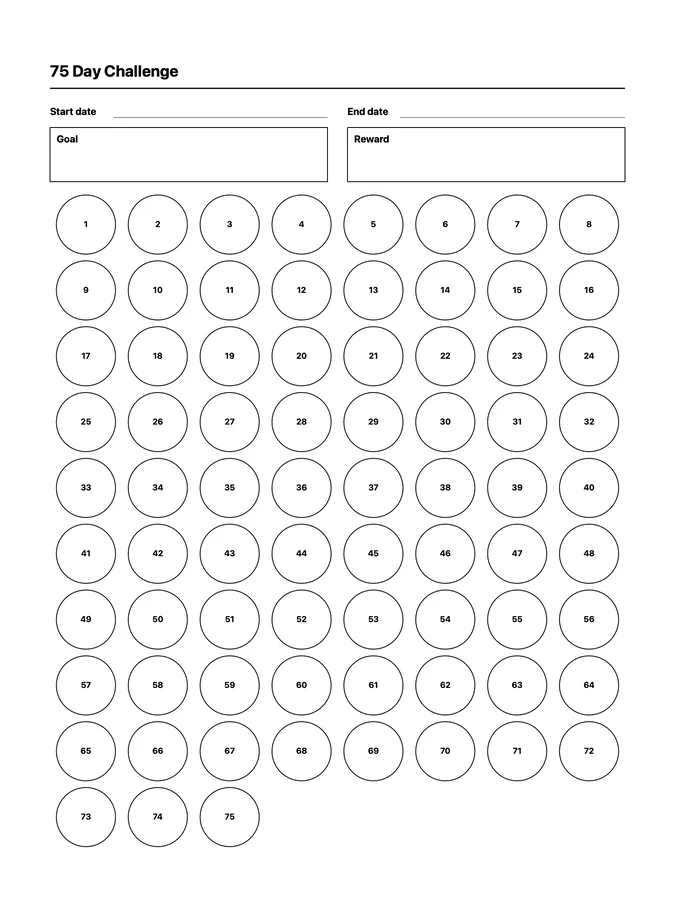
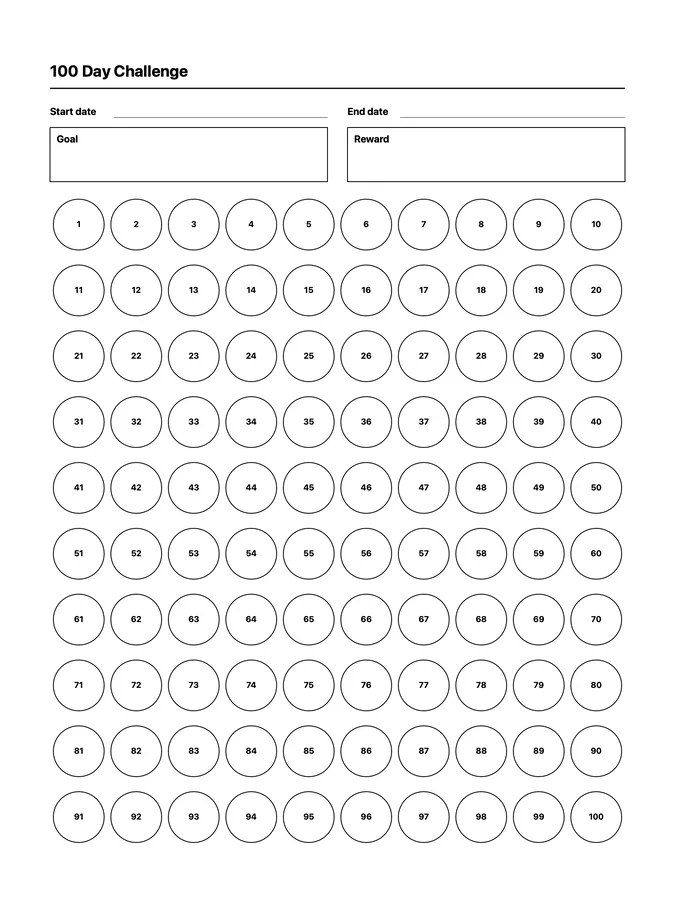
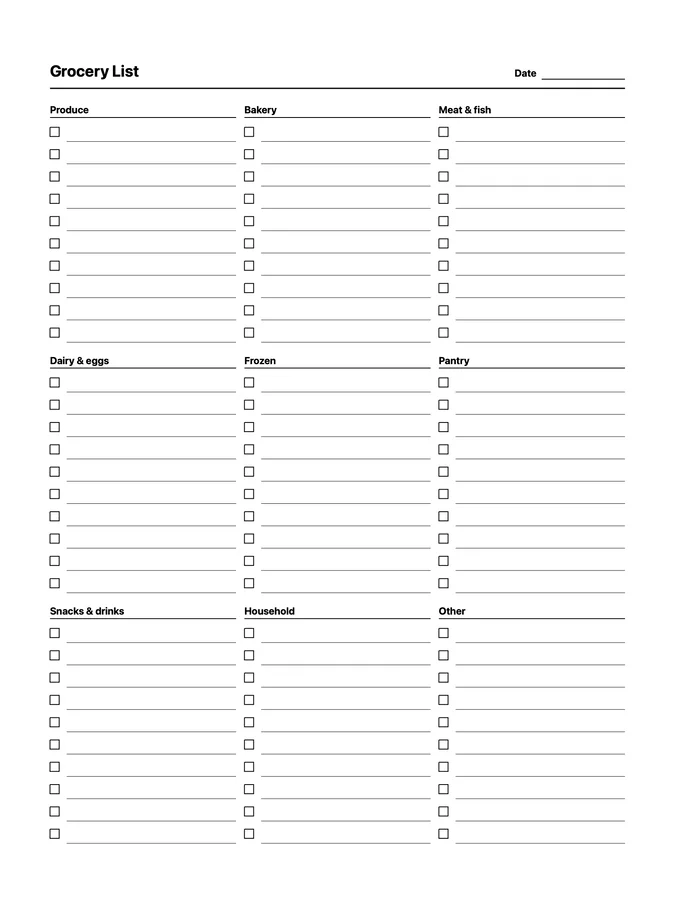
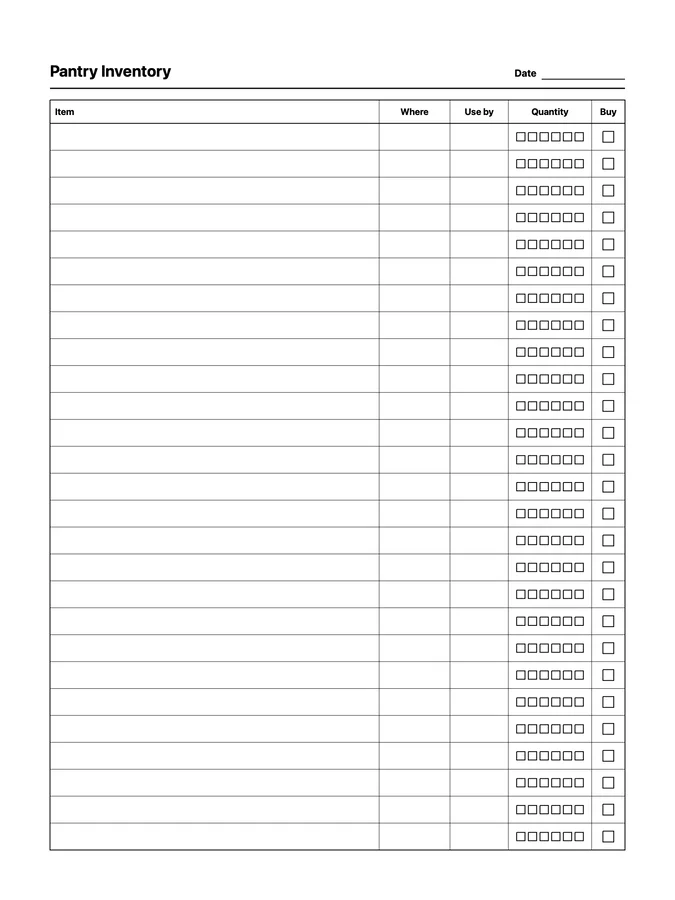
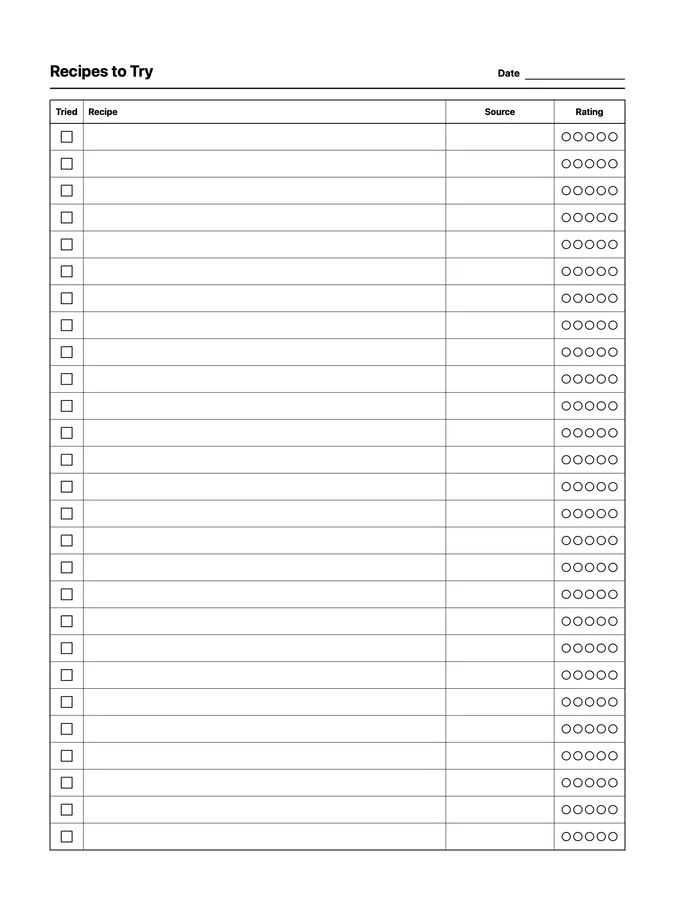
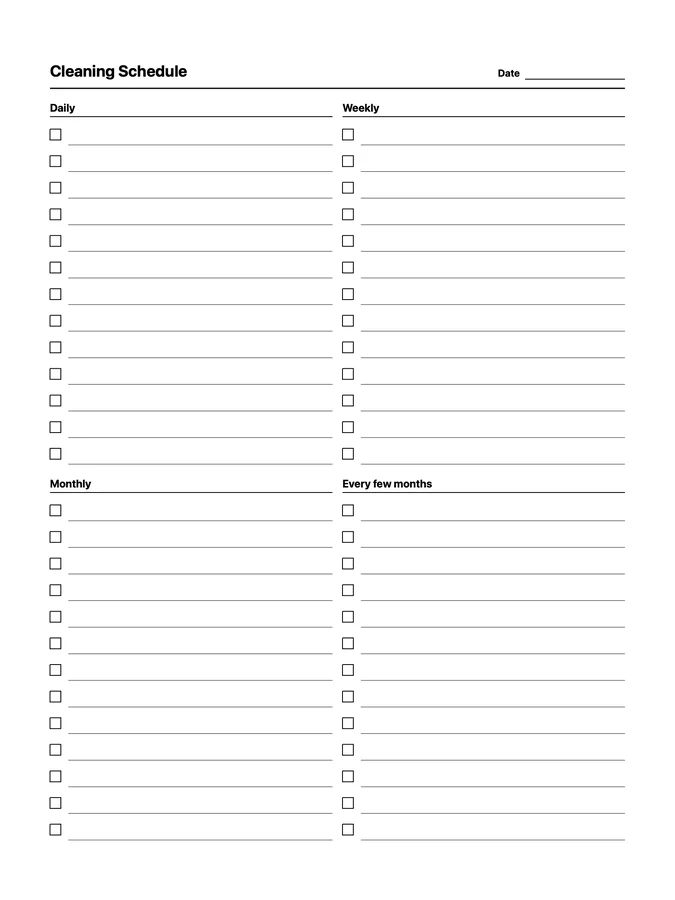
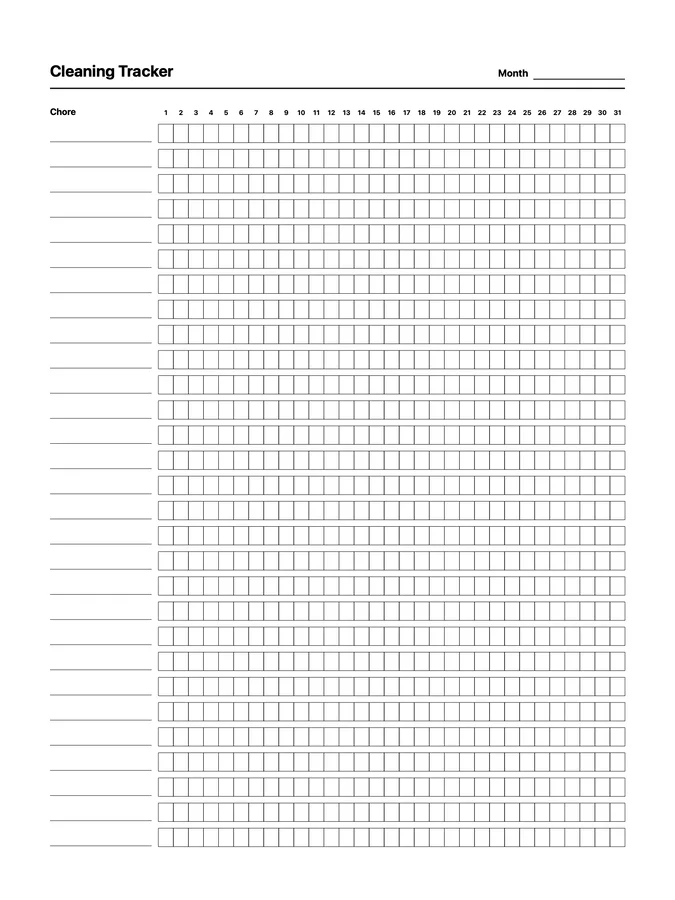
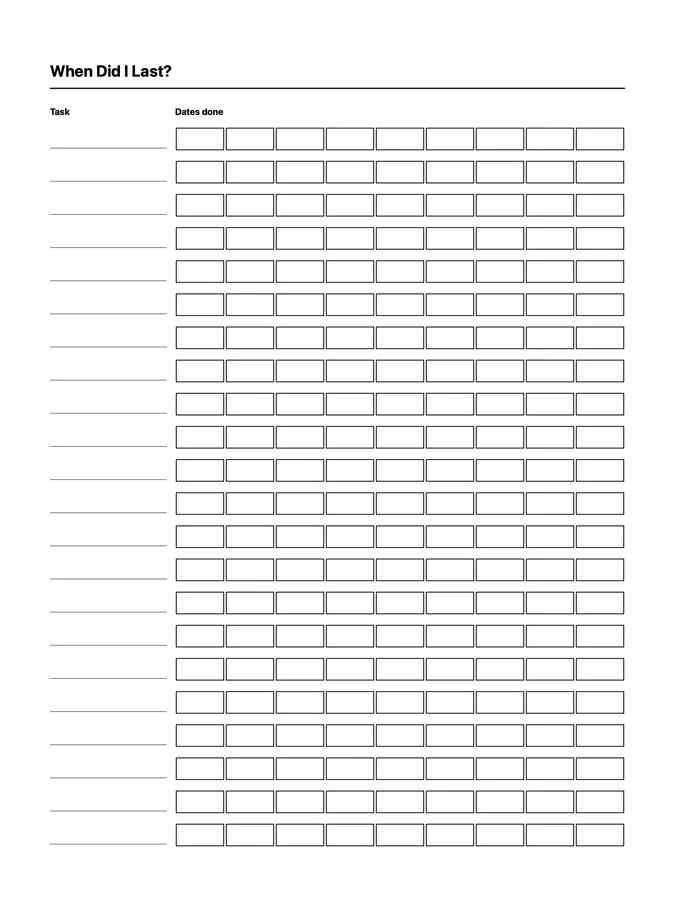
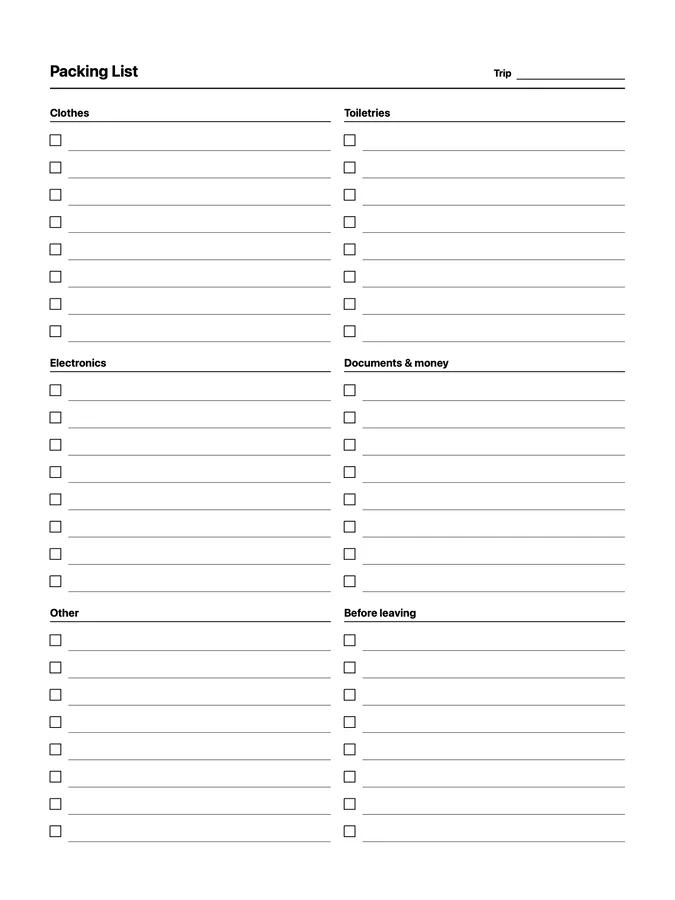
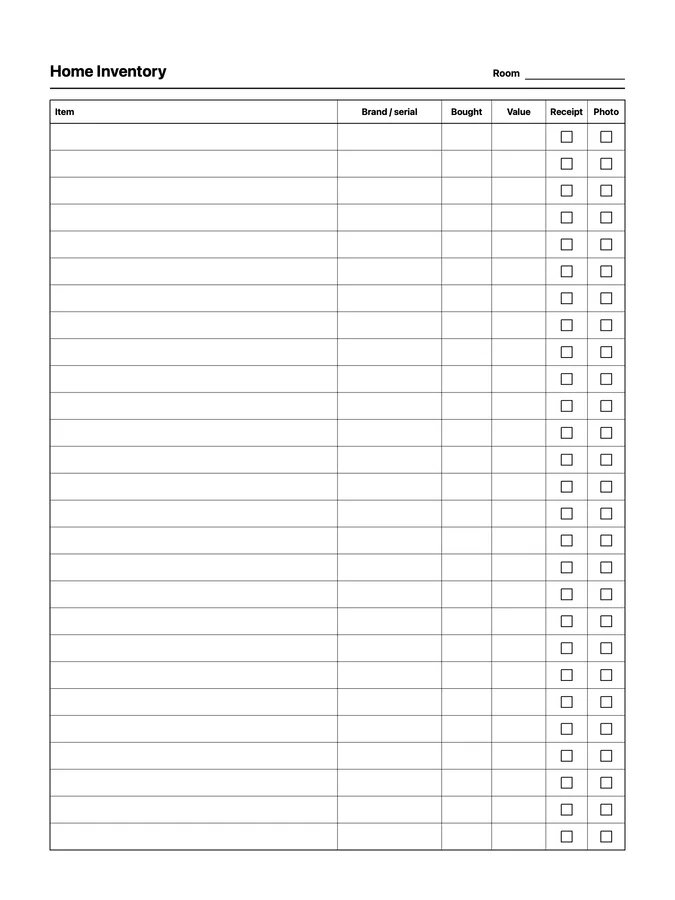
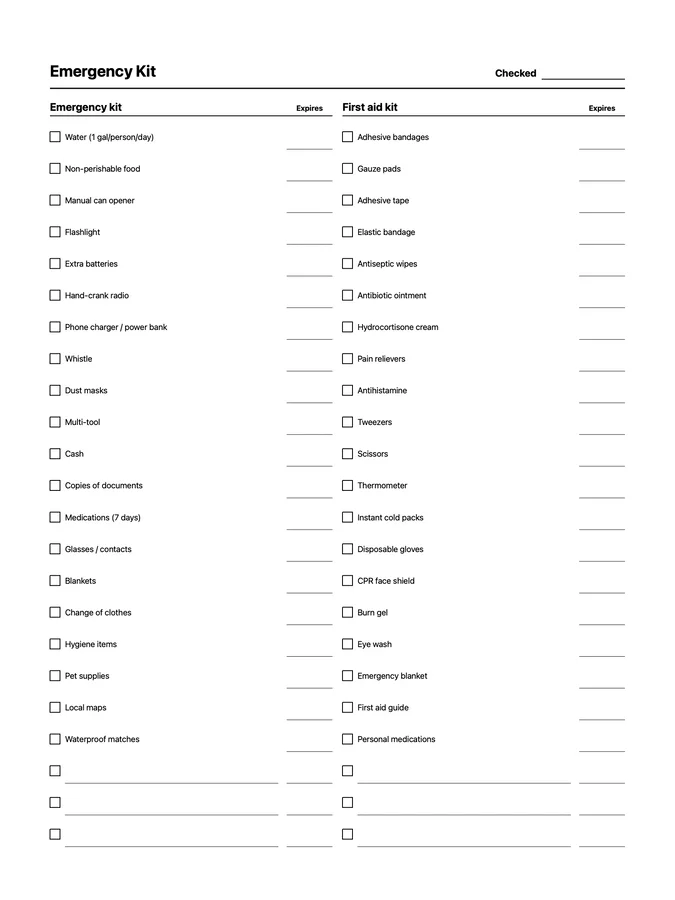
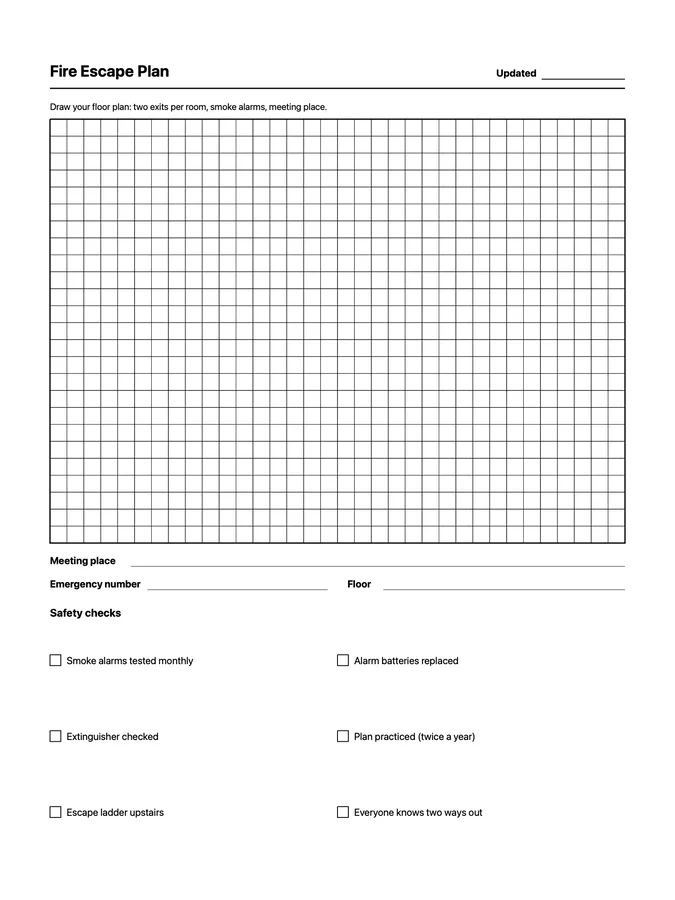
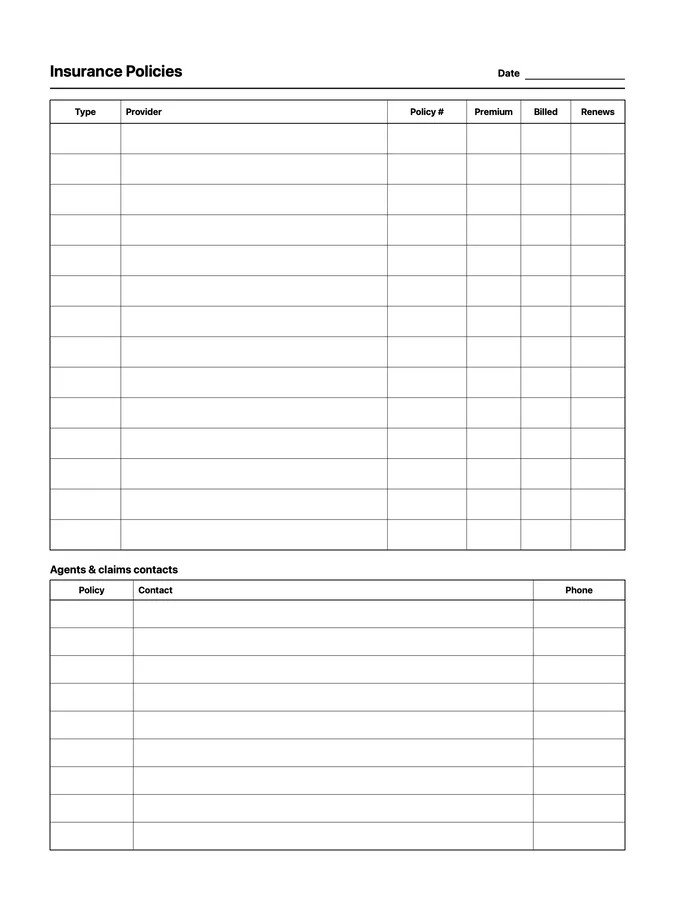
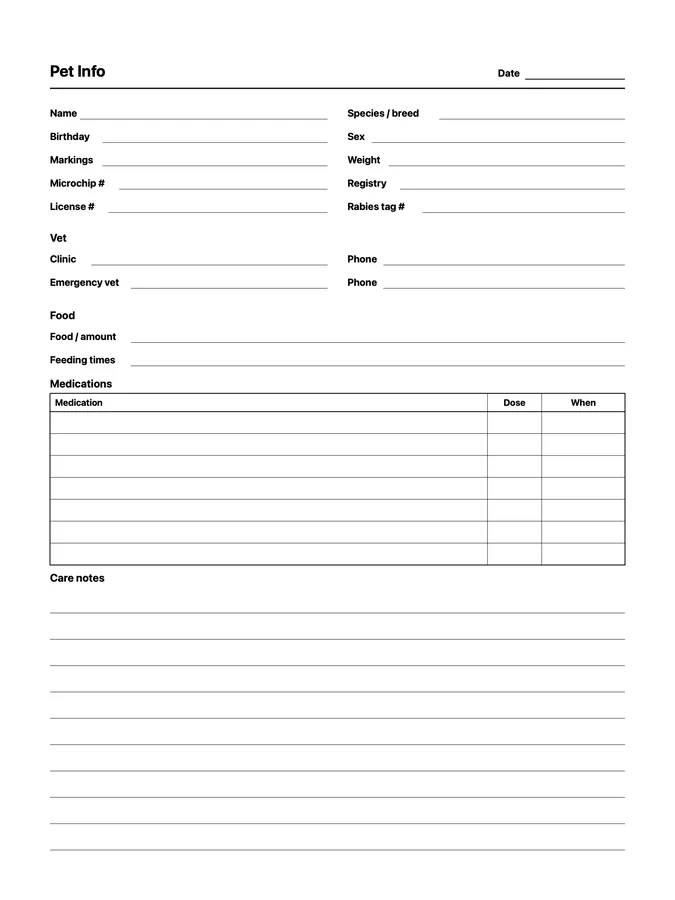
These are native reMarkable page templates like the ones in Methods. Choose them in your notebook's template picker. Each file adapts to Paper Pro, reMarkable 2, and Paper Pure, and nearly all to Paper Pro Move.
Uploading these templates requires Klass-RM Uploader for Mac, Windows, or iPhone/iPad. Selecting them on your tablet requires paid reMarkable Connect with Methods and software 3.17 or newer.
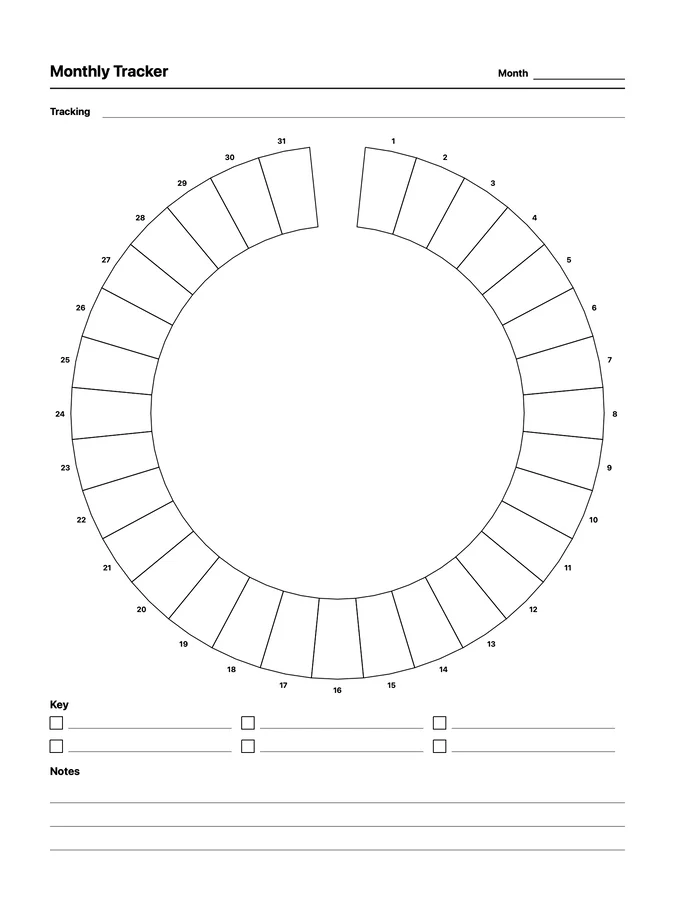
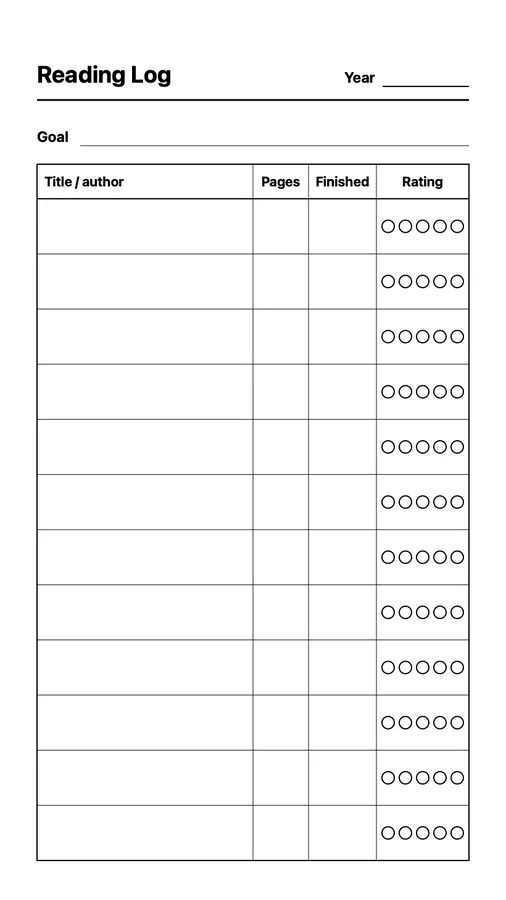
Use any native page template in a notebook, add new pages, and switch templates as your work changes. They sync through your reMarkable account across compatible tablets.
Choose them from the same template picker used for reMarkable Methods.
Each design adapts to reMarkable 2, Paper Pure, and Paper Pro. Nearly all adapt to Paper Pro Move too; the few that don't are marked.
Saved to your reMarkable cloud account, so routine tablet updates do not erase them.
Get all 85 native page templates for work, planning, money, health, reading, journaling, habits, and home. Each design is its own file, ready for every compatible tablet on your account.
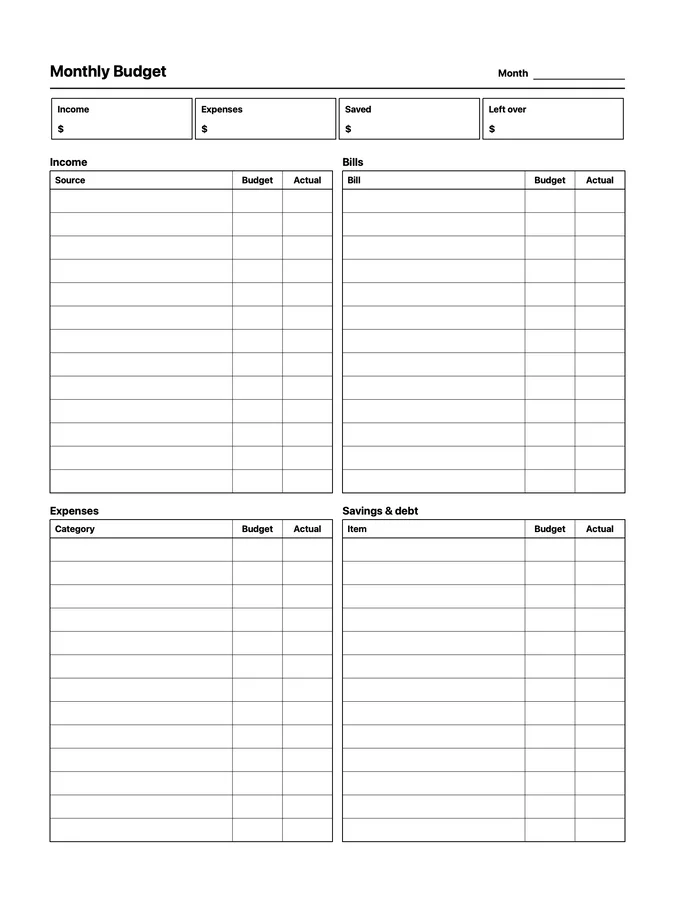
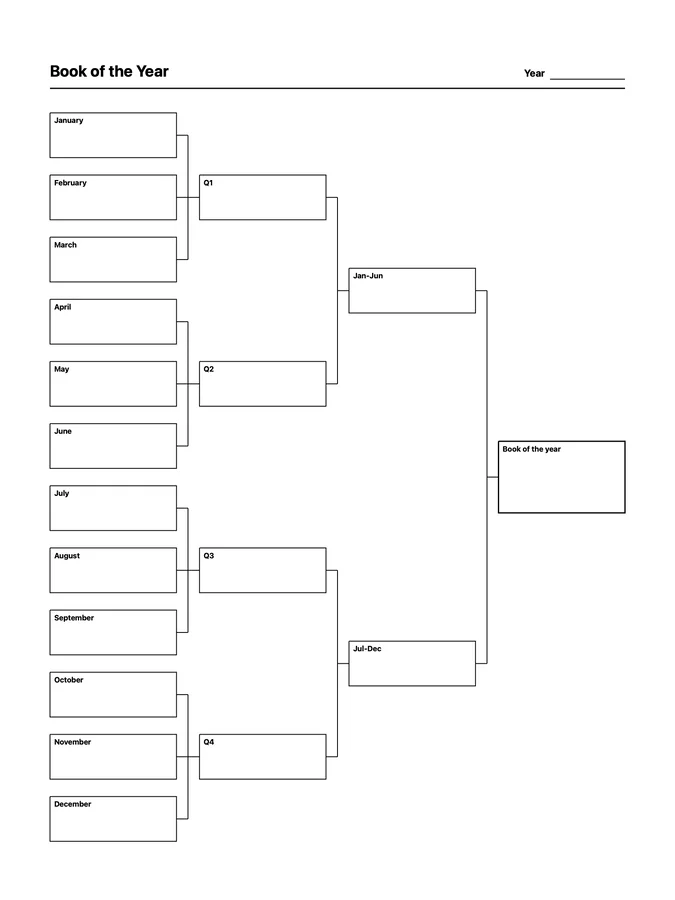
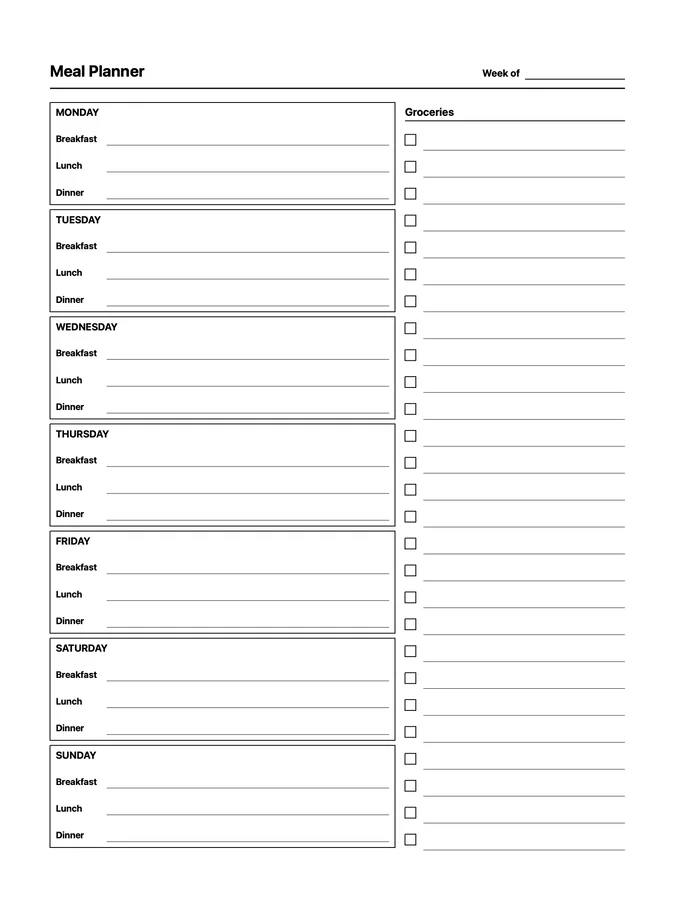
Choose one of 10 focused sets, or start with a single page.
Each design is $2.99 USD and works across supported reMarkable screen sizes. Pages marked "Not for Paper Pro Move" are too detailed for its smaller screen. Pages that show times of day include both 12-hour and 24-hour versions.
.rmtemplate file.Templates sync to compatible tablets on your reMarkable account and remain available after routine software updates. Klass-RM Uploader is required to upload them, but its custom-template feature is free. Selecting them requires paid reMarkable Connect with Methods and tablet software 3.17 or newer. Read the setup guide.
Get Daily To-Do with Carry-Over, Screen Test, 30 Day Challenge, and Books to Read, then see how they look on your own tablet.
Get the free templates