

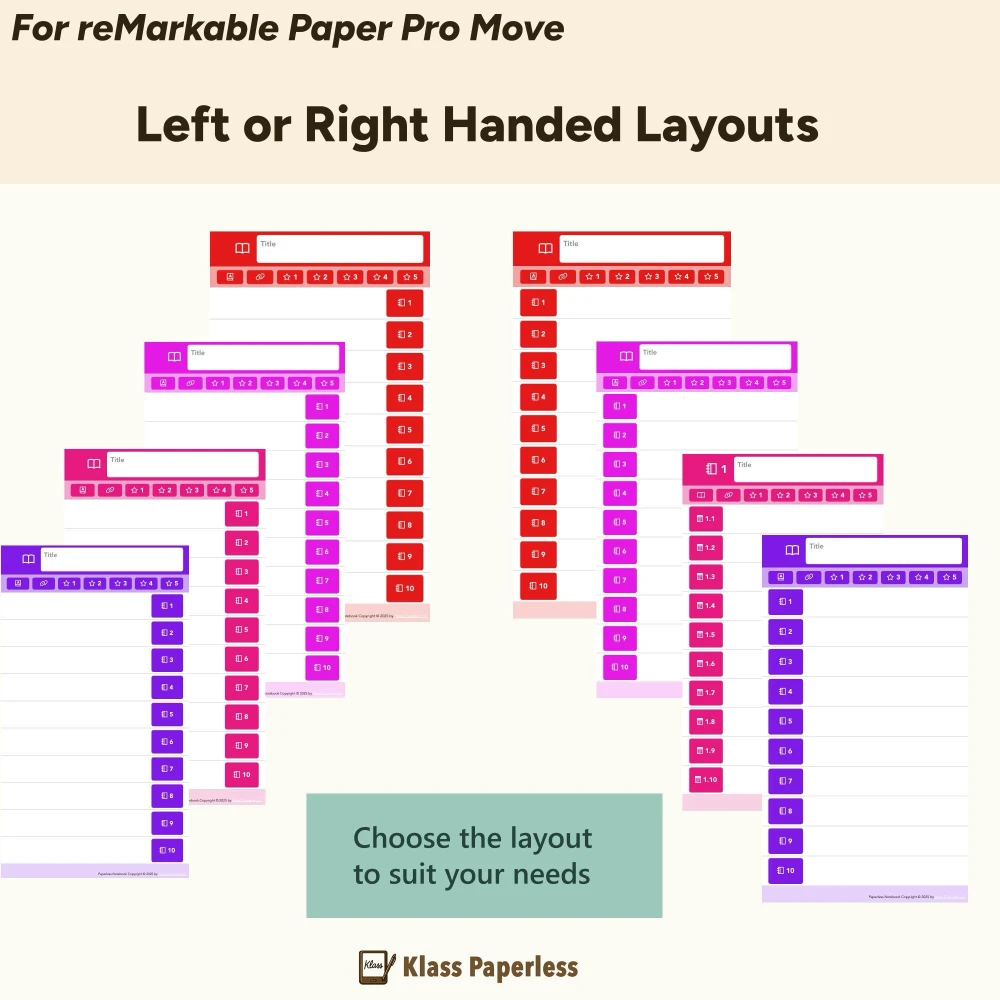
Every Klass Paperless template ships with a dedicated left-handed version - toolbar and navigation on the right side, exactly where it should be. No workarounds. No compromises. Just pick your hand and start writing.
Most digital notebook templates are designed right-handed by default. Toolbars on the left. Navigation under your palm. Accidental taps while you write. Sound familiar?
Left-side toolbars sit right where your hand rests, causing constant mis-taps and interruptions to your flow.
Navigation buttons placed for right-handers force you to reach across the screen or shift your grip constantly.
Most template makers don't offer a left-handed version at all. You're expected to just deal with it.
Every template we make comes in both left-handed and right-handed versions. It's not an afterthought - it's built in from the start.
Toolbar, tabs, and hyperlinks are placed on the right side of the page - completely out of your writing hand's way.
Every purchase includes both left-handed and right-handed PDFs. No extra charge, no separate product to hunt down.
Layouts tested by left-handed users to make sure the writing experience feels natural and unobstructed.
Optimized for reMarkable 2, reMarkable Pure, Paper Pro, and Paper Pro Move - left-handed versions for every screen size.
Every template includes free samples - try the left-handed version before you buy
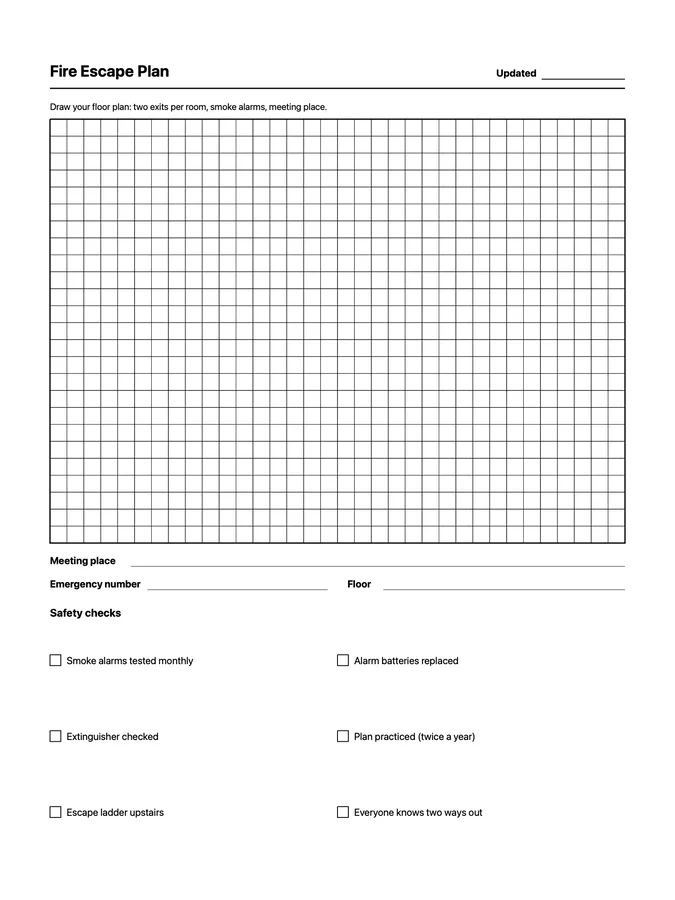
A reusable fire escape plan native page template that adapts to your reMarkable screen.
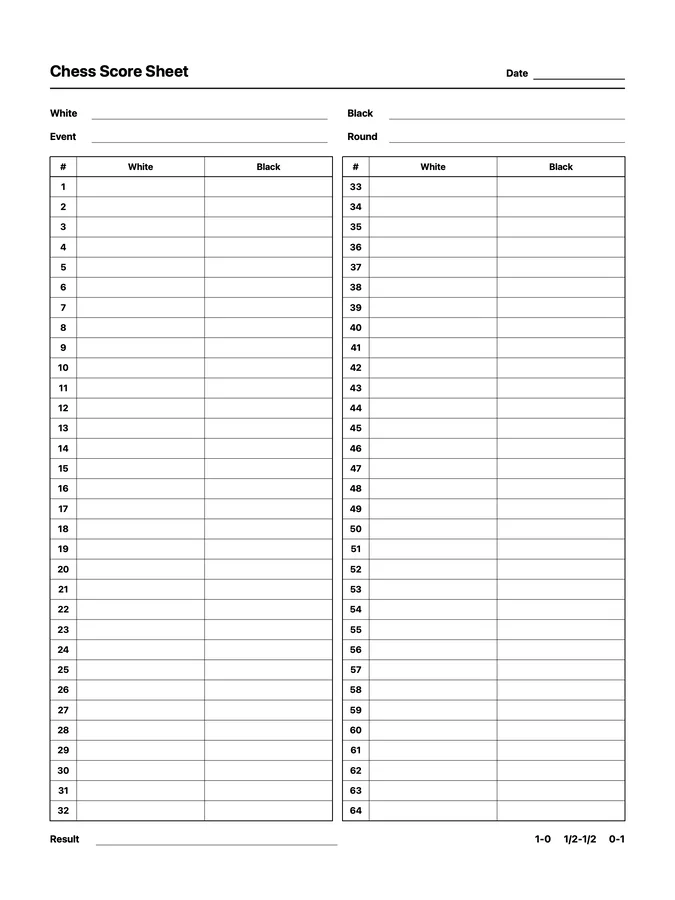
A reusable chess score sheet native page template that adapts to your reMarkable screen.
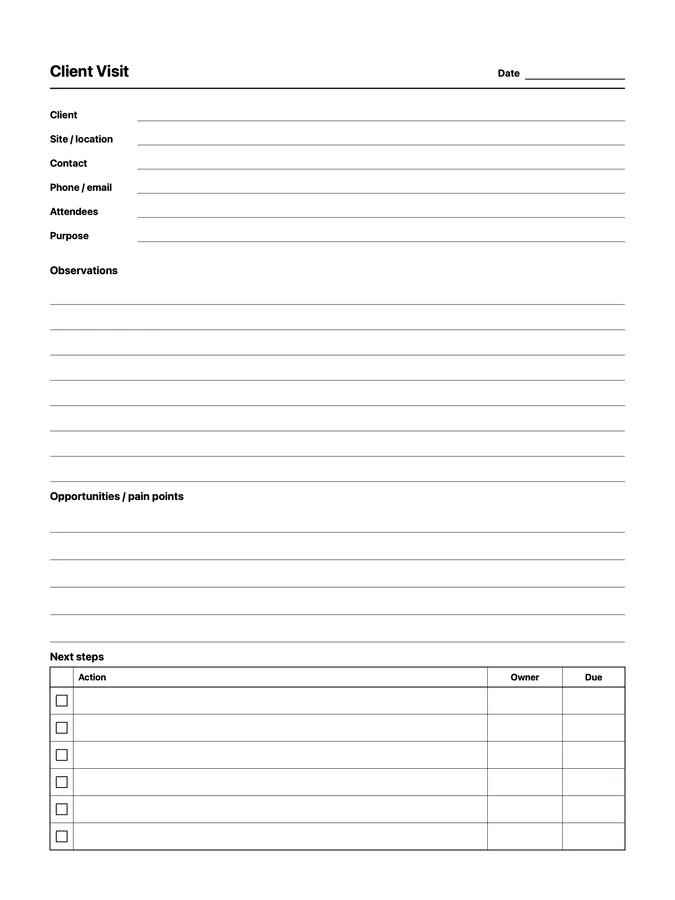
A reusable client visit notes native page template that adapts to your reMarkable screen.
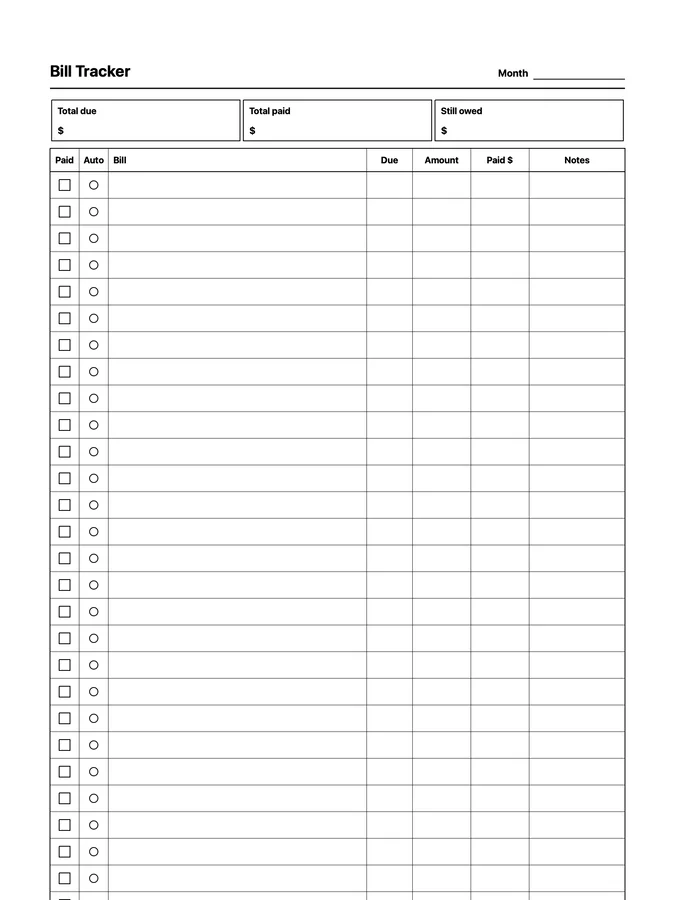
A bill tracker with due dates, amounts, and autopay that never runs out of room: scroll past the bottom of the page and the rows keep going. Adapts to your reMarkable screen.
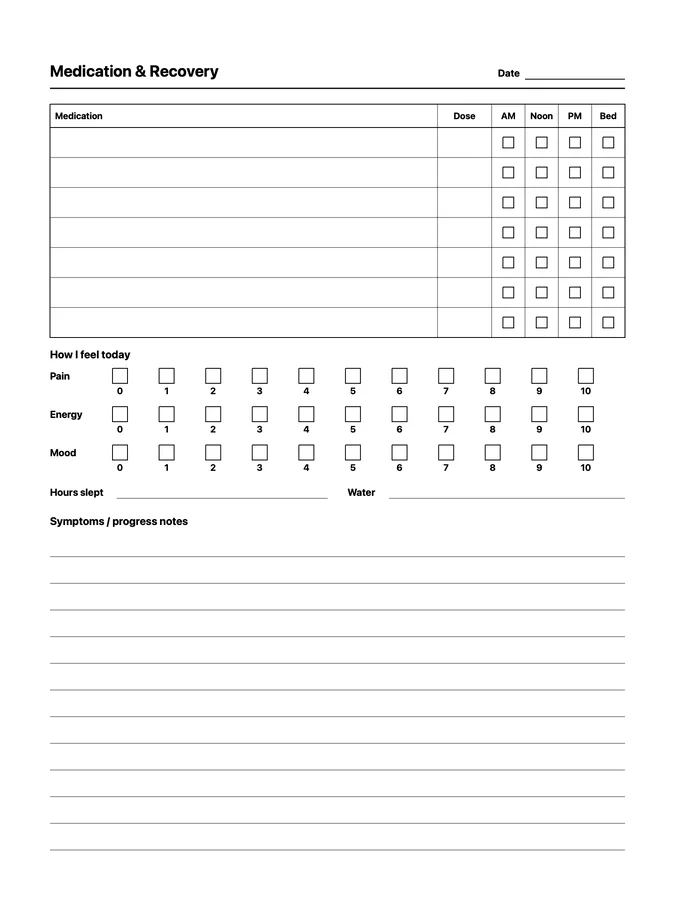
A reusable medication & recovery log native page template that adapts to your reMarkable screen.
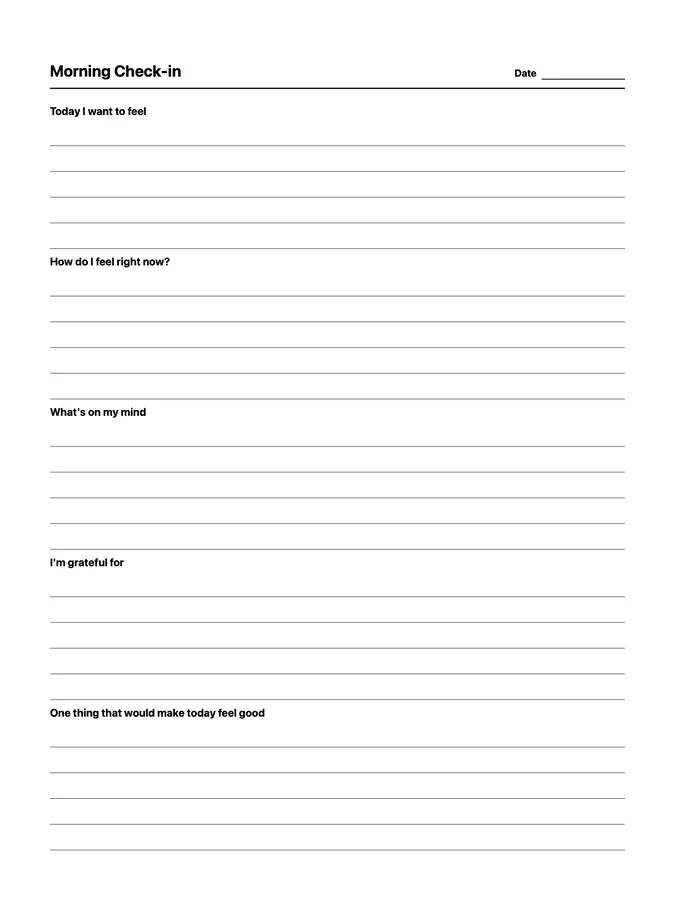
A reusable morning check-in native page template that adapts to your reMarkable screen.
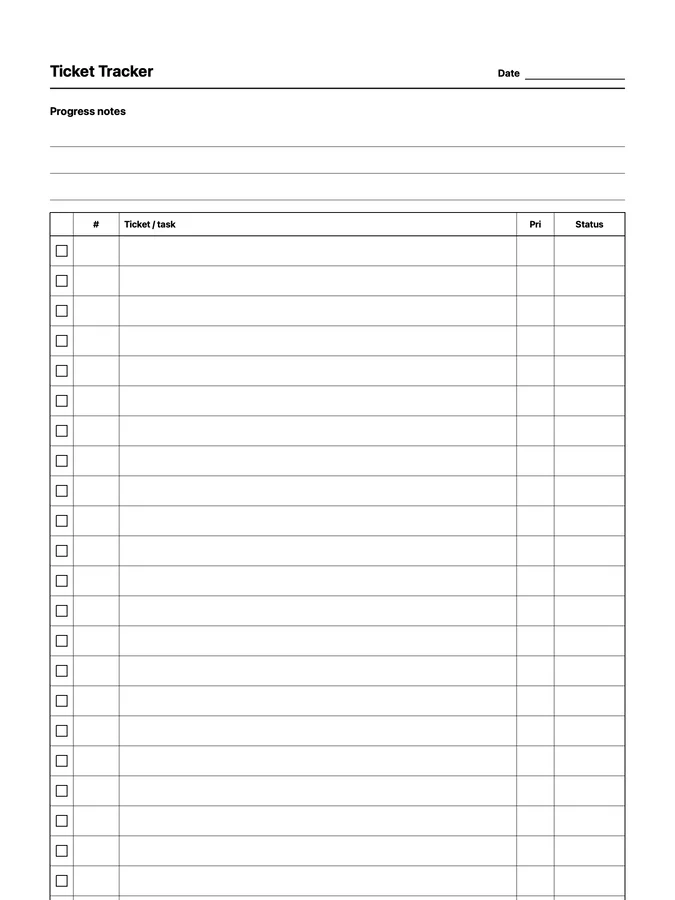
A ticket tracker with progress notes on top and a ticket table that never runs out of room: scroll past the bottom of the page and the rows keep going. Adapts to your reMarkable screen.
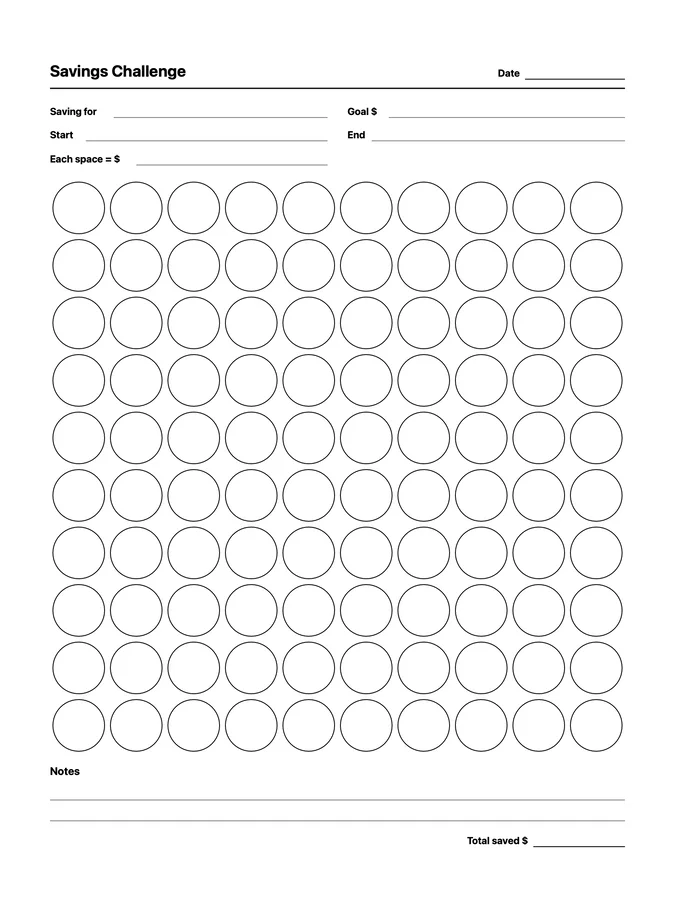
A reusable savings challenge native page template that adapts to your reMarkable screen.
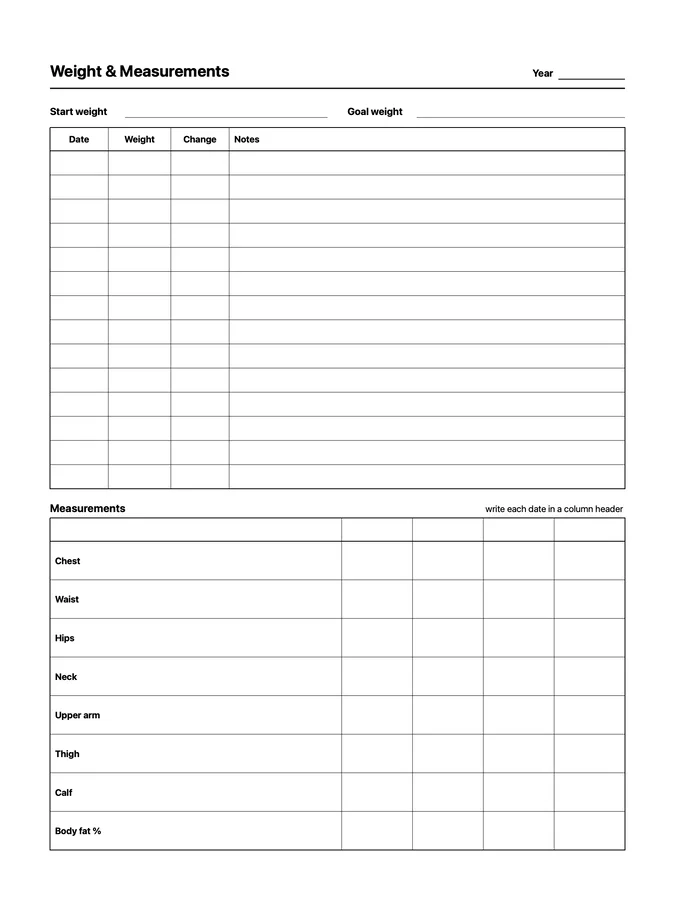
A reusable weight & measurements native page template that adapts to your reMarkable screen.
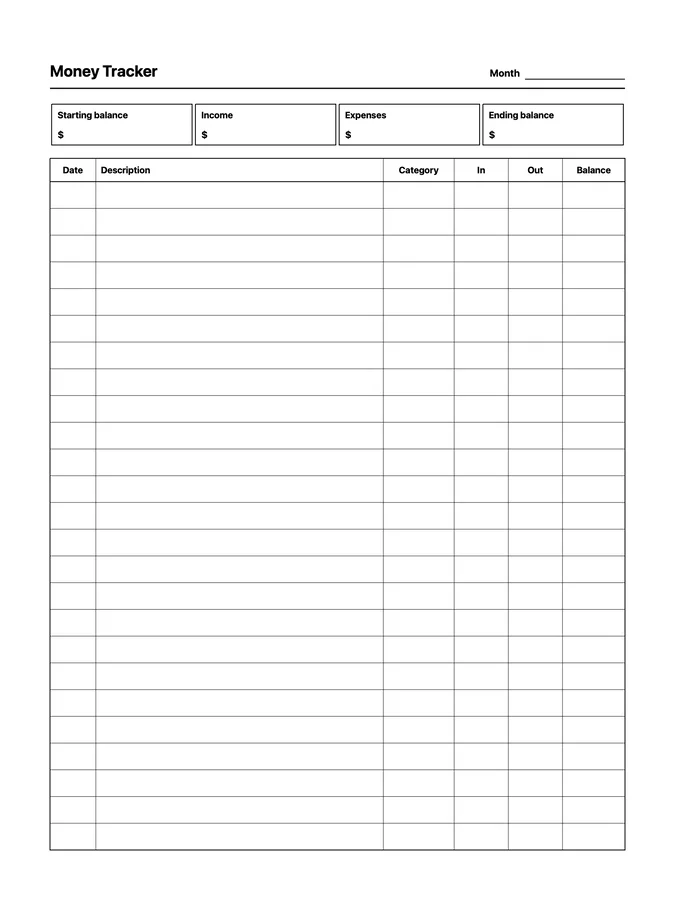
A reusable money tracker native page template that adapts to your reMarkable screen.
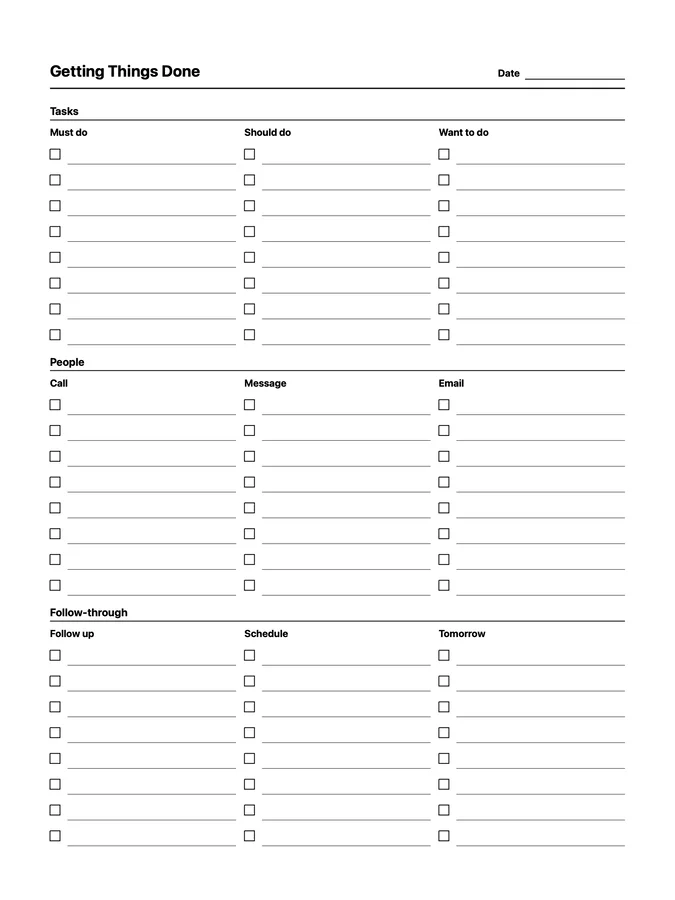
A reusable getting things done native page template that adapts to your reMarkable screen.
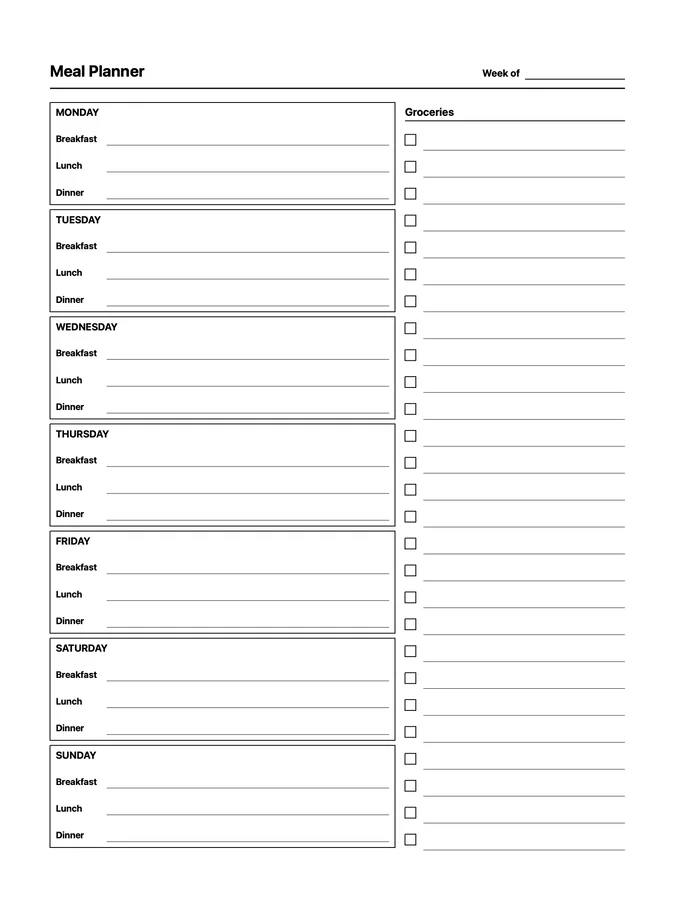
A reusable meal planner native page template that adapts to your reMarkable screen.
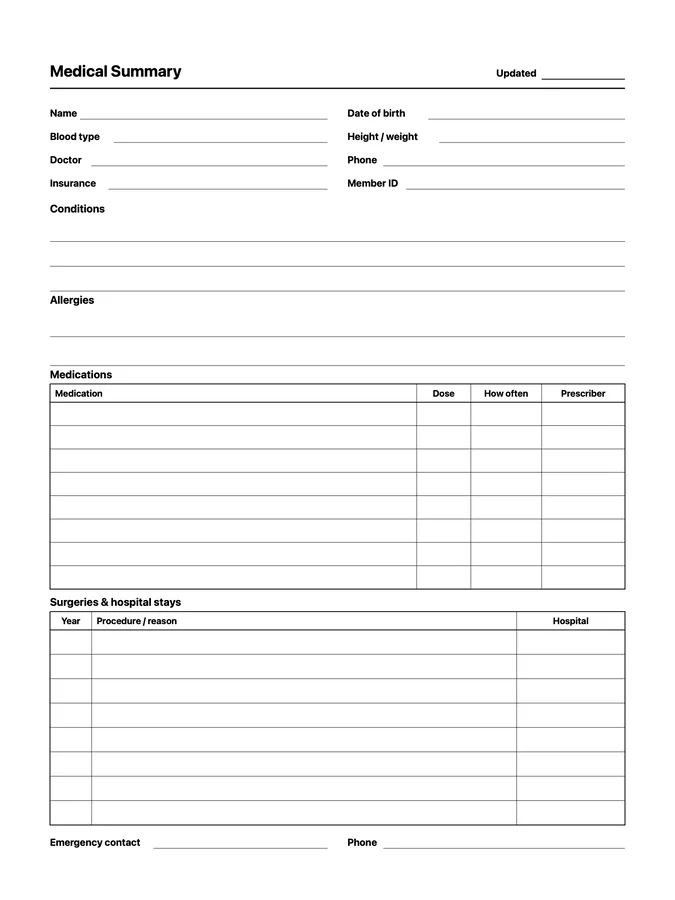
A reusable medical summary native page template that adapts to your reMarkable screen.
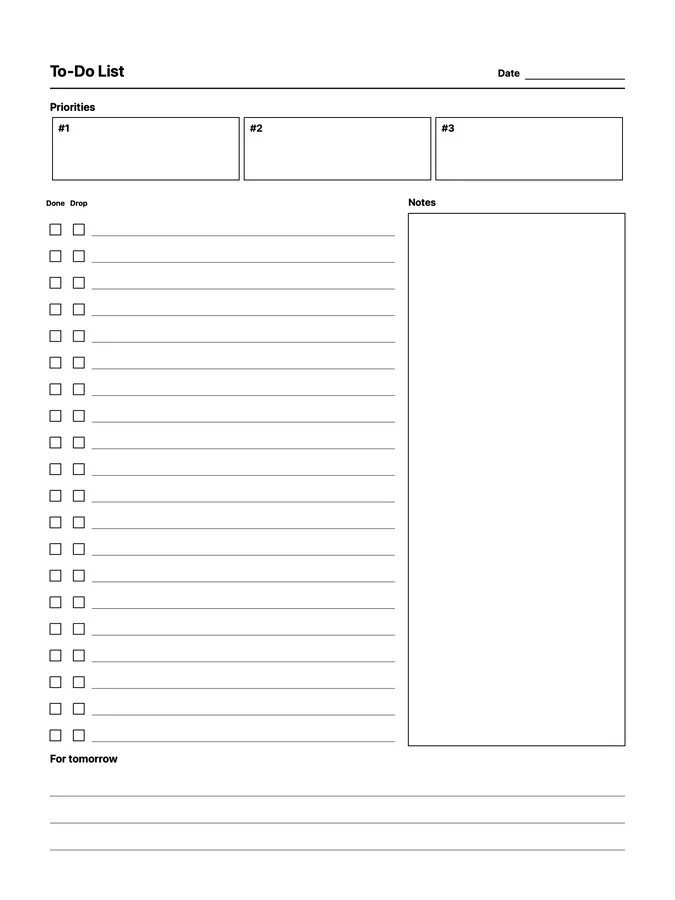
A reusable priority to-do native page template that adapts to your reMarkable screen.
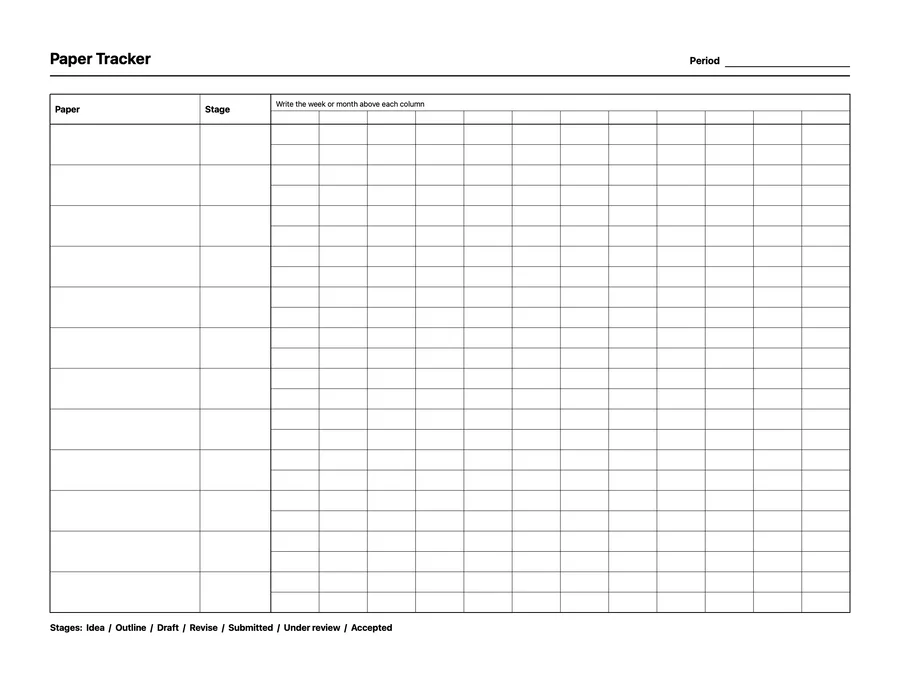
A reusable paper progress tracker native page template that adapts to your reMarkable screen.
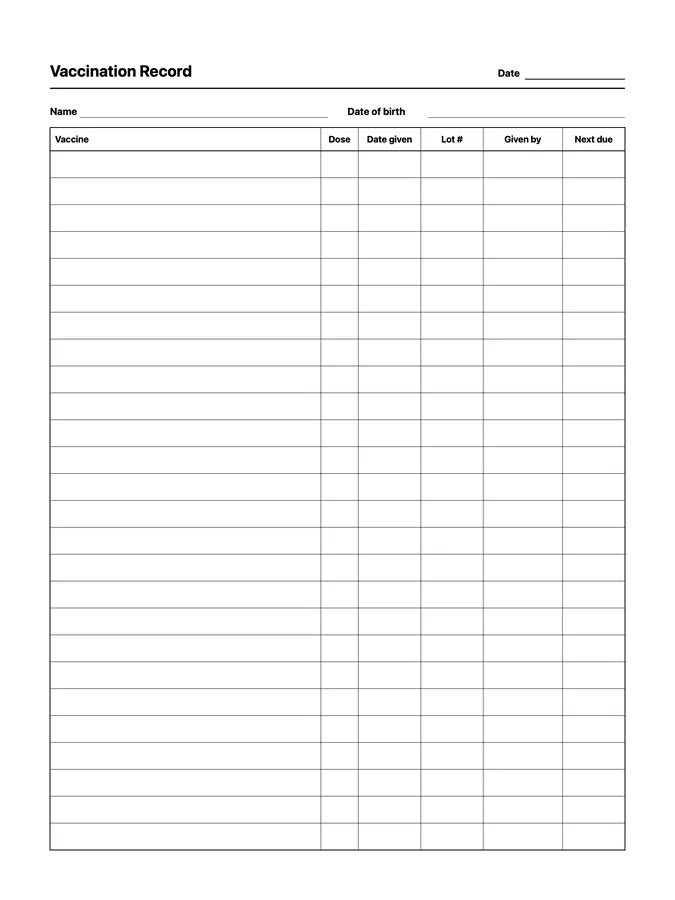
A reusable vaccination record native page template that adapts to your reMarkable screen.
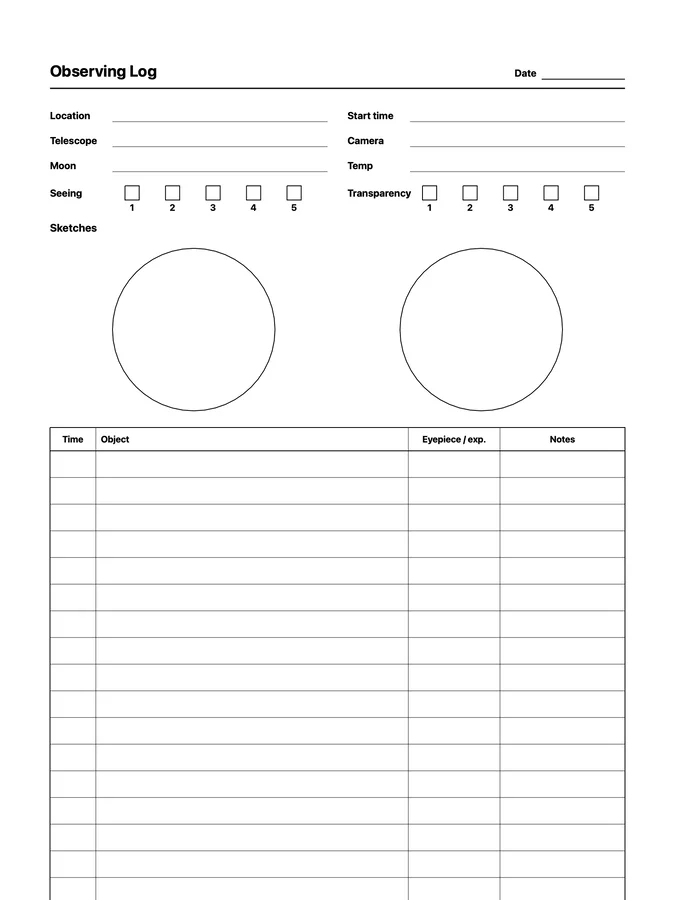
An astronomy observing log with sketch circles and a targets table that never runs out of room: scroll past the bottom of the page and the rows keep going. Adapts to your reMarkable screen.
Twenty-four native page templates for budgets, bills, income, spending, subscriptions, savings goals and challenges, debt payoff, credit scores, donations, and tax deductions, including endless ledgers that keep going as you scroll.
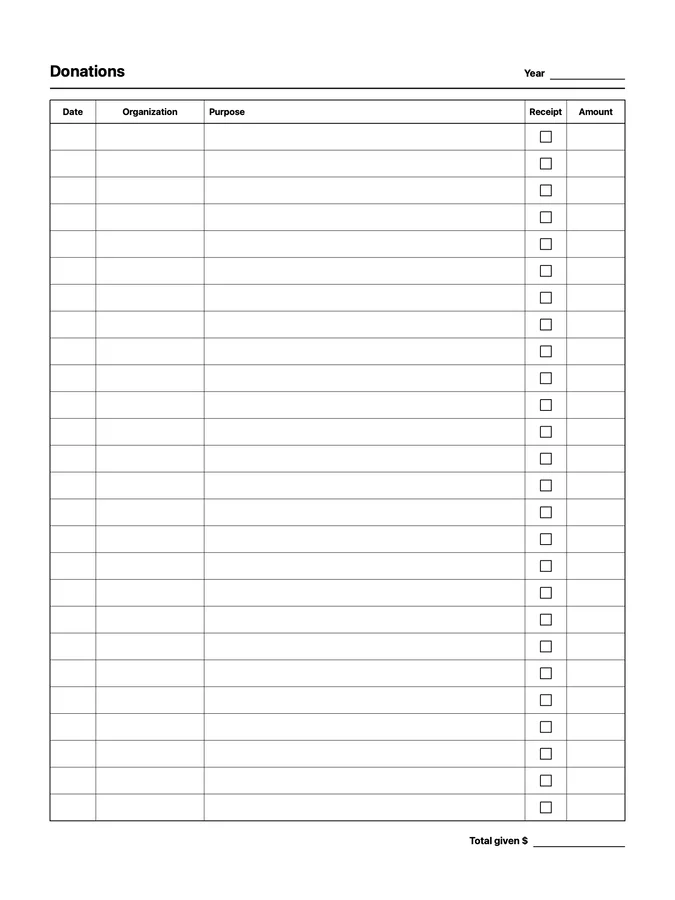
A reusable donation tracker native page template that adapts to your reMarkable screen.
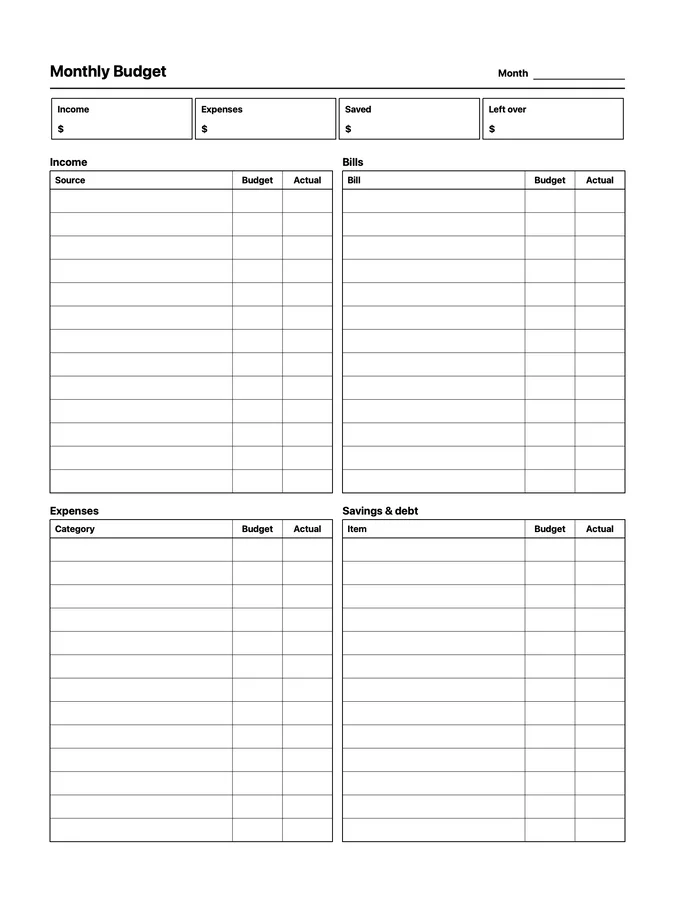
A reusable monthly budget native page template that adapts to your reMarkable screen.
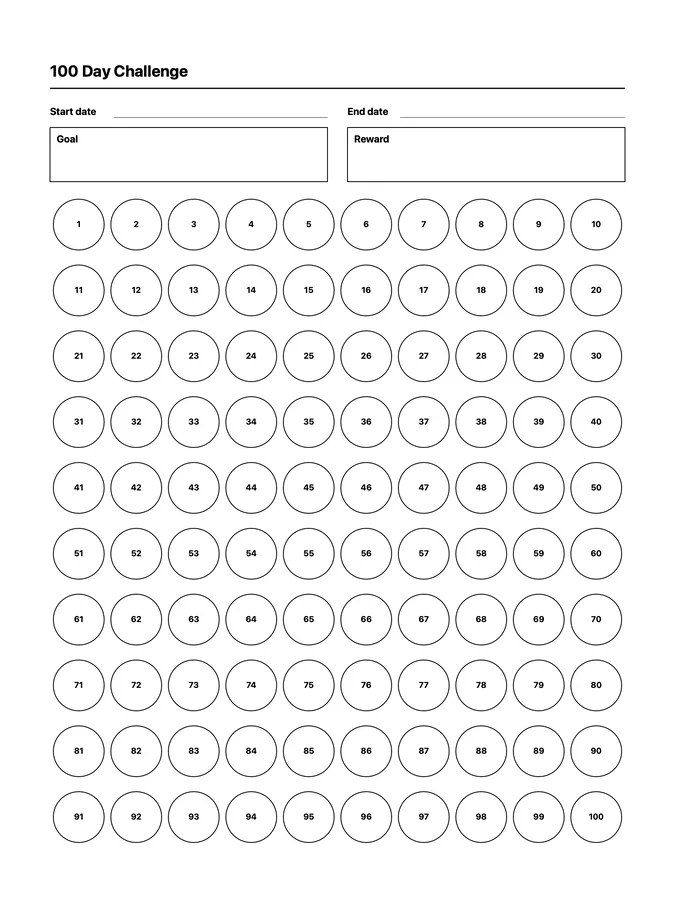
A reusable 100 day challenge native page template that adapts to your reMarkable screen.
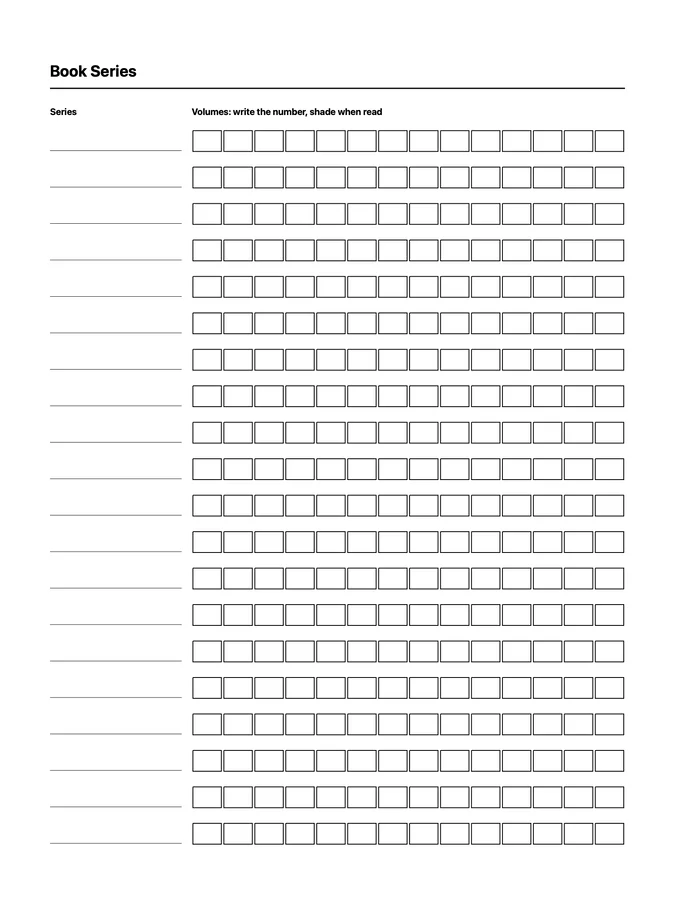
A reusable book series tracker native page template that adapts to your reMarkable screen.
Thirteen native page templates for to-do lists, Getting Things Done, brain dumps, sticky notes, routines, and weekly and monthly reviews, including endless to-do lists, Getting Things Done, brain dump, and sticky notes pages that keep going as you scroll.
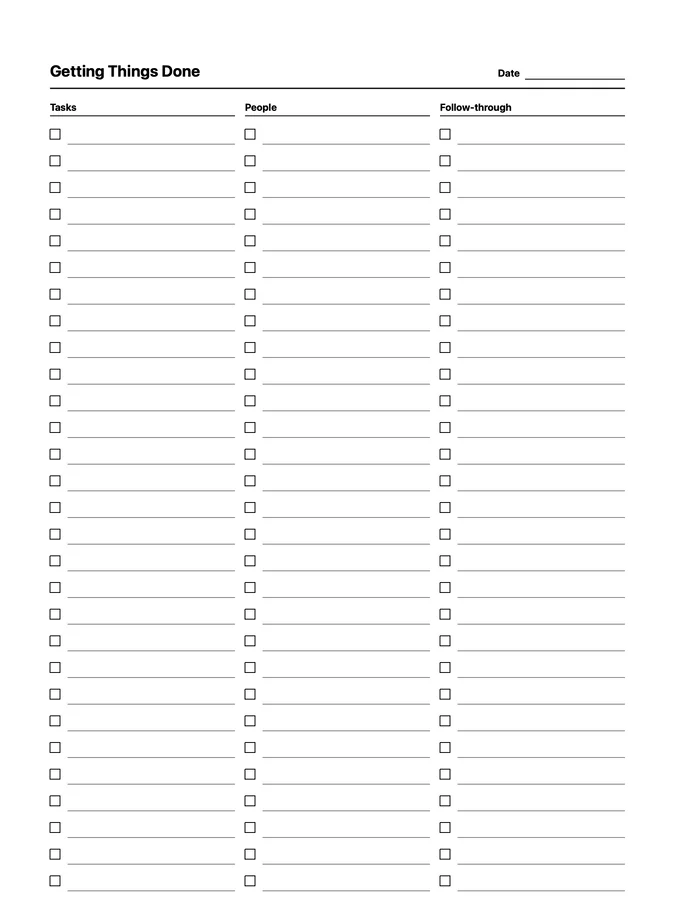
A Getting Things Done list for tasks, people, and follow-through that never runs out of room: scroll past the bottom of the page and the rows keep going. Adapts to your reMarkable screen.
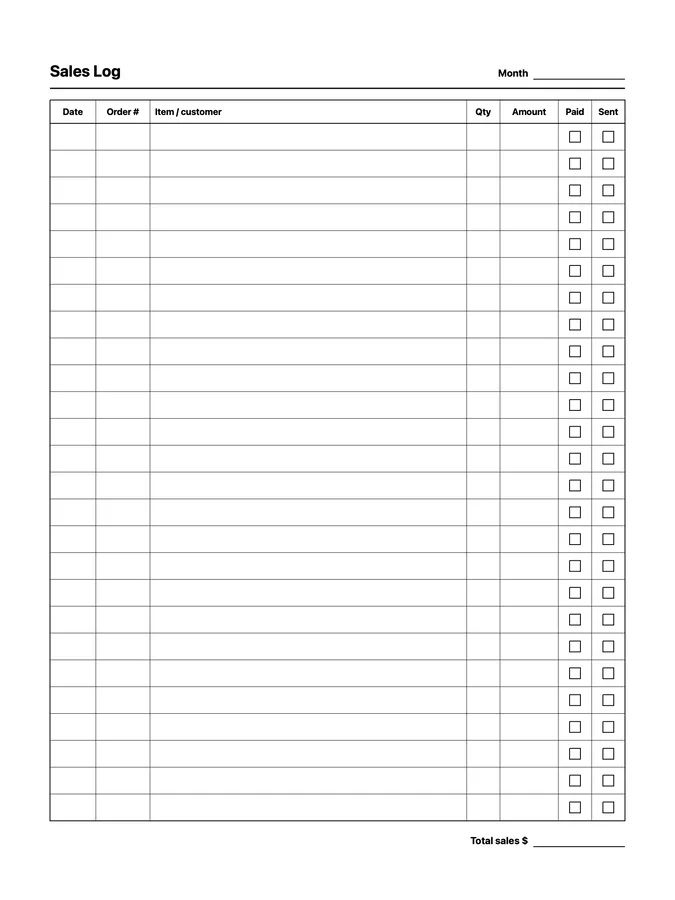
A reusable sales log native page template that adapts to your reMarkable screen.
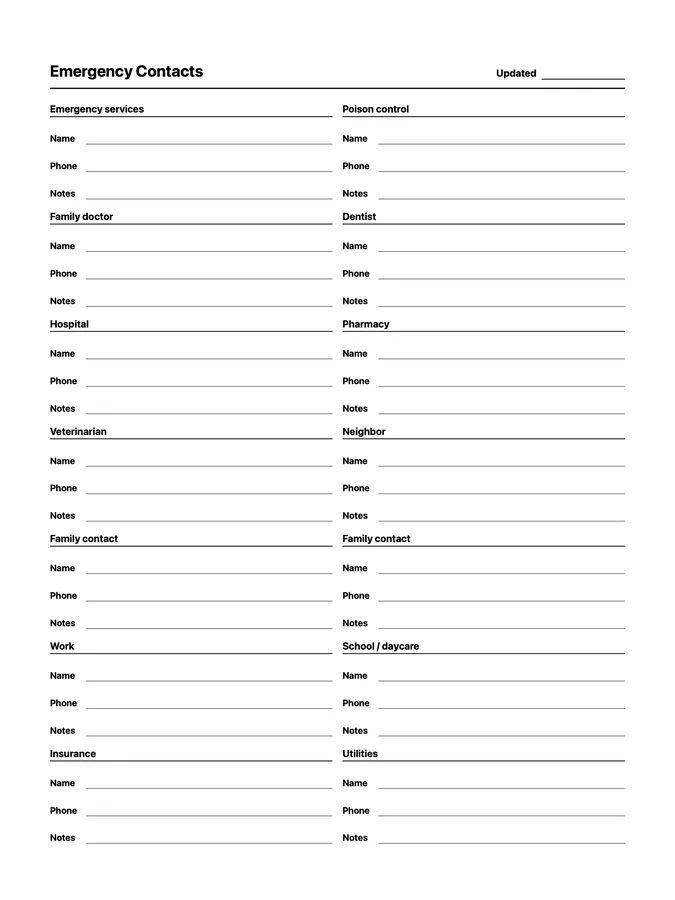
A reusable emergency contacts native page template that adapts to your reMarkable screen.
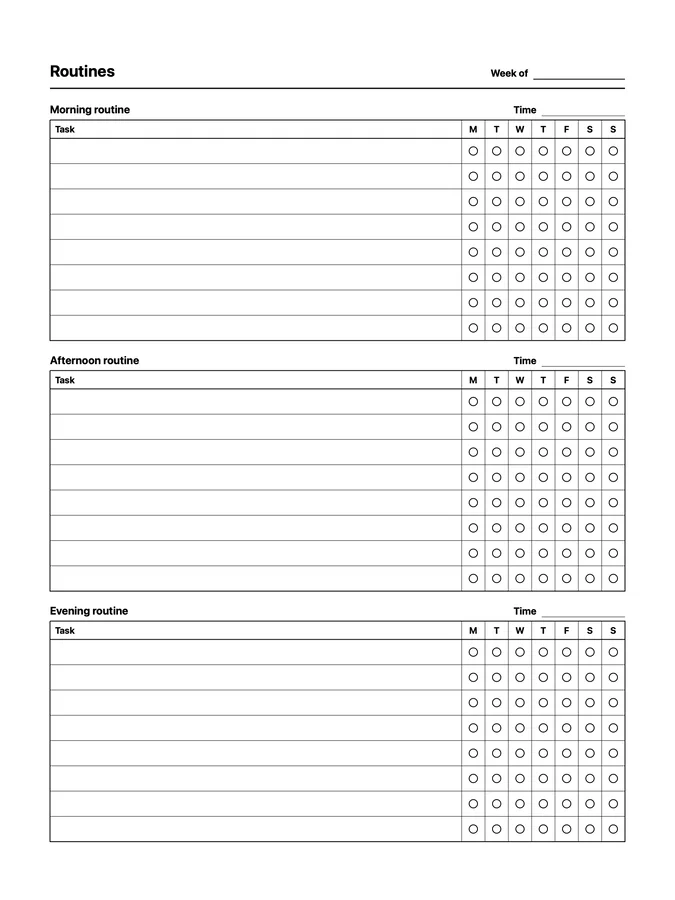
A reusable routine chart native page template that adapts to your reMarkable screen.
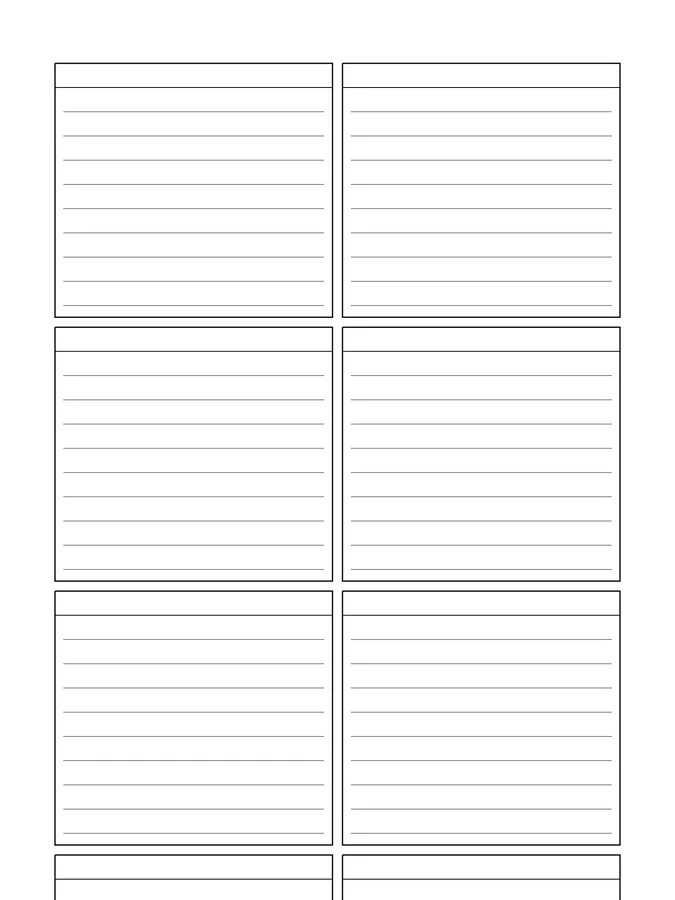
A page of sticky notes that never runs out of room: scroll past the bottom of the page and the notes keep going. Adapts to your reMarkable screen.
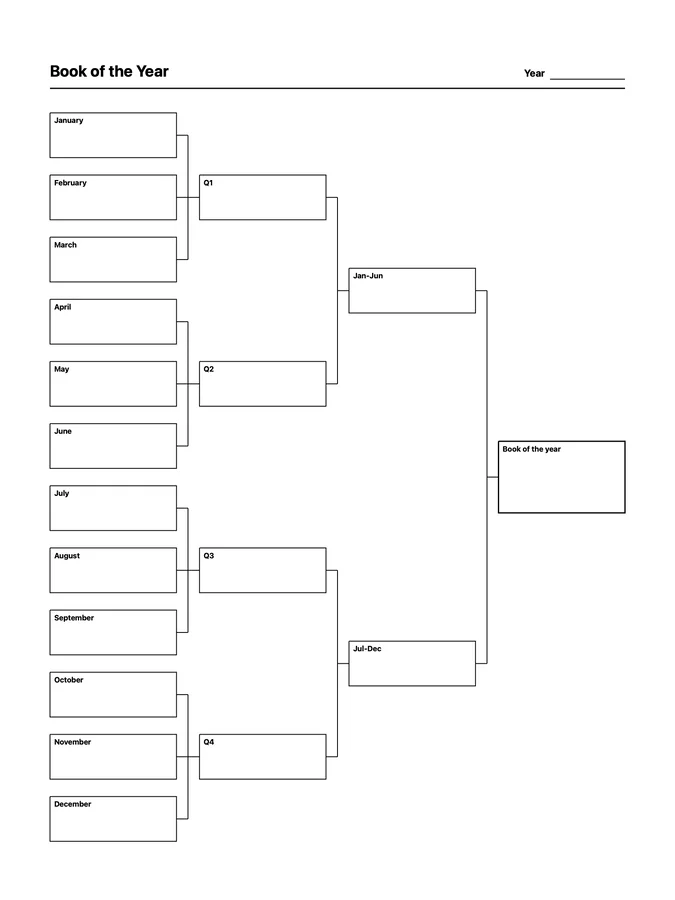
A reusable book of the year native page template that adapts to your reMarkable screen.
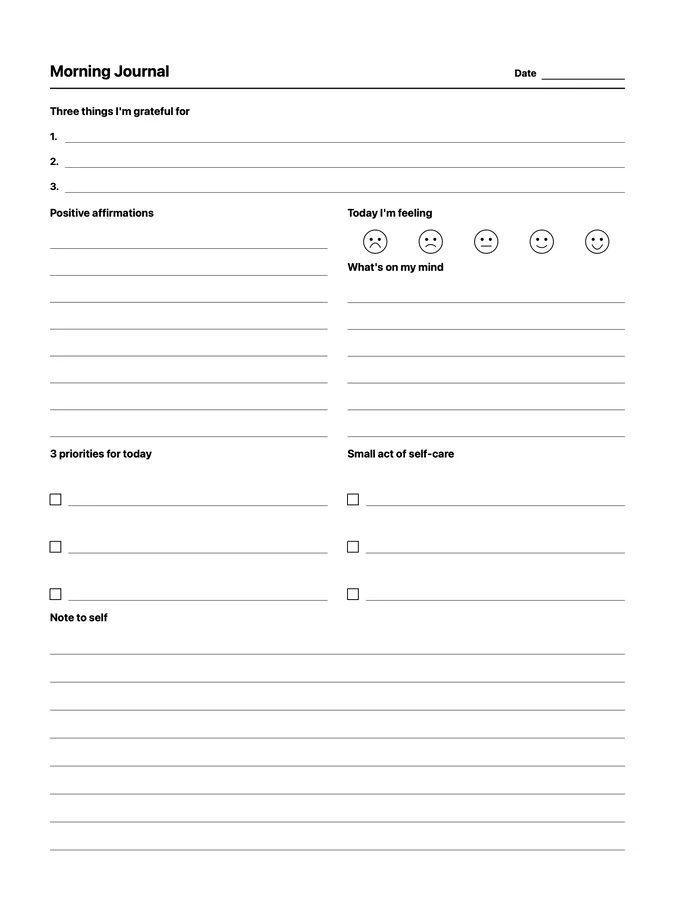
A reusable morning journal native page template that adapts to your reMarkable screen.
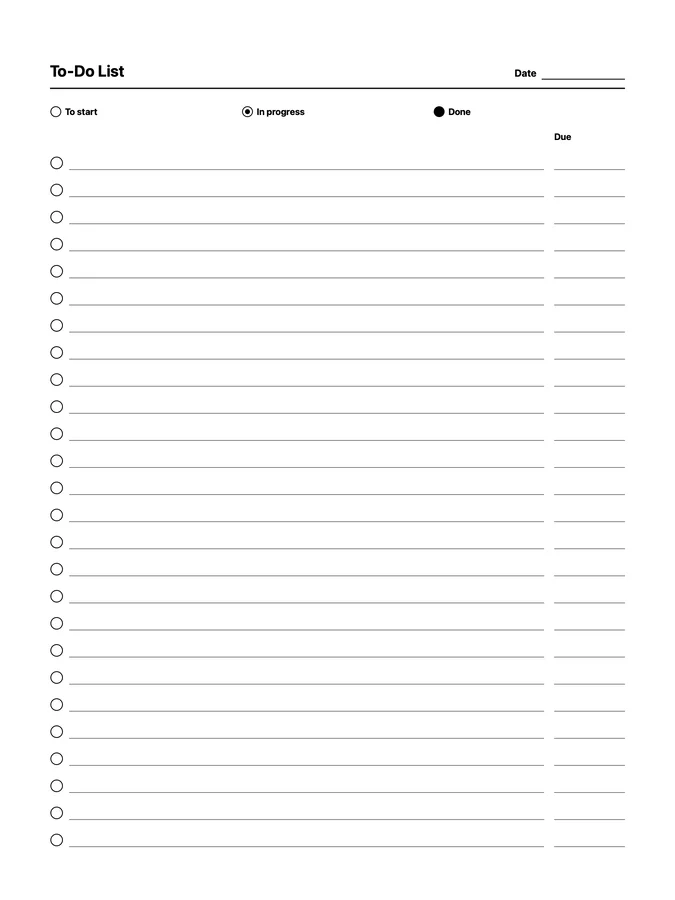
A reusable status to-do native page template that adapts to your reMarkable screen.
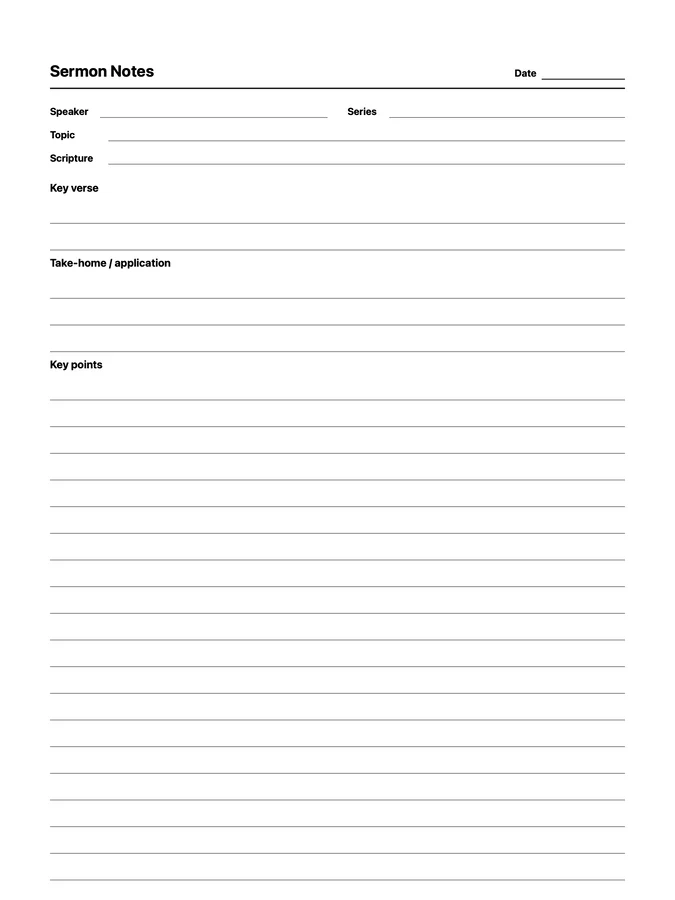
Sermon notes with the key verse and take-home on top and key points that never runs out of room: scroll past the bottom of the page and the rows keep going. Adapts to your reMarkable screen.
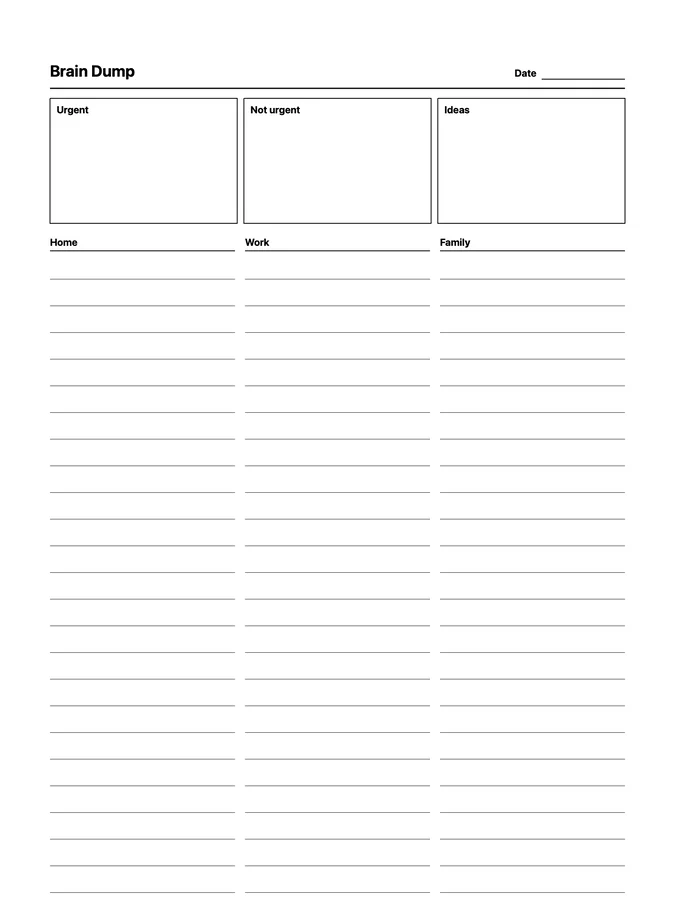
A brain dump with urgent, not urgent, and ideas boxes, and home, work, and family columns that never runs out of room: scroll past the bottom of the page and the rows keep going. Adapts to your reMarkable screen.
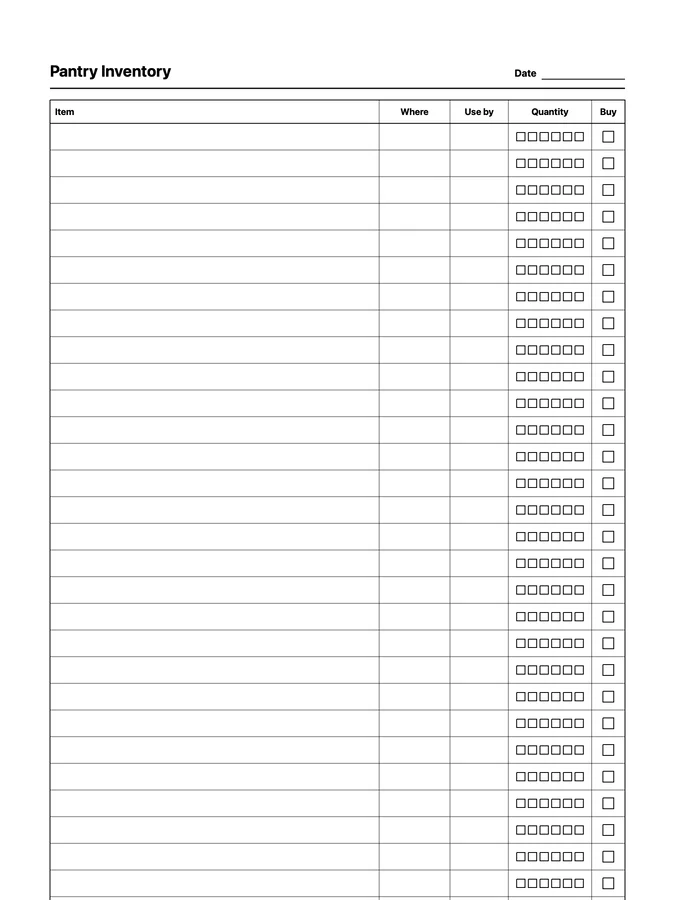
A pantry inventory with locations, use-by dates, and quantities that never runs out of room: scroll past the bottom of the page and the rows keep going. Adapts to your reMarkable screen.
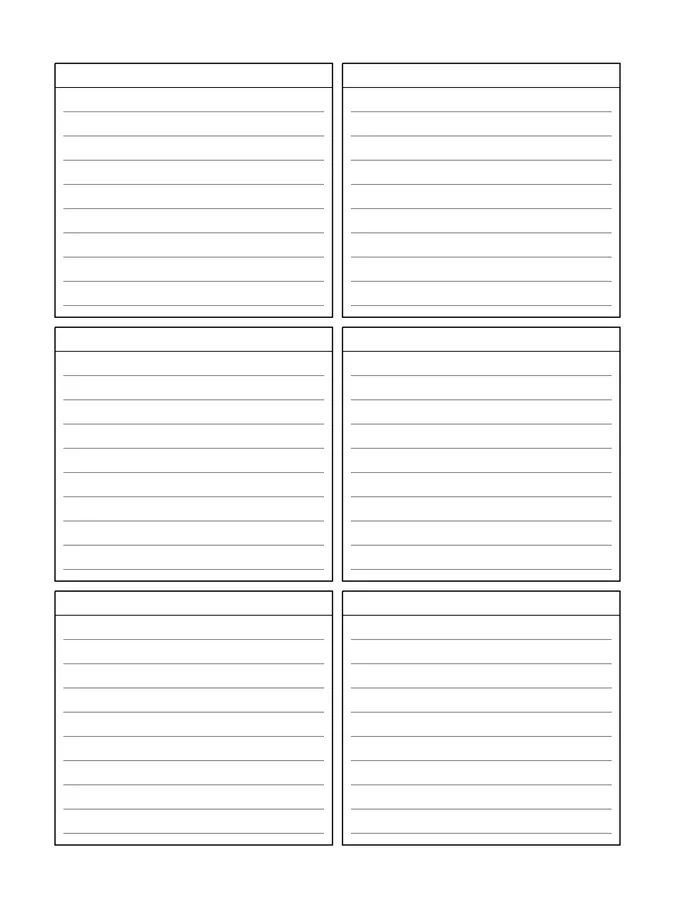
A reusable sticky notes native page template that adapts to your reMarkable screen.
Six native page templates for morning check-ins, morning and daily journals, a line a day, year favorites, and a year bingo card.
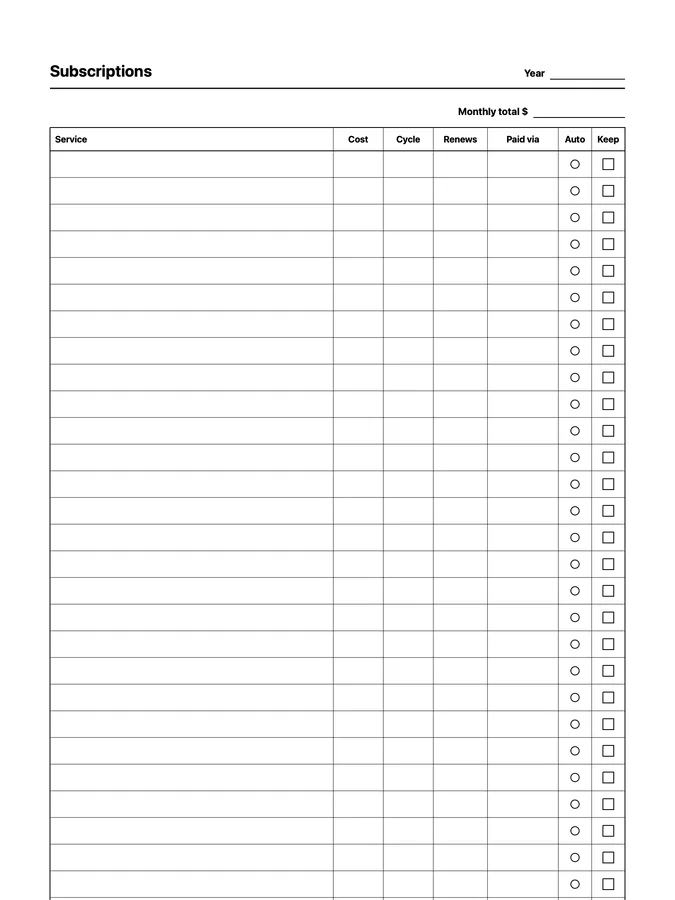
A subscription tracker with costs, cycles, and renewal dates that never runs out of room: scroll past the bottom of the page and the rows keep going. Adapts to your reMarkable screen.
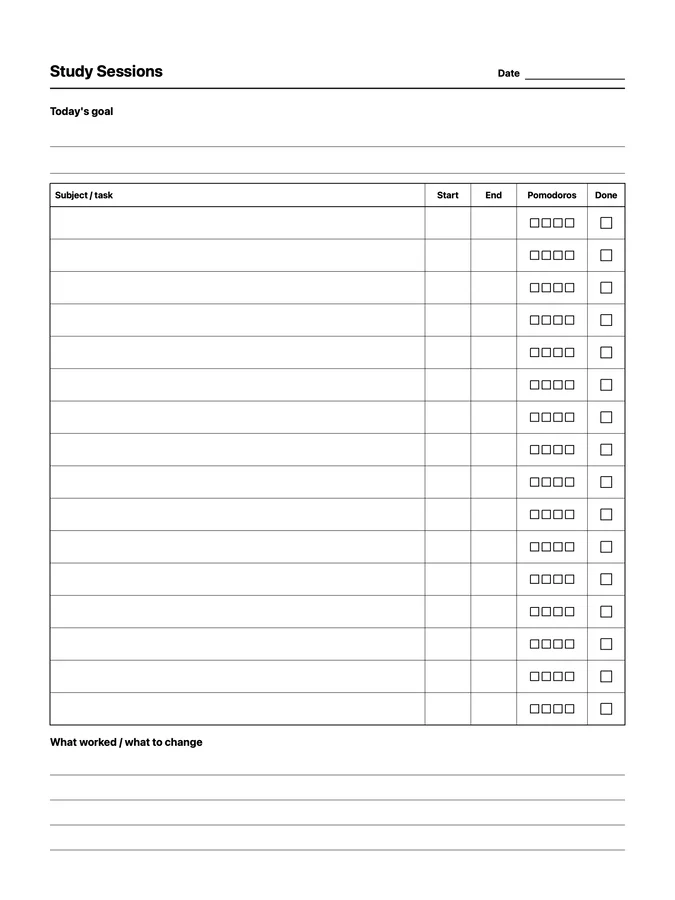
A reusable study session log native page template that adapts to your reMarkable screen.
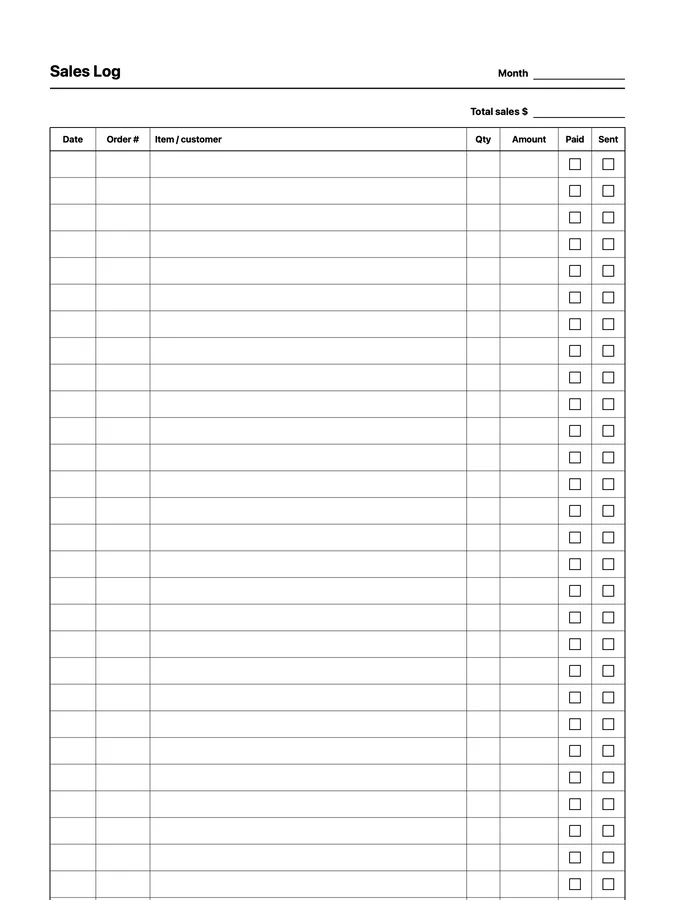
A sales log with orders, amounts, and paid and sent checkboxes that never runs out of room: scroll past the bottom of the page and the rows keep going. Adapts to your reMarkable screen.
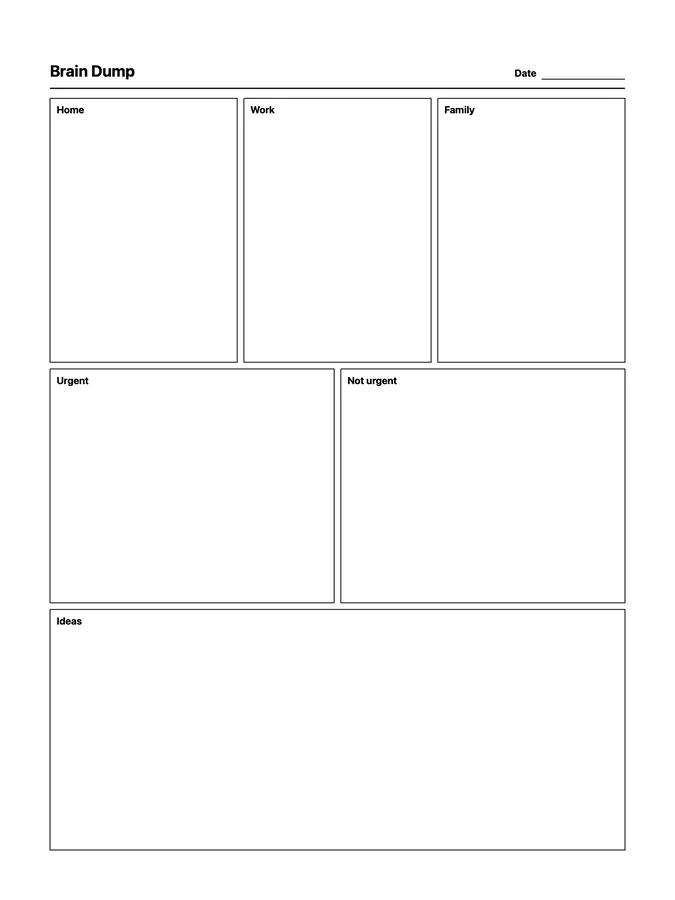
A reusable brain dump native page template that adapts to your reMarkable screen.
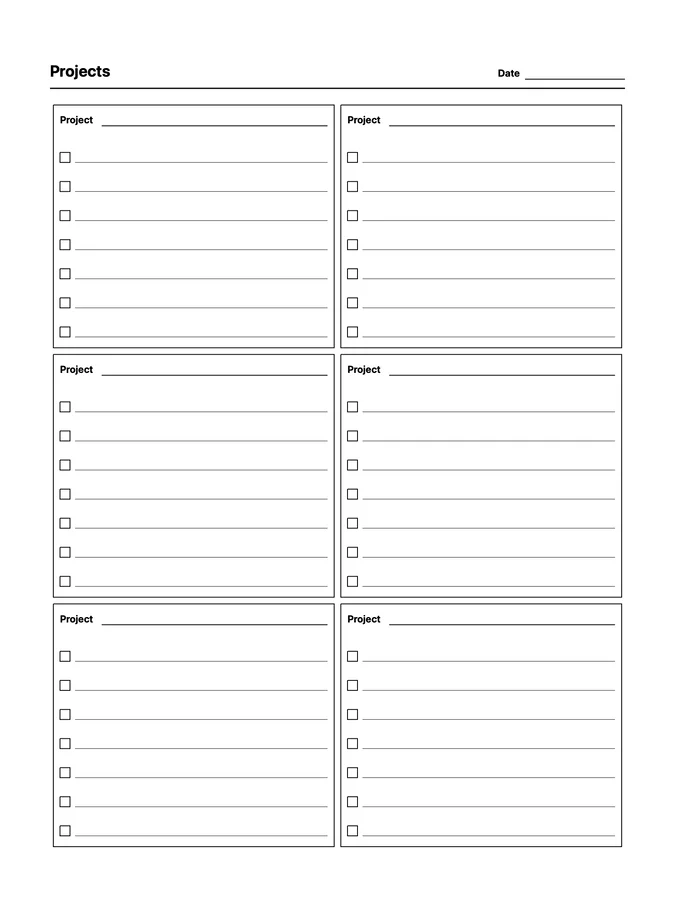
A reusable projects at a glance native page template that adapts to your reMarkable screen.
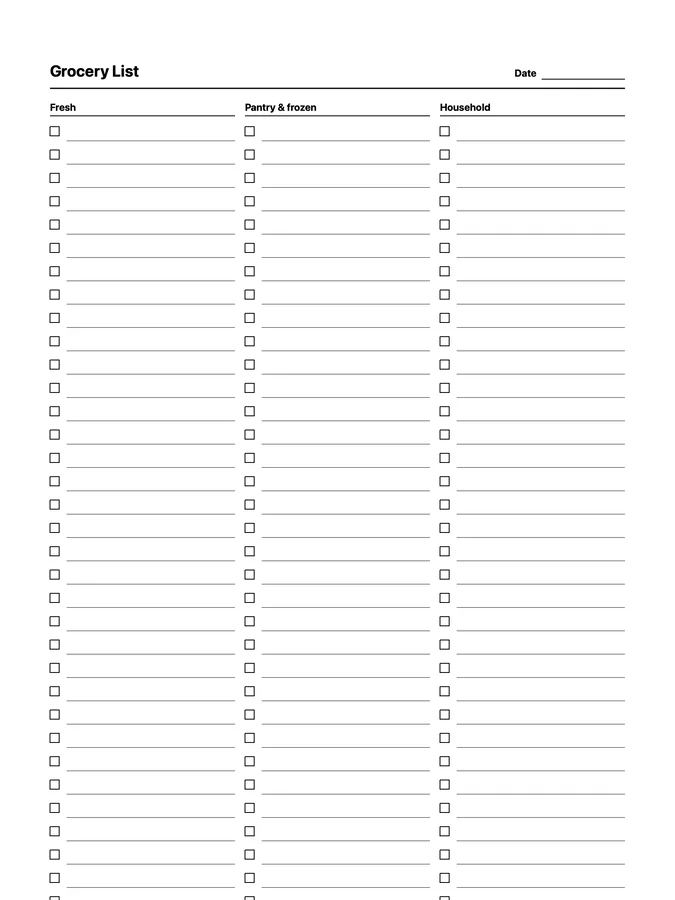
A grocery list for fresh food, pantry and frozen, and household items that never runs out of room: scroll past the bottom of the page and the rows keep going. Adapts to your reMarkable screen.
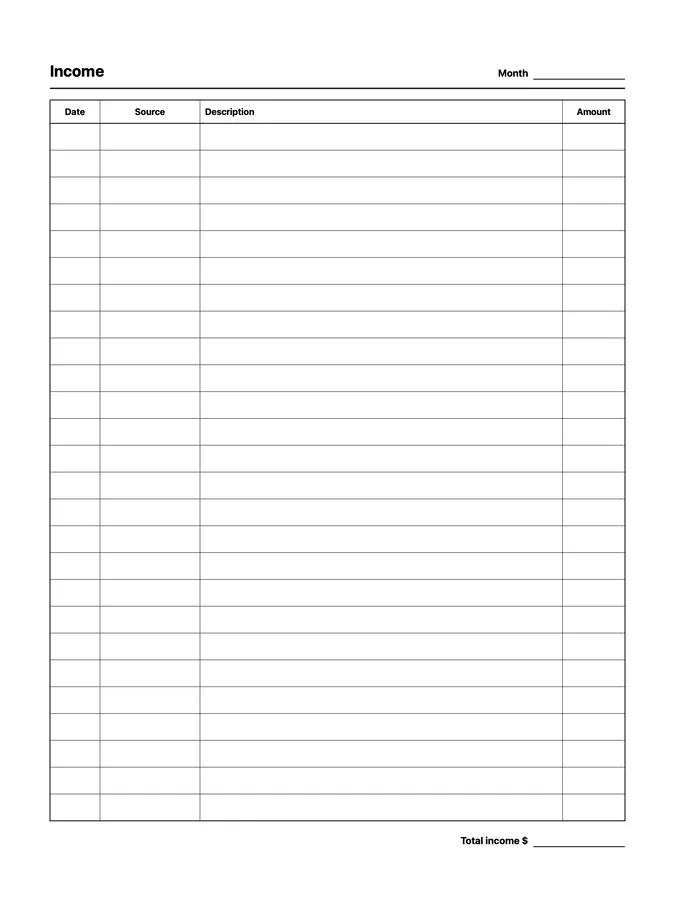
A reusable income tracker native page template that adapts to your reMarkable screen.
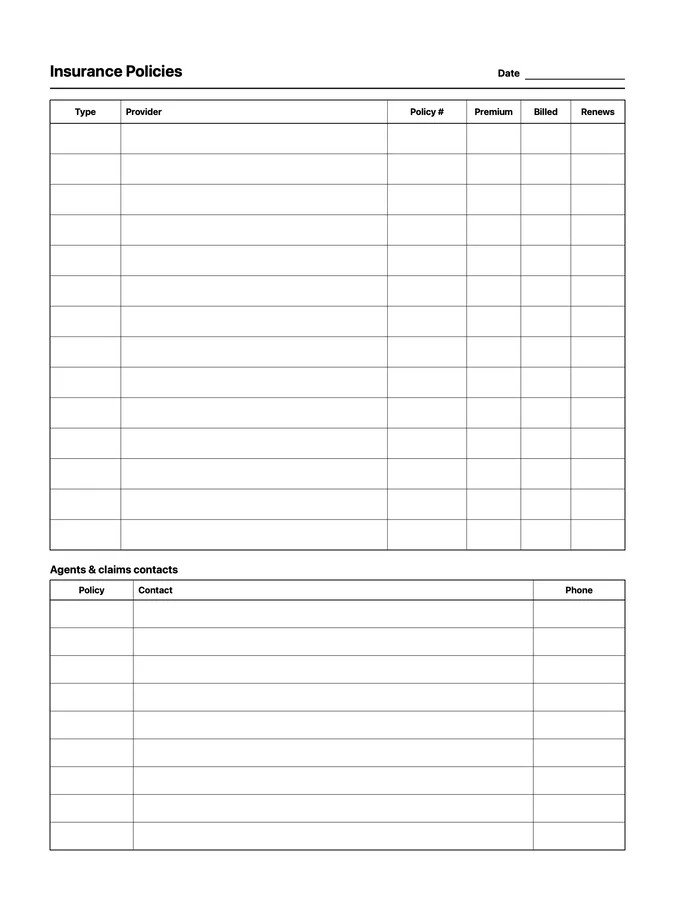
A reusable insurance tracker native page template that adapts to your reMarkable screen.
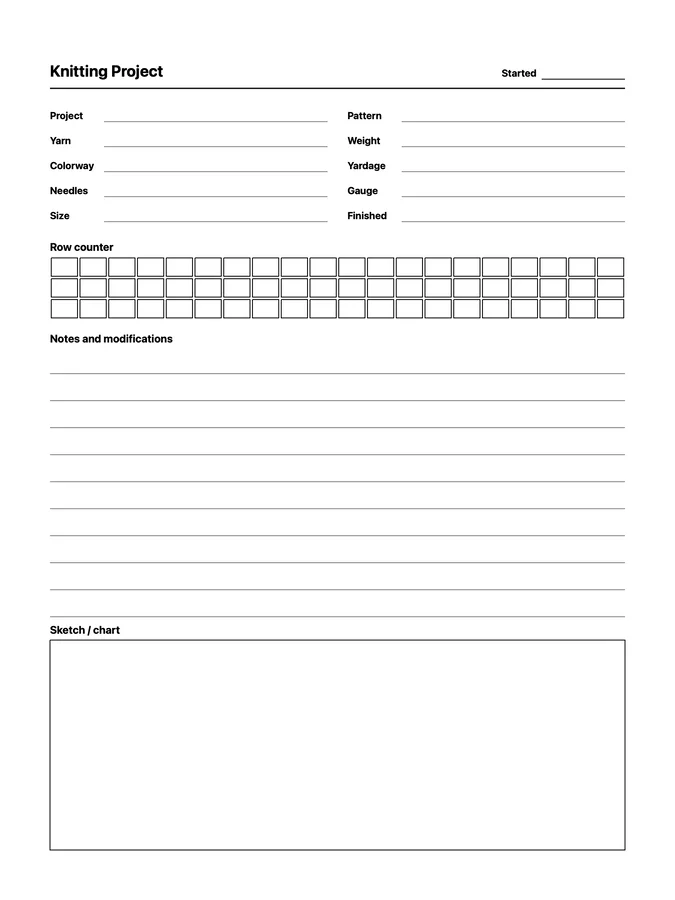
A reusable knitting project log native page template that adapts to your reMarkable screen.
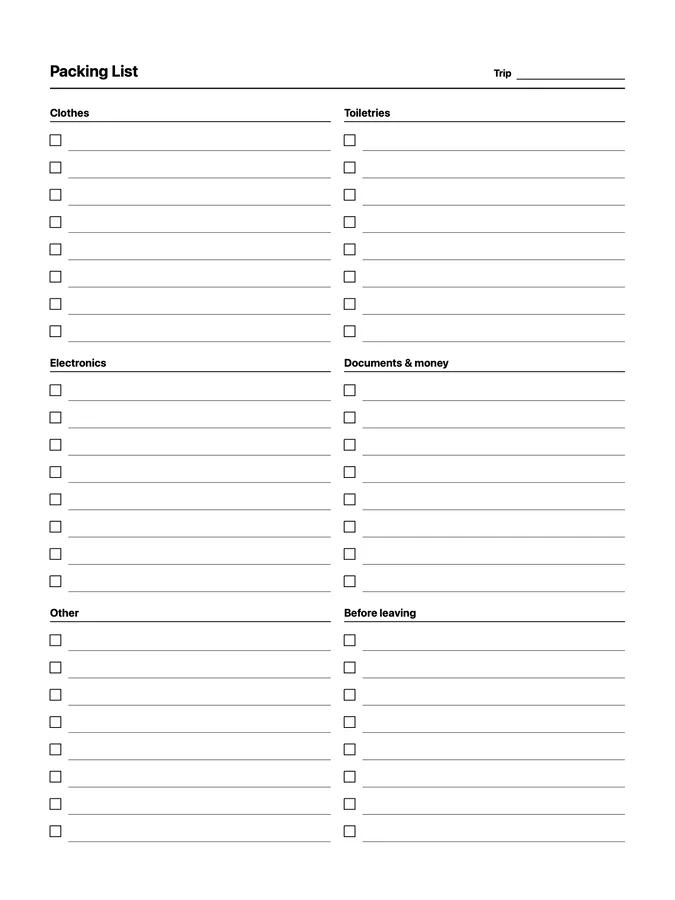
A reusable packing list native page template that adapts to your reMarkable screen.
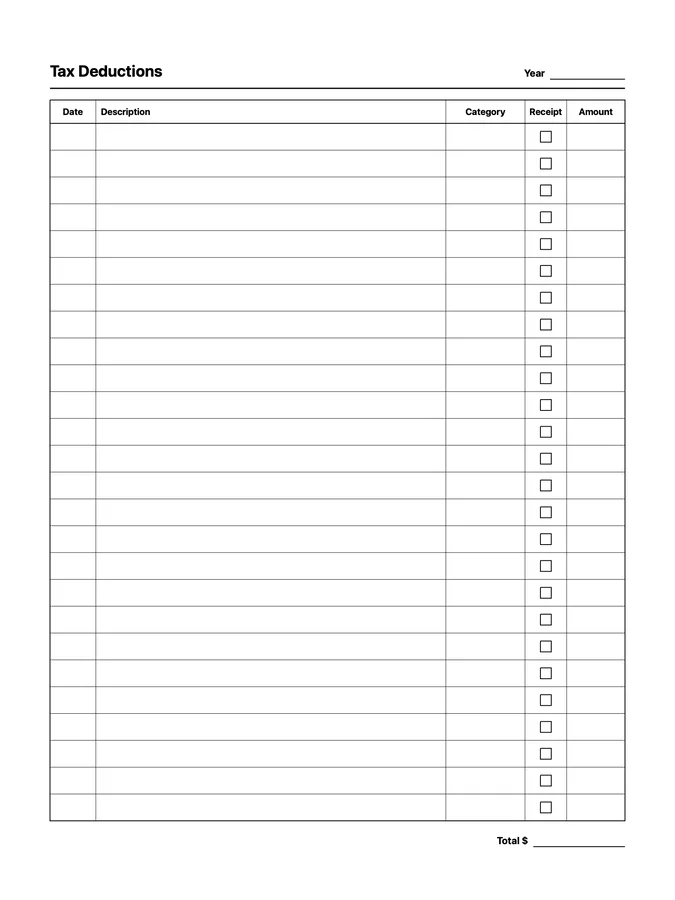
A reusable tax deduction tracker native page template that adapts to your reMarkable screen.
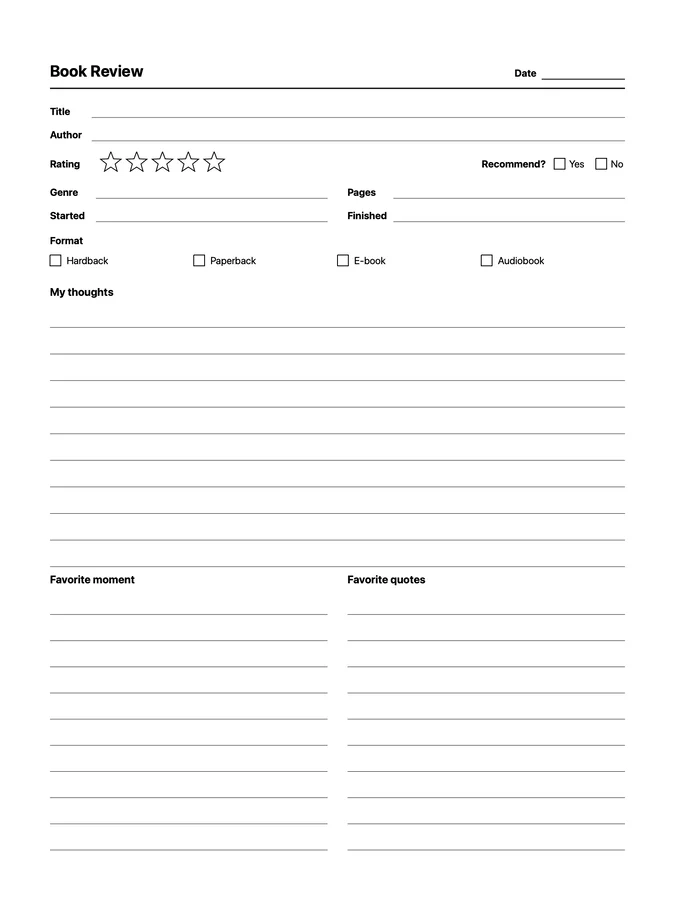
A reusable book review native page template that adapts to your reMarkable screen.
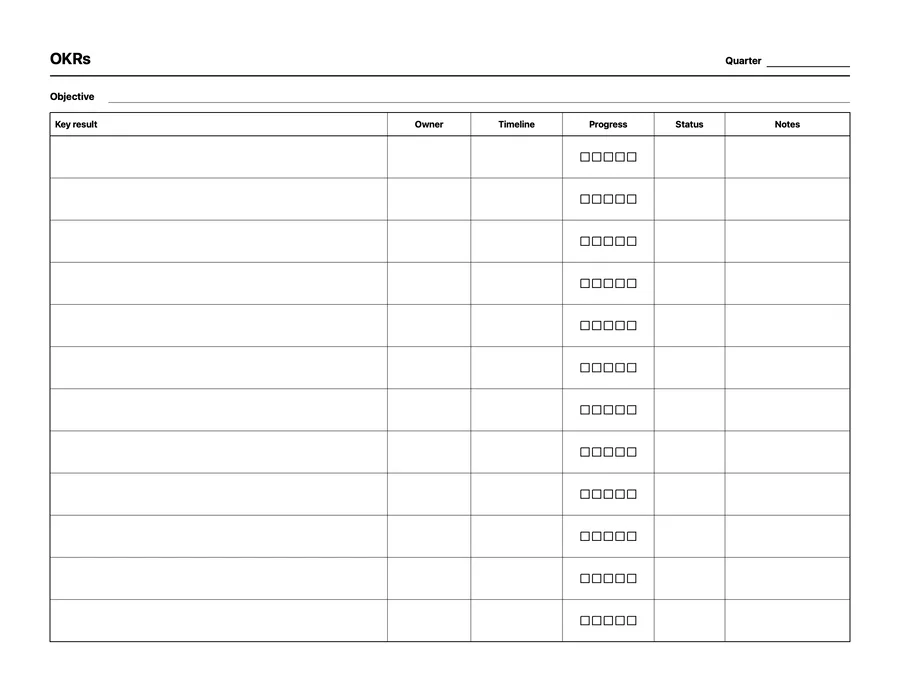
A reusable okrs native page template that adapts to your reMarkable screen.
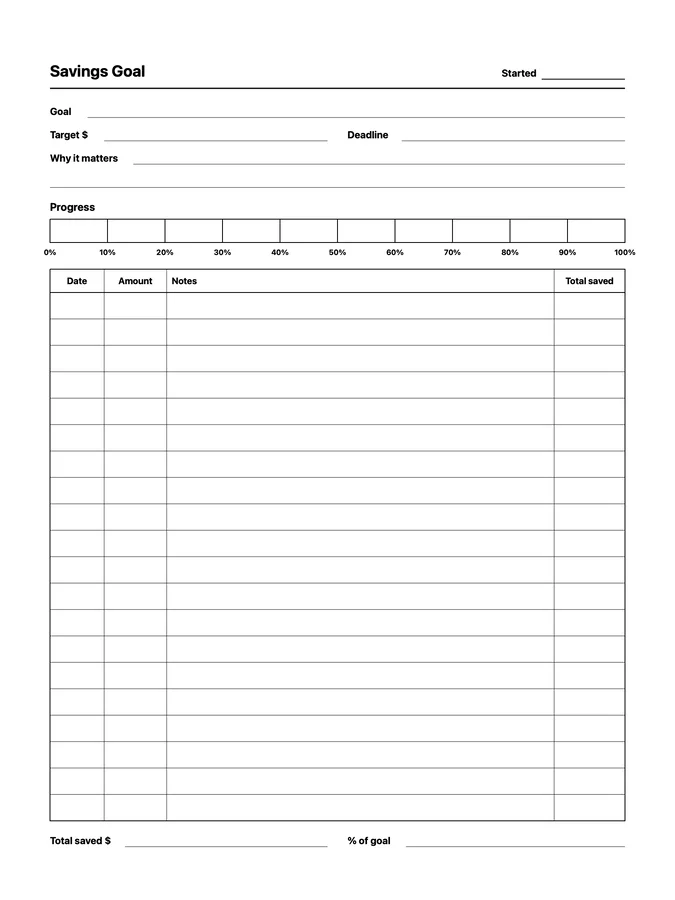
A reusable savings goal native page template that adapts to your reMarkable screen.
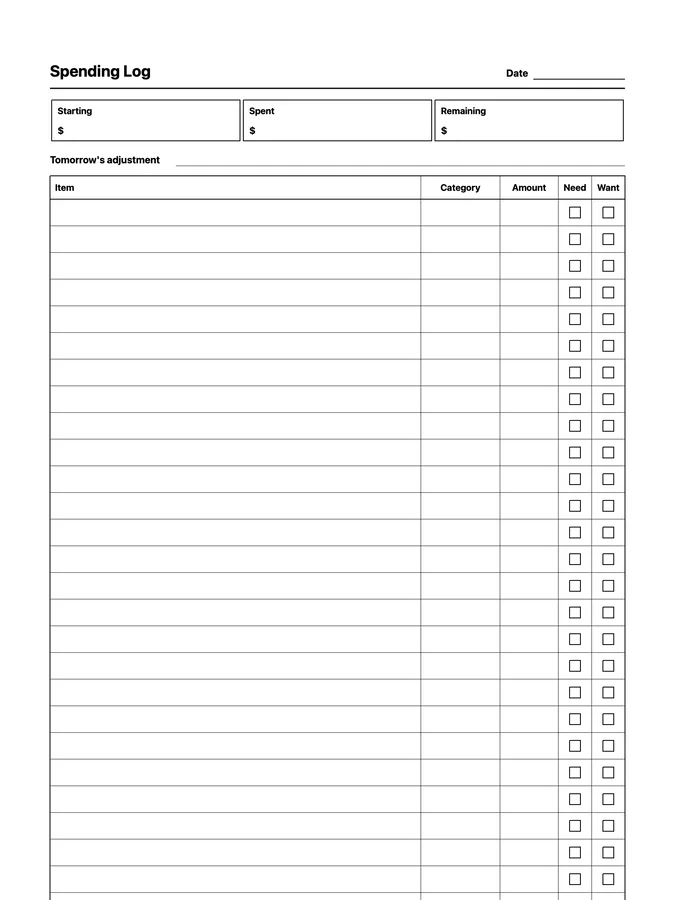
A spending log with categories and need or want checkboxes that never runs out of room: scroll past the bottom of the page and the rows keep going. Adapts to your reMarkable screen.
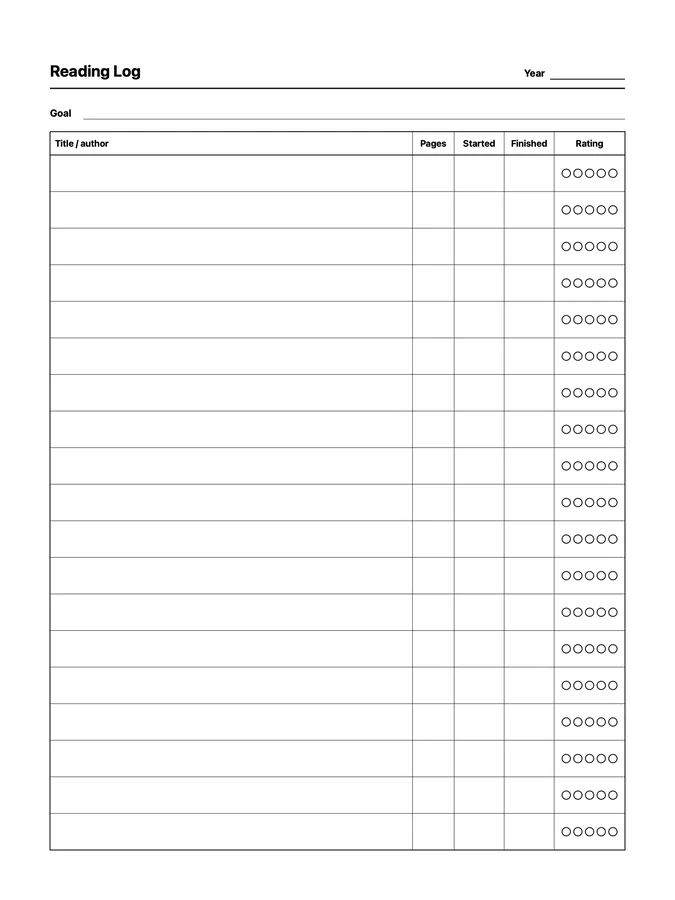
A reusable reading log native page template that adapts to your reMarkable screen.
Ten native page templates for readers: a reading log, book reviews, series, yearly stats, A-Z, 25, and 100 book challenges, and a book of the year bracket, including an endless reading log and series tracker that keep going as you scroll.
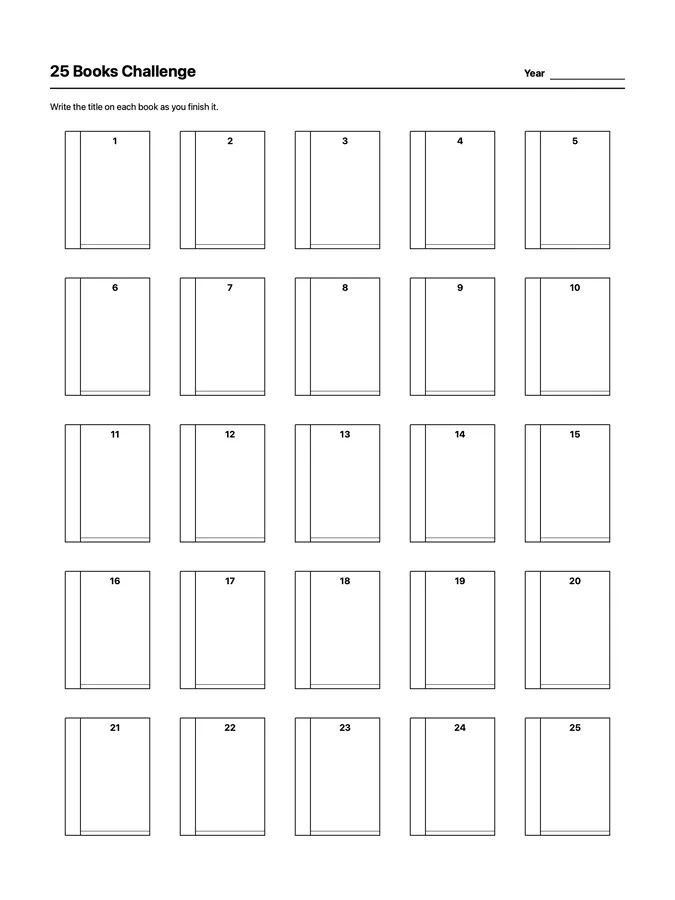
A reusable 25 books challenge native page template that adapts to your reMarkable screen.
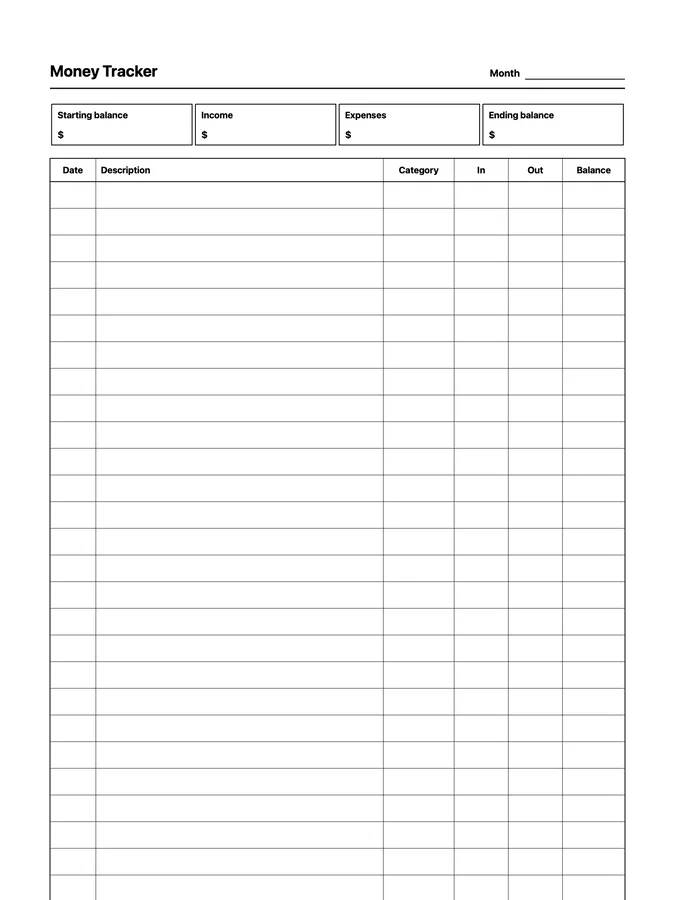
A money tracker with a ledger of money in and out that never runs out of room: scroll past the bottom of the page and the rows keep going. Adapts to your reMarkable screen.
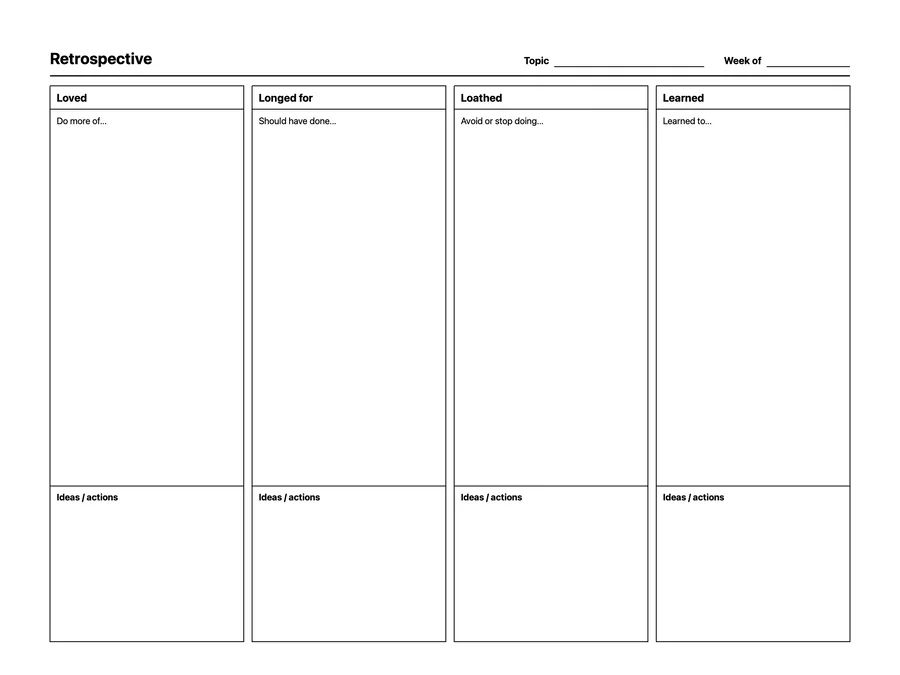
A reusable retrospective native page template that adapts to your reMarkable screen.
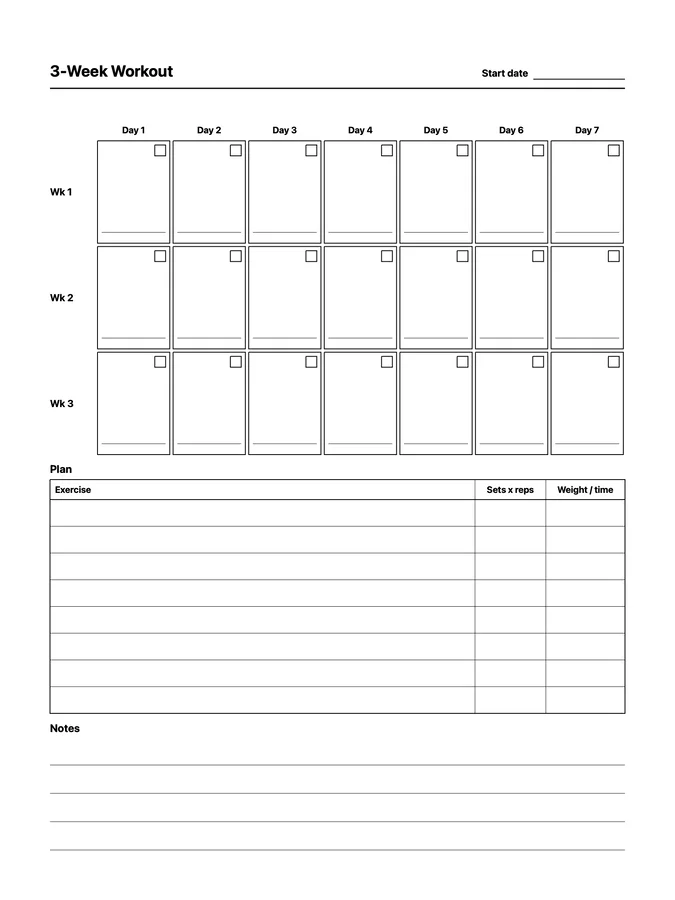
A reusable 3-week workout tracker native page template that adapts to your reMarkable screen.
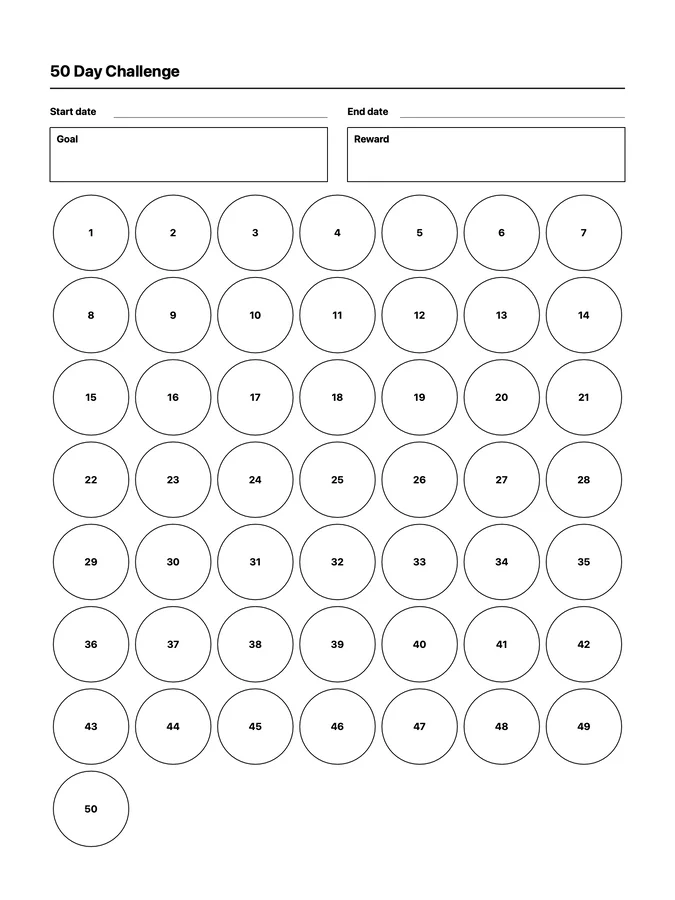
A reusable 50 day challenge native page template that adapts to your reMarkable screen.
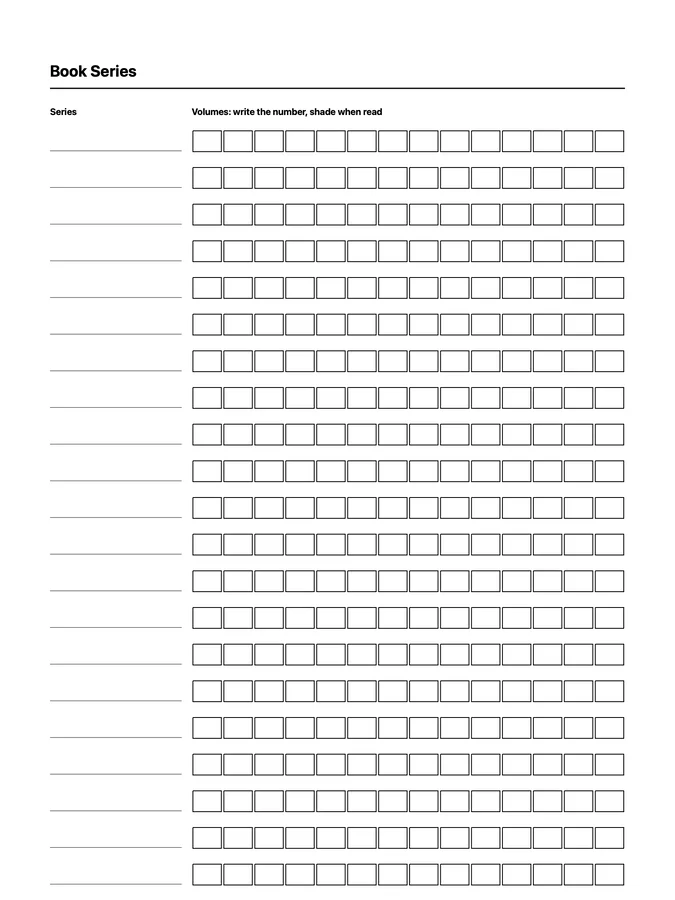
A book series tracker with a box for every volume that never runs out of room: scroll past the bottom of the page and the rows keep going. Adapts to your reMarkable screen.
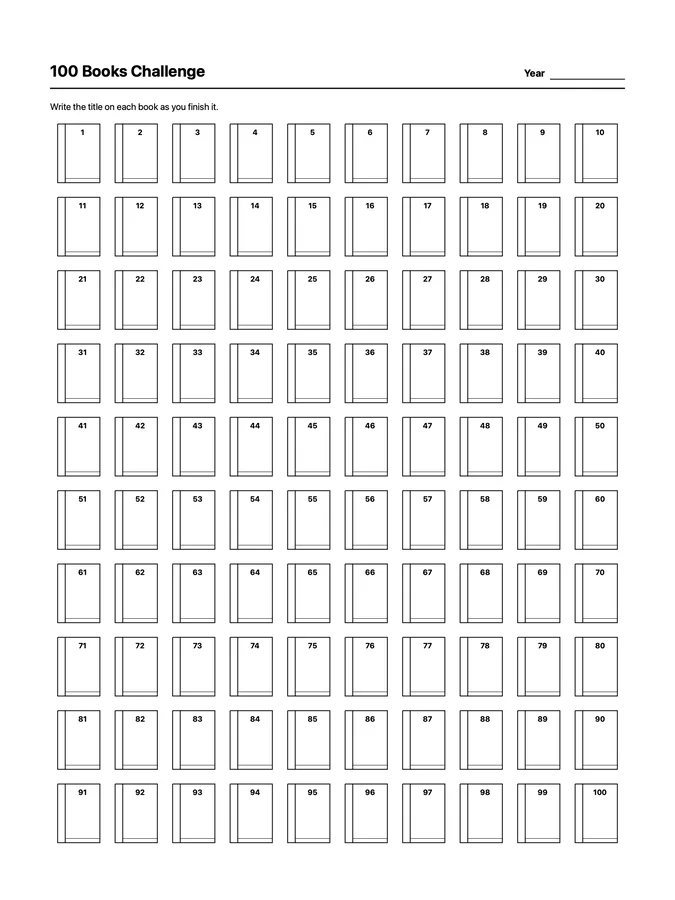
A reusable 100 books challenge native page template that adapts to your reMarkable screen.
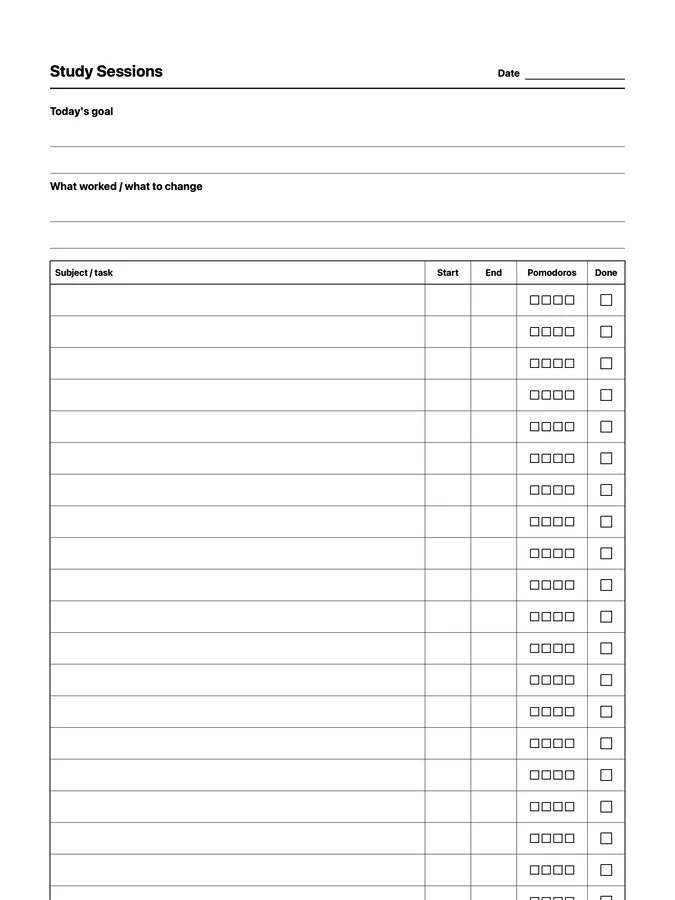
A study session log with pomodoro boxes for every session that never runs out of room: scroll past the bottom of the page and the rows keep going. Adapts to your reMarkable screen.
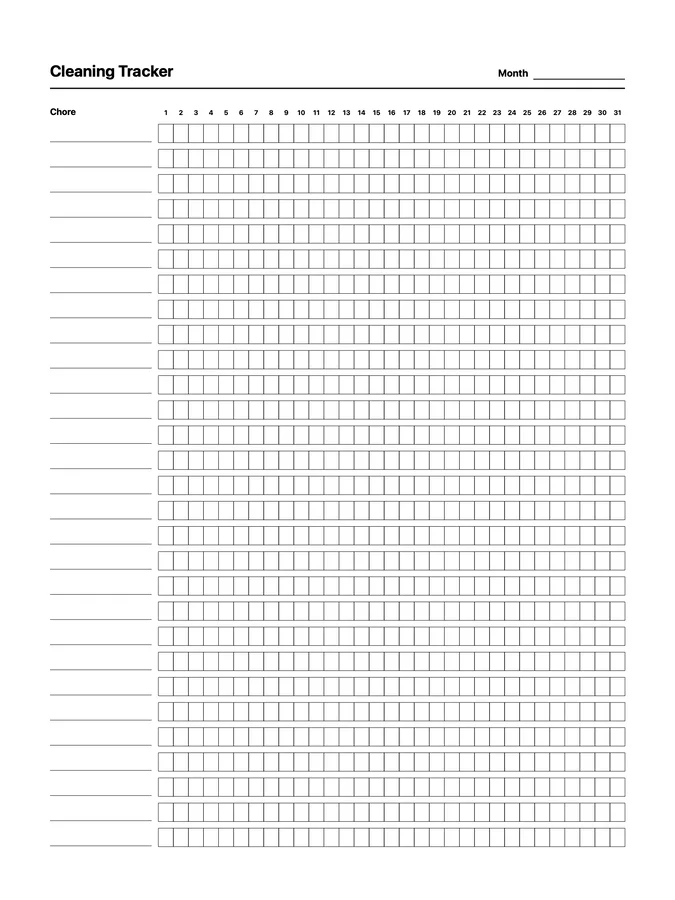
A reusable cleaning tracker native page template that adapts to your reMarkable screen.
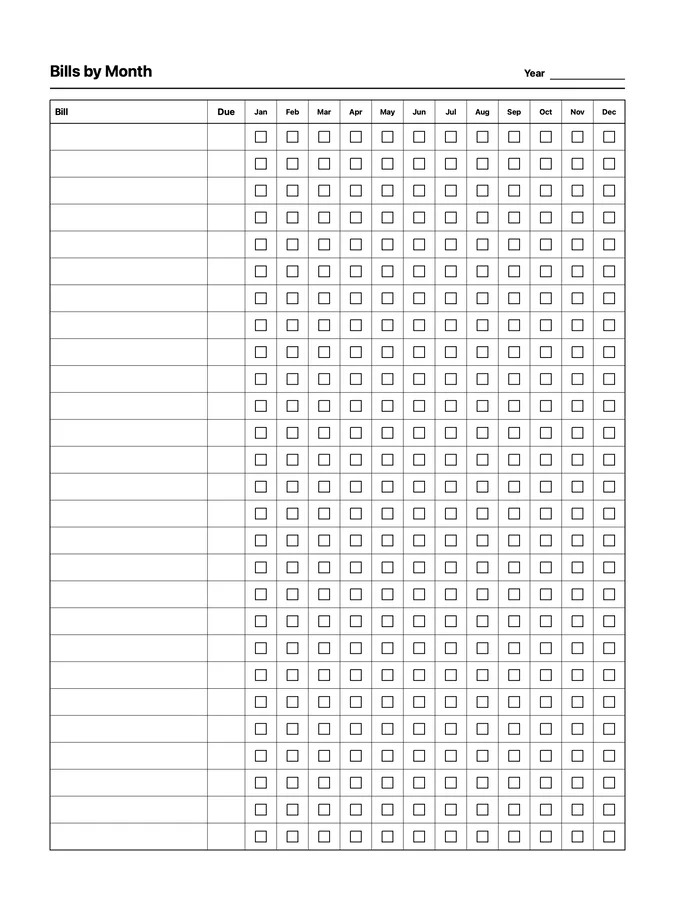
A reusable bills by month native page template that adapts to your reMarkable screen.
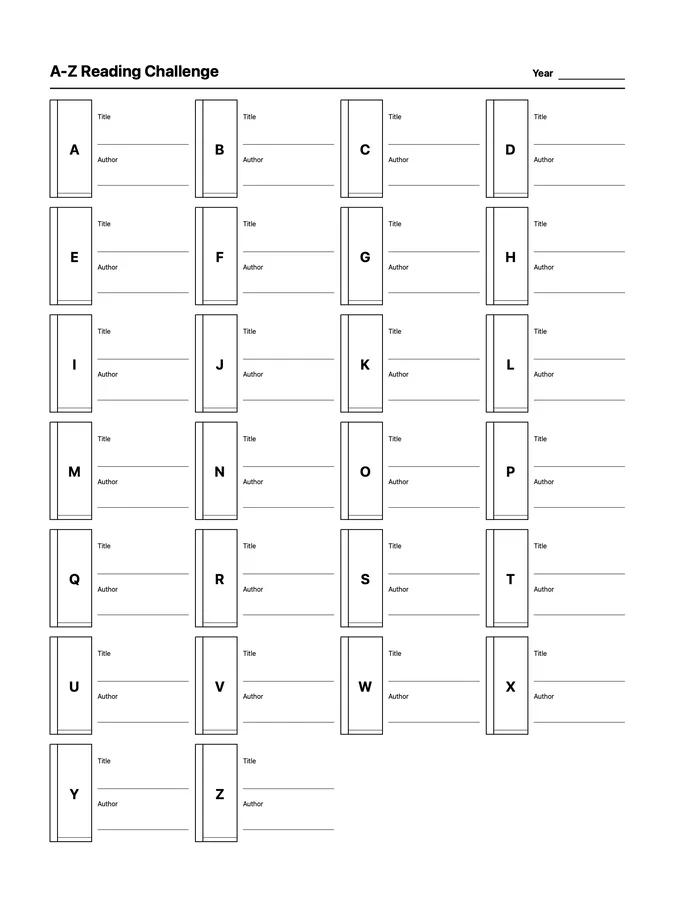
A reusable a-z reading challenge native page template that adapts to your reMarkable screen.
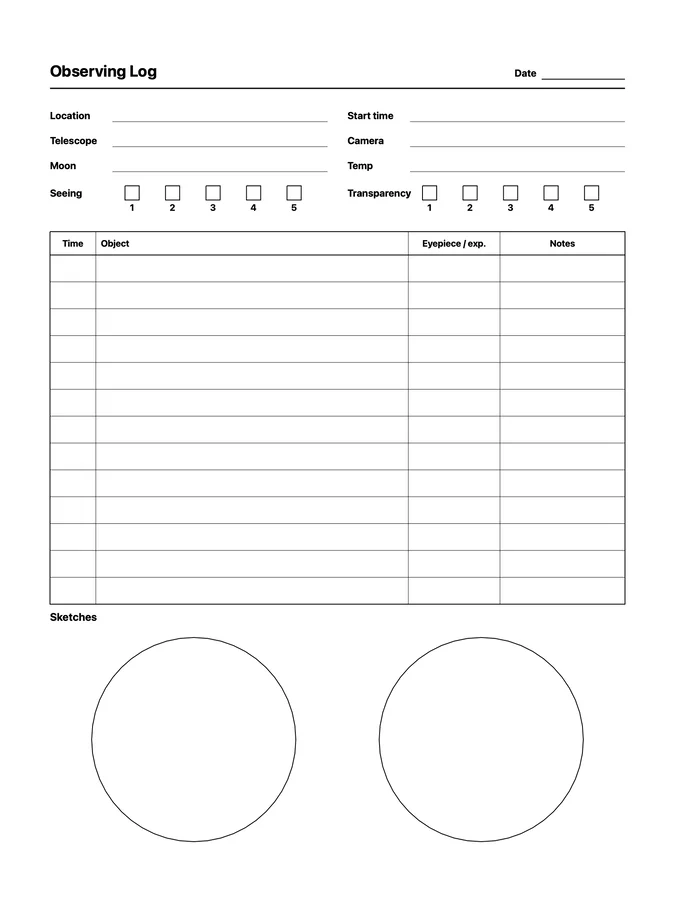
A reusable astronomy observing log native page template that adapts to your reMarkable screen.
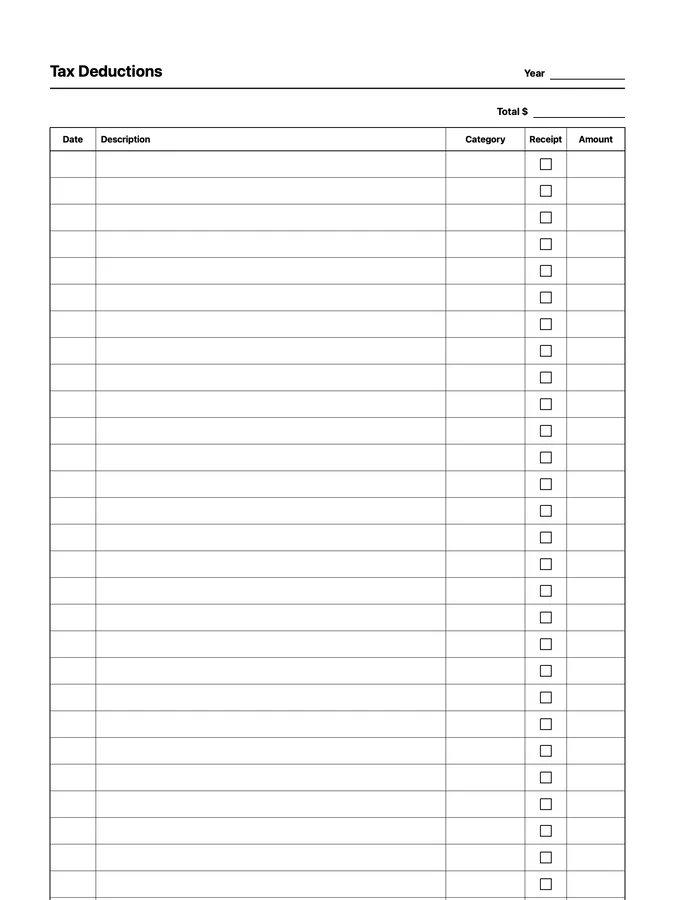
A tax deduction tracker with categories and receipts that never runs out of room: scroll past the bottom of the page and the rows keep going. Adapts to your reMarkable screen.
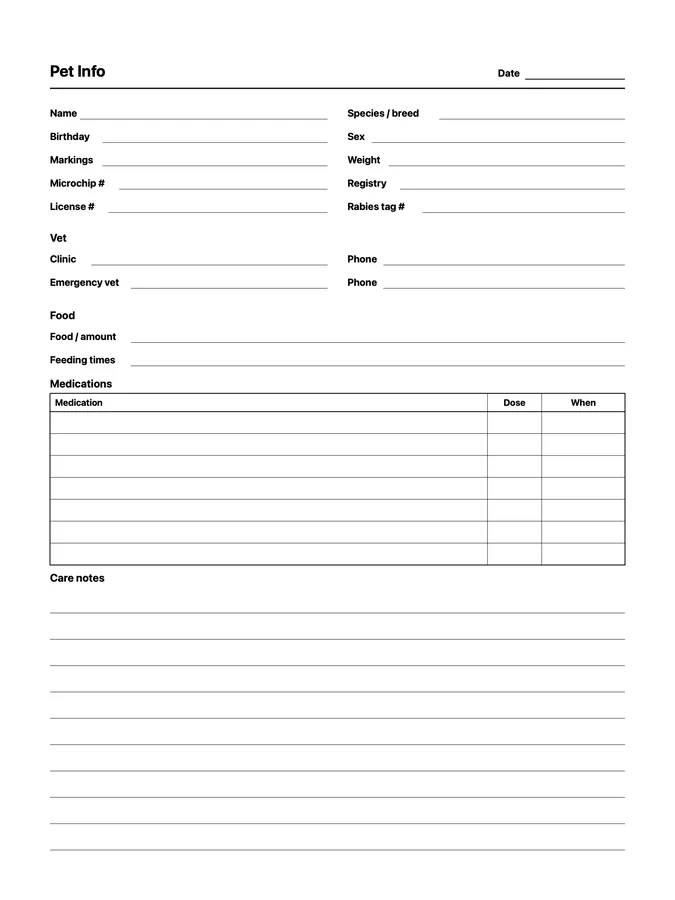
A reusable pet info native page template that adapts to your reMarkable screen.
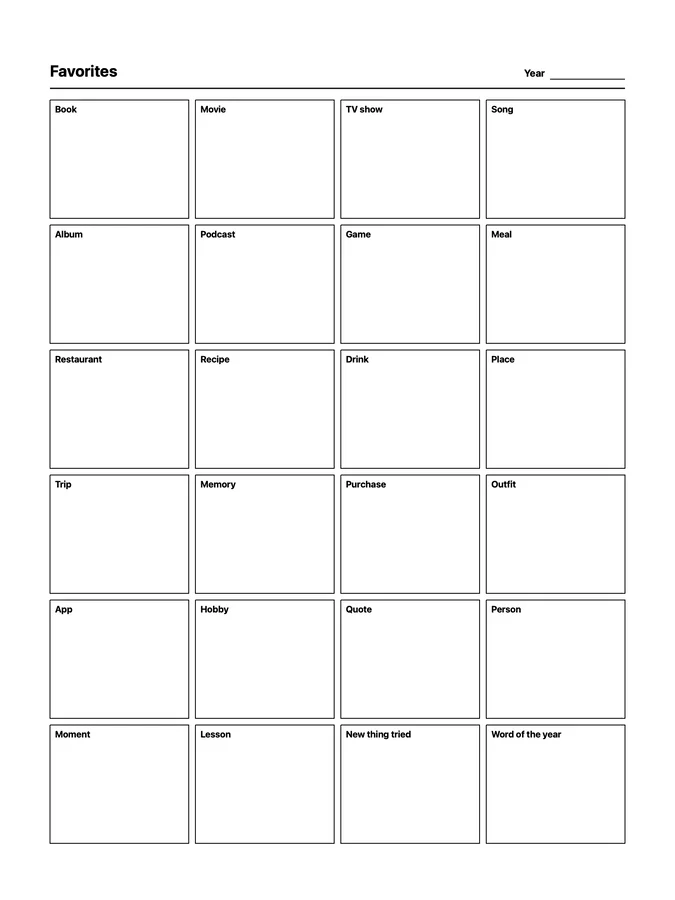
A reusable year favorites native page template that adapts to your reMarkable screen.
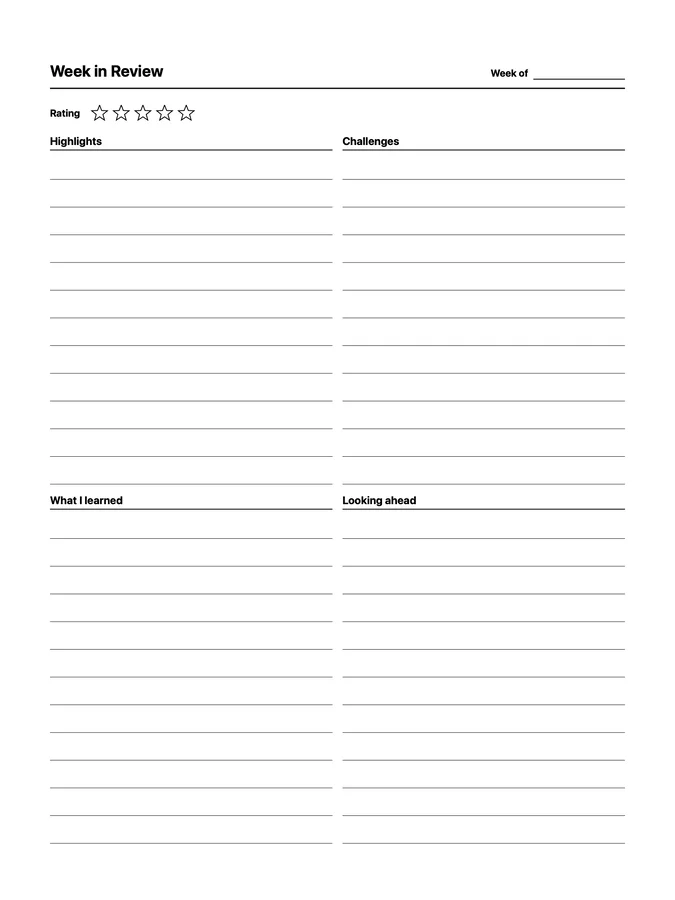
A reusable week in review native page template that adapts to your reMarkable screen.
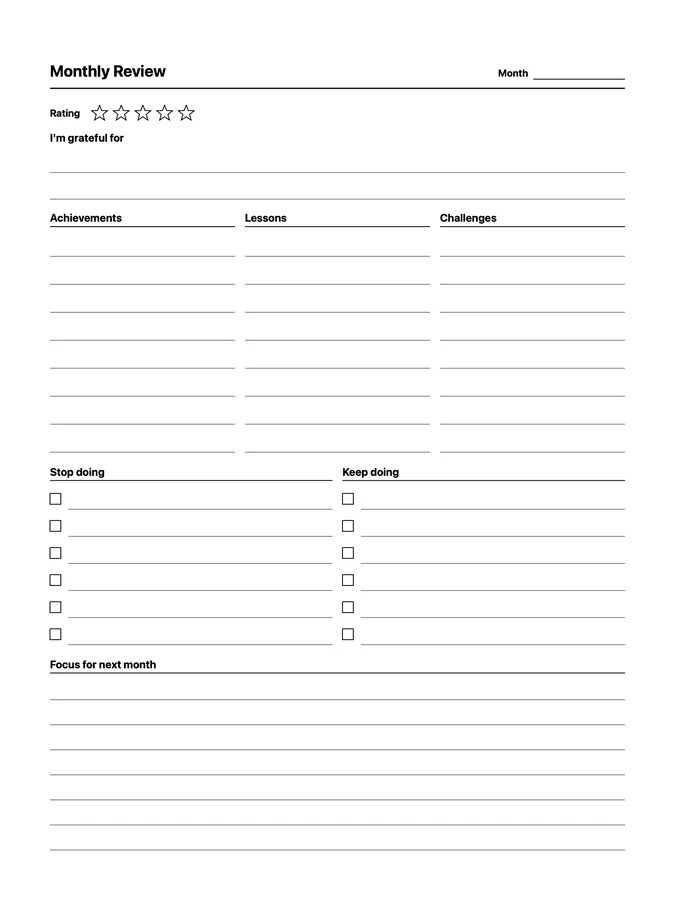
A reusable monthly review native page template that adapts to your reMarkable screen.
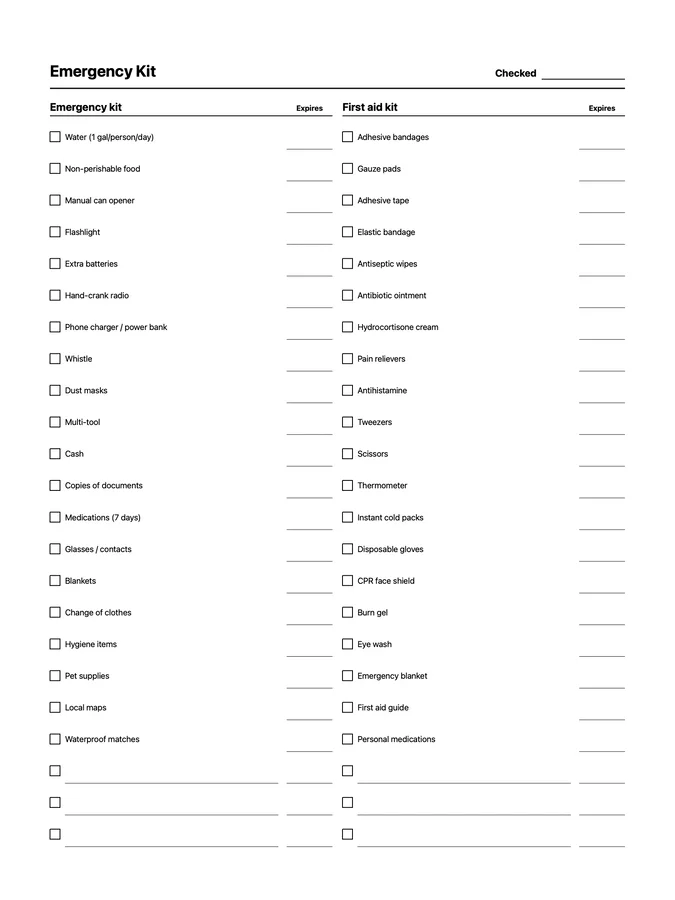
A reusable emergency kit checklist native page template that adapts to your reMarkable screen.
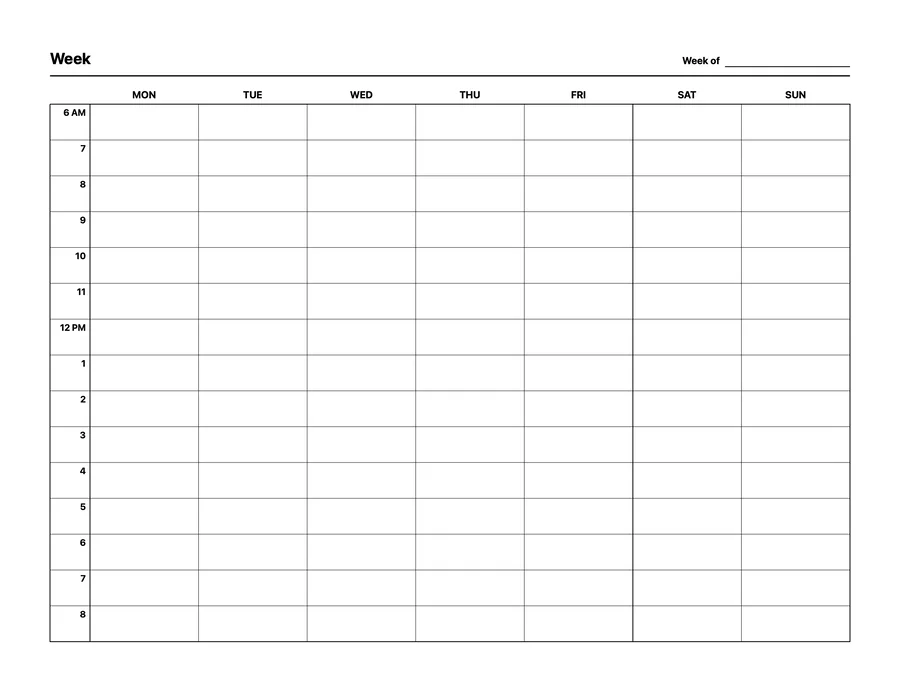
A reusable weekly hourly planner native page template that adapts to your reMarkable screen.
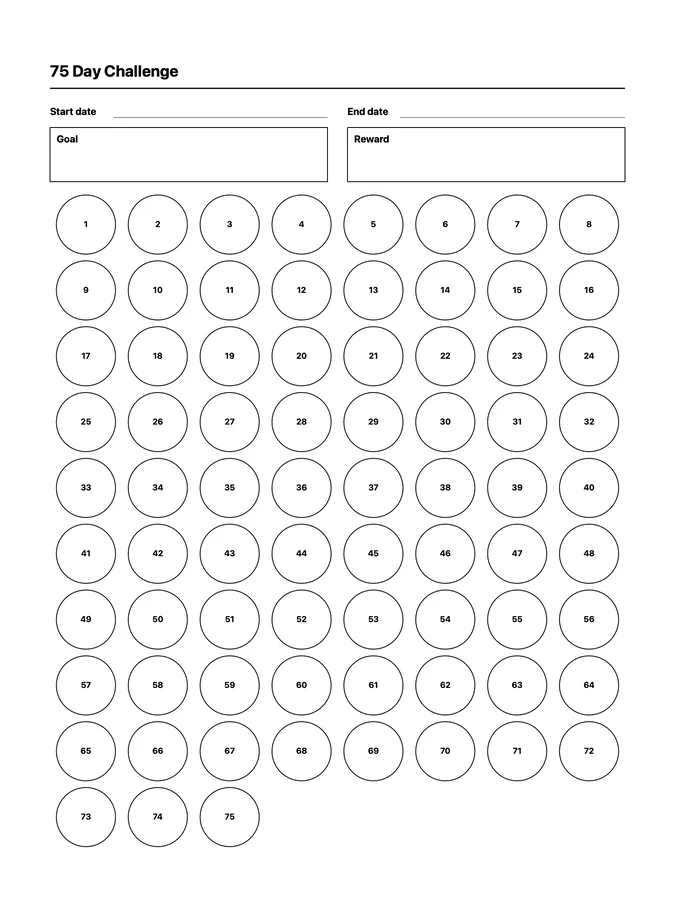
A reusable 75 day challenge native page template that adapts to your reMarkable screen.
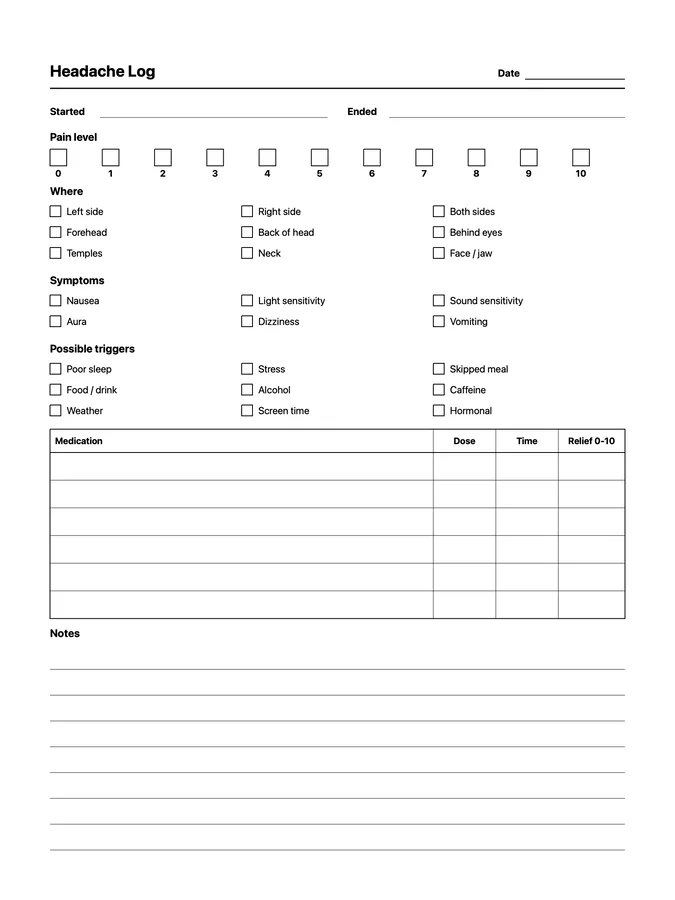
A reusable headache log native page template that adapts to your reMarkable screen.
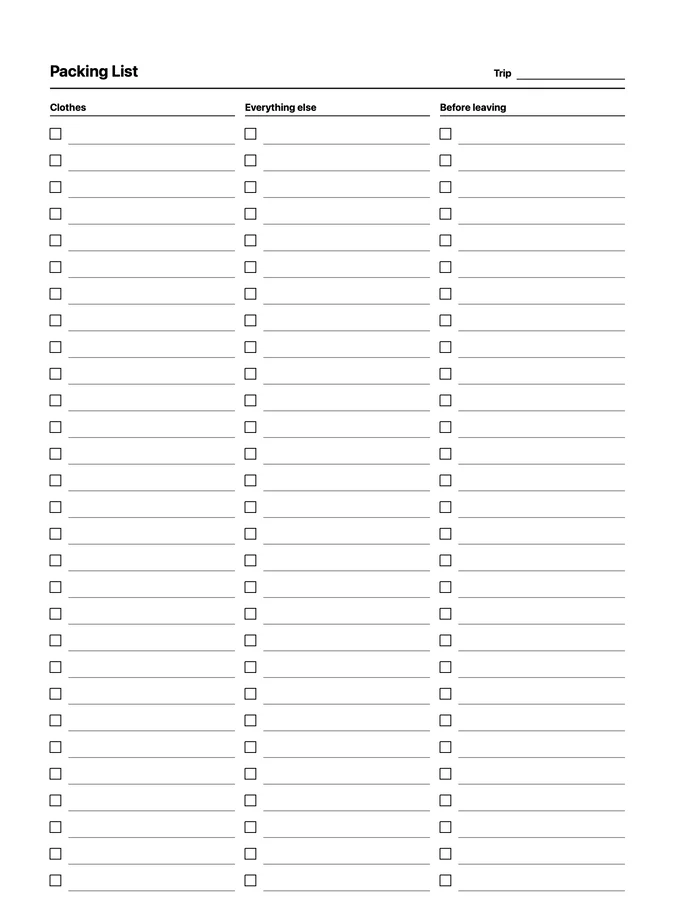
A packing list for clothes, everything else, and things to do before leaving that never runs out of room: scroll past the bottom of the page and the rows keep going. Adapts to your reMarkable screen.
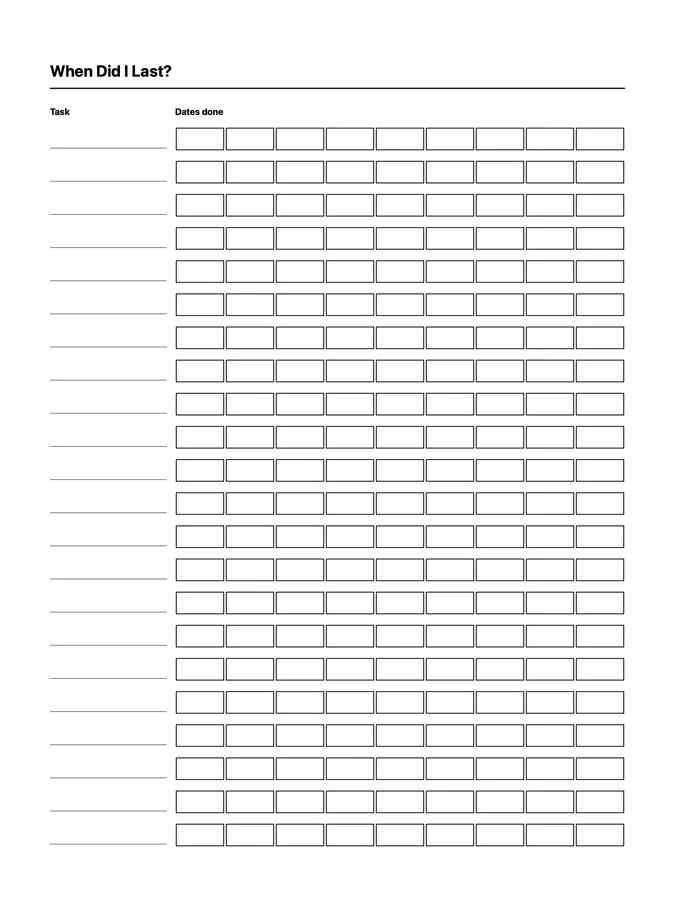
A reusable when did i last? native page template that adapts to your reMarkable screen.
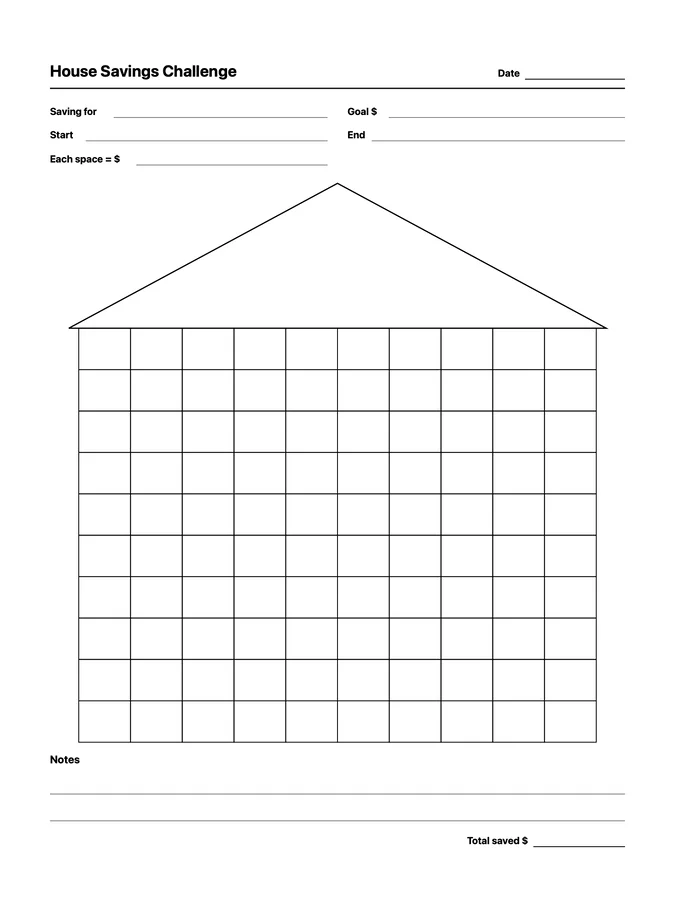
A reusable house savings challenge native page template that adapts to your reMarkable screen.
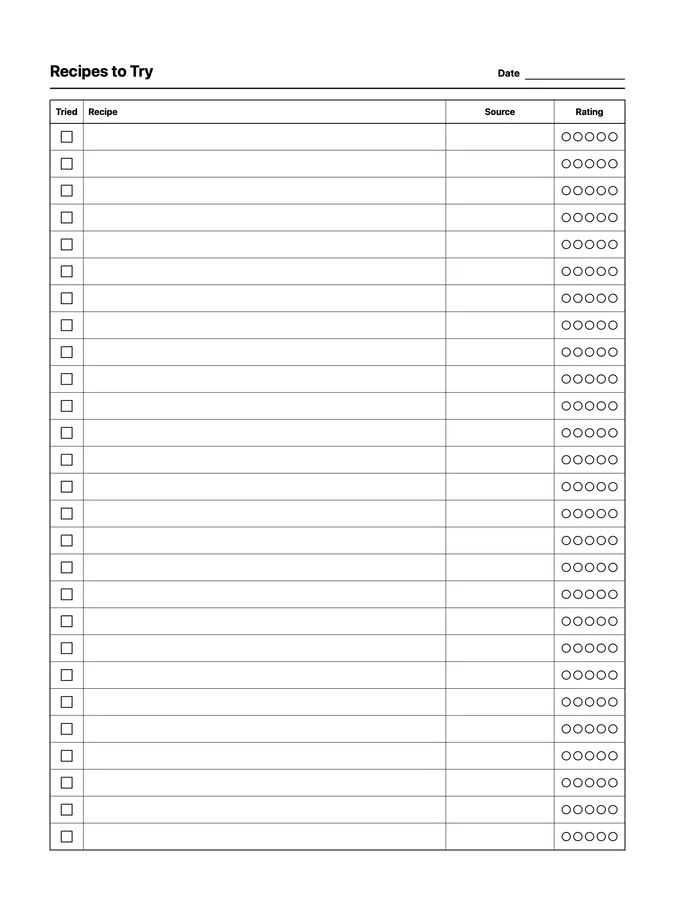
A reusable recipes to try native page template that adapts to your reMarkable screen.
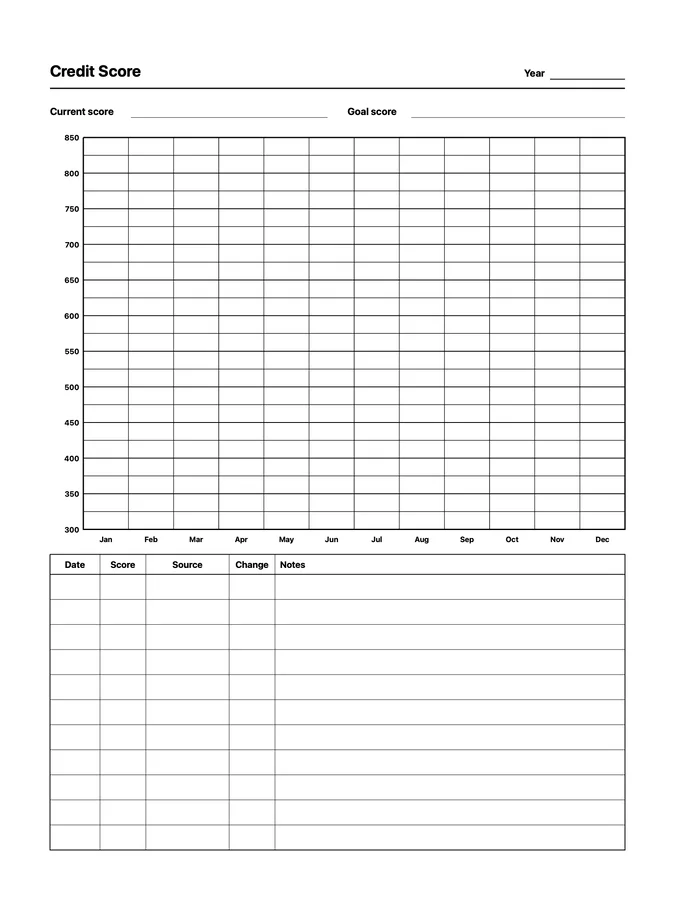
A reusable credit score tracker native page template that adapts to your reMarkable screen.
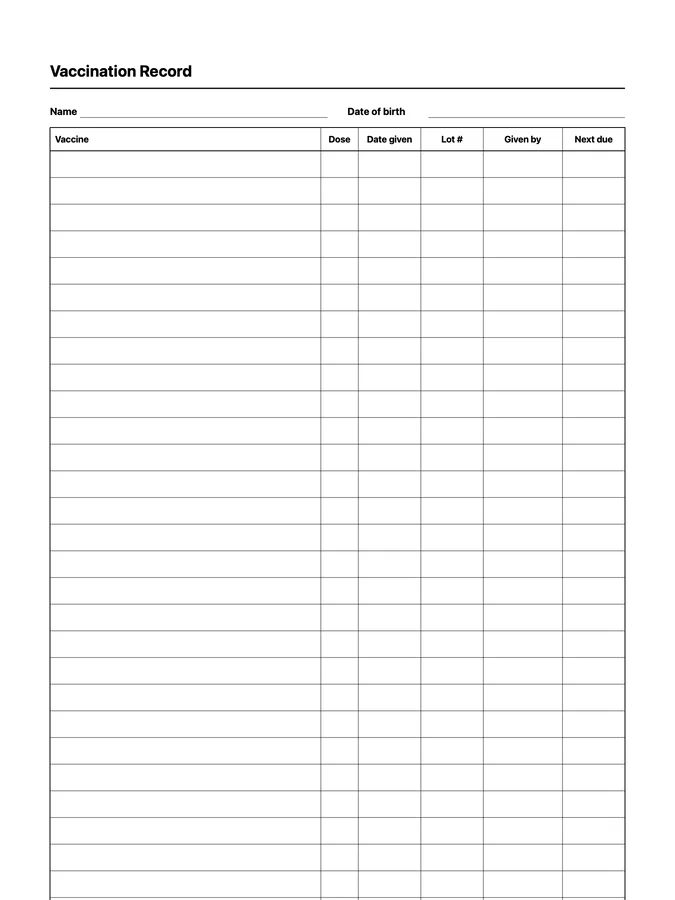
A vaccination record with doses, dates, and next due dates that never runs out of room: scroll past the bottom of the page and the rows keep going. Adapts to your reMarkable screen.
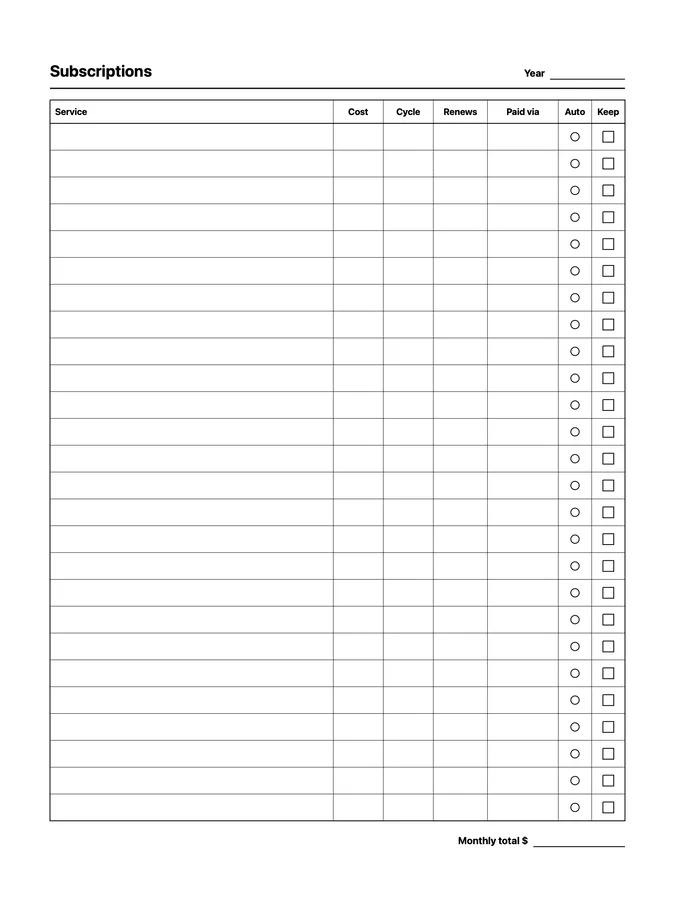
A reusable subscription tracker native page template that adapts to your reMarkable screen.
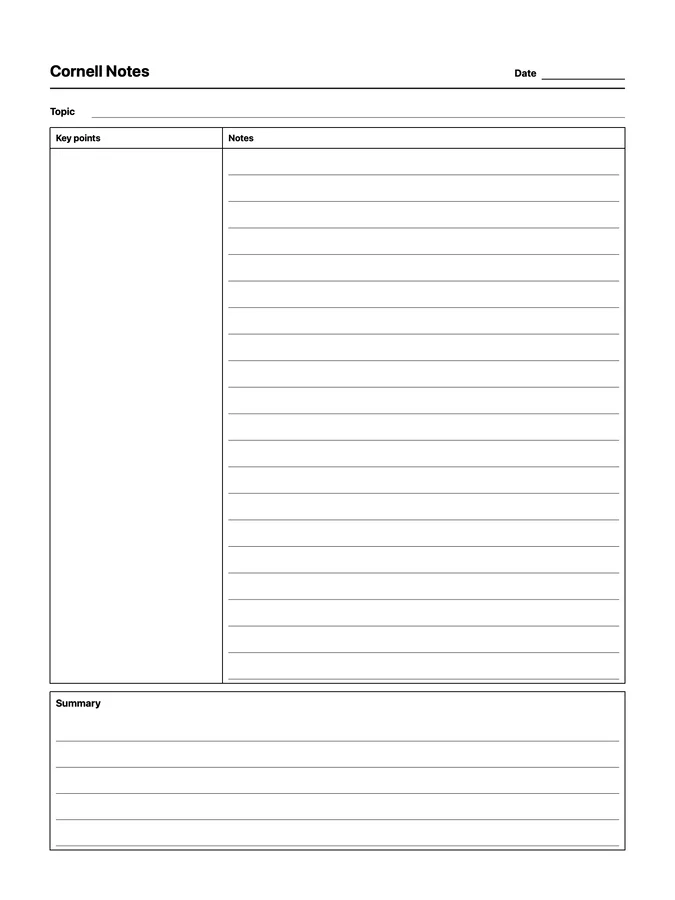
A reusable cornell notes native page template that adapts to your reMarkable screen.
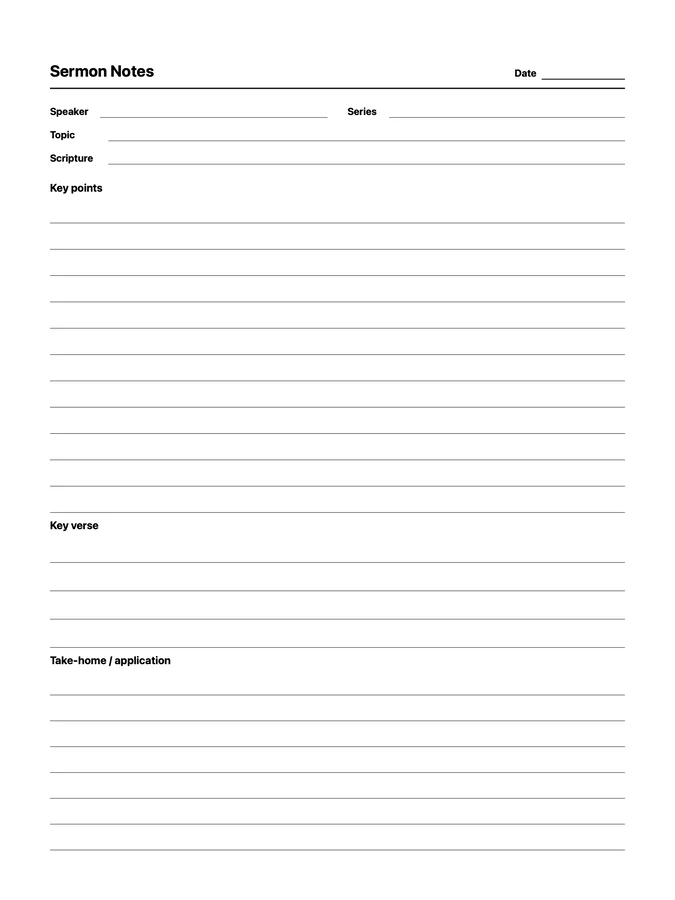
A reusable sermon notes native page template that adapts to your reMarkable screen.
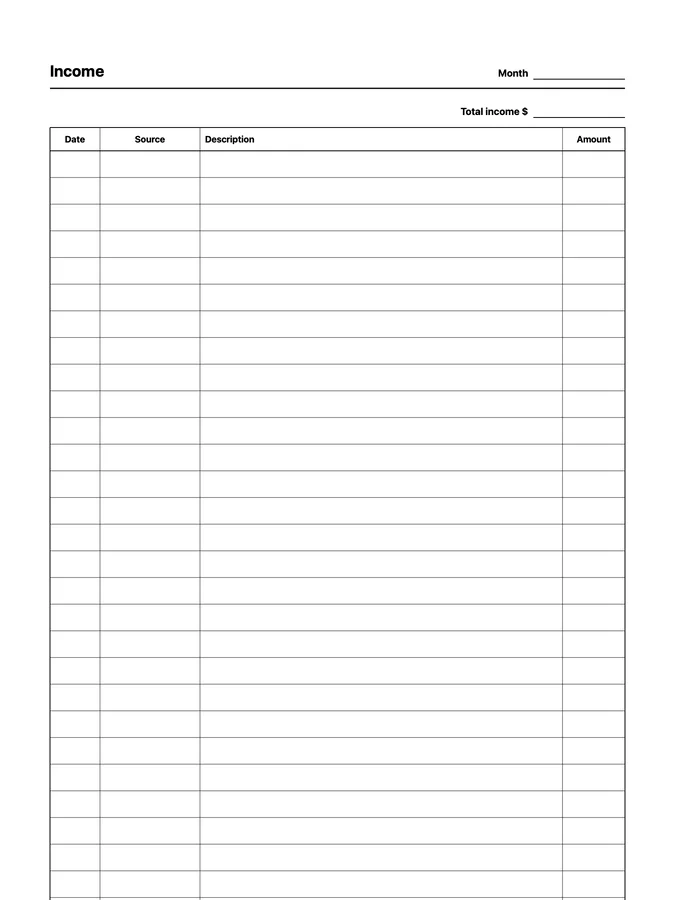
An income tracker with dates, sources, and amounts that never runs out of room: scroll past the bottom of the page and the rows keep going. Adapts to your reMarkable screen.
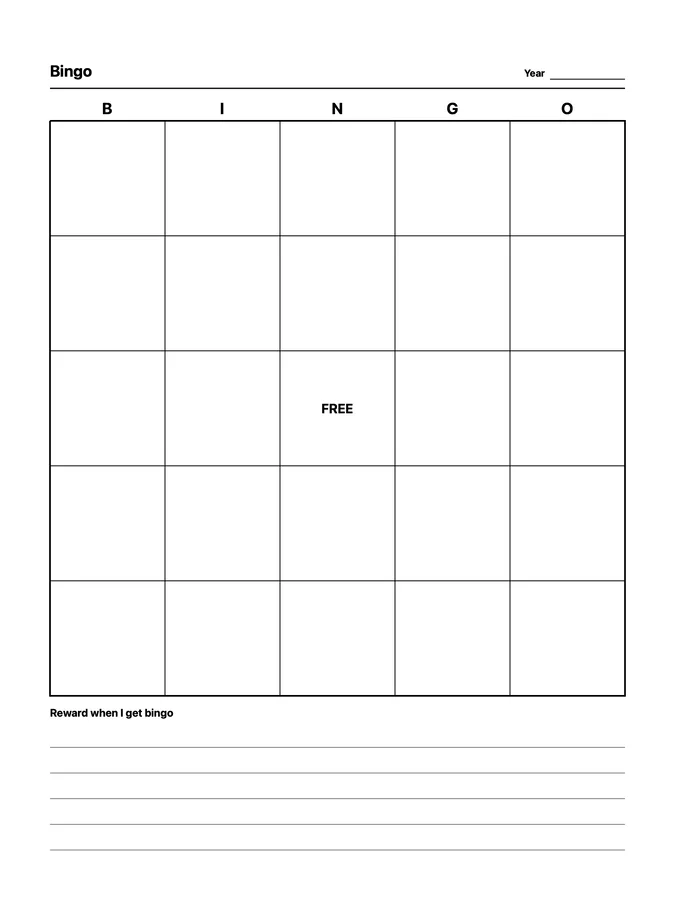
A reusable year bingo native page template that adapts to your reMarkable screen.
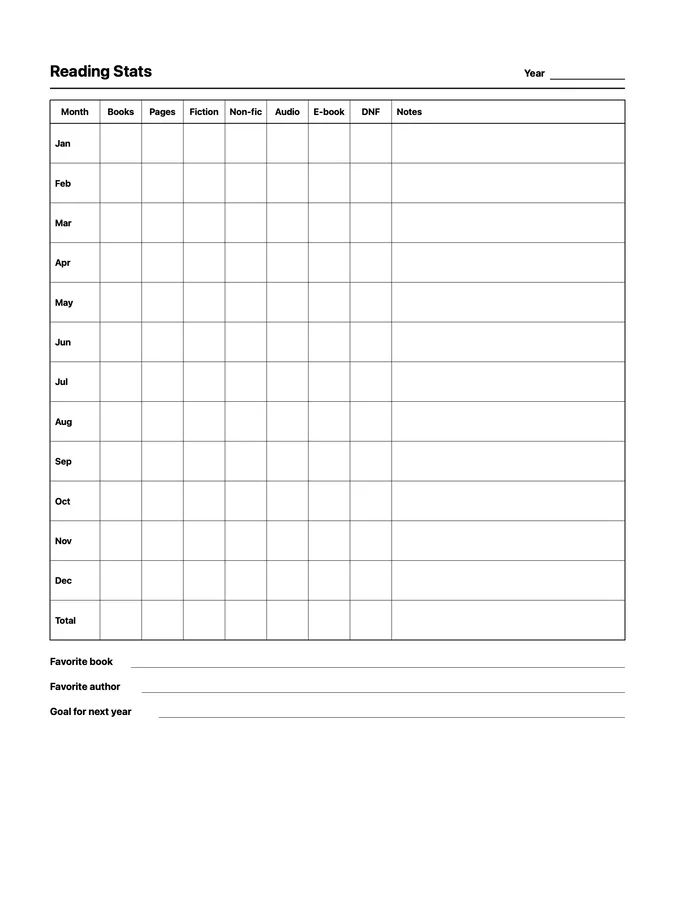
A reusable yearly reading stats native page template that adapts to your reMarkable screen.
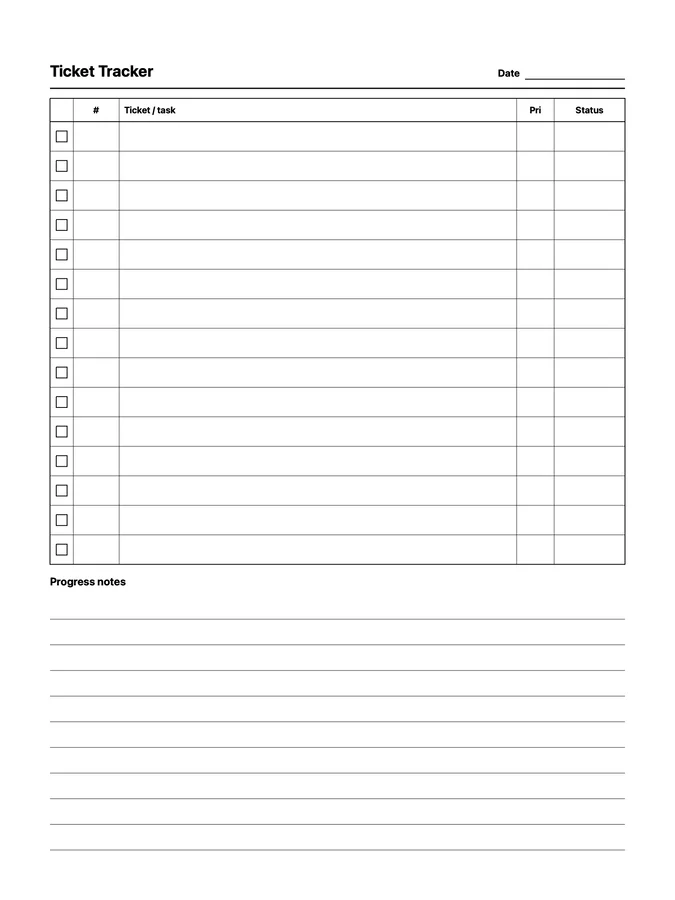
A reusable ticket tracker native page template that adapts to your reMarkable screen.
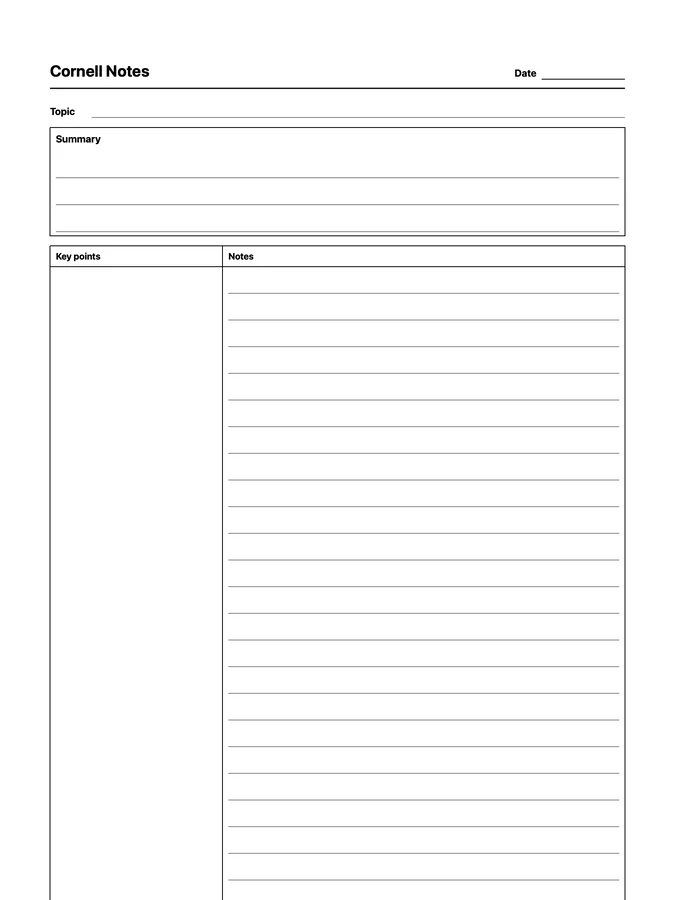
Cornell notes with the summary on top and key points beside your notes that never runs out of room: scroll past the bottom of the page and the rows keep going. Adapts to your reMarkable screen.
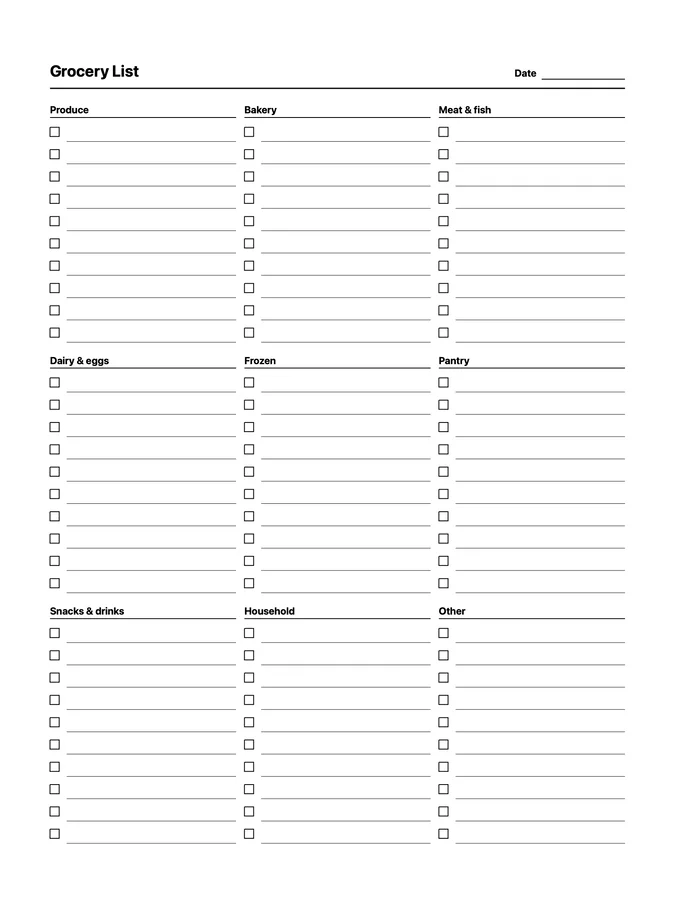
A reusable grocery list native page template that adapts to your reMarkable screen.
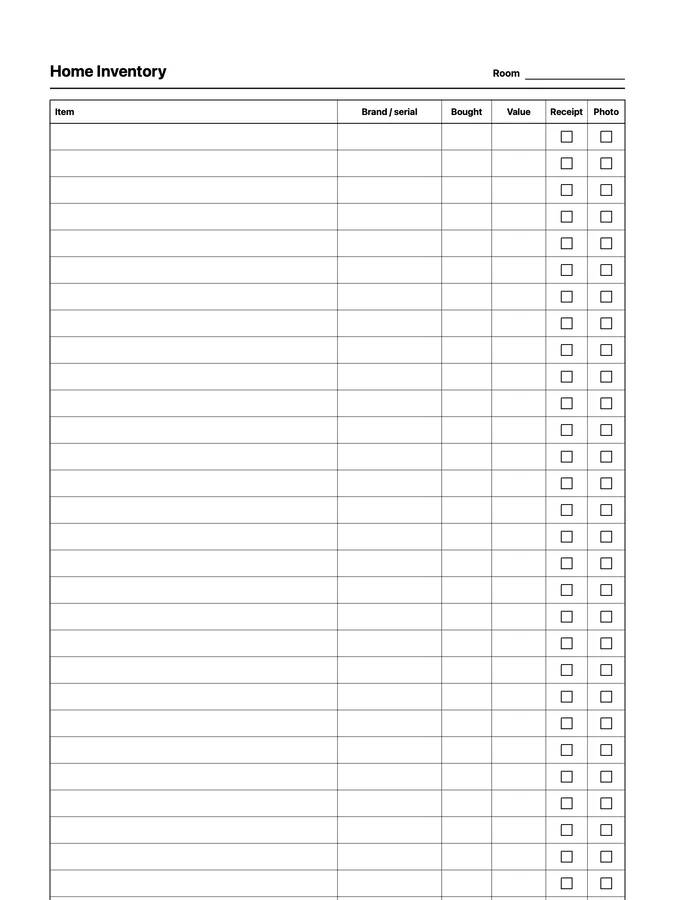
A home inventory with serial numbers, values, receipts, and photos that never runs out of room: scroll past the bottom of the page and the rows keep going. Adapts to your reMarkable screen.
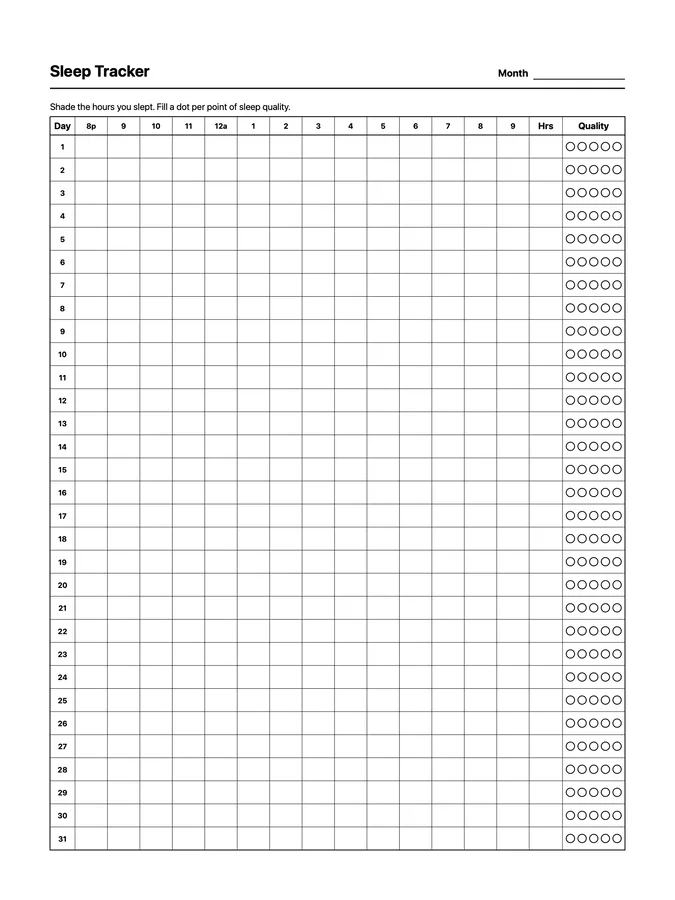
A reusable sleep tracker native page template that adapts to your reMarkable screen.
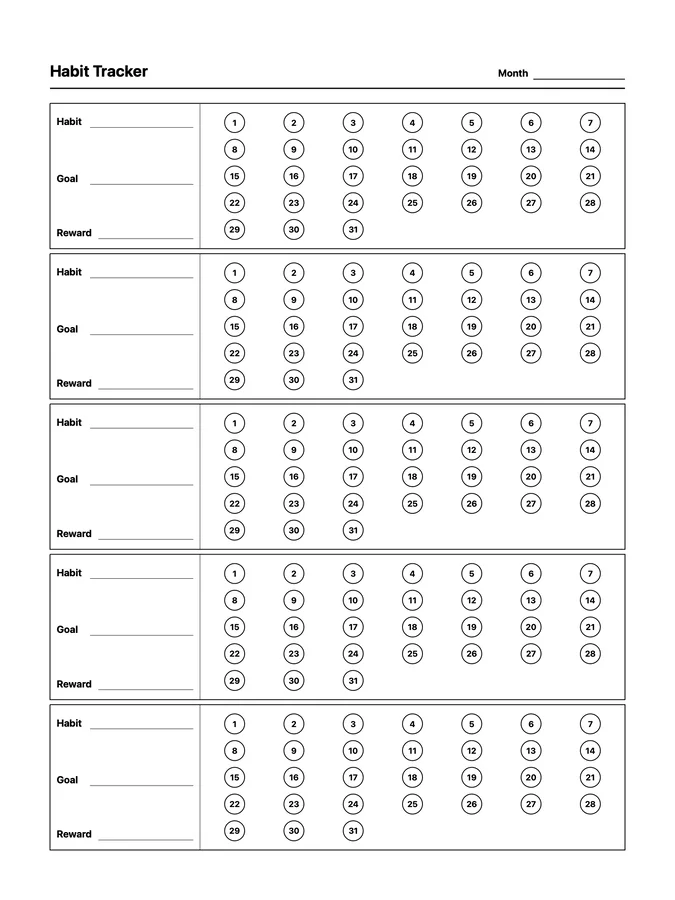
Five native page templates for building habits: a monthly habit tracker, a circular monthly tracker, and 50, 75, and 100 day challenges.
Twelve native page templates for reading, study sessions, Cornell notes, sermon notes, astronomy, chess, and knitting, including endless reading, study, Cornell, sermon, and observing pages that keep going as you scroll.
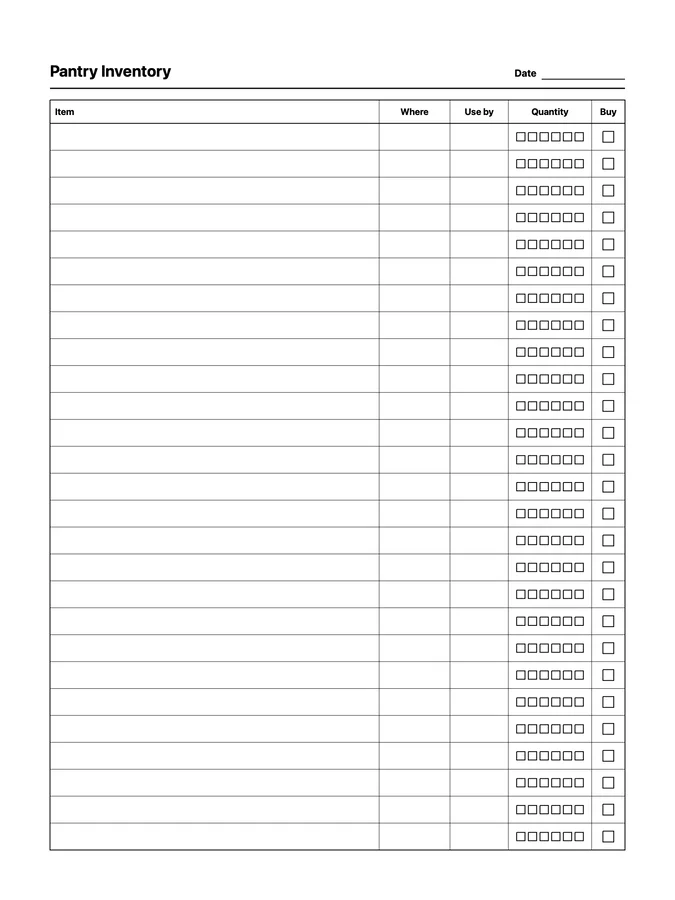
A reusable pantry inventory native page template that adapts to your reMarkable screen.
A reusable monthly habit tracker native page template that adapts to your reMarkable screen.
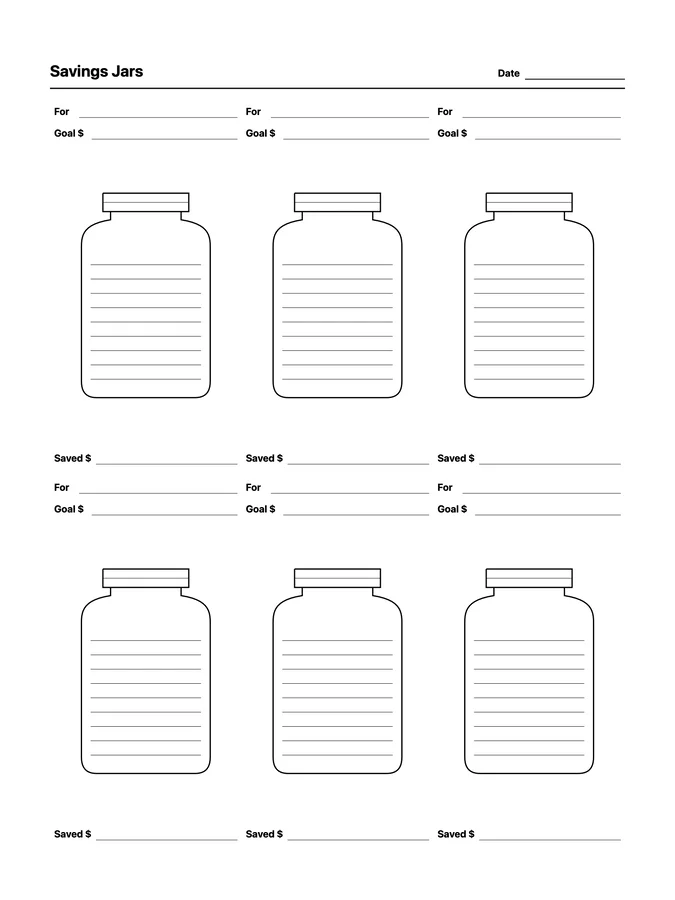
A reusable savings jars native page template that adapts to your reMarkable screen.
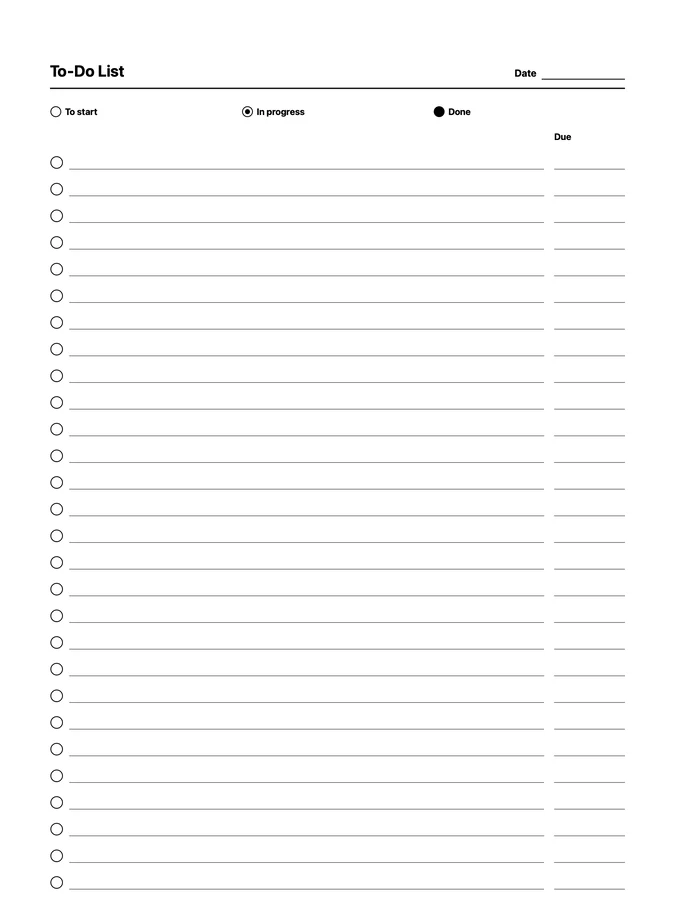
A to-do list with status circles and due dates that never runs out of room: scroll past the bottom of the page and the rows keep going. Adapts to your reMarkable screen.
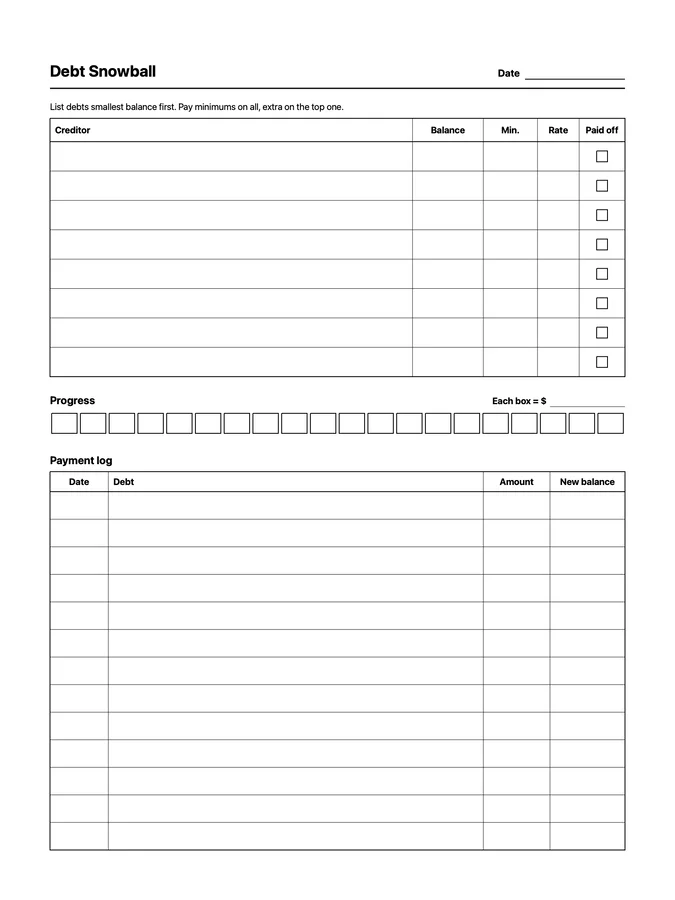
A reusable debt snowball native page template that adapts to your reMarkable screen.
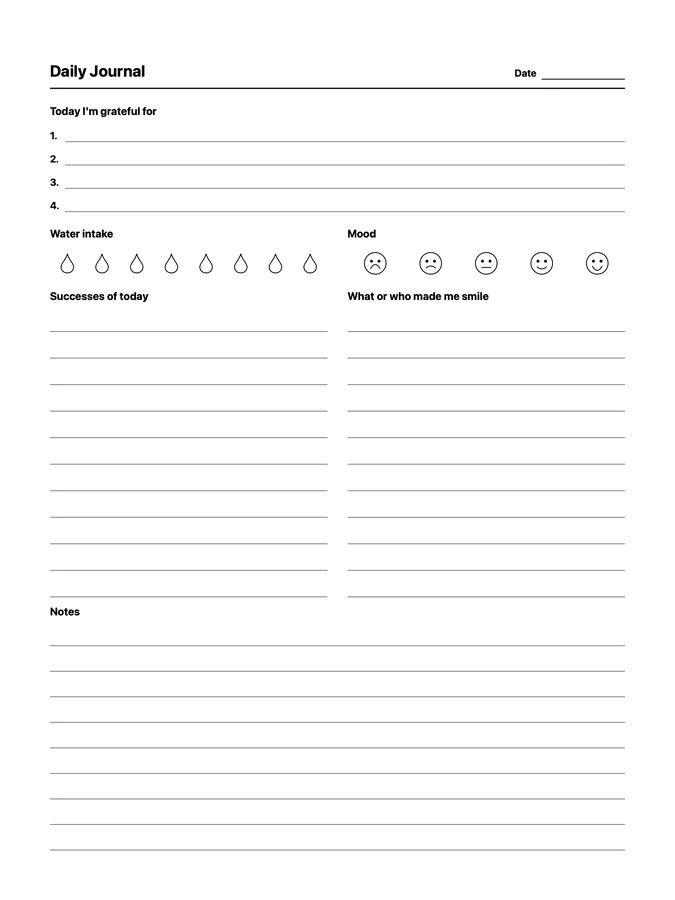
A reusable daily journal native page template that adapts to your reMarkable screen.
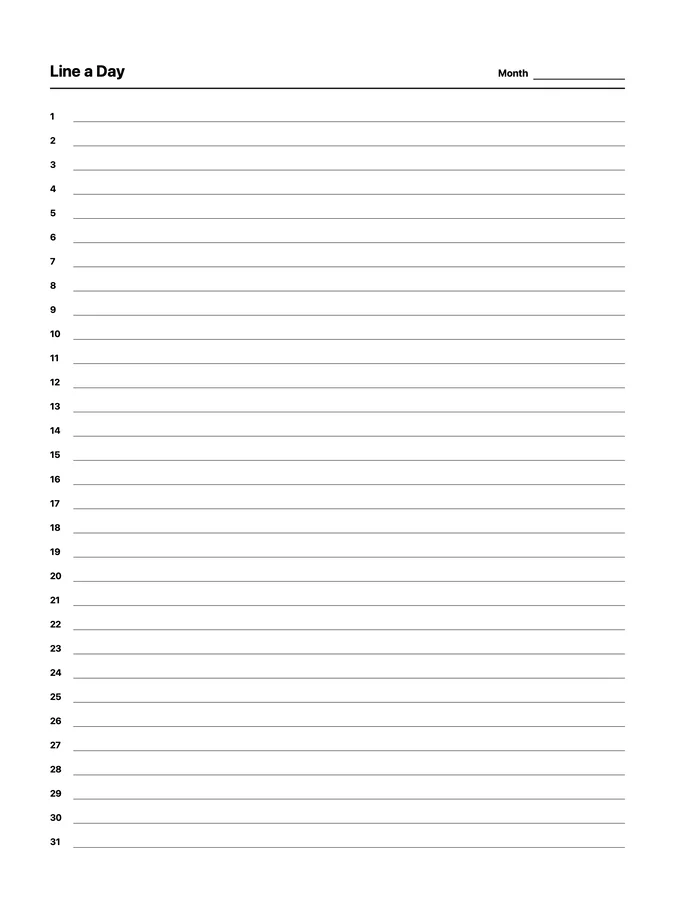
A reusable line a day native page template that adapts to your reMarkable screen.
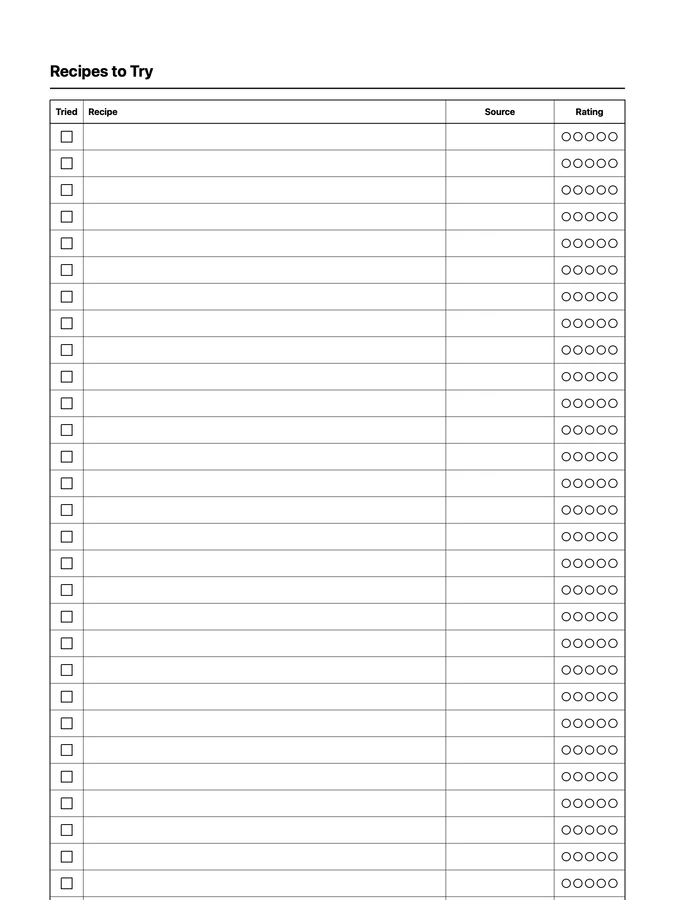
A list of recipes to try, with sources and ratings, that never runs out of room: scroll past the bottom of the page and the rows keep going. Adapts to your reMarkable screen.
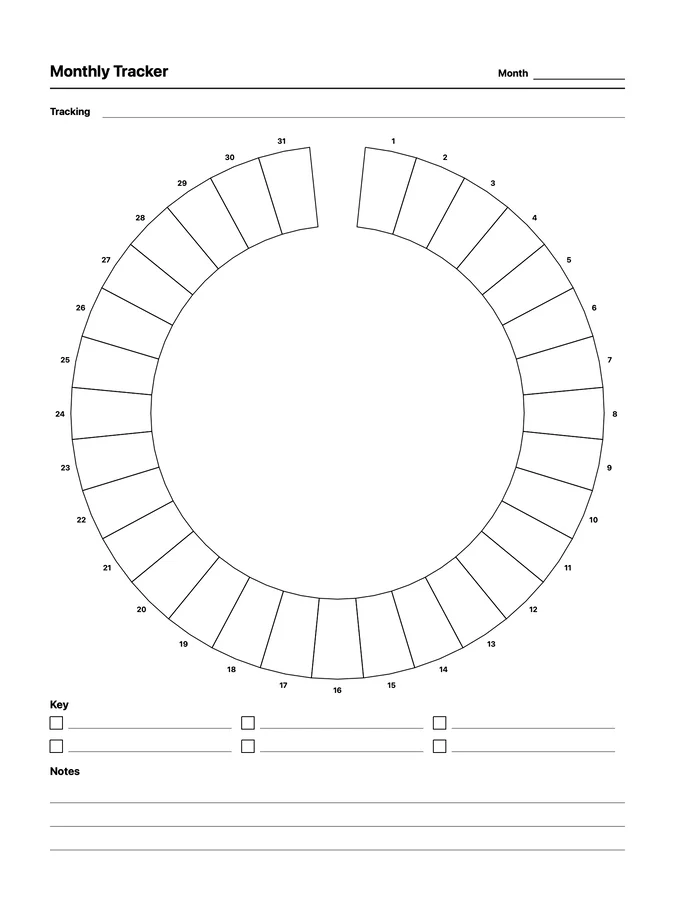
A reusable circular monthly tracker native page template that adapts to your reMarkable screen.
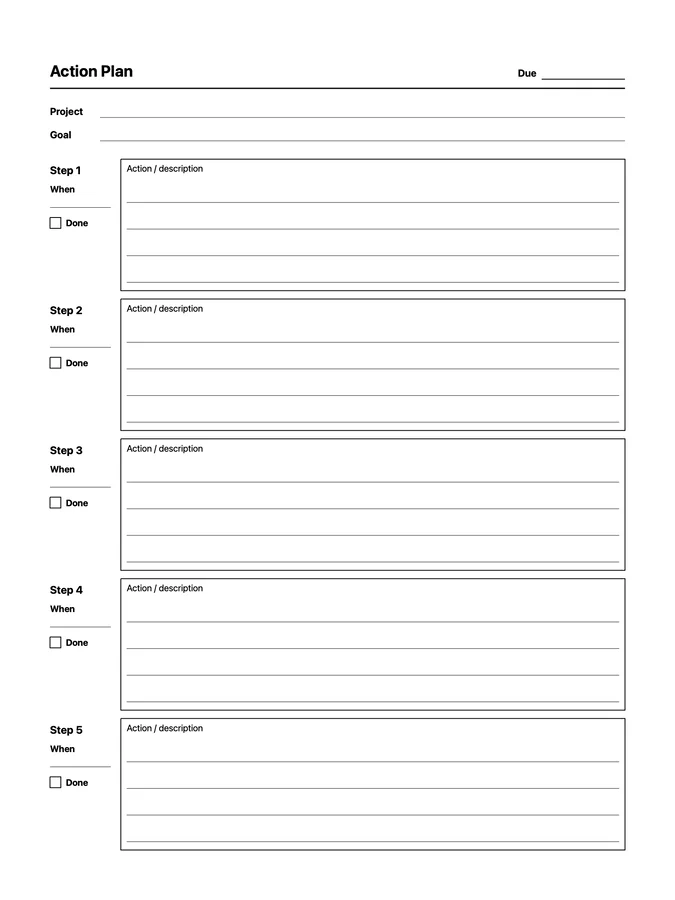
A reusable project action plan native page template that adapts to your reMarkable screen.
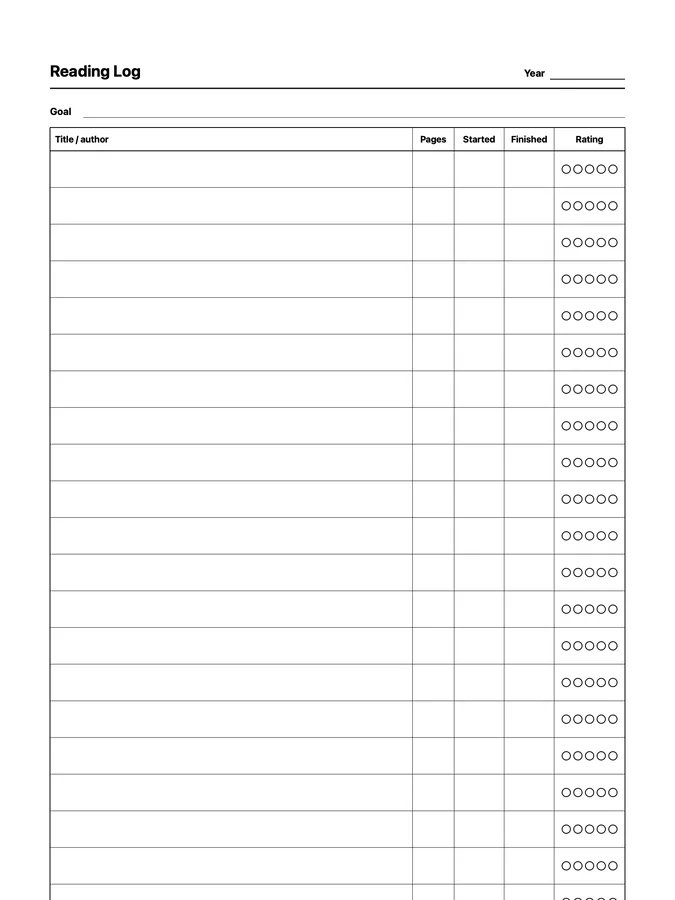
A reading log with pages, dates, and ratings that never runs out of room: scroll past the bottom of the page and the rows keep going. Adapts to your reMarkable screen.
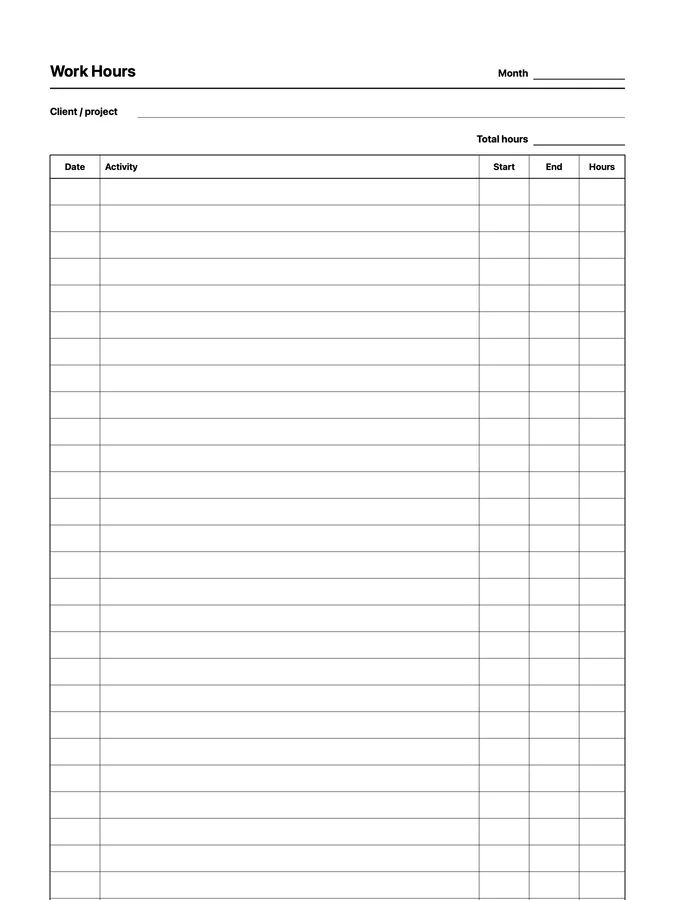
A work hours log with start and end times that never runs out of room: scroll past the bottom of the page and the rows keep going. Adapts to your reMarkable screen.
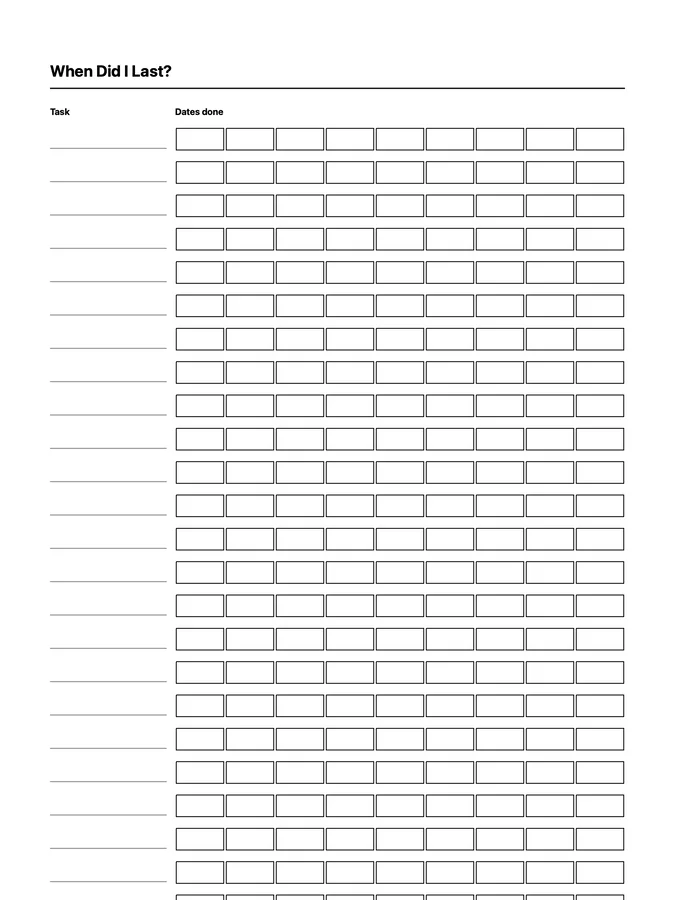
A When Did I Last? log for recurring chores and tasks that never runs out of room: scroll past the bottom of the page and the rows keep going. Adapts to your reMarkable screen.
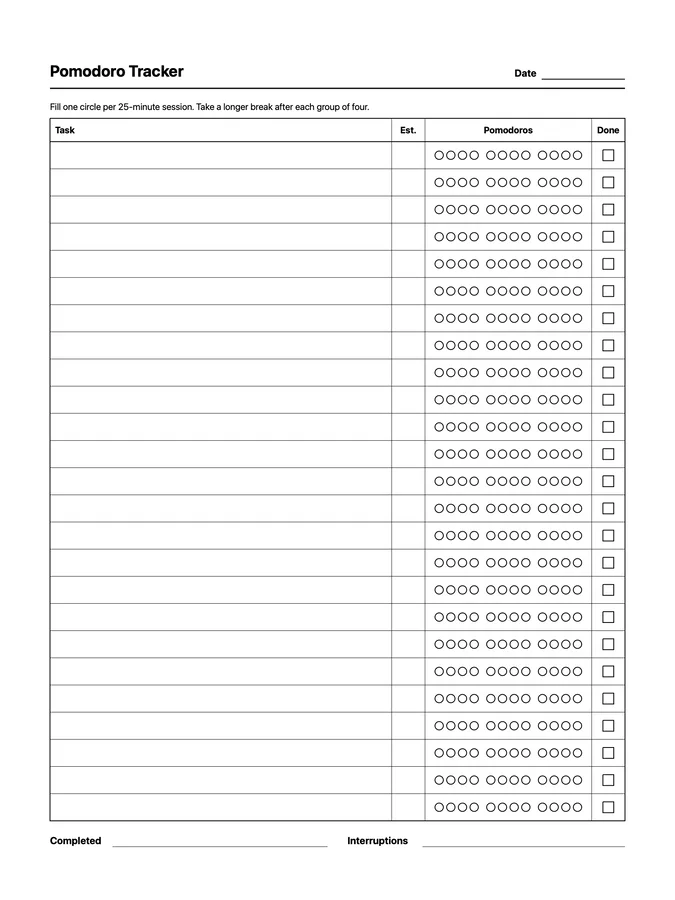
A reusable pomodoro tracker native page template that adapts to your reMarkable screen.
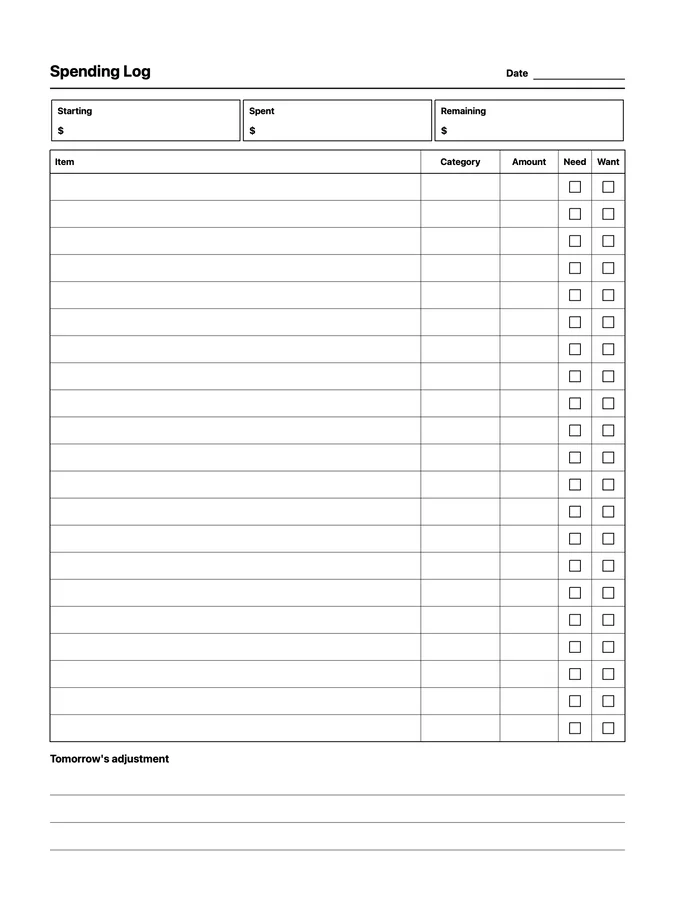
A reusable spending log native page template that adapts to your reMarkable screen.
Fifteen native page templates for running a home: meal planning, grocery lists, pantry inventory, recipes to try, cleaning schedules and trackers, recurring chores, packing, and a home inventory, including endless versions of six of them that keep going as you scroll.
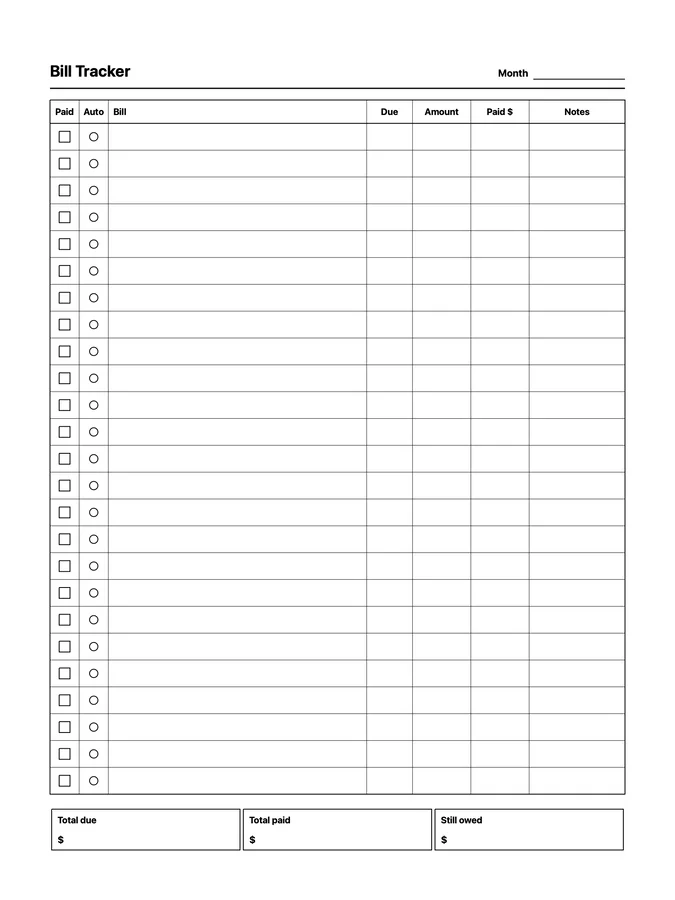
A reusable bill tracker native page template that adapts to your reMarkable screen.
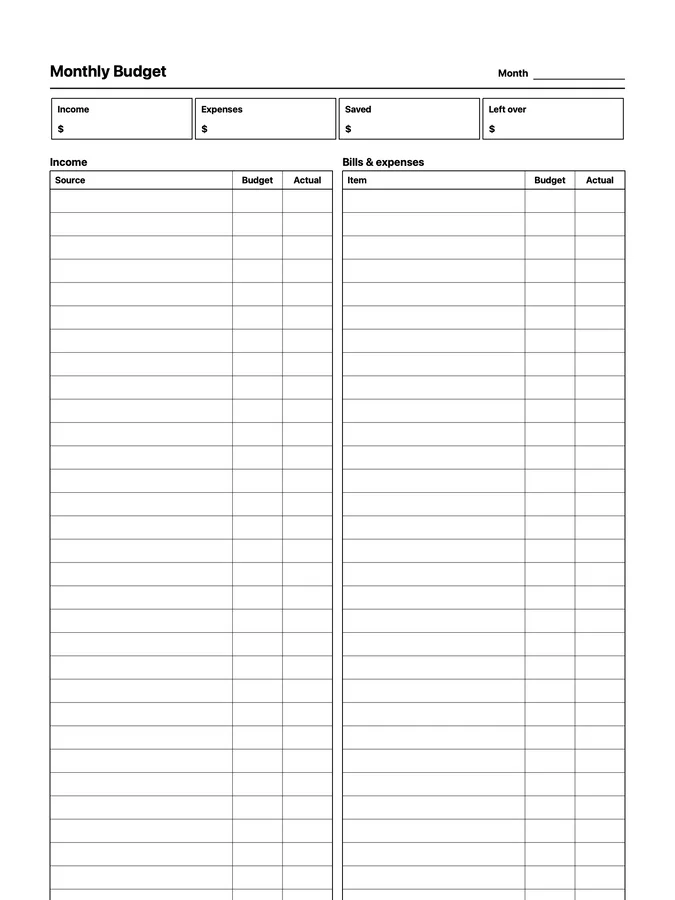
A monthly budget with side-by-side income and expense lists that never runs out of room: scroll past the bottom of the page and the rows keep going. Adapts to your reMarkable screen.
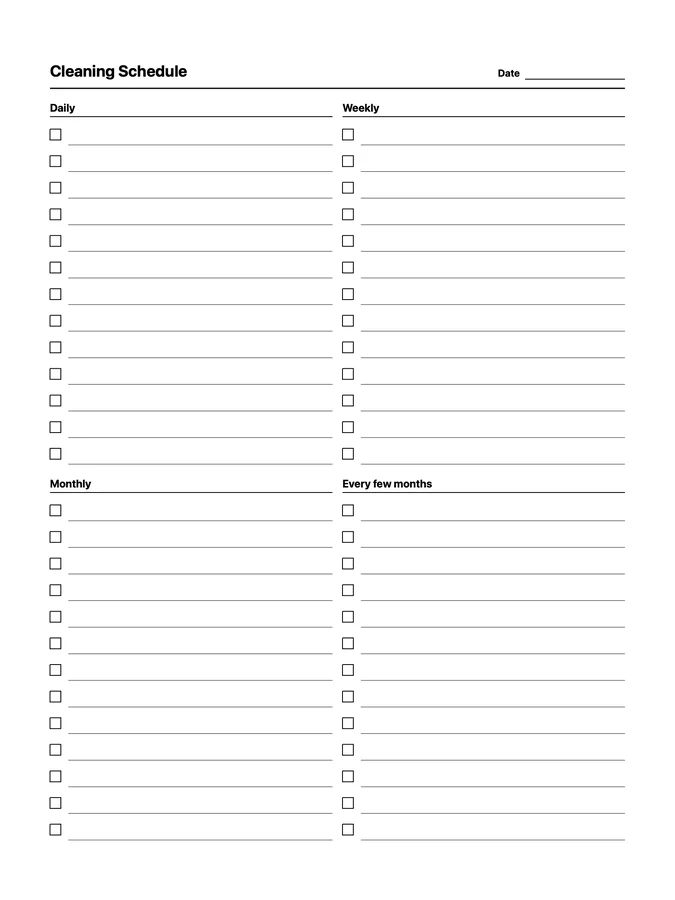
A reusable cleaning schedule native page template that adapts to your reMarkable screen.
Eight native page templates for headaches, medication and recovery, workouts, sleep, weight and measurements, a medical summary, and vaccinations, including an endless vaccination record that keeps going as you scroll.
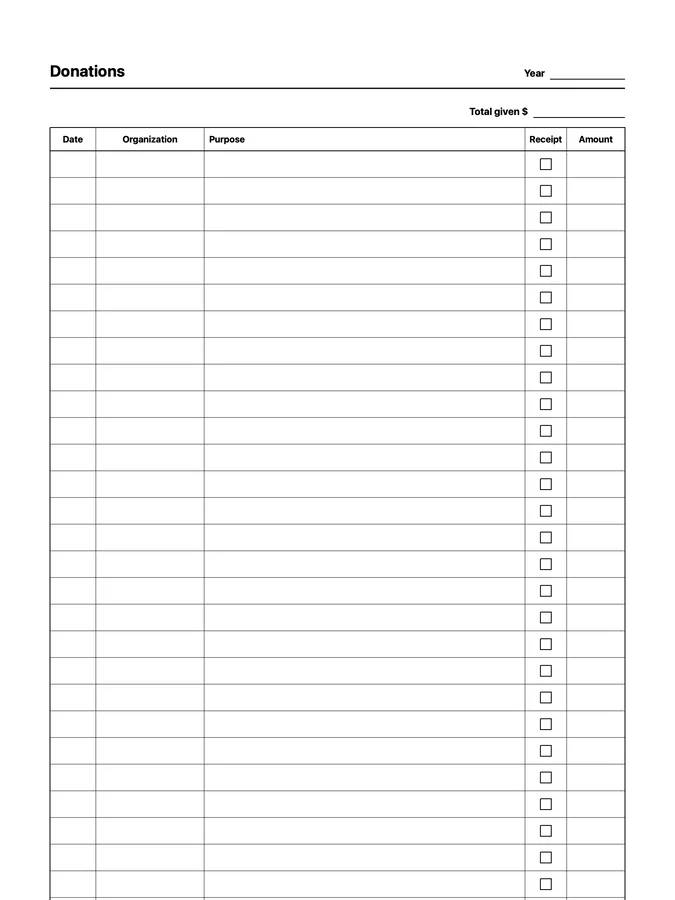
A donation tracker with organizations, receipts, and amounts that never runs out of room: scroll past the bottom of the page and the rows keep going. Adapts to your reMarkable screen.
All 116 native page templates for work, planning, money, health, reading, journaling, habits, and home.
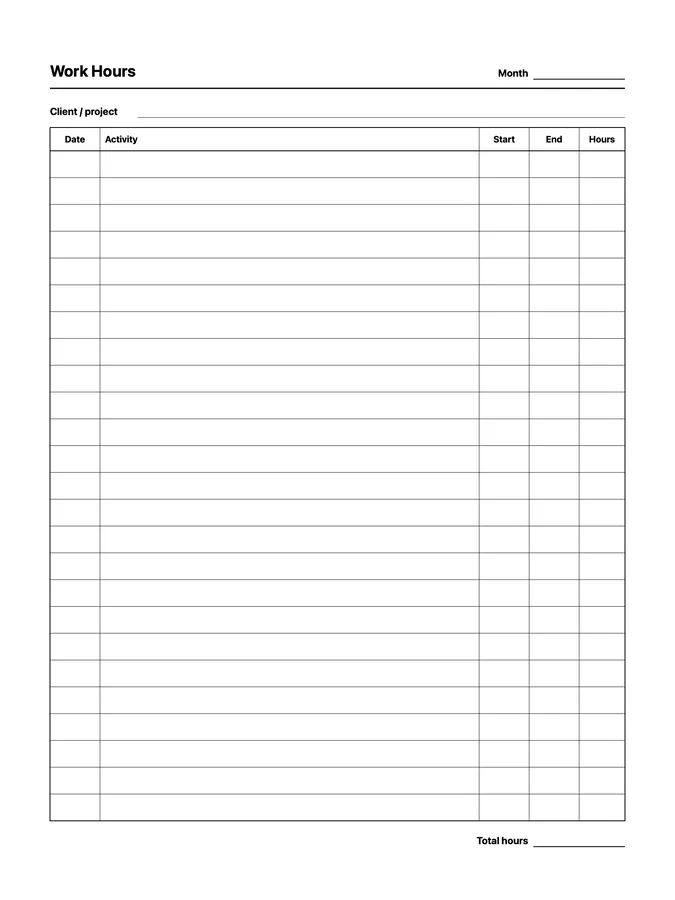
A reusable work hours native page template that adapts to your reMarkable screen.
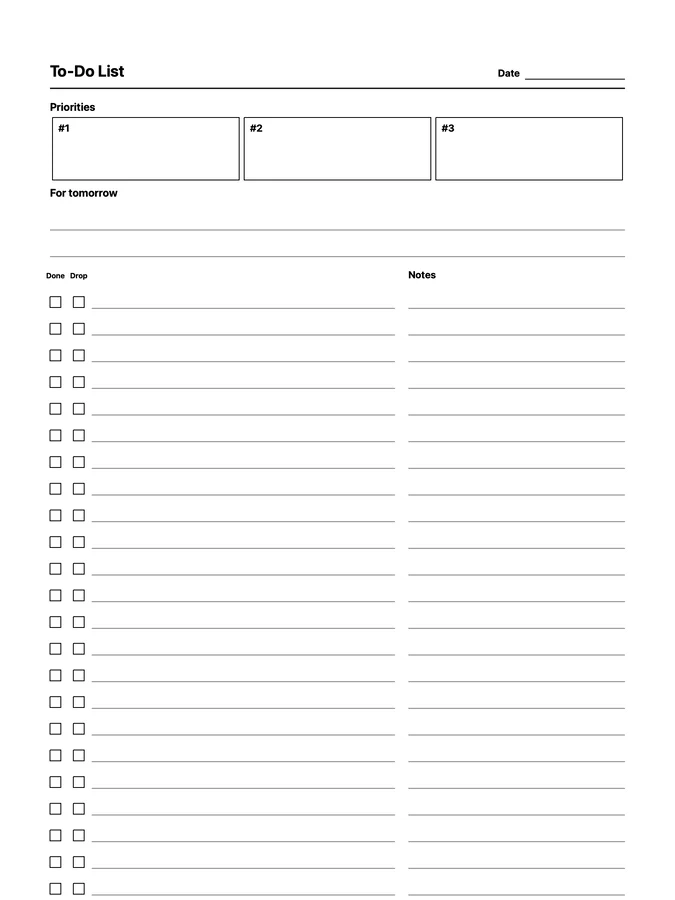
A to-do list with three priorities and a notes line on every task that never runs out of room: scroll past the bottom of the page and the rows keep going. Adapts to your reMarkable screen.
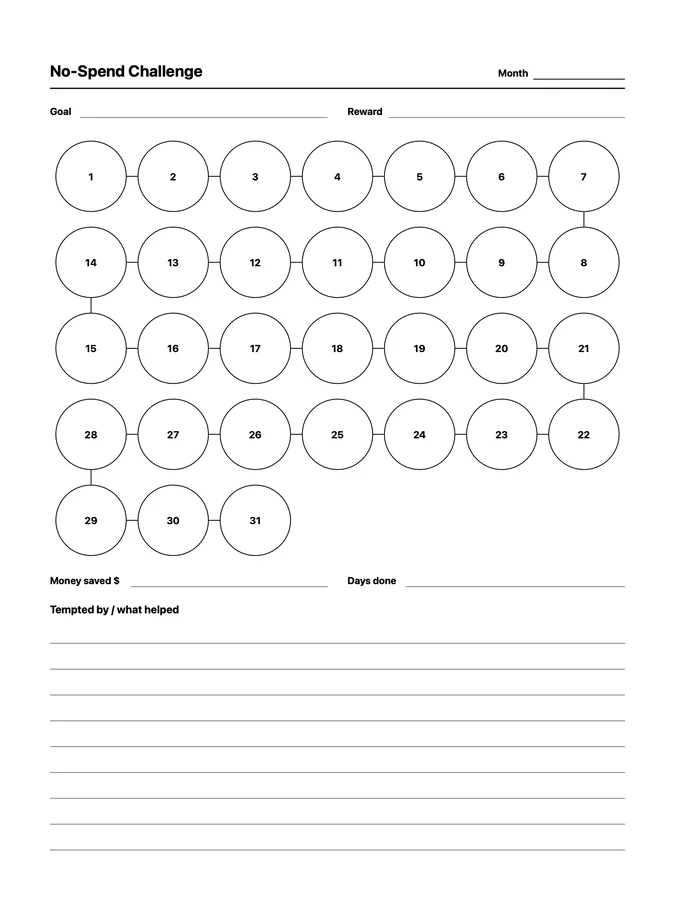
A reusable no-spend challenge native page template that adapts to your reMarkable screen.
Fourteen native page templates for client visits, projects, OKRs, retrospectives, action plans, tickets, work hours, sales, focus sessions, and weekly planning, including endless ticket, work hours, and sales logs that keep going as you scroll.
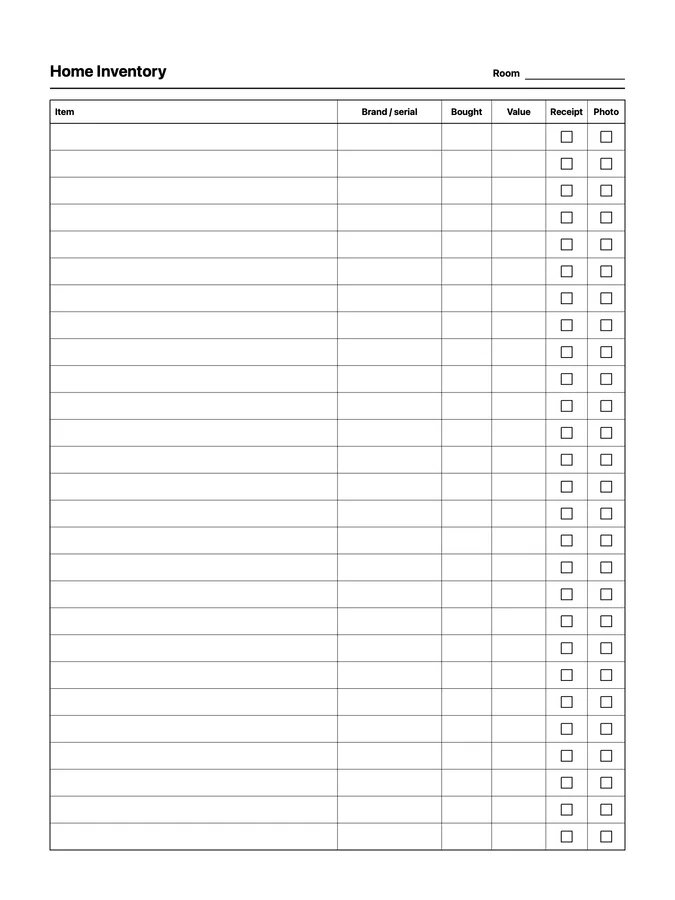
A reusable home inventory native page template that adapts to your reMarkable screen.
Ten native page templates for being prepared: emergency contacts, an emergency kit and first aid checklist, a fire escape plan, insurance policies, pet info, a medical summary, vaccinations, and a home inventory, including endless vaccination and home inventory records that keep going as you scroll.
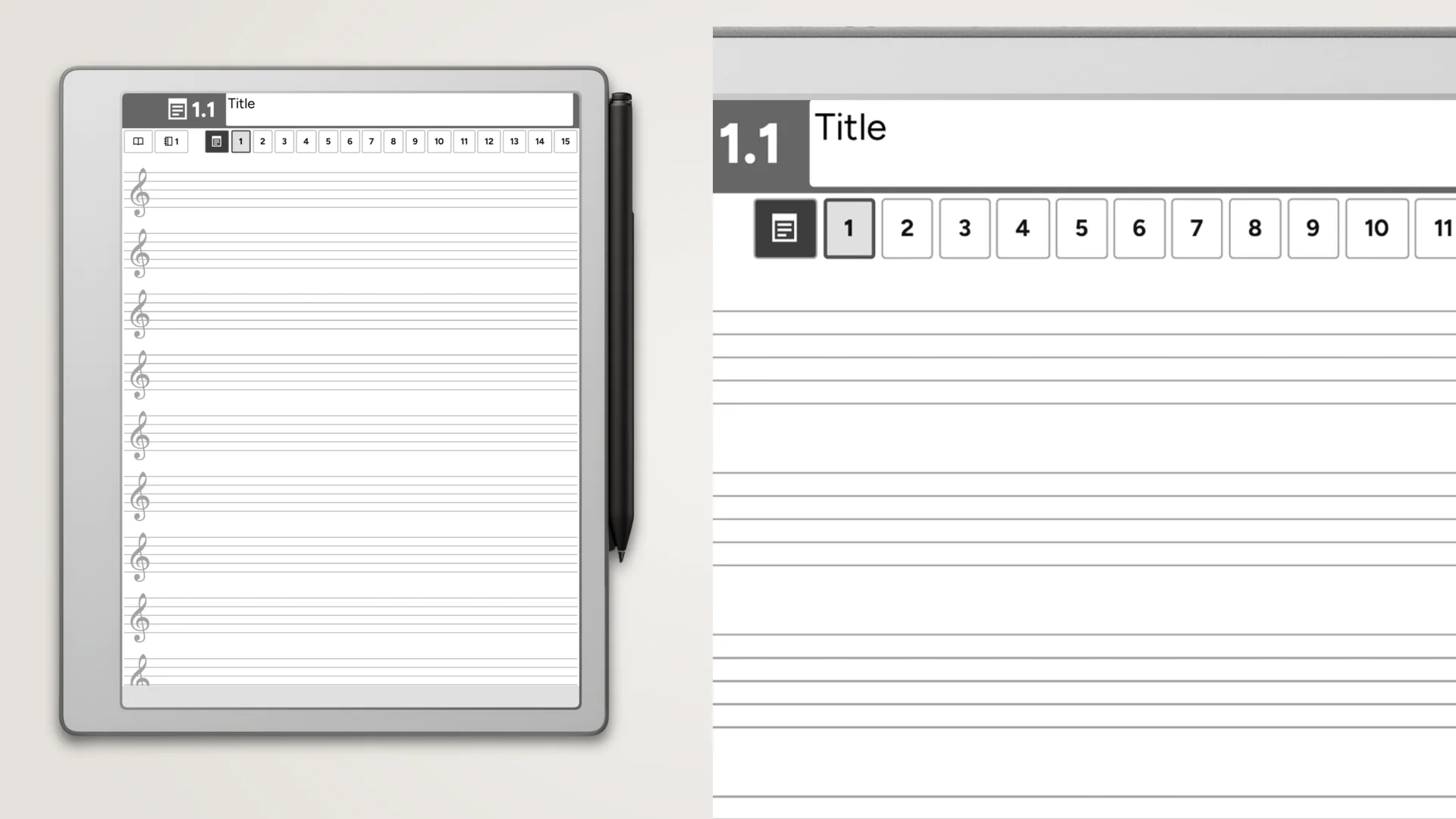
A collection of 144 PDF music-paper notebooks for the reMarkable 2 and reMarkable Pure. Staff, treble, bass, alto, and tenor clef, plus guitar tab. Includes fully-hyperlinked table of contents. Structured with sections, or unstructured with indexed pages. Right- and left-handed variations. Space for your open toolbar.
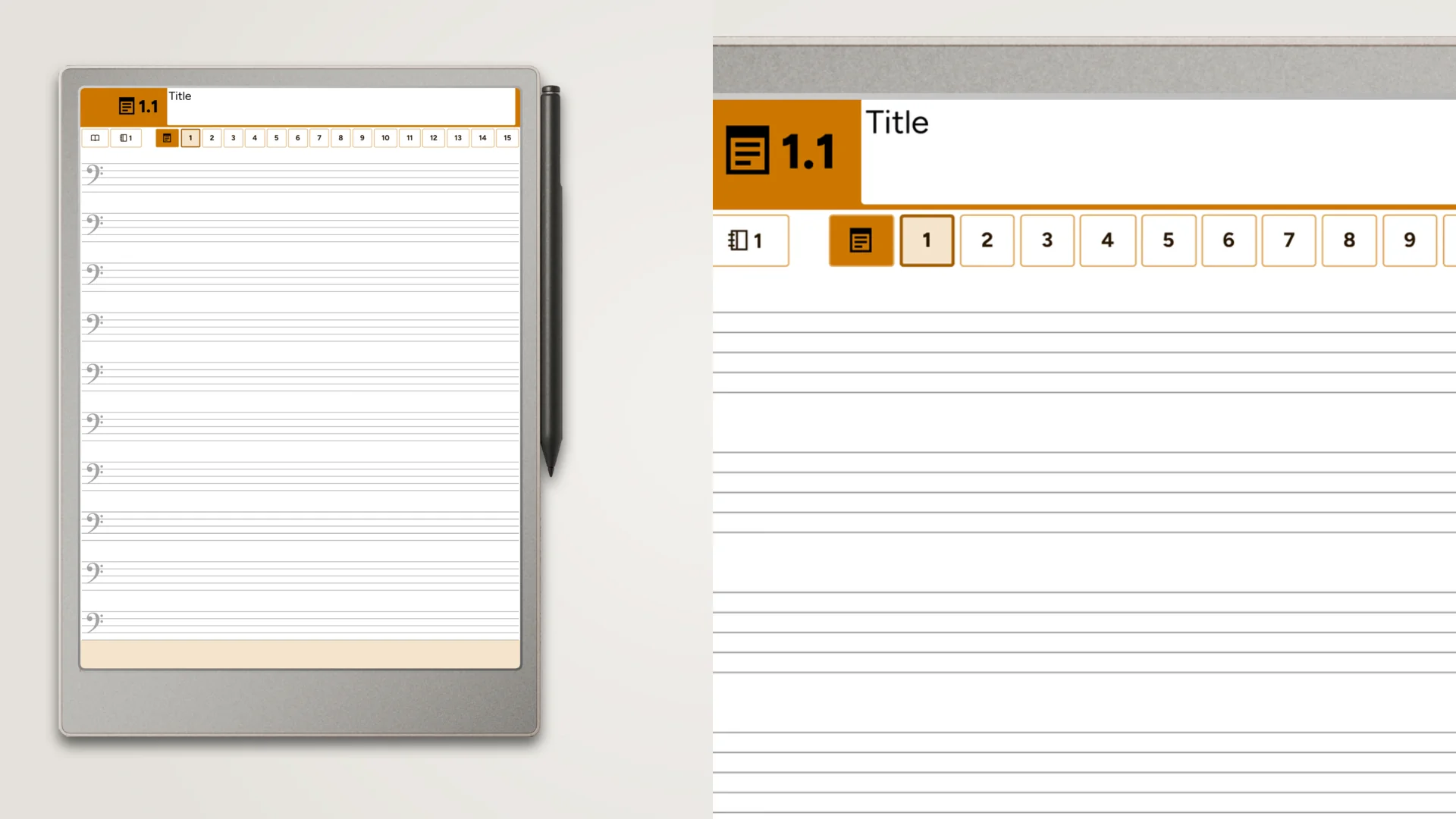
A collection of 576 PDF music-paper notebooks for the full-sized Paper Pro. Staff, treble, bass, alto, and tenor clef, plus guitar tab. Includes fully-hyperlinked table of contents. Structured with sections, or unstructured with indexed pages. Right- and left-handed variations. Space for your open toolbar.
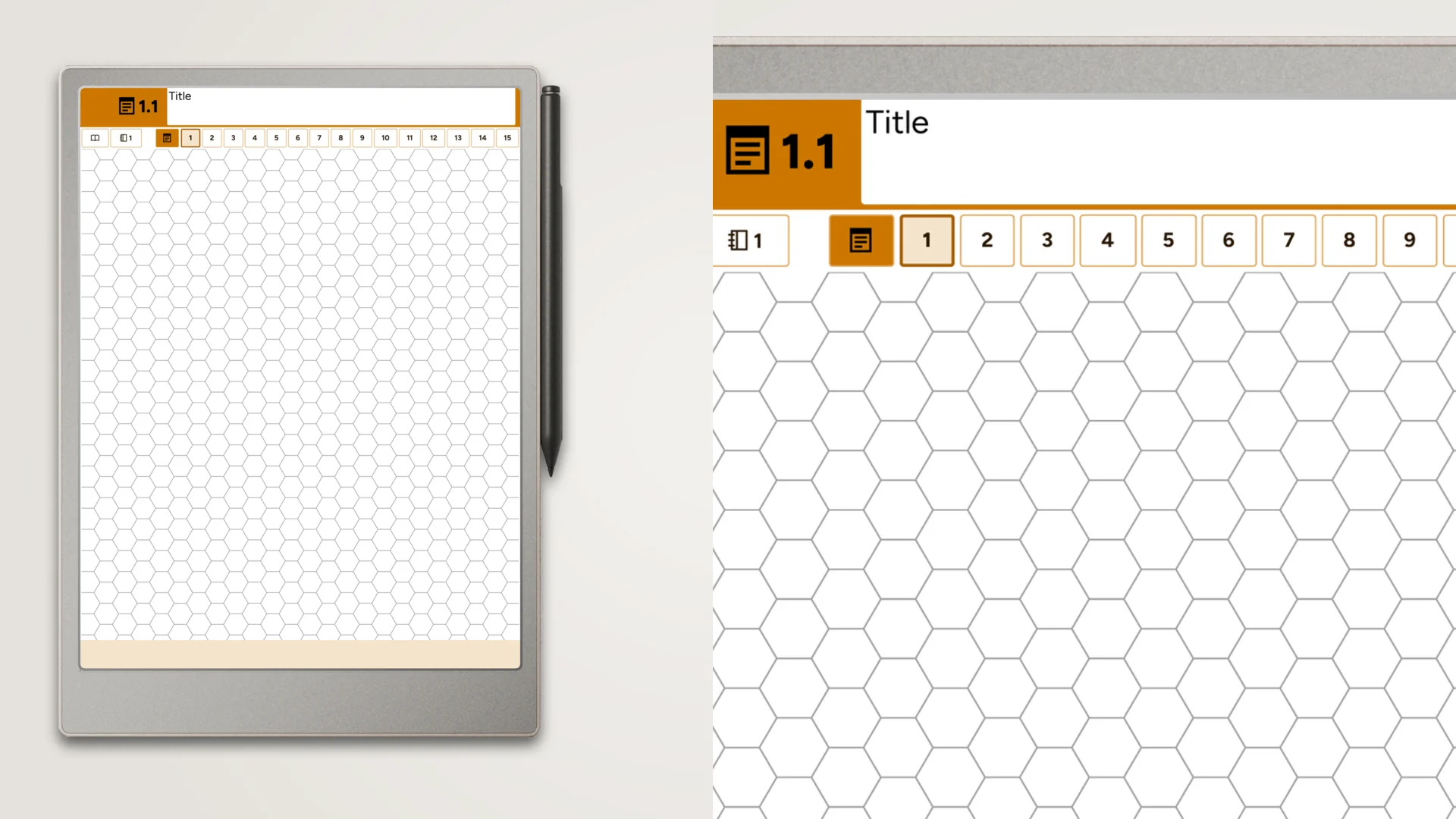
A collection of 672 PDF specialty-paper notebooks for the full-sized Paper Pro. Graph, isometric, hexagon, handwriting, Cornell notes, Genko Yoshi, and perspective guides. Includes fully-hyperlinked table of contents. Structured with sections, or unstructured with indexed pages. Right- and left-handed variations. Space for your open toolbar.
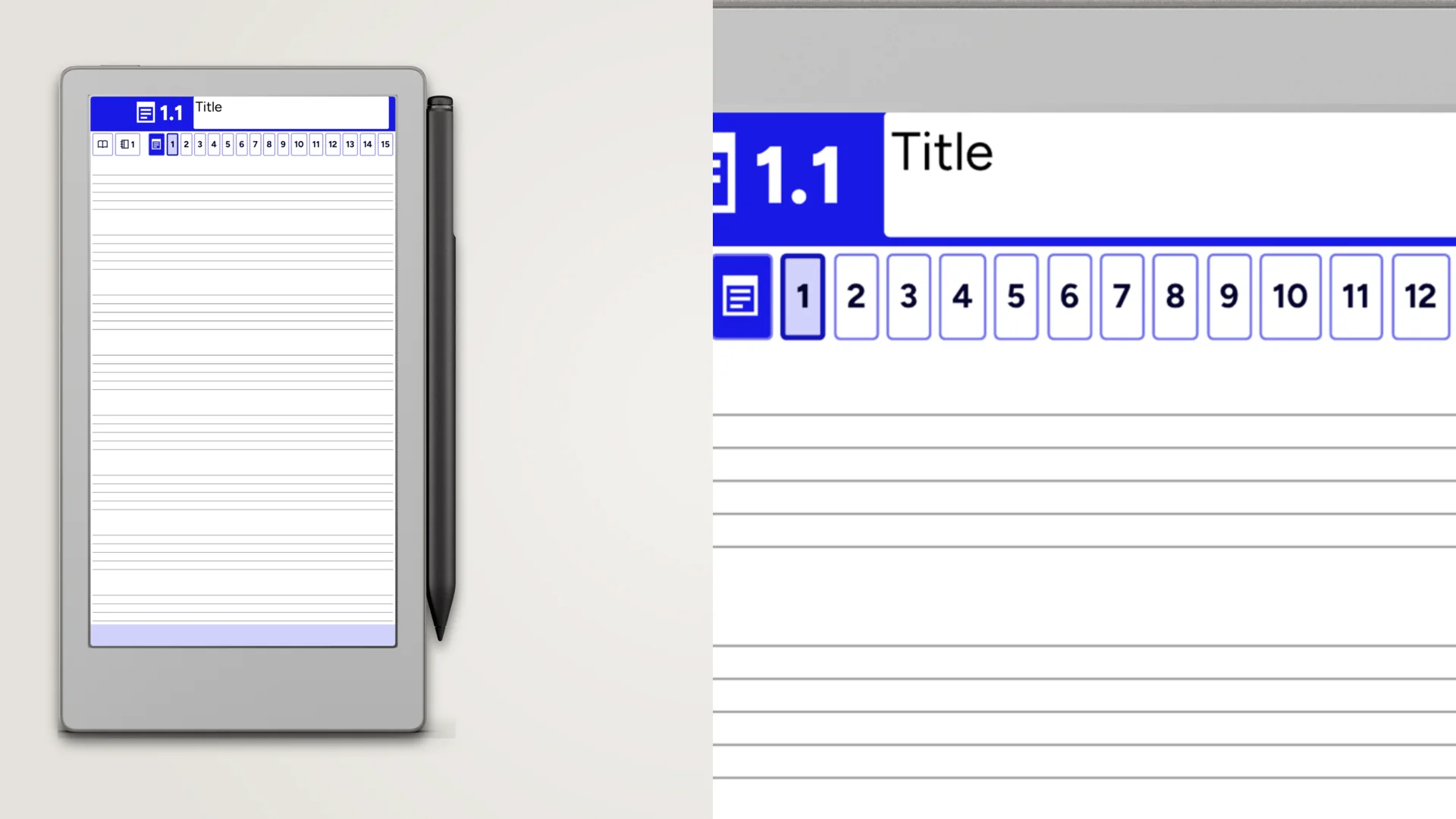
A collection of 576 PDF music-paper notebooks for the Paper Pro Move. Staff, treble, bass, alto, and tenor clef, plus guitar tab. Includes fully-hyperlinked table of contents. Structured with sections, or unstructured with indexed pages. Right- and left-handed variations. Space for your open toolbar.
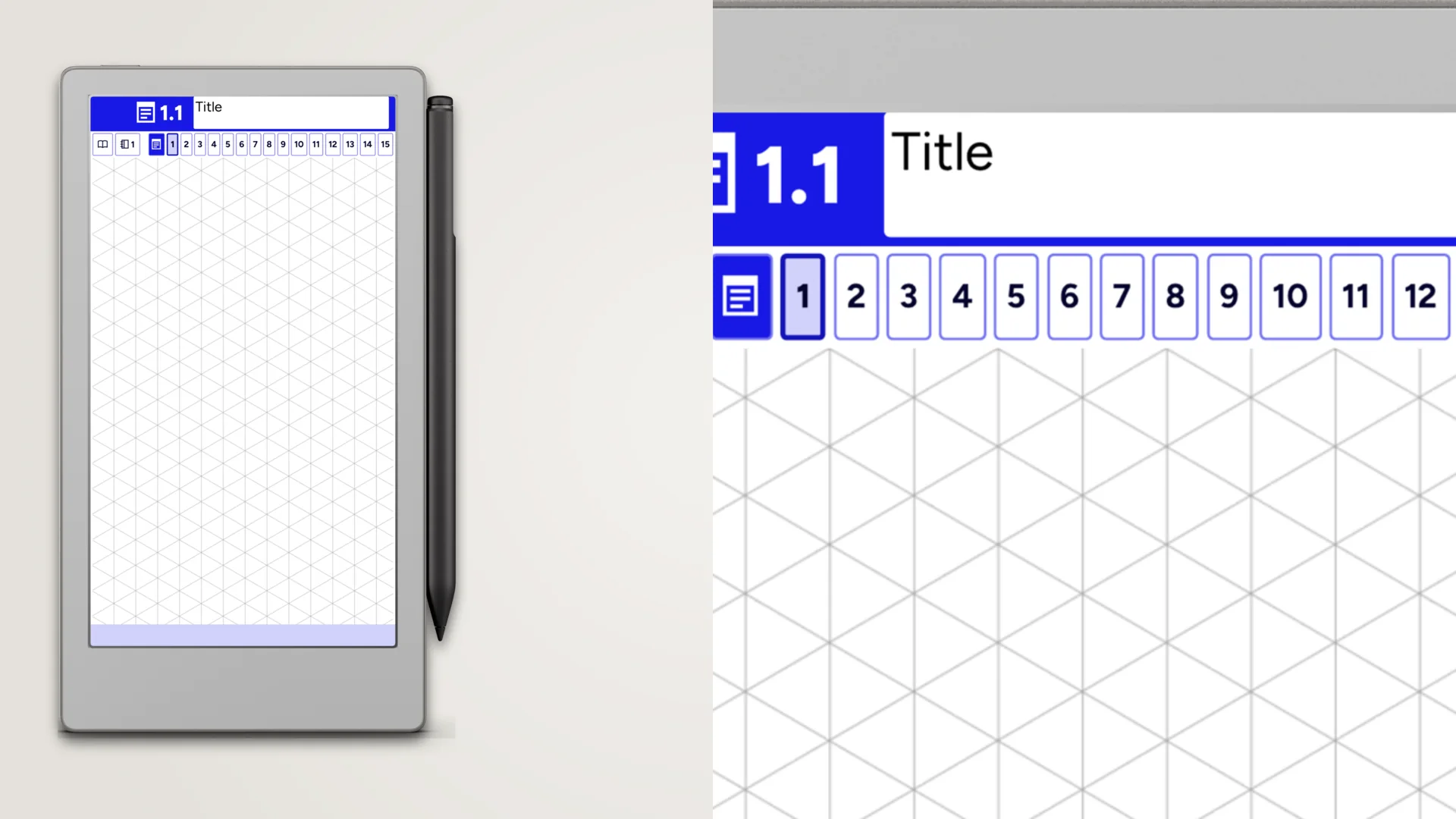
A collection of 672 PDF specialty-paper notebooks for the Paper Pro Move. Graph, isometric, hexagon, handwriting, Cornell notes, Genko Yoshi, and perspective guides. Includes fully-hyperlinked table of contents. Structured with sections, or unstructured with indexed pages. Right- and left-handed variations. Space for your open toolbar.
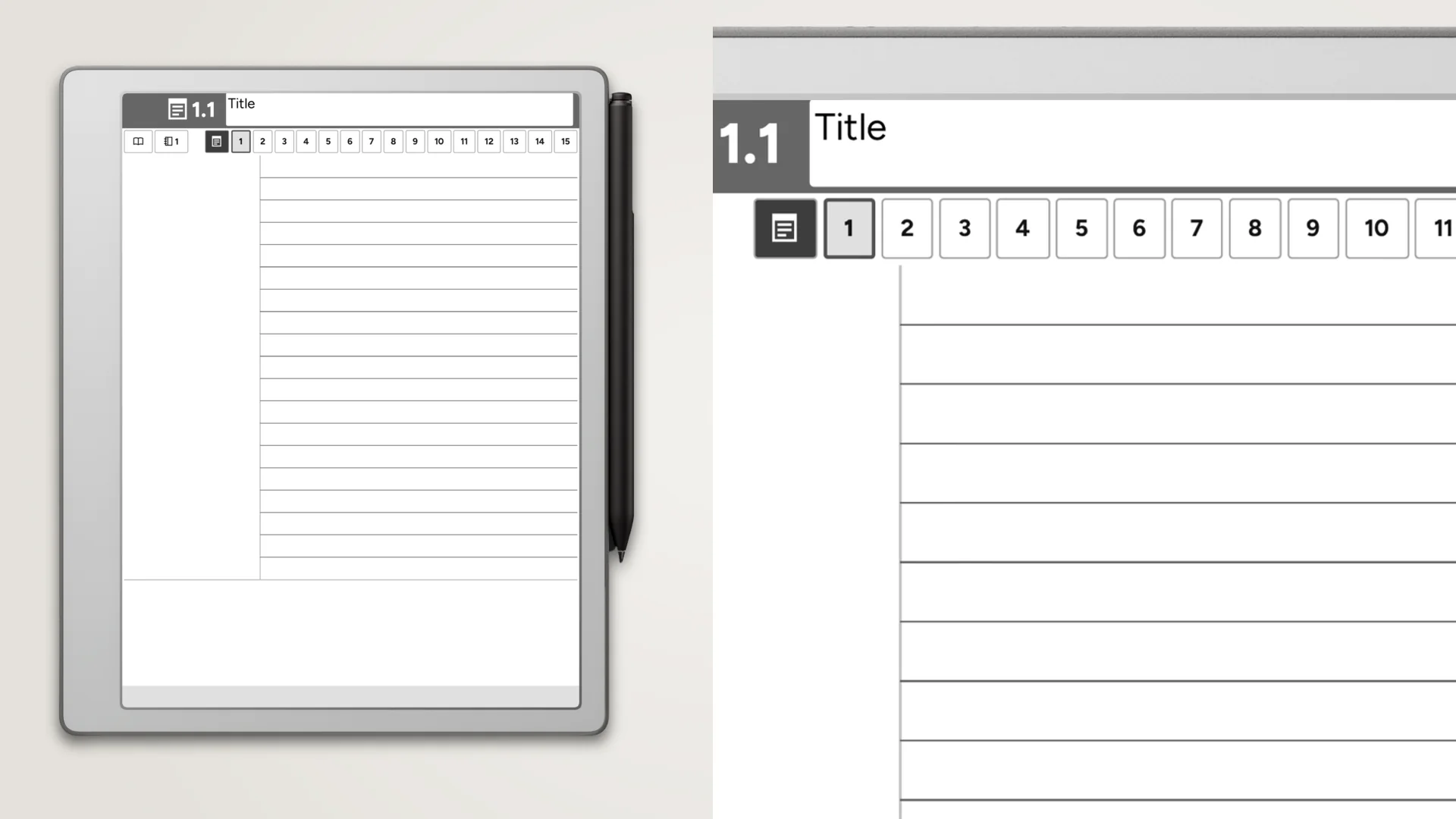
A collection of 168 PDF specialty-paper notebooks for the reMarkable 2 and reMarkable Pure. Graph, isometric, hexagon, handwriting, Cornell notes, Genko Yoshi, and perspective guides. Includes fully-hyperlinked table of contents. Structured with sections, or unstructured with indexed pages. Right- and left-handed variations. Space for your open toolbar.
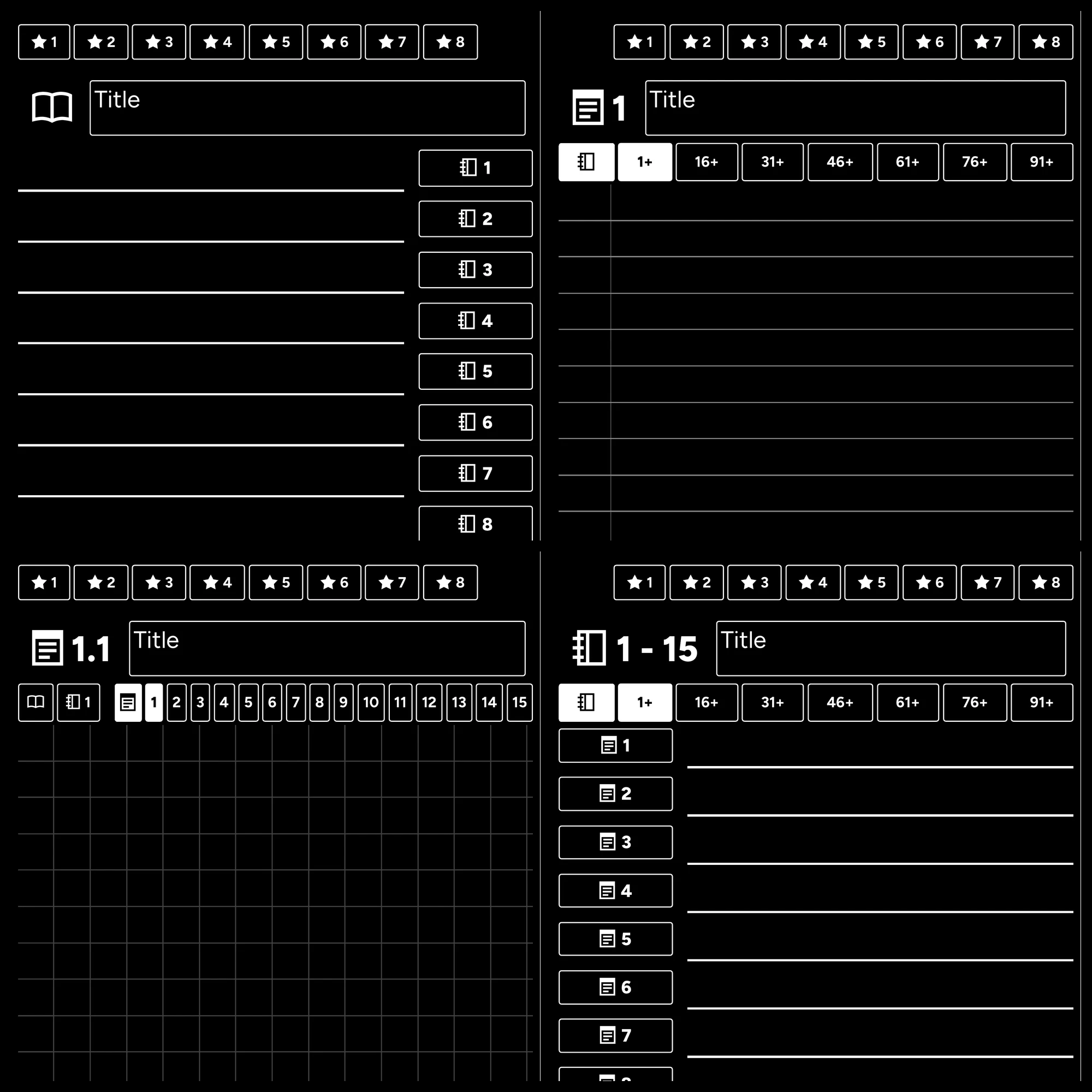
A collection of black PDF notebooks with black backgrounds and white text for the Paper Pro Move. Includes fully-hyperlinked table of contents. Structured with sections, or unstructured with indexed pages. Right- and left-handed variations. Lined, grid, dotted, or blank pages. Space for your open toolbar.
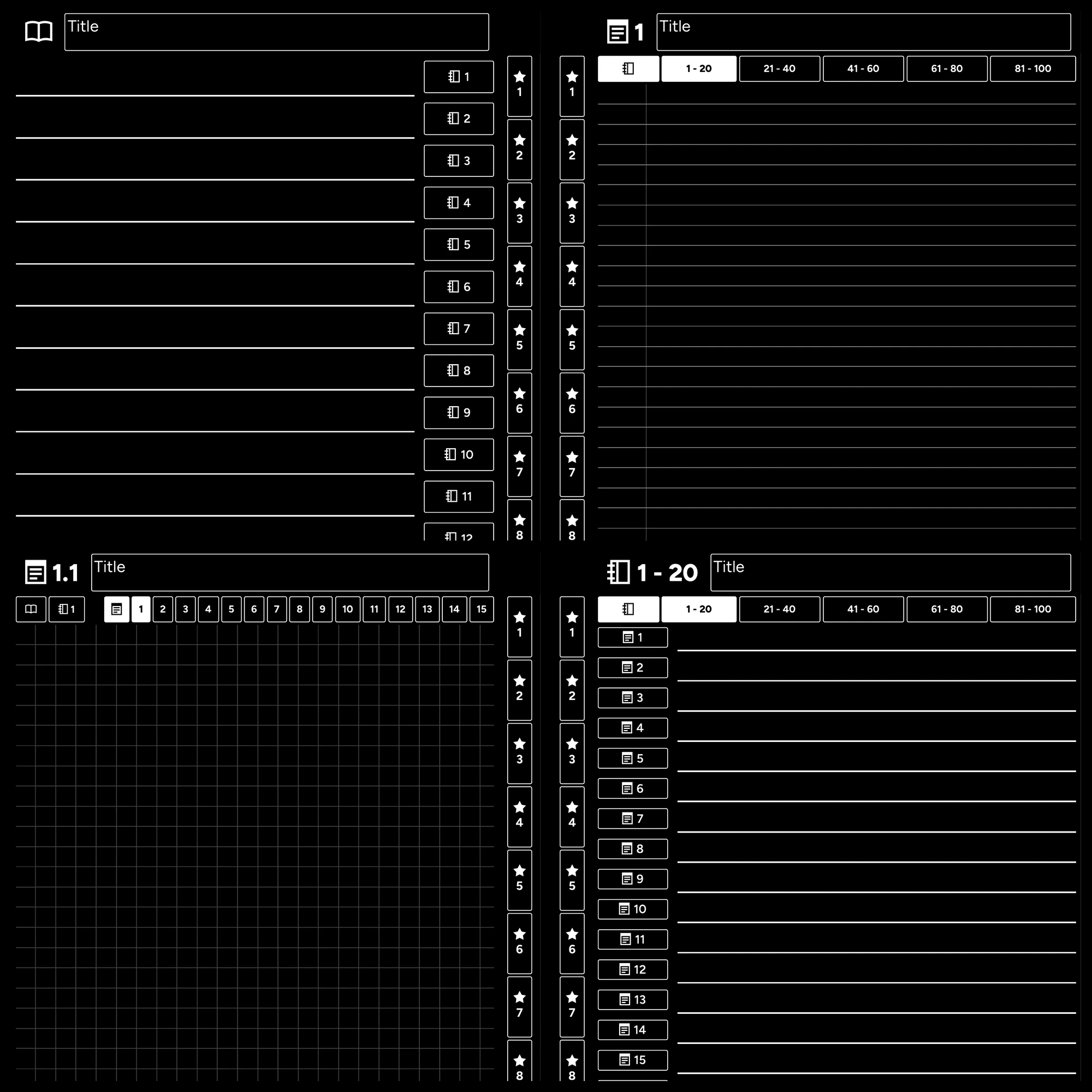
A collection of black PDF notebooks with black backgrounds and white text for the reMarkable 2 and reMarkable Pure. Includes fully-hyperlinked table of contents. Structured with sections, or unstructured with indexed pages. Right- and left-handed variations. Lined, grid, dotted, or blank pages. Space for your open toolbar.
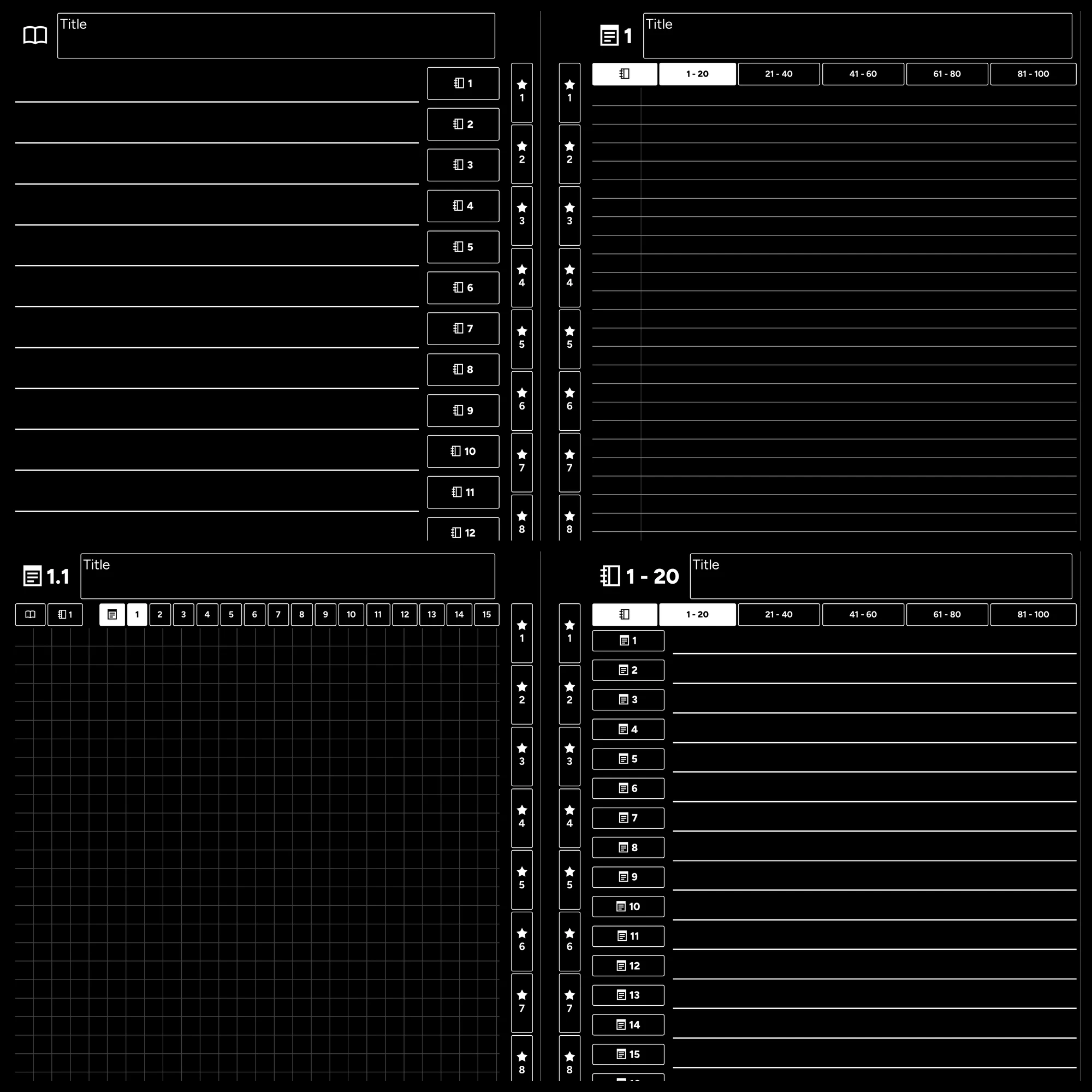
A collection of black PDF notebooks with black backgrounds and white text for the full-sized Paper Pro. Includes fully-hyperlinked table of contents. Structured with sections, or unstructured with indexed pages. Right- and left-handed variations. Lined, grid, dotted, or blank pages. Space for your open toolbar.
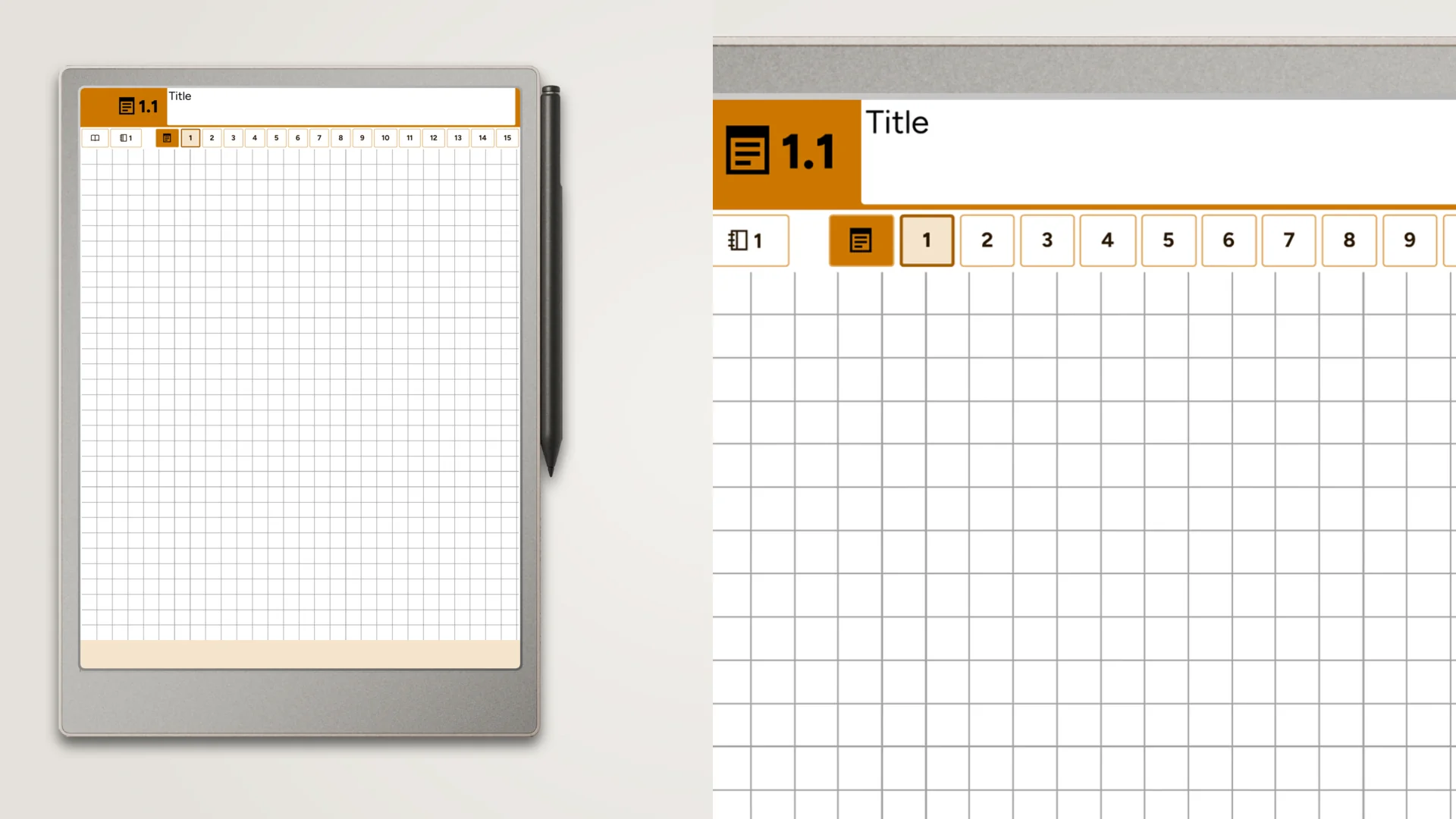
A collection of 960 PDF notebooks for the full-sized Paper Pro. 10 different theme colors. Includes fully-hyperlinked table of contents. Structured with sections, or unstructured with indexed pages. Right- and left-handed variations. Lined, grid, dotted, or blank pages. Space for your open toolbar.
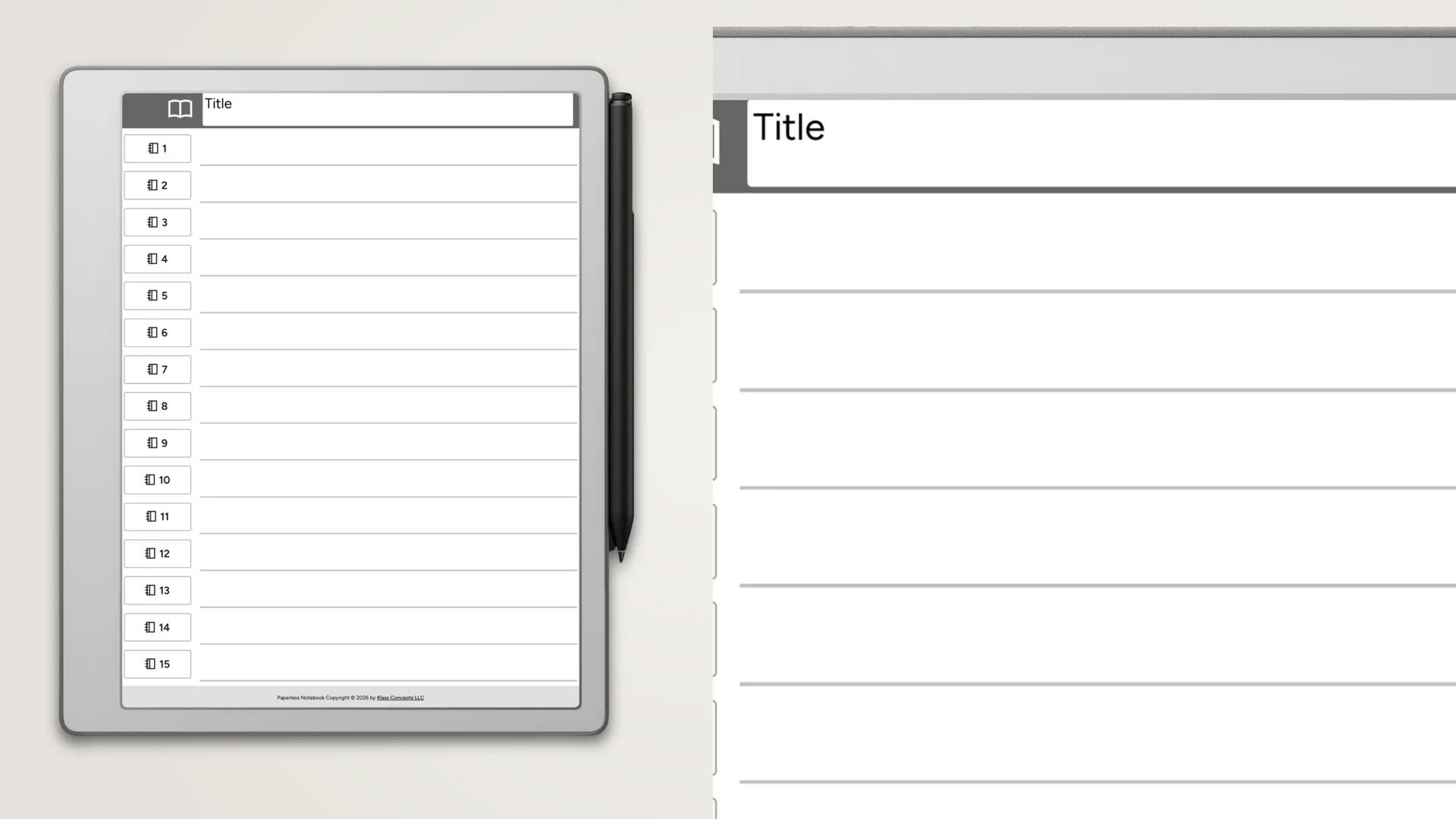
A collection of 96 PDF notebooks for the reMarkable 2 and reMarkable Pure. Includes fully-hyperlinked table of contents. Structured with sections, or unstructured with indexed pages. Right- and left-handed variations. Lined, grid, dotted, or blank pages. Space for your open toolbar.
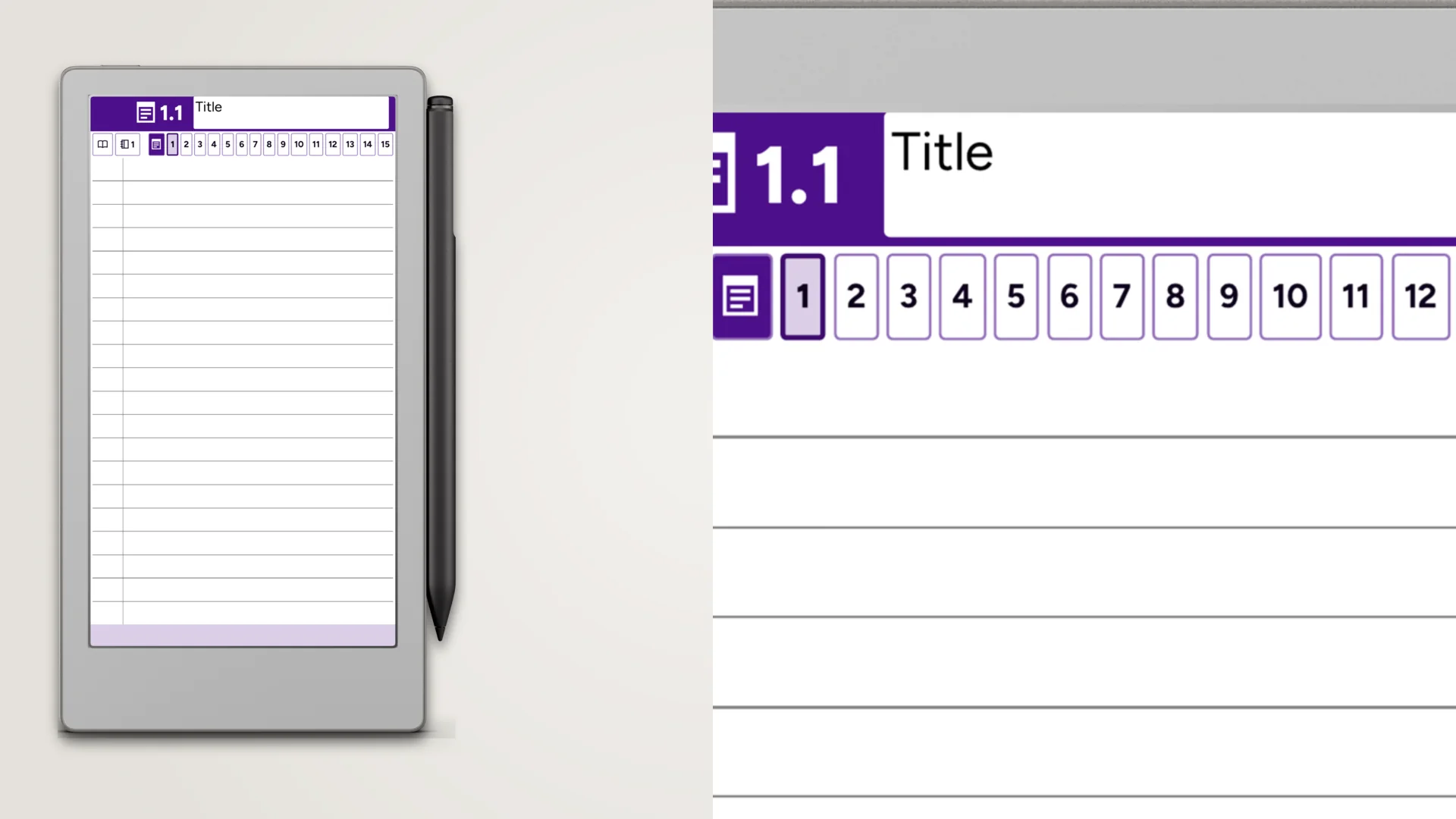
A collection of 960 PDF notebooks for the Paper Pro Move. 10 different theme colors. Includes fully-hyperlinked table of contents. Structured with sections, or unstructured with indexed pages. Right- and left-handed variations. Lined, grid, dotted, or blank pages. Space for your open toolbar.
No. Every template purchase includes both left-handed and right-handed PDF files. Just download the one that matches your hand.
The toolbar, navigation tabs, and hyperlink buttons are mirrored to the right side of the page. The writing area and page content remain the same - only the interactive elements move.
Yes. Since both files are included in your purchase, you can load either version onto your reMarkable at any time. Some households even use both.
Yes! Our free samples include both left-handed and right-handed PDFs so you can try before you buy.
Our Learn section covers what the reMarkable is, how it compares to other tablets, and how to get files onto it.