

PDFs, images, web articles, text, Markdown, comics, and sticker packs. Drag, print, share, or watch a folder. Drag, drop, paste a URL, or watch a folder. Klass-RM Uploader gets them there.
iPhone and iPad beta - sign up See the new Cloud and AI Tools in 1.3.0Windows may show a SmartScreen warning since I’m just starting out publishing Windows apps. Click “More info,” then “Run anyway” - it’ll show the app is from Klass Concepts LLC.
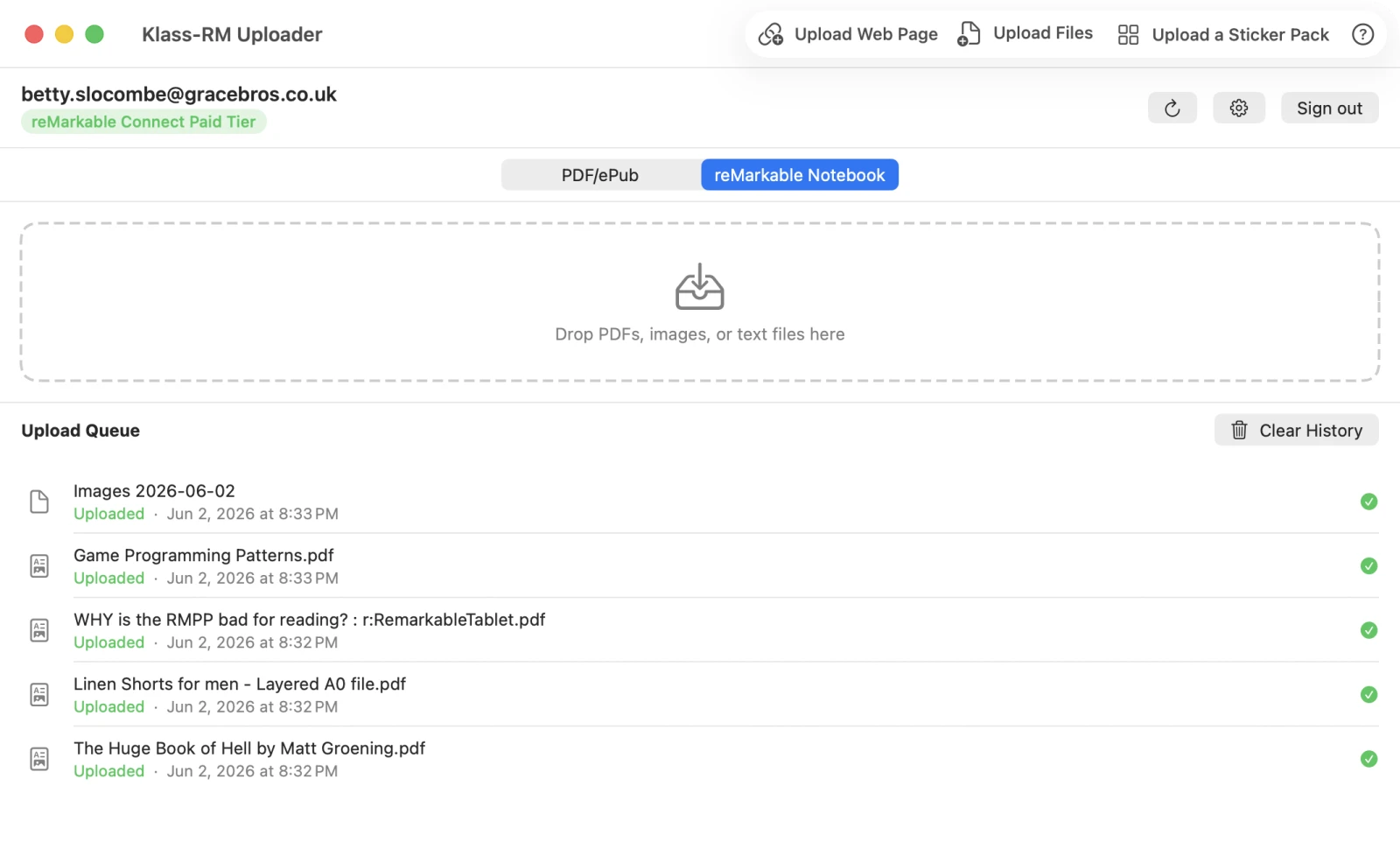
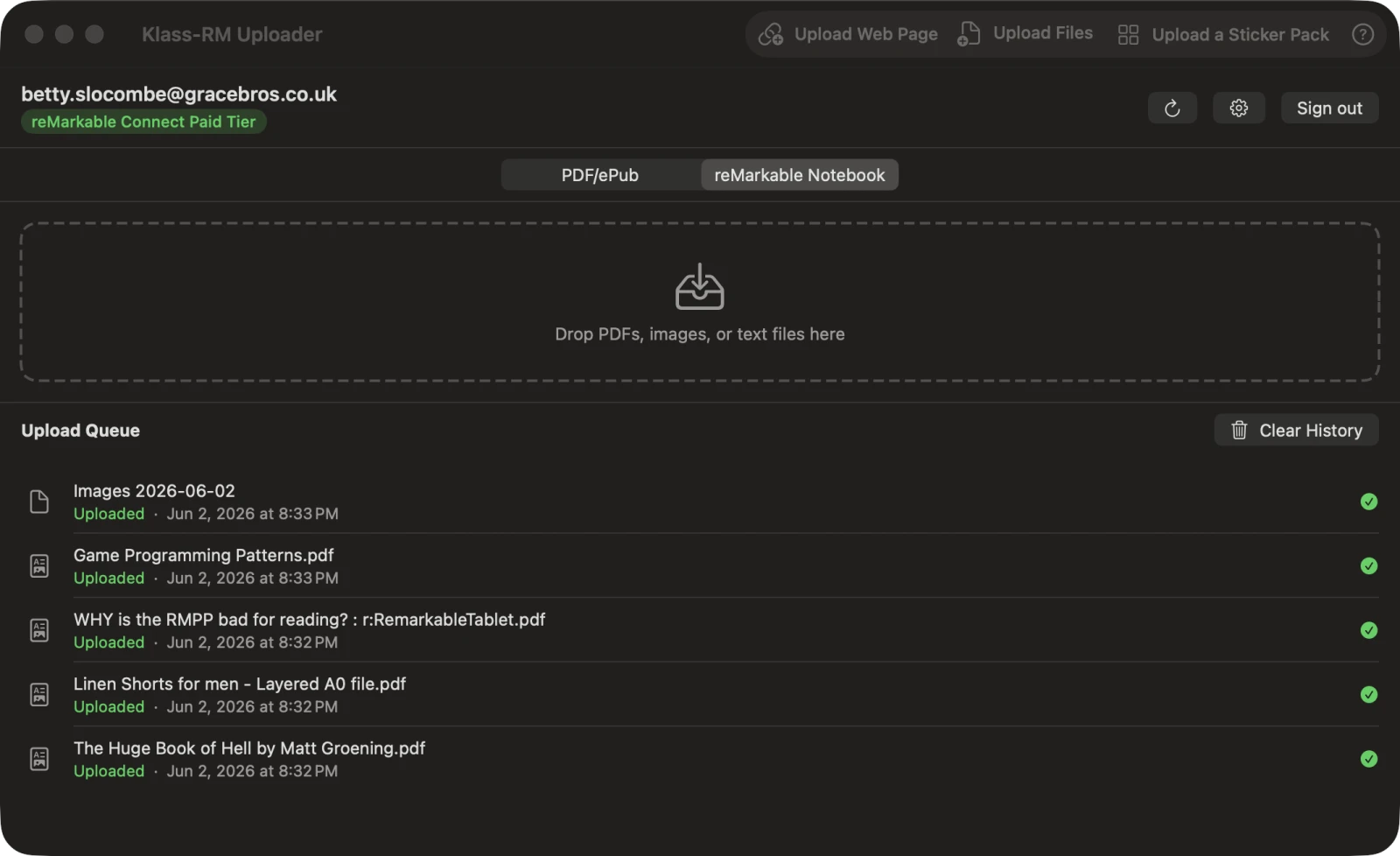
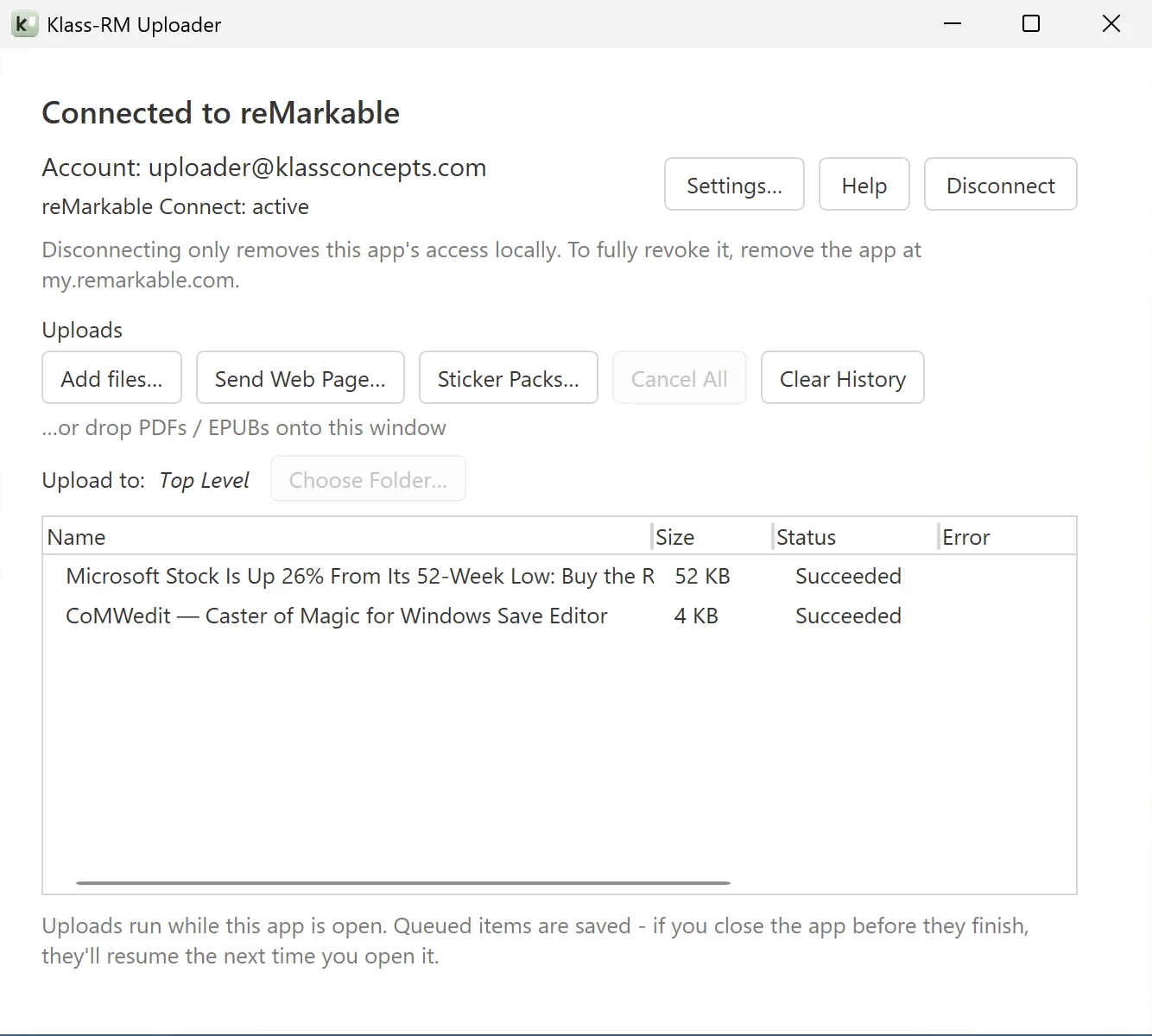
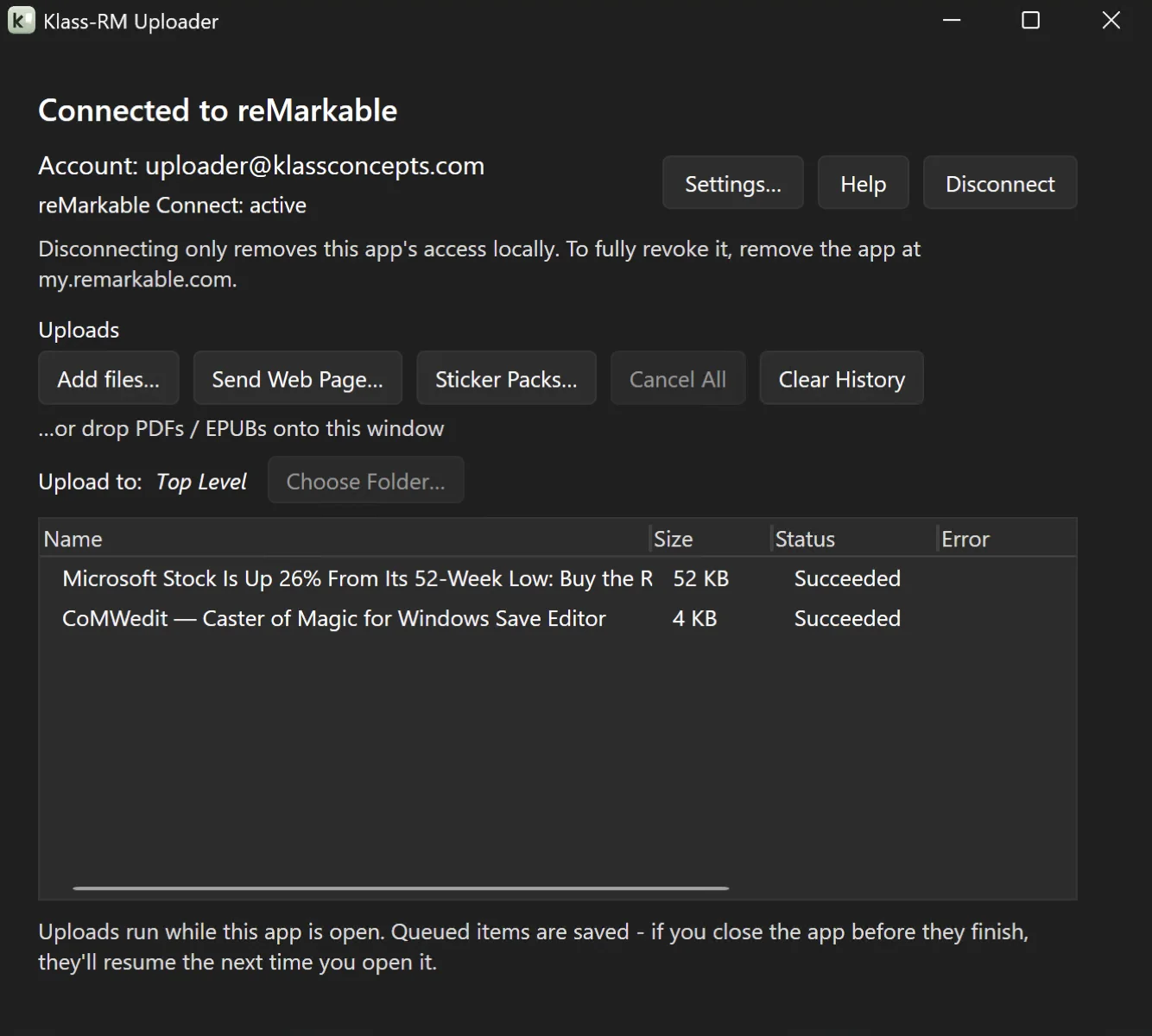
However you work, there’s an entry point that fits. Uploads run in the background and finish even after you close the app. Queued uploads pick up where they left off the next time you launch, and keep running with the app tucked into the system tray.
Drop PDFs, images, EPUBs, text, comics, even whole folders directly onto the app window. The upload starts immediately.
Paste any article URL and the app fetches the page, strips ads and navigation, and delivers it to your reMarkable as a clean, readable EPUB.
Share from Safari, Mail, Finder, or any Mac app using the system share menu. No app switching needed.
From any app’s Print dialog, choose “Print to Klass-RM Uploader” from the PDF menu. Works in Word, Pages, Safari, and Preview, or anywhere you can print.
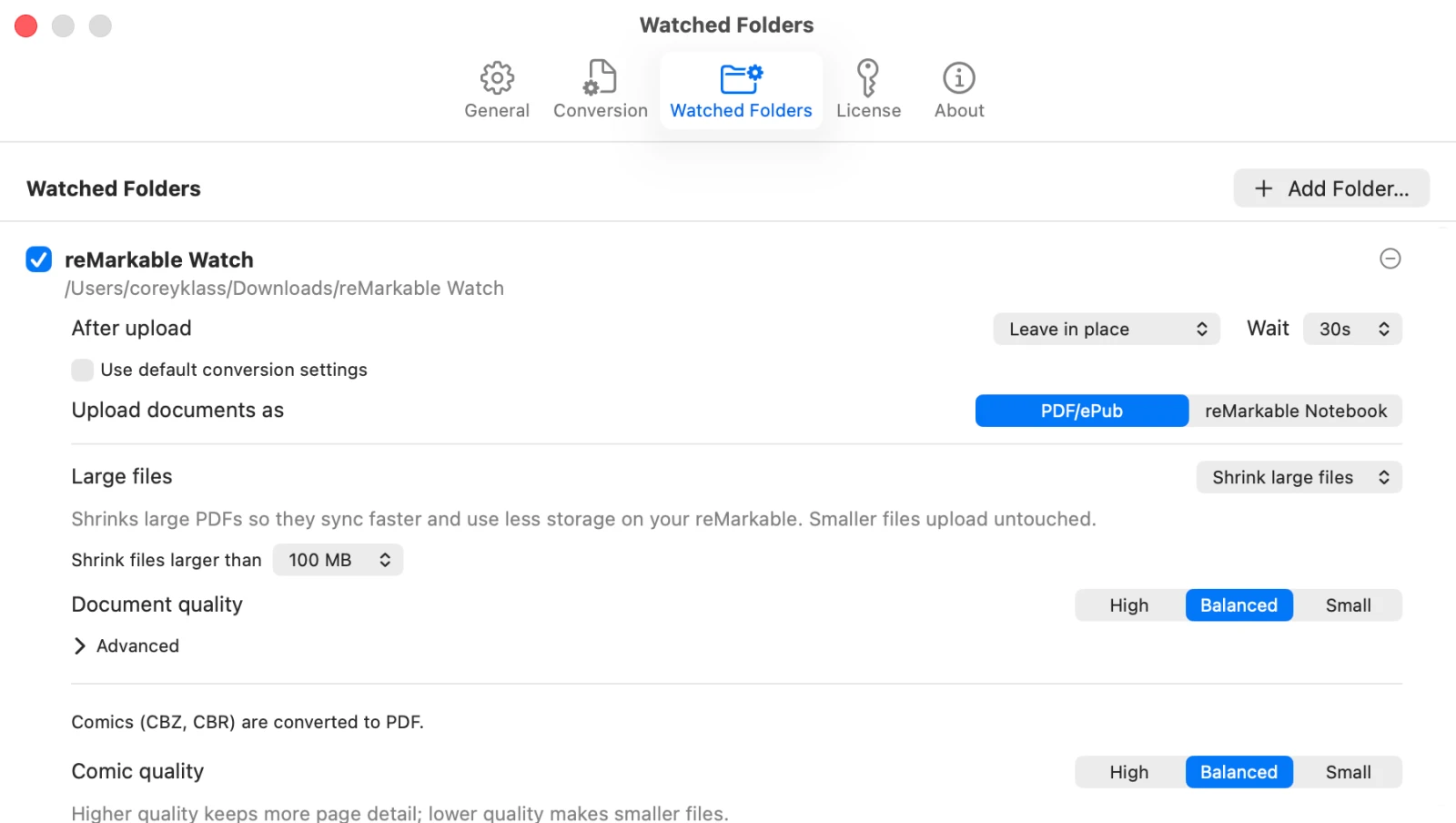
Point the app at a folder. Any PDF, image, EPUB, text/Markdown file, or comic you drop in is automatically uploaded, no clicks required.
Turn on a small always-on-top droplet in Settings. Drag files onto it from any app to send them straight to your reMarkable, without ever bringing the main window forward.
If it can share, print, or save to a folder, Klass-RM Uploader can send it to your reMarkable.
PDFs, images, web articles, text, Word documents, comics, sticker packs, and Methods-style templates. Every format arrives ready to read and annotate. PDFs, images, web articles, text, comics, and sticker packs. Every format arrives ready to read and annotate.
Drop any PDF and it appears on your reMarkable in seconds. Annotations, forms, research papers, documents. Everything is preserved.
Paste any article URL. The app fetches the page, strips navigation and ads using the same algorithm as Firefox Reader Mode, and delivers a clean EPUB with embedded images to your reMarkable.
JPEG, PNG, GIF, HEIC, HEIF, TIFF, BMP, and WebP are all supported. Send diagrams, photos, or sketches with no conversion step.
JPEG, PNG, GIF, WebP, BMP, and TIFF are all supported; images arrive as PDFs, ready to annotate.
Drop an EPUB and it uploads as-is; your reMarkable shows it as a reflowable, resizable book. With Pro and Connect it can arrive as an editable Notebook instead.
Drop a plain-text or Markdown file and it arrives as a clean EPUB. Markdown formatting - headings, lists, emphasis, links, and code - is rendered, and images referenced in the file are embedded.
Drop a .docx or .docm file and it converts automatically - free as a reflowable EPUB, or with Pro as a device-sized PDF or an editable Notebook (Notebook also requires Connect). Paragraphs, headings, lists, tables, and images are preserved, and the PDF output can include a clickable outline and a hyperlinked table of contents.
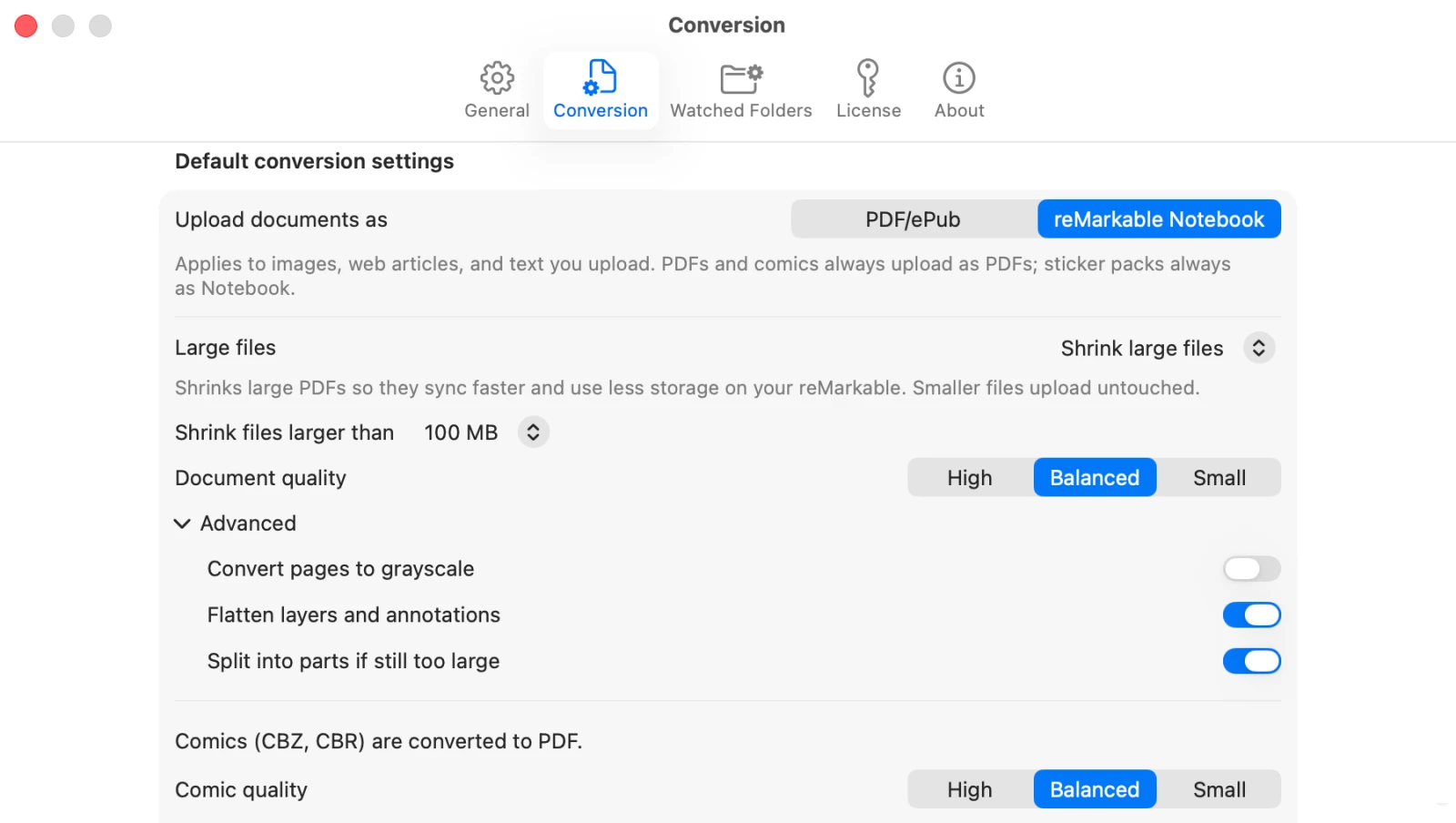
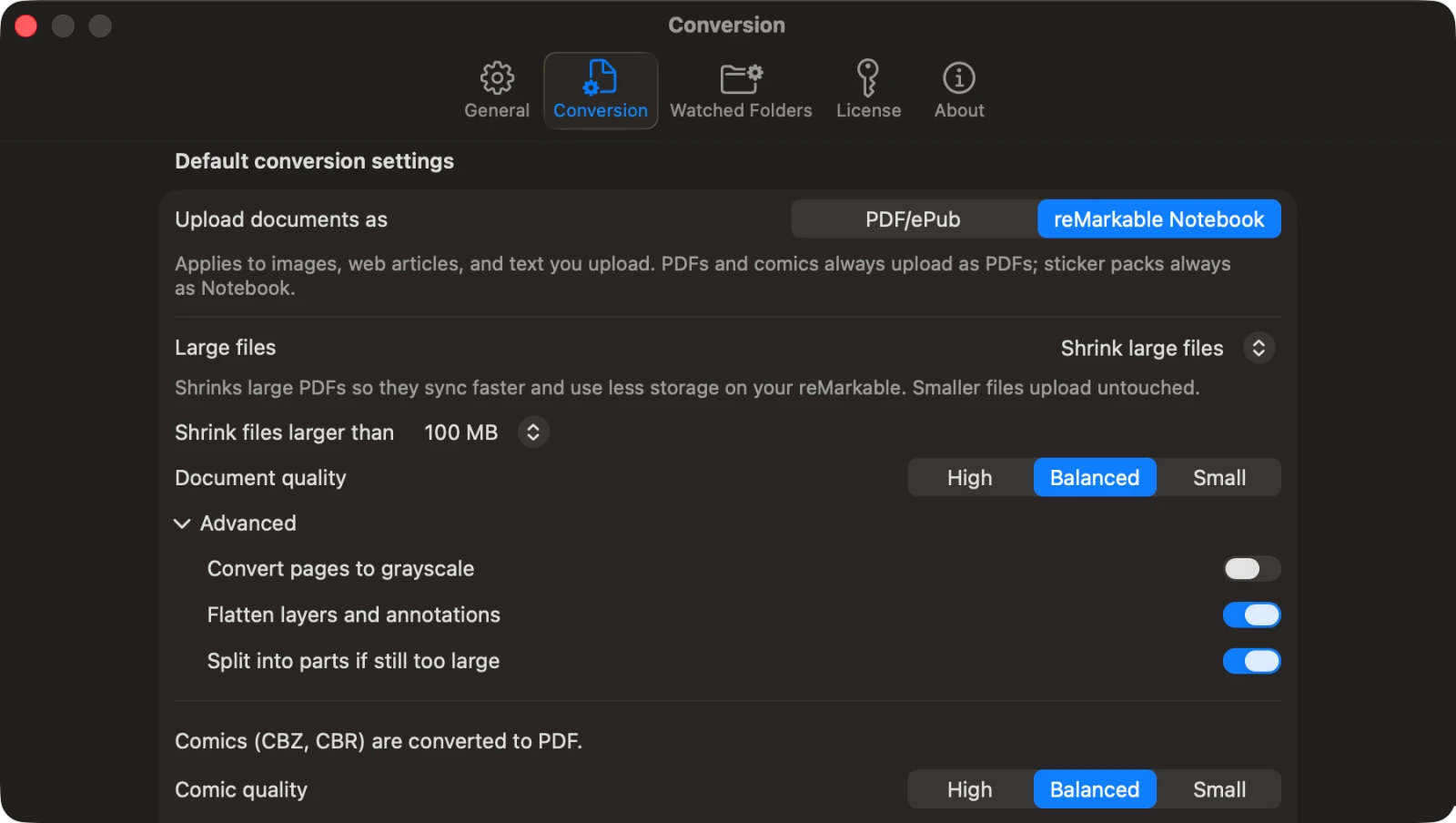
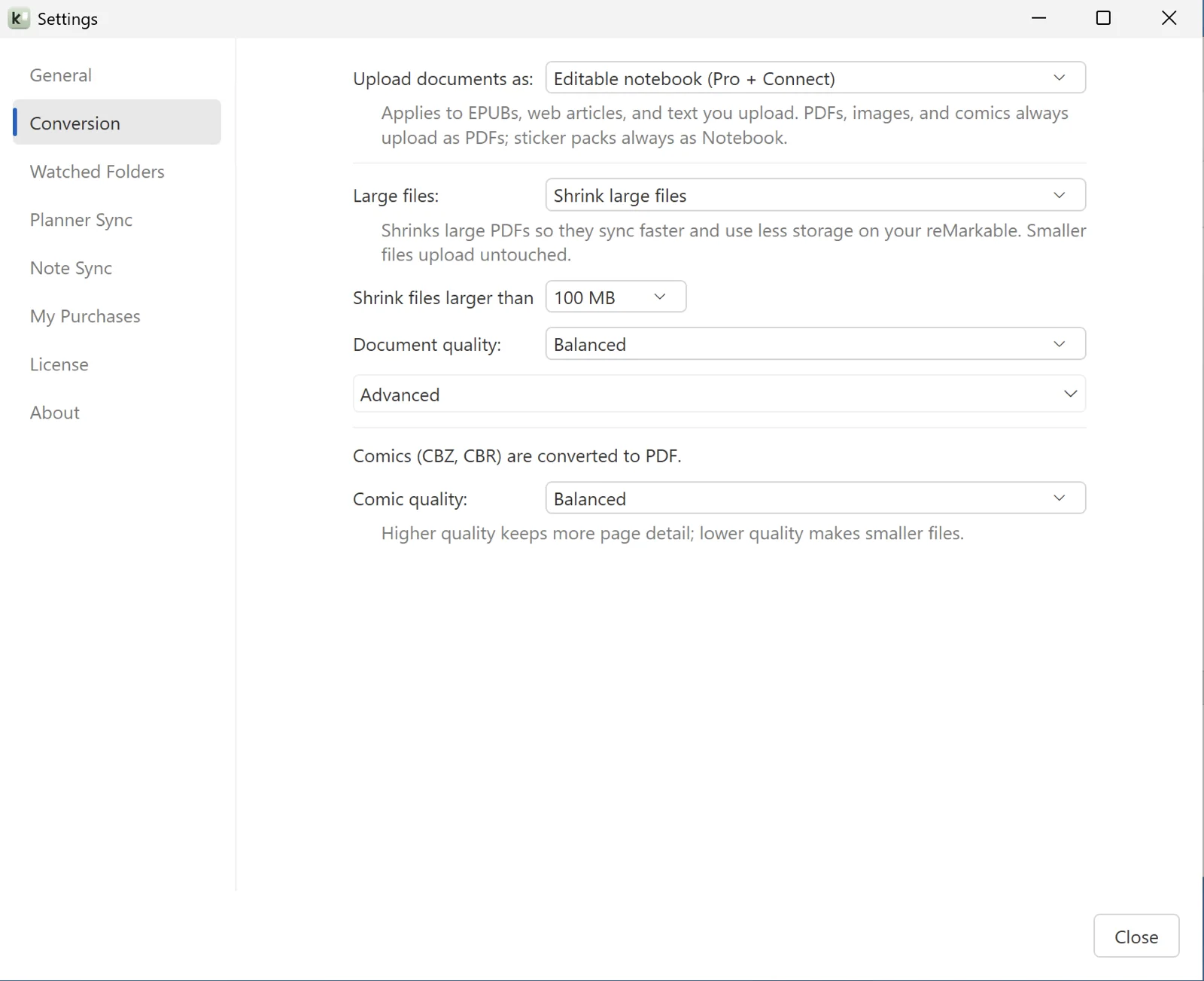
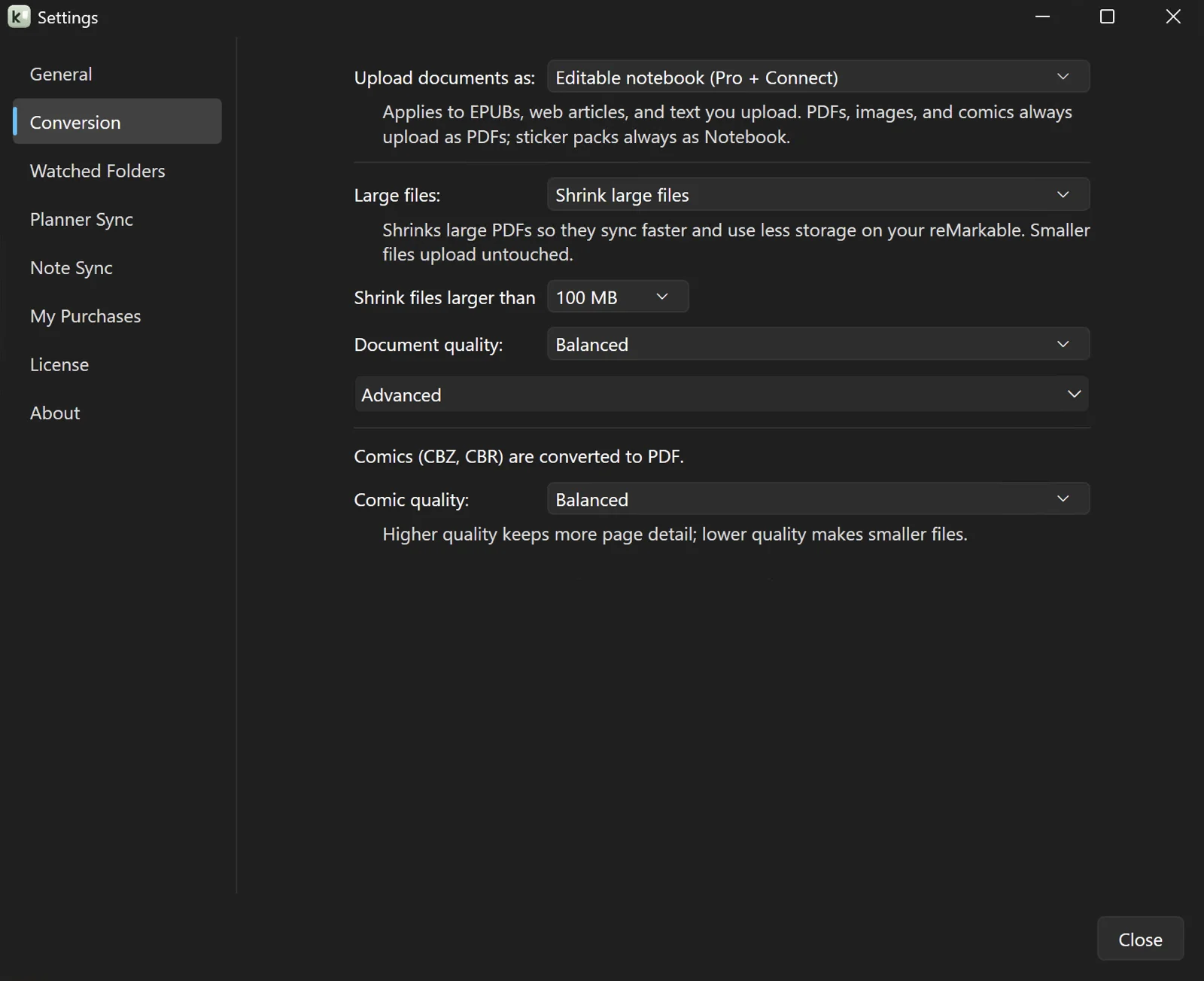
Drop a CBZ or CBR comic archive and it is converted to a downsampled PDF that reMarkable can read, automatically kept under the upload size limit. Page images are re-encoded so even big collections sync cleanly.
Build a sticker pack from your own images, or buy a sticker pack from somewhere, and send it as an editable reMarkable notebook where every sticker is its own copyable object you can paste anywhere. Pick a target device, display size, and quality. Transparency is preserved.
Drop a .rmtemplate file and it appears in your reMarkable’s own template picker, right next to reMarkable’s Methods templates, ready to apply to any page in any notebook. Vector-based, so it stays sharp on every device, and stored in your reMarkable cloud, so it survives system updates. Re-uploading a template updates it in place instead of adding a duplicate.
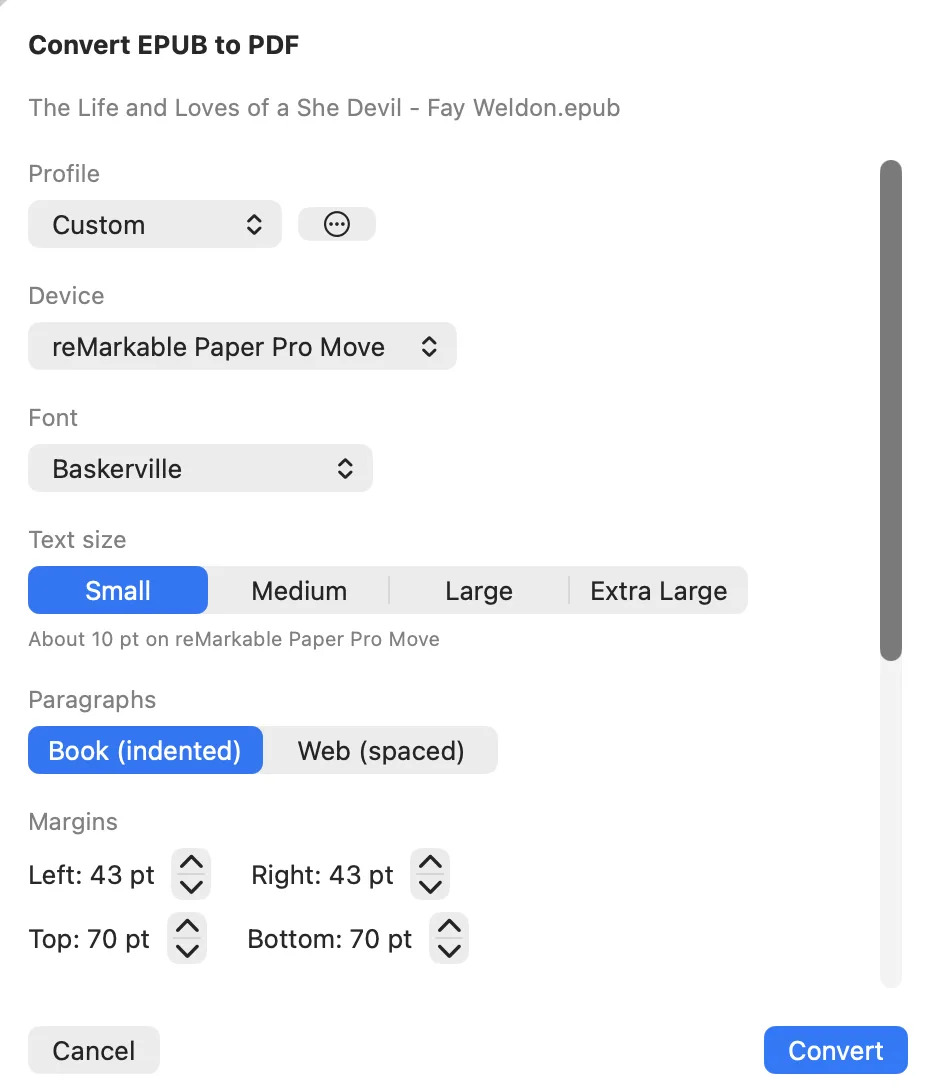
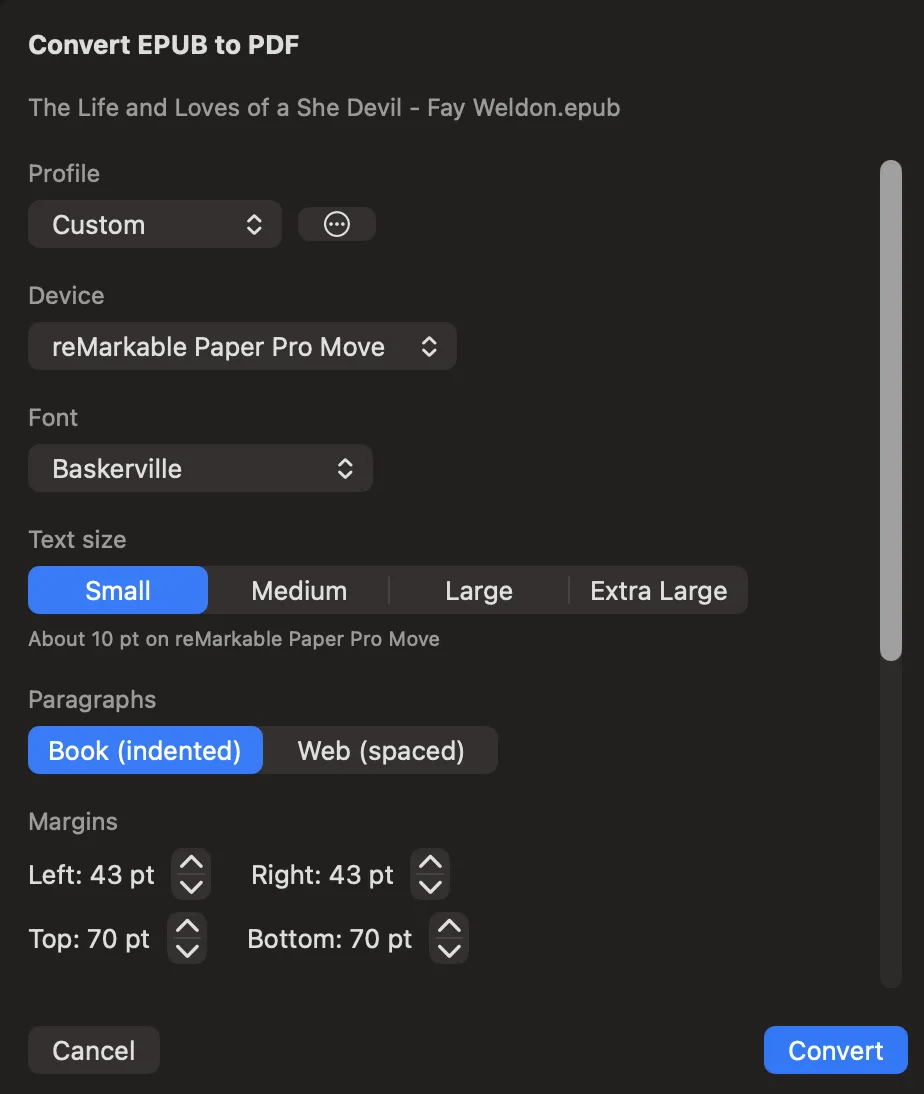
EPUB books can be converted to typeset PDFs with your choice of device size, font, font size, margins, paragraph spacing, line spacing, table of contents, and more. And you can save your customized settings in named conversion profiles that you can reuse later.
Klass-RM Uploader installs into the macOS share sheet, so it is one click away in Finder, Safari, Mail, Preview, and any app that can share. Send a file or a web page to your reMarkable without exporting first or switching apps.
Four built-in App Intents let you send to your reMarkable from the Shortcuts app, Siri, Spotlight, and your own automations. Free for everyone, and they run in the background. A Pro license adds six more intents for triggering Live Sync and Watched Folders.
Send PDFs, images, EPUBs, or text files from any Shortcut. Optionally choose as-is or Notebook format, the same as everywhere else.
Hand a URL to a Shortcut and it arrives as a clean, readable article, just like the share path.
Read your sign-in, subscription, and Pro-license status to branch your own Shortcut logic on it.
Create a new folder on your reMarkable by name from a Shortcut, ready to use as an upload destination.
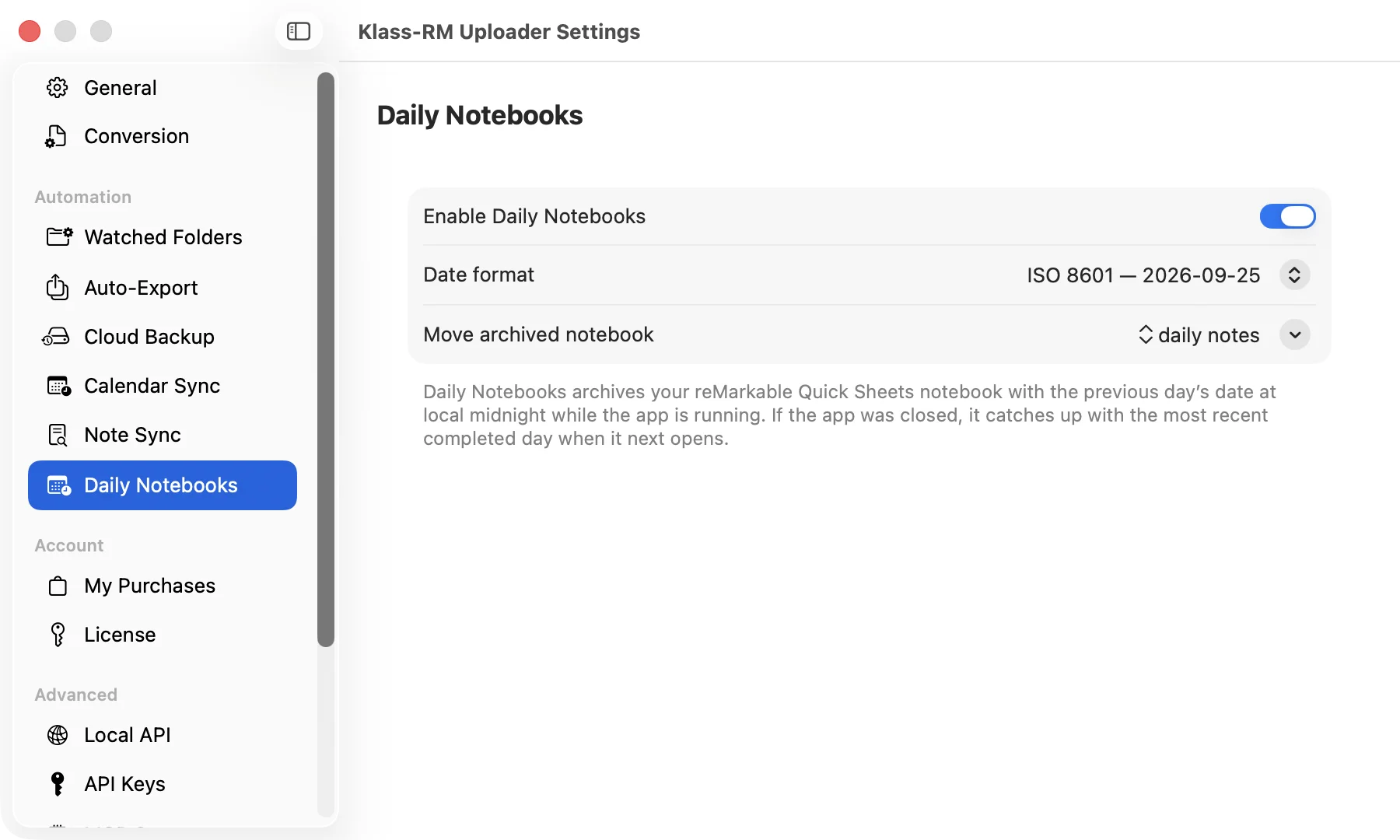
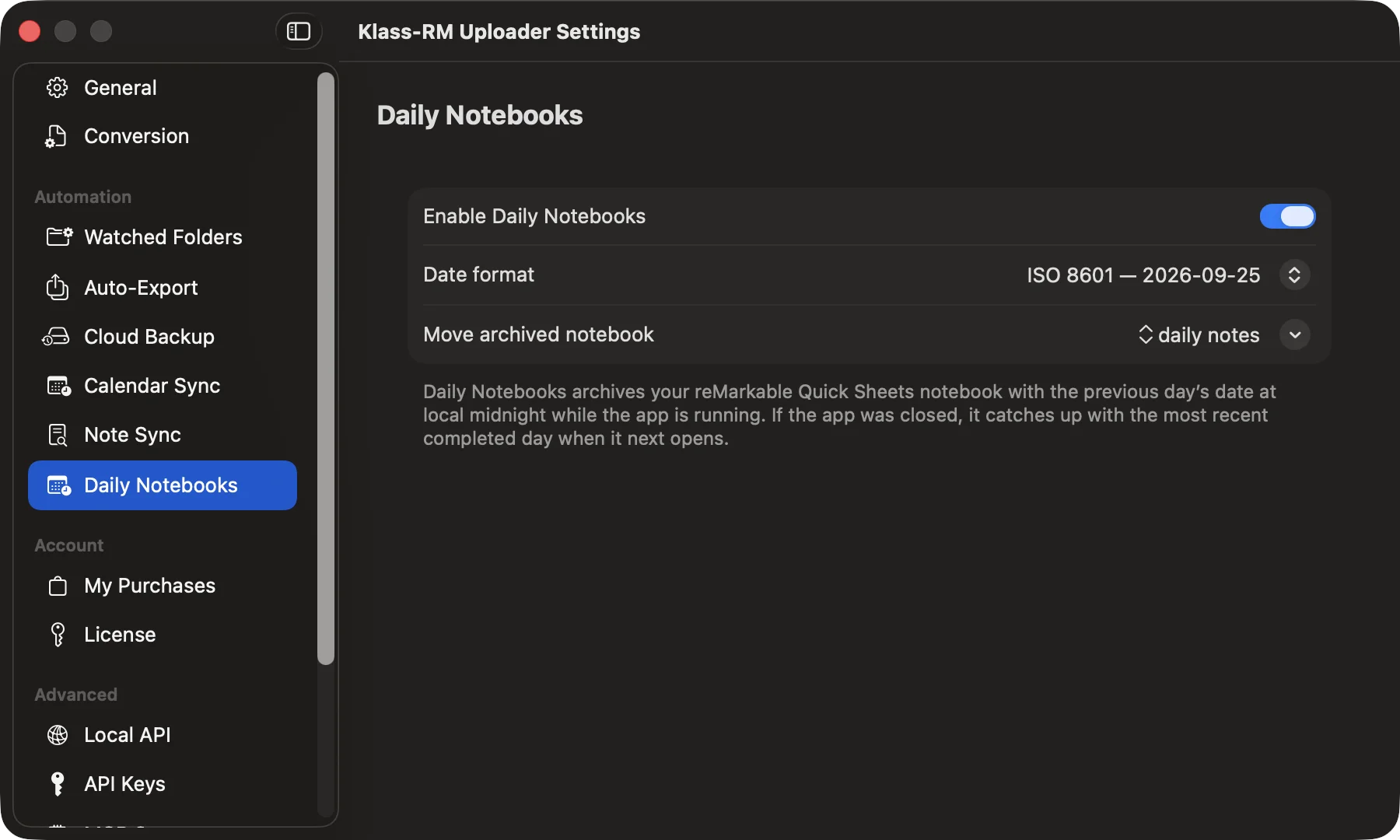
If you use Quick sheets as a scratch pad, Daily Notebooks keeps it from turning into one endless notebook. At midnight, Klass-RM Uploader renames your Quick sheets to the previous day’s date, and your reMarkable starts a fresh Quick sheets the next time you tap New Quick Page. One notebook per day, without doing anything.
Works on Mac, iPhone, and iPad. No reMarkable Connect subscription required.
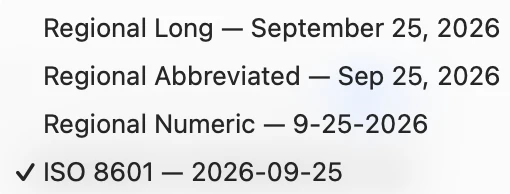
Drop or pick a whole folder and every eligible file inside is uploaded, all the way down. Works in drag and drop, the Upload Files button, and watched folders, the Add files button, and watched folders.
Point at a folder and Klass-RM Uploader finds every PDF, image, EPUB, text, and Markdown file inside it, including subfolders, and sends them all.
On the free tier every file in the folder lands at the top level of your reMarkable. No license needed to send a folder full of files at once.
With Pro, the folder’s subfolder structure is recreated on your reMarkable: subfolders are created or reused by name, so your organisation comes along.
Already bought a template from our store? Sign in with your Klass account and send it straight to your reMarkable, no downloading or unzipping required.
See every Klass Paperless template you’ve bought, listed right in the app once you sign in with your Klass account.
Upload a purchased template directly to your reMarkable. No download, no unzip, no manual file wrangling.
With a Pro license and a reMarkable Connect subscription, uploads other than PDFs - images, web articles, text, Markdown, and EPUBs - can appear as an editable Notebook instead of a static file. Start writing the moment it arrives. PDFs always upload as PDFs.
With a Pro license and a reMarkable Connect subscription, uploads other than PDFs - web articles, text, Markdown, and EPUBs - can appear as an editable Notebook instead of a static file. Start writing the moment it arrives. PDFs and images always upload as PDFs.
Instead of everything piling up at the top level, choose which reMarkable folder each upload lands in. A Pro feature that works on a free reMarkable account, no Connect required.
Browse your full reMarkable folder hierarchy and choose where an upload goes, from the main app, the share sheet, and the print helper.
Browse your full reMarkable folder hierarchy and choose where an upload goes, from the main app and per watched folder.
Need a folder that does not exist yet? Make a new one right from the picker without leaving the app or opening the reMarkable.
Each watched folder gets its own destination, so files from one folder route to one place on your reMarkable and files from another route somewhere else.
Watch one or more folders at once. Klass-RM Uploader monitors them continuously and uploads new files the moment they arrive.
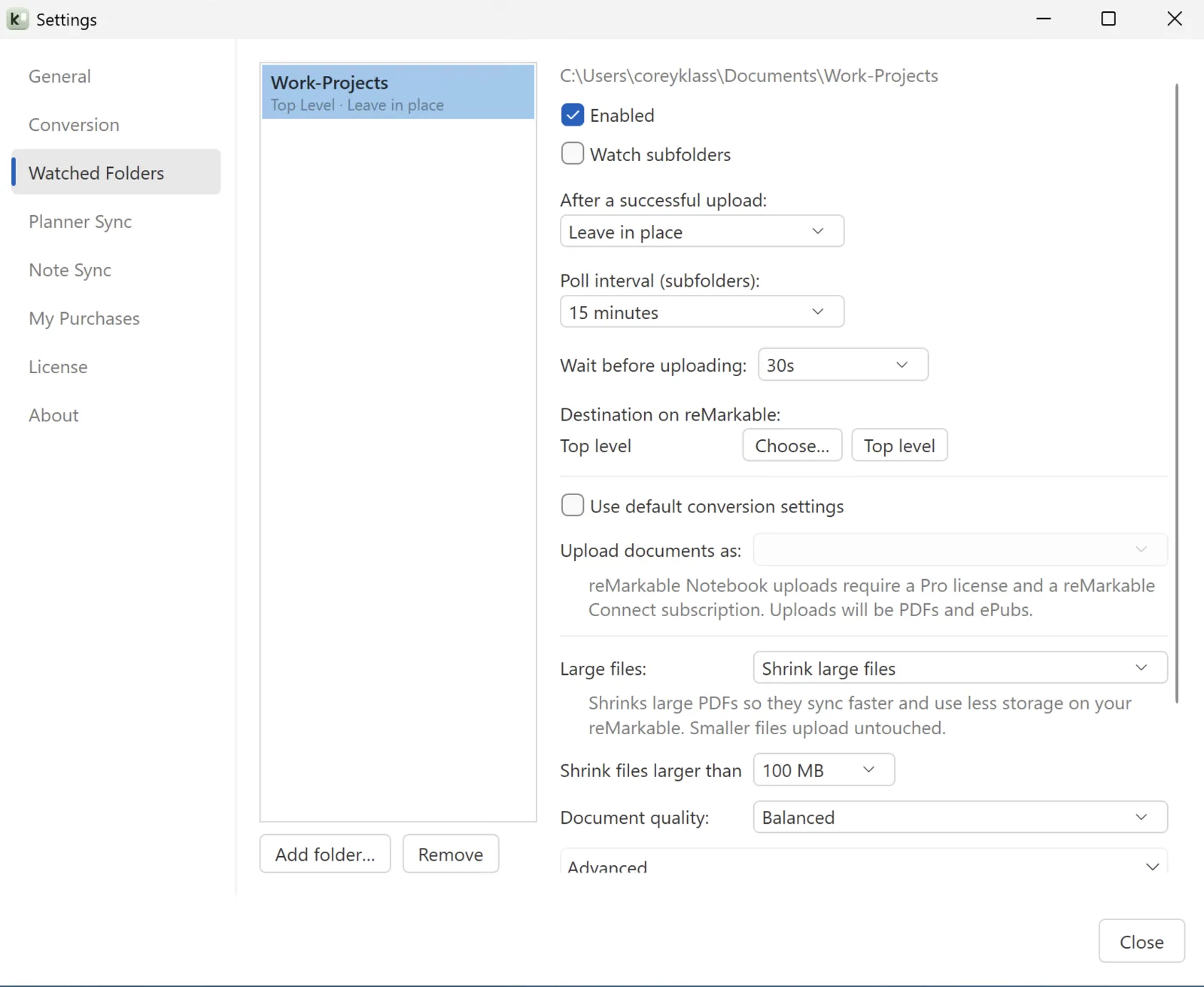
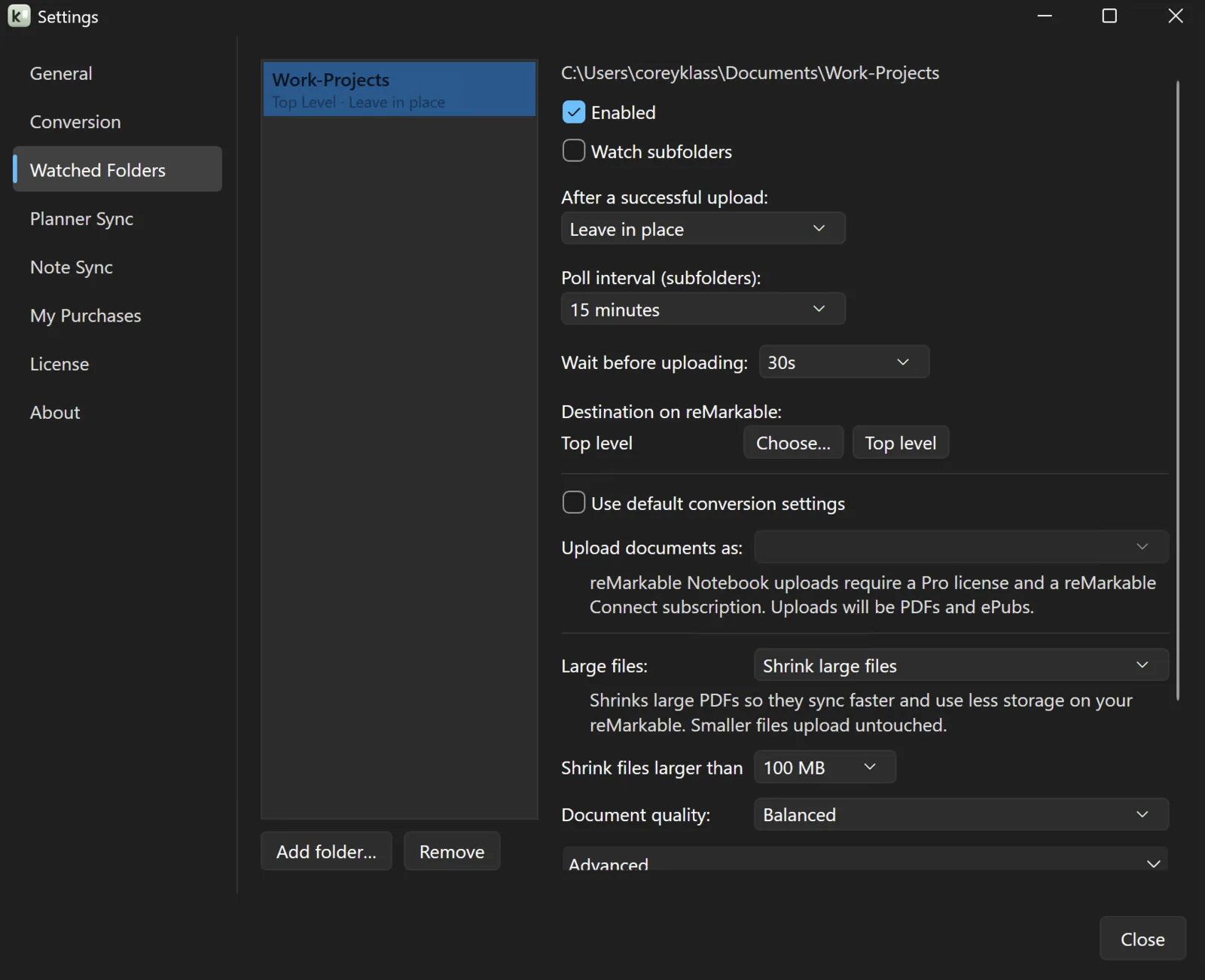
Closing the main window does not have to quit the app. Turn on background mode and Klass-RM Uploader keeps working from the menu barsystem tray.
Turn on the floating drop window and a small always-on-top droplet stays above your other apps. Drag a file onto it and it uploads with your saved default format and destination folder, without bringing the main window forward.
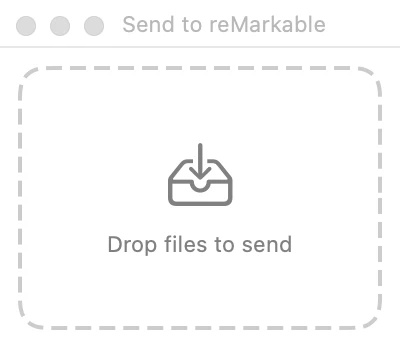
Large PDFs can be slow to sync and eat storage on your reMarkable. Klass-RM Uploader can shrink them automatically before they go up - no license required.
Core upload features are always free. A Pro license unlocks Watched Folders, destination folders, comic conversion, Live Sync, and Notebook conversion (Notebook conversion and sticker packs also require a reMarkable Connect subscription).
| No license | Pro license | Pro + Connect | |
|---|---|---|---|
| Upload PDFs | |||
| Upload images | |||
| Upload EPUBs | |||
| Upload web articles as EPUB | |||
| Upload text & Markdown as EPUB | |||
| Upload web articles as Notebooks | |||
| Send text & Markdown as Notebook | |||
| Send EPUBs as Notebook | |||
| Convert EPUB to typeset PDF | |||
| macOS share sheet | |||
| Print to reMarkable | |||
| Background uploads | |||
| Resumable upload queue | |||
| Upload queue & history | |||
| Large-file optimization | |||
| Upload a whole folder | |||
| Daily Notebooks: archive Quick sheets in place | |||
| Destination folders & folder mirroring | |||
| Watched Folders | |||
| Daily Notebooks: file into a folder | |||
| Comic conversion (CBZ & CBR) | |||
| Live Sync: calendar planners | |||
| Live Sync: Obsidian notes | |||
| Send as Notebook | |||
| Sticker packs (unlimited) |
Keep documents updated on your reMarkable without losing your handwriting. Build calendar planners from your accounts, and turn a folder of Obsidian notes into one always-current PDF. Included with your Pro license, no Connect required.
Browse your whole reMarkable account, export documents to PDF, PNG, SVG, Markdown, or Highlights automatically, back up and restore your account, and connect it all to a local API and MCP server. Included with your Pro license, no Connect required.
Sign-in uses the official reMarkable authentication system. Industry-standard OAuth with PKCE ensures your credentials are never passed through this app.
You open my.remarkable.com/device in your browser, sign in on reMarkable’s own site, and type a single-use pairing code into the app; the app never sees your username or password.
The sign-in page is served by reMarkable in a dedicated sign-in window. Your email and password go directly to reMarkable’s servers, never through this app.
Sign-in happens on reMarkable’s own website, in your normal browser; the app only ever receives the pairing code.
Your auth token lives in the macOS Keychain, the same secure system that stores your Wi-Fi credentials. Silent background refresh keeps you signed in. Your auth token is encrypted with Windows’ built-in Data Protection API and tied to your Windows user account, so no other account on the machine can read it.
Ready to buy?
Ready to buy?
Windows may show a SmartScreen warning since I’m just starting out publishing Windows apps. Click “More info,” then “Run anyway” - it’ll show the app is from Klass Concepts LLC.