
New New native page templates for reMarkable. Explore all 87 templates.
Native Page TemplatesFree Starter Pack
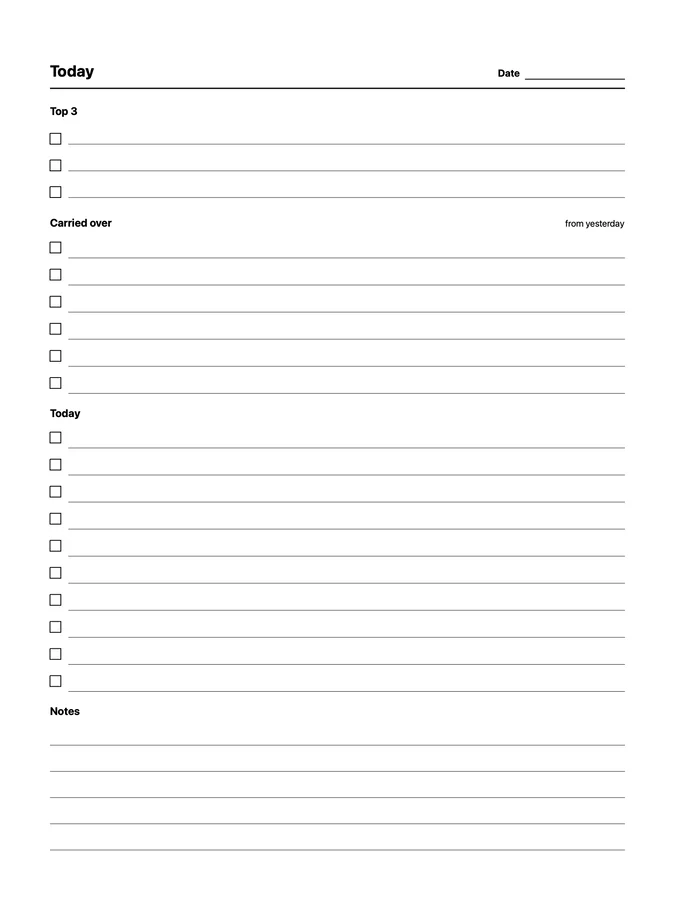
Daily To-Do with Carry-Over native page template preview
Daily To-Do with Carry-Over
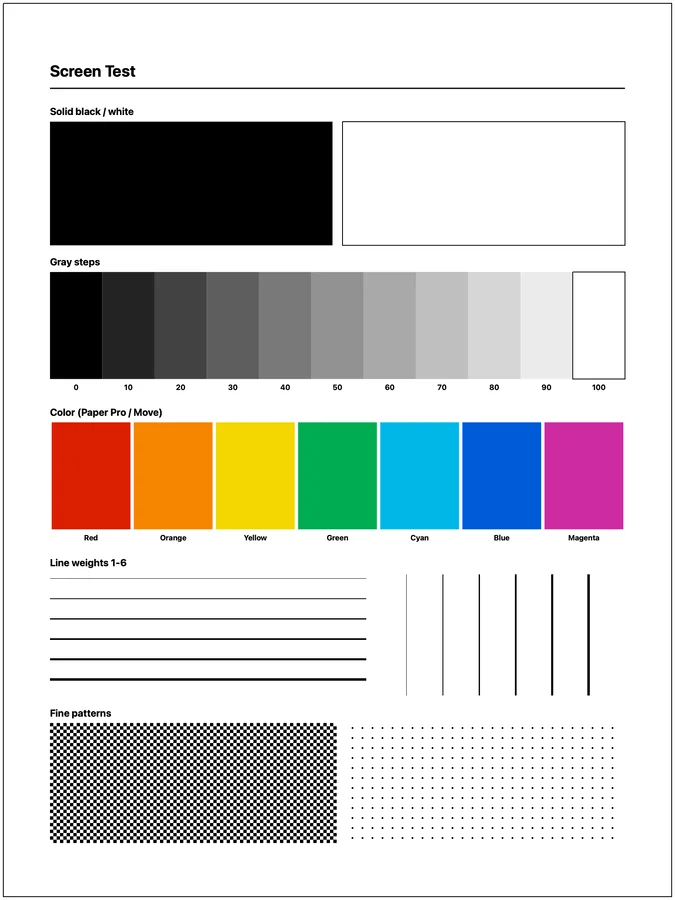
Screen Test native page template preview
Screen Test
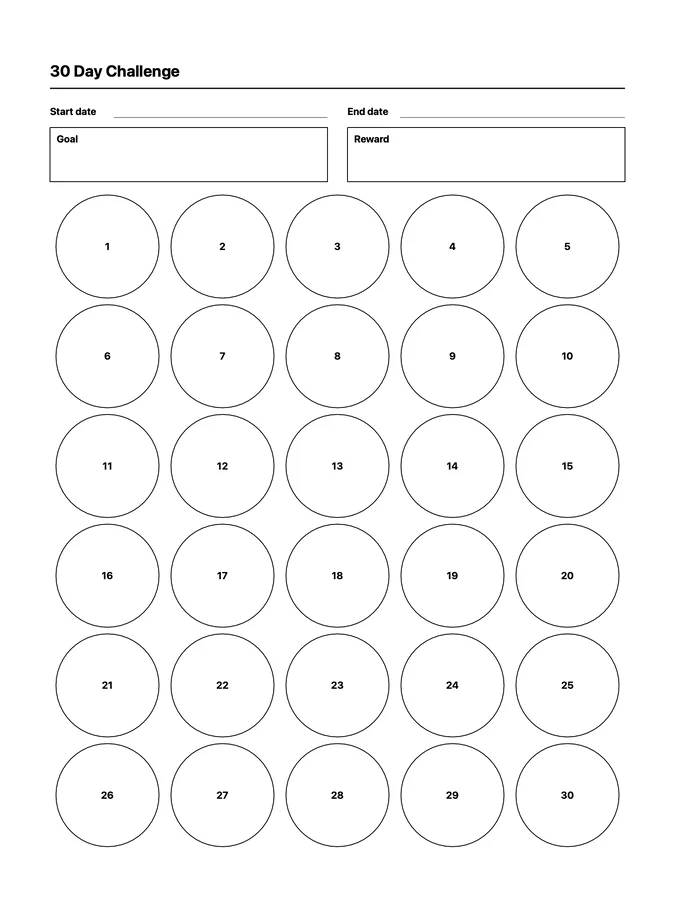
30 Day Challenge native page template preview
30 Day Challenge
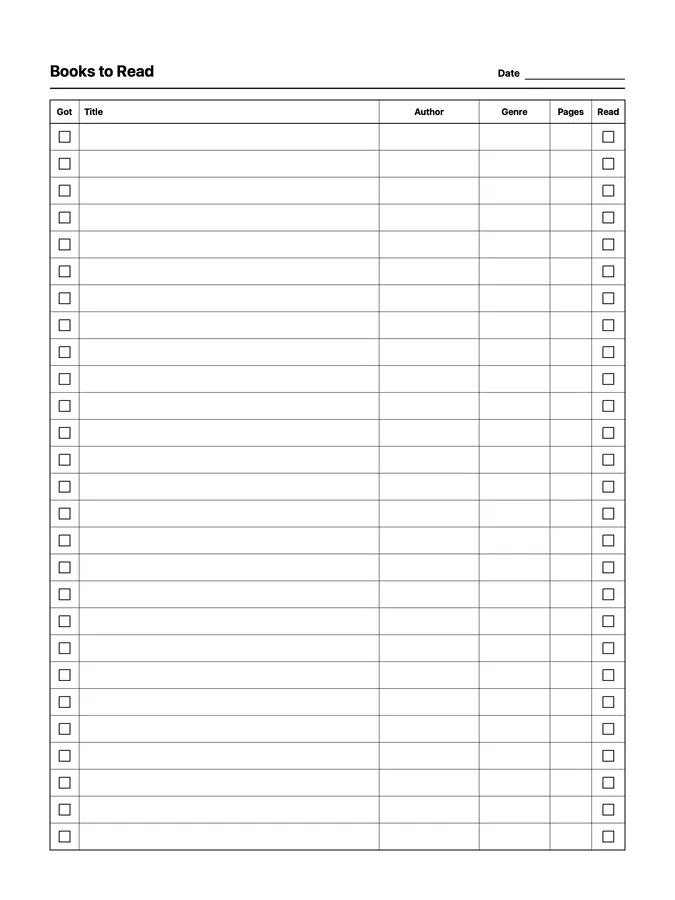
Books to Read native page template preview
Books to Read
Free native page templates

Try four native page templates on your reMarkable

Daily To-Do with Carry-Over, Screen Test, 30 Day Challenge, and Books to Read work like reMarkable Methods templates: choose them in your notebook's template picker. They adapt to every compatible tablet on your account and stay available after routine software updates.

Complete the free checkout with your email. All four templates will appear in My Purchases, where Klass-RM Uploader can send them directly to your reMarkable.

Uploading these native page templates requires Klass-RM Uploader for Mac, Windows, or iPhone/iPad. Selecting them requires paid reMarkable Connect with Methods and tablet software 3.17 or newer. Setup guide.

Get started in three steps

  1. Add the free starter pack to your purchases using your email address.
  2. Open My Purchases in Klass-RM Uploader for Mac, Windows, or iPhone/iPad and send any of the templates. Sending custom templates is free in the uploader.
  3. On your tablet, choose the template when creating or changing a notebook page.

Like the layout? Explore all 85 native templates