

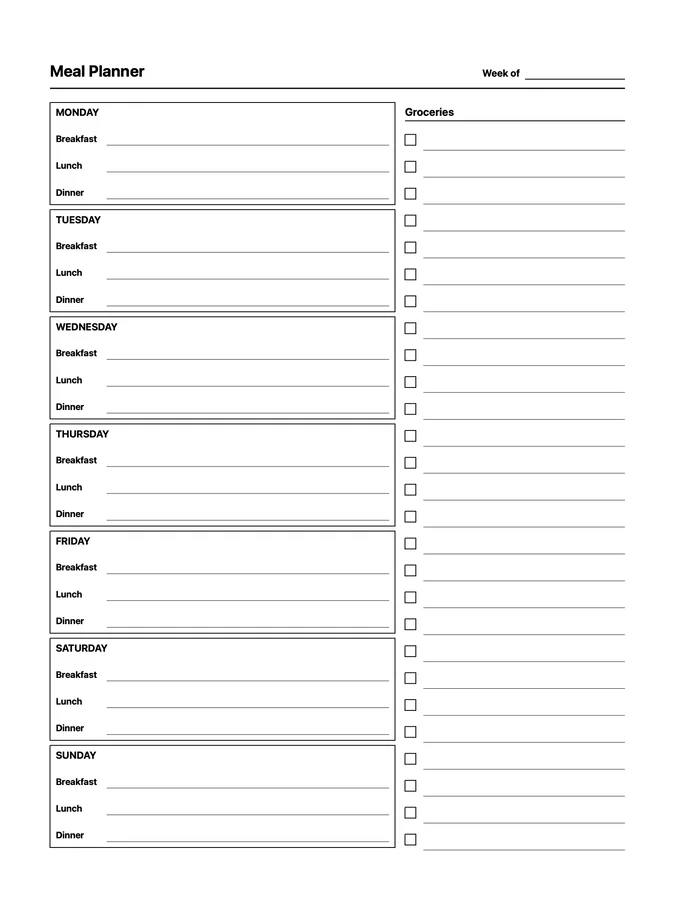
Nine native page templates for running a home: meal planning, grocery lists, pantry inventory, recipes to try, cleaning schedules and trackers, recurring chores, packing, and a home inventory.
These work like reMarkable Methods templates and sync across compatible tablets. Uploading requires Klass-RM Uploader for Mac, Windows, or iPhone/iPad; selecting them requires paid reMarkable Connect with Methods and tablet software 3.17 or newer.
Each design is a separate responsive file, ready to add to your notebook when you need it.
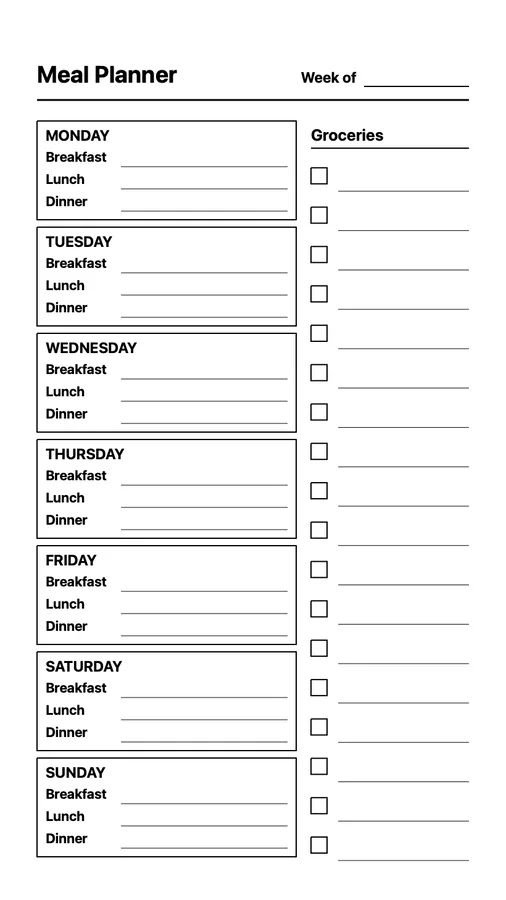
Paper Pro, Paper Pro Move, and reMarkable 2/Pure
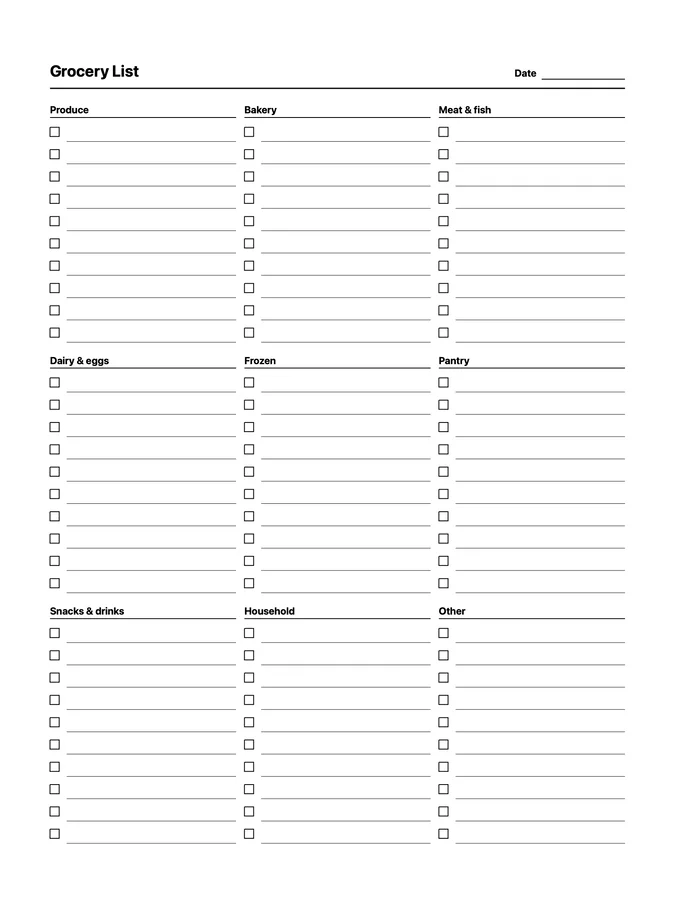 Not designed for Paper Pro Move
Paper Pro and reMarkable 2/Pure
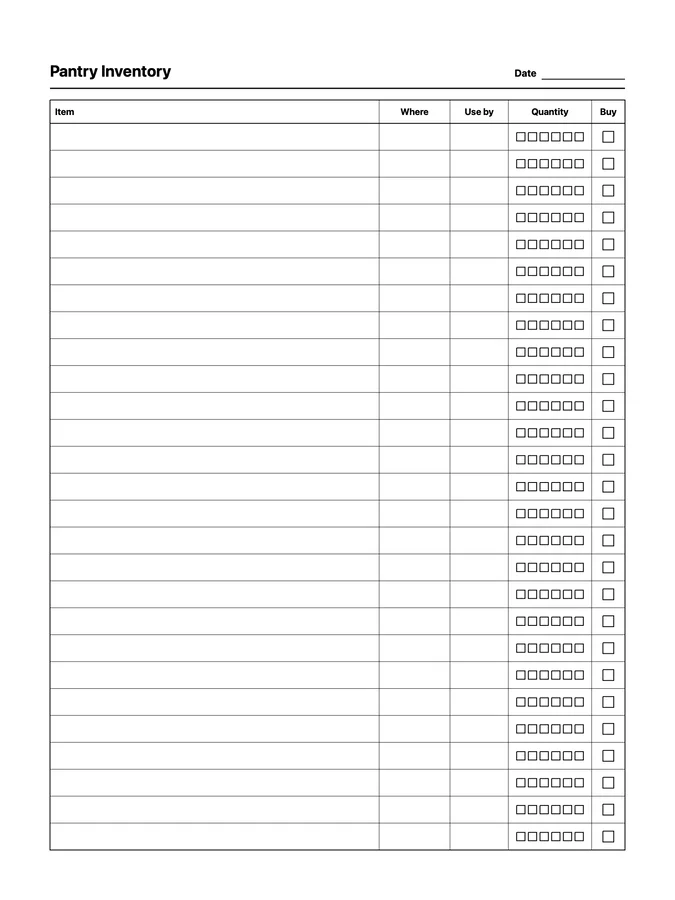
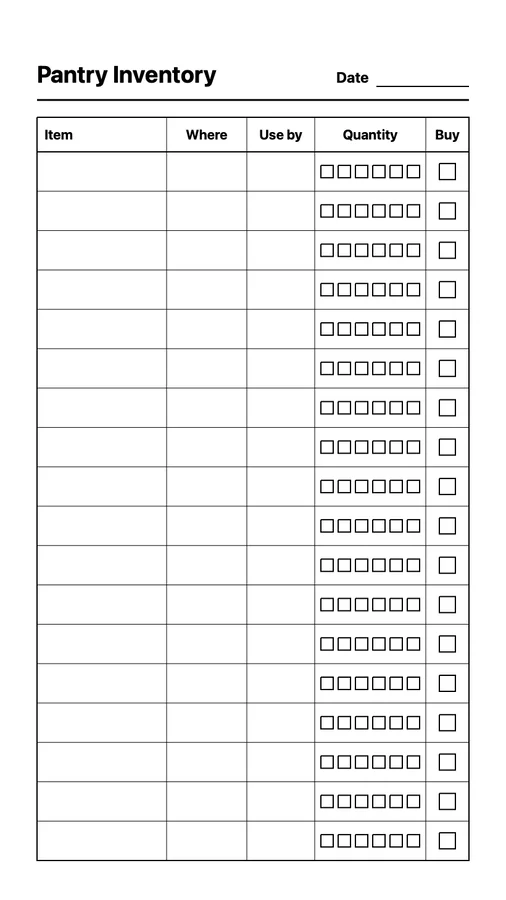
Paper Pro, Paper Pro Move, and reMarkable 2/Pure
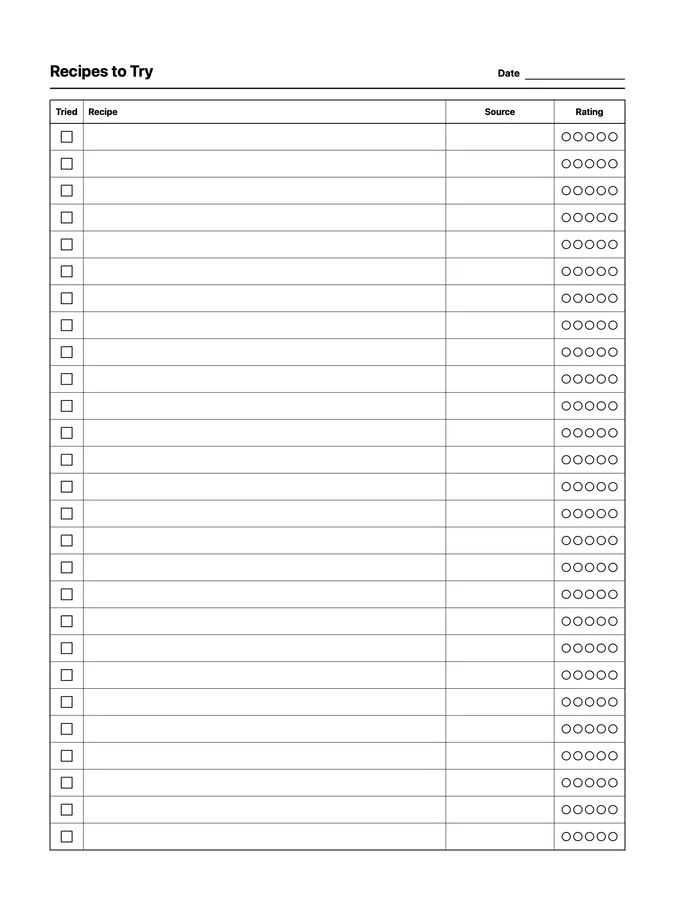
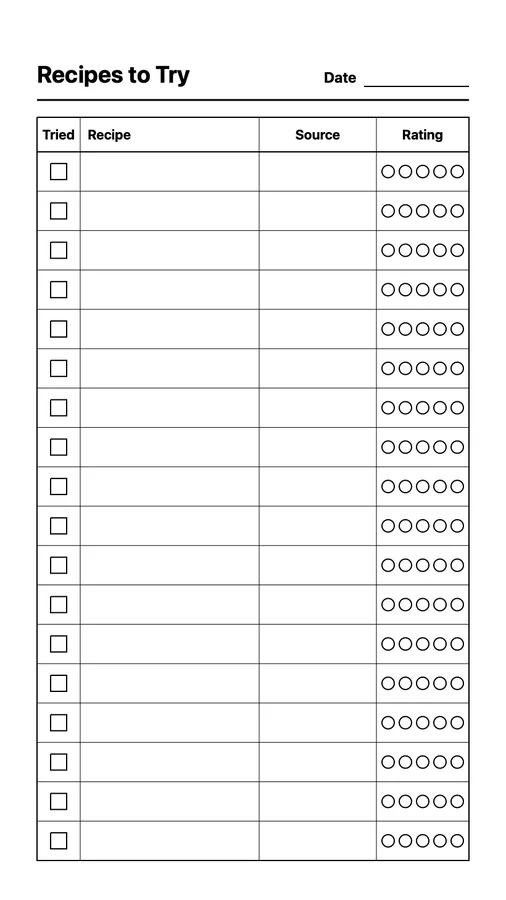
Paper Pro, Paper Pro Move, and reMarkable 2/Pure
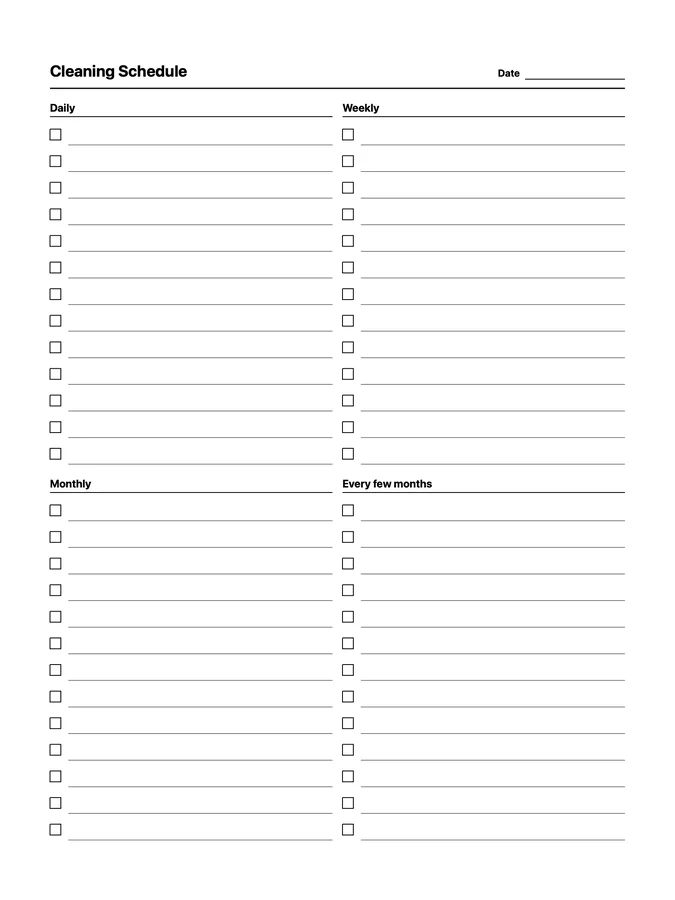
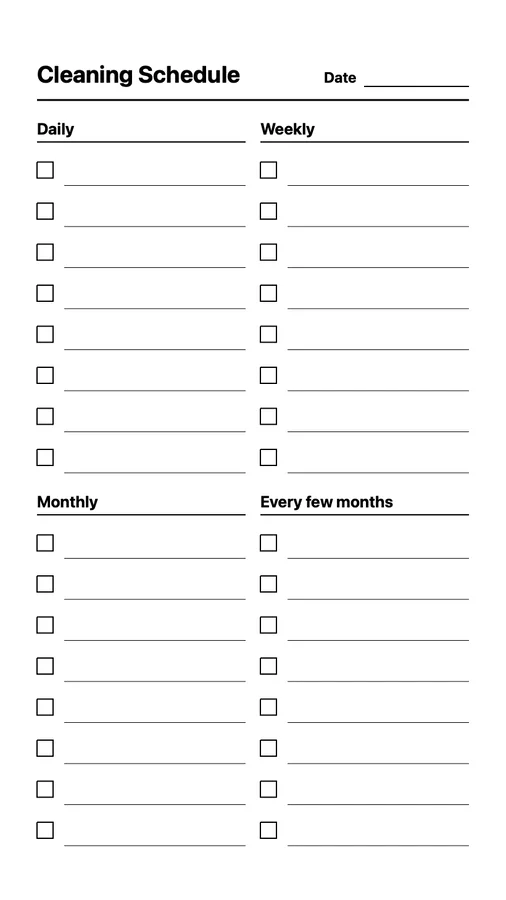
Paper Pro, Paper Pro Move, and reMarkable 2/Pure
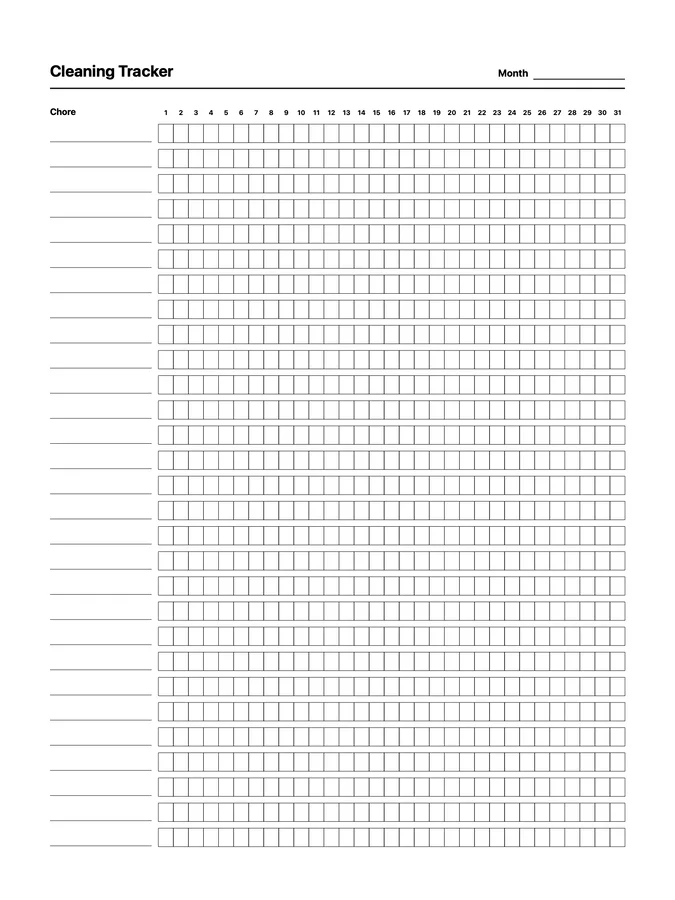 Not designed for Paper Pro Move
Paper Pro and reMarkable 2/Pure
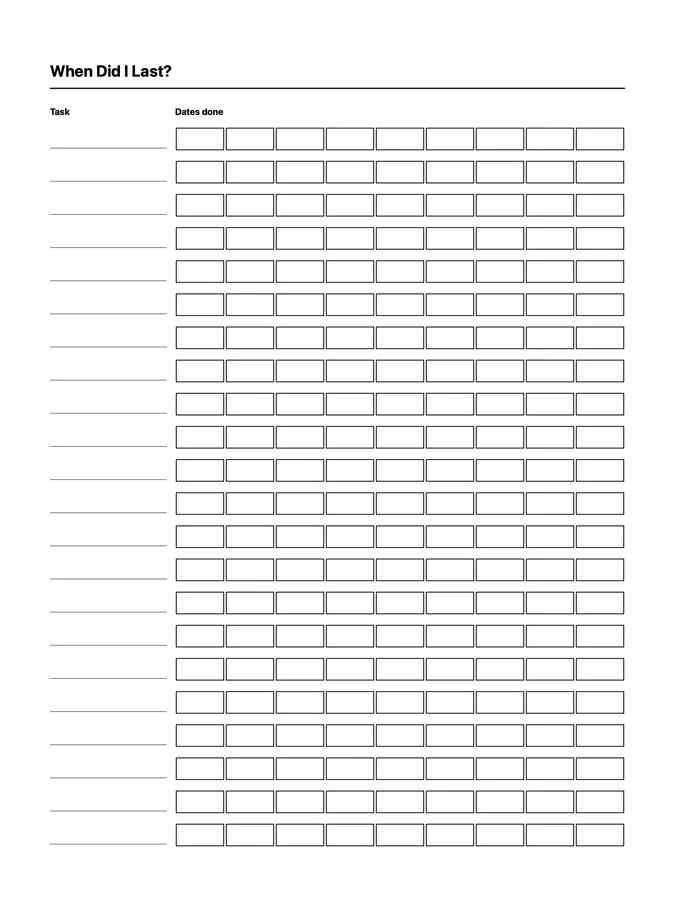
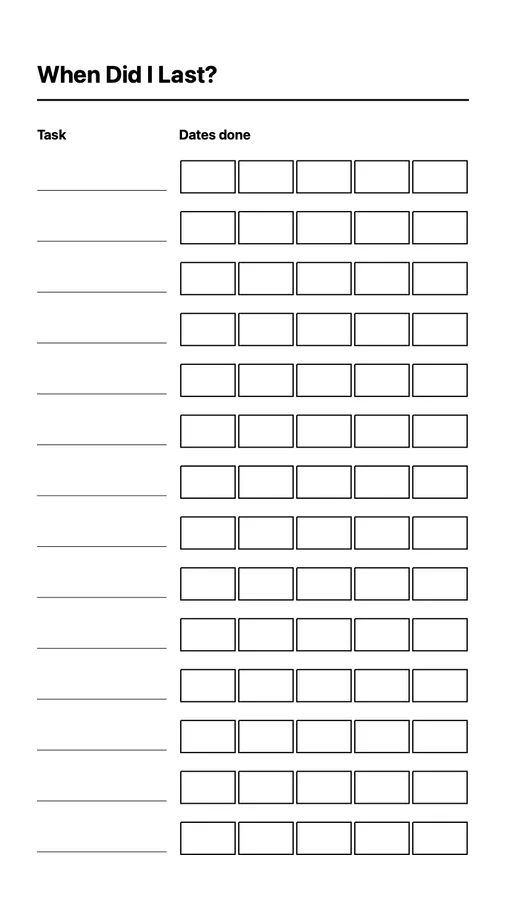
Paper Pro, Paper Pro Move, and reMarkable 2/Pure
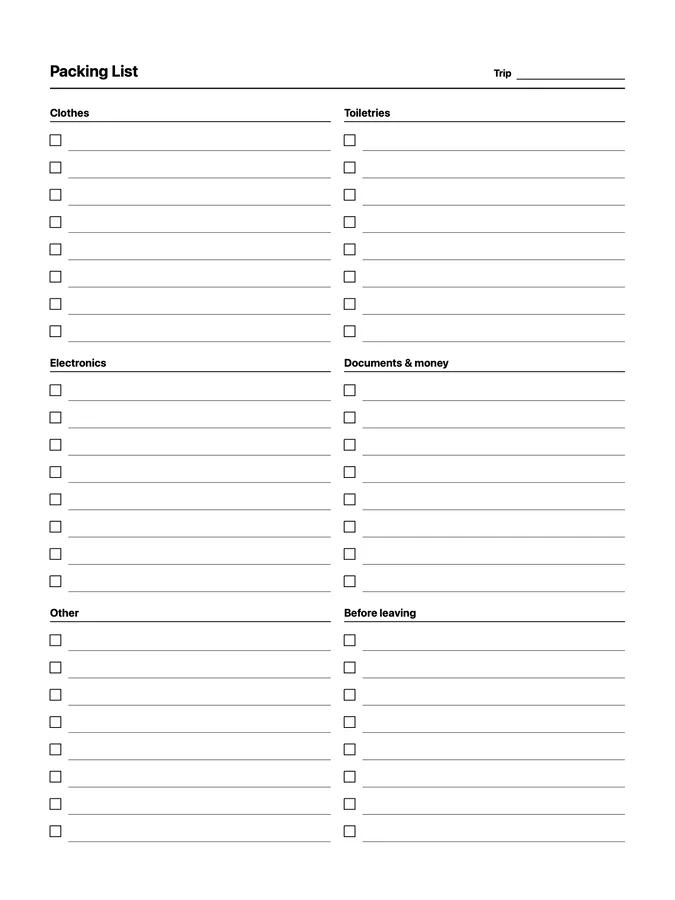
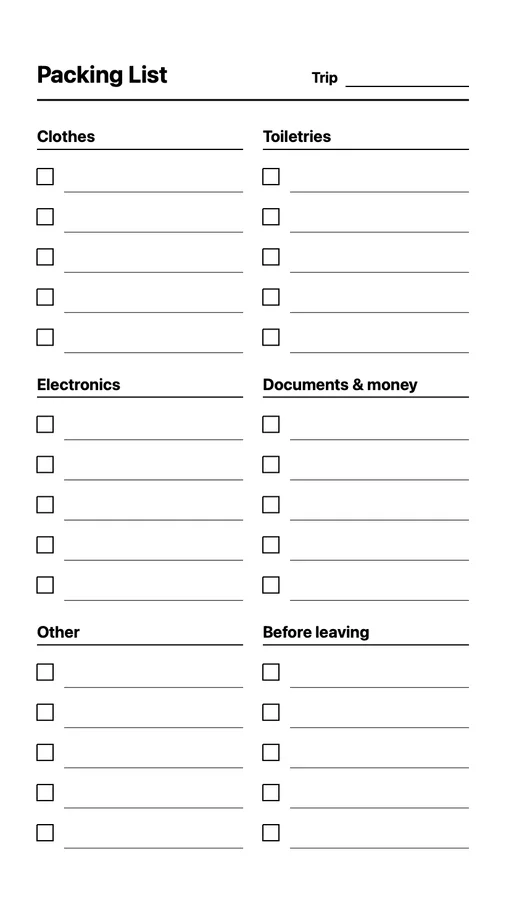
Paper Pro, Paper Pro Move, and reMarkable 2/Pure
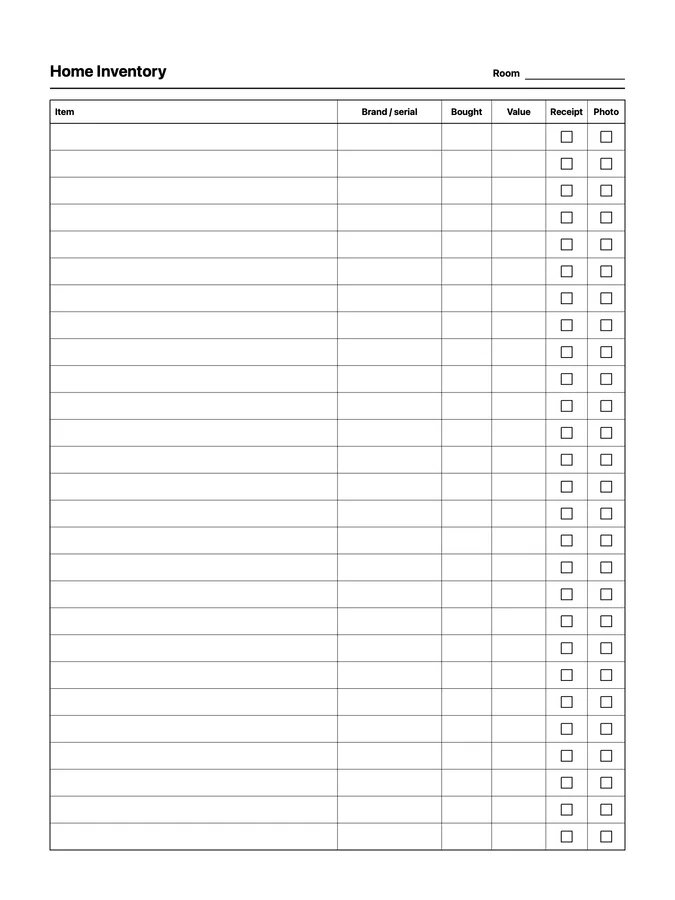 Not designed for Paper Pro Move
Paper Pro and reMarkable 2/Pure
No. These are native reMarkable page templates in .rmtemplate format, like the templates in Methods. Select them inside a notebook. They are black vector designs and do not include hyperlinks or separate left- and right-handed editions.
Download the individual files from your purchase page, then upload them with Klass-RM Uploader for Mac, Windows, or iPhone/iPad. The uploader is required for these templates, and its custom-template feature is free. Your reMarkable account needs paid Connect with Methods to select them. See the setup guide.
Each file adapts to reMarkable 2, Paper Pure, and Paper Pro. Most also adapt to Paper Pro Move; the pages marked above have too much detail for its smaller screen and are not designed for it. Templates sync across compatible tablets on your account. Use tablet software 3.17 or newer.
No. The templates are saved in your reMarkable cloud account instead of a tablet system folder, so routine software updates do not erase them.