

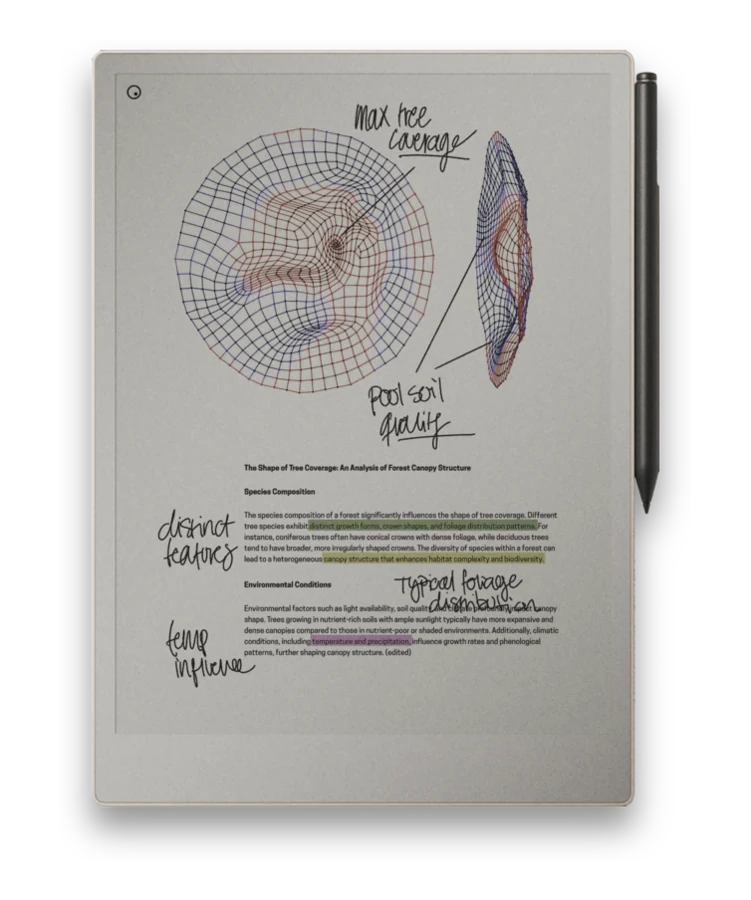
Turning handwritten notes into typed text is one of the reMarkable's most useful tricks, and one of the least understood. Here is how it actually works, and whether you need to pay for it.
How handwriting conversion works
You select the handwritten notes you want to convert, right on the page, and the device turns that selection into typed text you can copy out or export. It works directly on what you wrote, so there is no separate scanning step and no extra app to open.
How accurate is it, really?
It is genuinely good with tidy printing and reasonably consistent cursive - close enough that most people can convert a page of notes and only need to clean up a handful of words. It gets noticeably worse with messy, rushed handwriting, and it is not built to interpret diagrams, arrows, or sketches; it is reading letters, not layout. Support covers multiple languages, but like any handwriting recognition, results vary with how consistently you write.
Do you need the Connect subscription?
Writing and basic handwriting selection are part of using the device day to day. Some export and sync conveniences around getting converted text out to other apps may depend on a reMarkable Connect subscription, which is consistent with how other cloud features on the device work - see the note on email and cloud features in Getting Files onto reMarkable. Check your account for the specifics before assuming a feature is included or gated.
Getting text into other apps
Once notes are converted, exporting or emailing them out is how you get that text into a word processor, task manager, or anywhere else you work. Exactly which export paths are available to you can depend on your account and subscription, so it is worth checking what your setup supports rather than assuming every route is open.
A scanned or image-based PDF is not the same as editable handwriting. Conversion works on notes written directly on the device; a flat image of handwriting inside a PDF has nothing for the recognition to select.
Write it, then use it everywhere
Pair a hyperlinked notebook system with a fast way to get files on and off the device.