

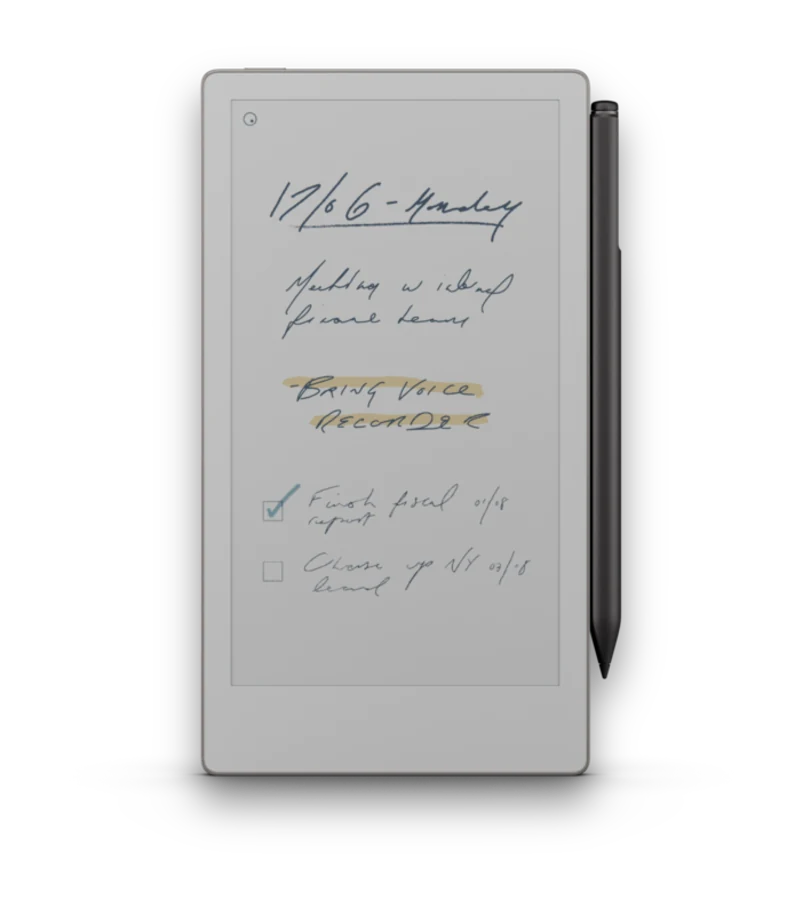
A reMarkable rewards a little setup. These are the habits that help new owners settle in fast, and the ones that separate people who like their tablet from people who cannot put it down.
Getting started
Spend the first week just writing
Resist the urge to build the perfect system on day one. Use a blank or lined notebook, take real notes, and notice what you keep reaching for. Your actual habits should shape your setup, not the other way around.
Learn the two gestures that matter
Swipe left and right to turn pages, and use the eraser and undo controls until they are muscle memory. Those few actions cover most of daily use; everything else you can pick up as you go.
Find a pen and line weight you like
The tools feel different from each other. Try the fineliner, the ballpoint, and the marker on a scratch page and settle on a default. A pen that matches your hand pressure makes writing feel natural much faster. If writing starts to feel scratchy down the line, the nib is probably due for a change - see the FAQ for how often.
Match your notebook to your hand
If you are left-handed, use a template with the navigation on the right so it does not sit under your palm. Every notebook on this site includes a left-handed version for exactly this reason.
Set up file transfer early
Getting documents onto the tablet is the one thing that trips up new owners. Decide how you will do it up front - see Getting Files onto reMarkable - so the first PDF you want to read is not a fight.
Power-user habits
Build a folder system that mirrors your life
Once you have a feel for how you work, give your notebooks a home: a folder per project, client, class, or area. A shallow, predictable structure beats a deep one you have to think about.
Use hyperlinked PDF notebooks as an operating system
A well-built planner or journal with tap-to-jump navigation turns the tablet into something you move around inside, not just write on. An index that links to every section, and daily pages that link back, save a surprising amount of scrolling. This is the core of why PDF notebooks beat the built-in pages.
Automate the boring transfers
If you send the same kinds of files across often, stop doing it by hand. With the Klass-RM Uploader you can watch a folder on your Mac so anything you drop in uploads automatically, or wire up a Shortcut or Siri command to send files in one step.
Send web reading straight to the tablet
Long articles are far more pleasant on e-ink than on a phone. Share a link to the Klass-RM Uploader and it strips the page down to a clean, readable document on your reMarkable - a great way to build an evening reading pile without a screen glowing at you.
Keep big PDFs lean
Huge scanned PDFs sync slowly and eat storage. The Uploader's large-file optimization shrinks them automatically before they go across, so a heavy textbook or manual behaves like a normal document.
Template your recurring pages
If you redraw the same layout every week - a weekly plan, a meeting note, a workout log - use a PDF notebook built around it instead. You get a consistent structure every time and links between the pages, without redrawing anything.
Give your reMarkable a system to work in
Hyperlinked notebooks, planners, and journals - built per device, in left- and right-handed versions, with free samples. Start with one that matches how you already work.