

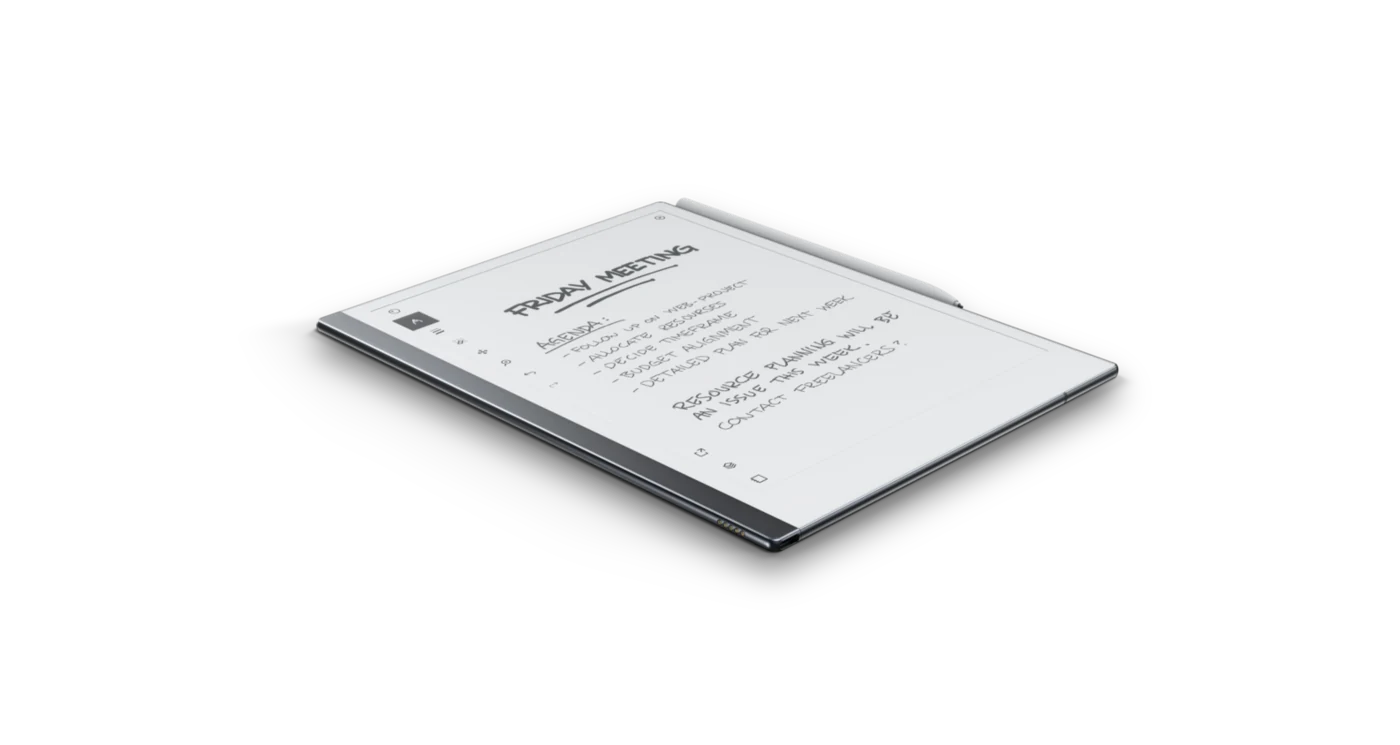
Straight answers to the questions people ask most before and after buying a reMarkable.
What is a reMarkable tablet?
It is a paper tablet: a thin e-ink device made for writing and reading without the apps, browser, and notifications of a normal tablet. You write with a stylus that feels close to pen on paper, and you read and mark up documents and books. See What is the reMarkable? for the full picture.
Can the reMarkable replace paper notebooks?
For most note-takers, yes. The writing feel is close enough to paper that it becomes the default place to think, with the advantage that your notes are searchable, backed up, and never run out of pages. It will not replace a tablet for video, apps, or color work.
Does the reMarkable have a color screen?
The reMarkable Paper Pro and Paper Pro Move have color e-ink displays, and the Paper Pro adds a front light. The reMarkable 2 and reMarkable Pure are black and white. All of them are e-ink, so even the color models stay matte and paper-like rather than bright like an LCD.
Can I read ebooks and PDFs on it?
Yes. The reMarkable reads PDFs and EPUB ebooks, and you can write and highlight directly on them. Loading PDFs is also how you use custom notebooks and planners - see Why PDF Notebooks.
Do I need a paid subscription to use it?
No. The core device - writing, reading, loading your own files - works without a subscription. reMarkable Connect is an optional paid plan that adds cloud features such as certain sync and handwriting conversion conveniences. You can use the tablet fully without it.
What is the difference between the models?
The reMarkable 2 and reMarkable Pure are black-and-white paper tablets around 10.3 inches. The Paper Pro is larger, with a color screen and a front light. The Paper Pro Move is a smaller, more portable version of the Paper Pro. Because screen sizes differ, notebooks and templates are laid out per model.
Is the reMarkable good for left-handed users?
It can be, if your notebooks account for it. The hardware itself is ambidextrous - there is no palm-rejection zone or handedness setting built into the device - so what actually matters is your notebook layout. If navigation sits on the left edge, it lands right under a left-handed writing hand and gets covered or triggered by accident. On this site every template comes in a left-handed version with the navigation moved to the right edge, out from under your writing hand. See our left-handed templates.
How often should I change the nib, and do off-brand nibs work?
Nibs wear down with use, and how fast depends on how hard you write - many users get several weeks to a couple of months out of a nib depending on their pressure and how much they write. Replace it once writing starts to feel scratchy or the drag against the screen changes; a worn nib is also a common cause of writing accuracy feeling off, covered in Common Problems and Fixes. Third-party nibs work and cost less than official ones; it comes down to a cost-versus-feel tradeoff rather than one being broken and the other not.
Why buy PDF notebooks instead of using the built-in templates?
The built-in templates are single repeating pages with no links between them. A good PDF notebook is a complete, hyperlinked system - tap to jump between months, days, sections, and indexes - laid out for your exact device. More in Why PDF Notebooks.
How do I get files onto my reMarkable?
Through reMarkable's own apps and website, or more quickly with the Klass-RM Uploader (with iPhone and iPad coming soon), which sends files across in a tap. The trade-offs of each route are covered in Getting Files onto reMarkable.
Will your notebooks work on my model?
Yes. Every notebook is built in a version for reMarkable 2, reMarkable Pure, Paper Pro, and Paper Pro Move, so it fits your device's page size. Free samples let you confirm the fit before buying.