

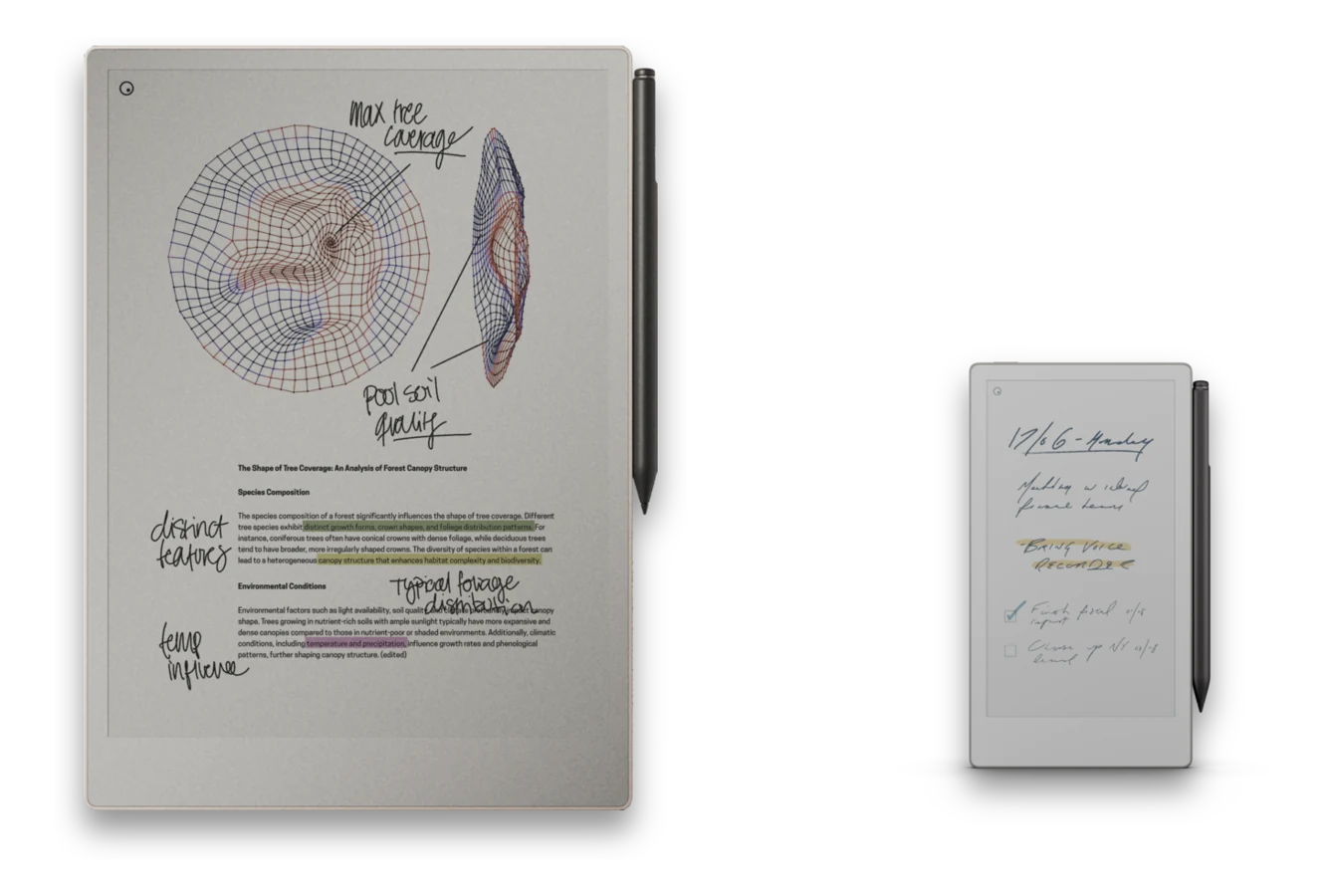
A pile of loose notebook pages is not a system. Here is how to put together planners, task lists, and meeting notes that actually hold together on a reMarkable.
Start from how you actually work
Do not design the perfect system before you have used the device - build up from your real habits instead. Spend a first stretch just writing in a blank or lined notebook, notice what you keep reaching for, and let that shape the system you build next. See Tips for Beginners and Pros for more on that first week.
Task systems: daily page vs task index
| Approach | Tradeoff |
|---|---|
| Daily page | Everything for the day lives in one place, easy to review, but tasks that roll over have to be rewritten by hand each day. |
| Task index | A running list you link to from each day, so nothing gets rewritten, but it takes more discipline to keep the index itself tidy. |
Most people end up somewhere in between: a daily page for the day's notes, linked back to a standing task index for anything longer-lived than a day.
Planners and calendars
A proper planner covers daily, weekly, and monthly views with hyperlinked navigation between them, so tapping a date takes you straight to that day's page and back again. If you want the planner to track your actual schedule rather than being redrawn by hand, the Klass-RM Uploader's calendar sync can generate a full planner from your calendar and keep it current on the tablet as your schedule changes, with your handwriting preserved.
Meeting notes
A repeatable meeting template - the same layout every time, with space for attendees, notes, and follow-ups - beats redrawing the same structure by hand. Link each meeting note back to the project or index it belongs to, so a meeting is never a page floating on its own.
Folder organization
Keep the folder structure shallow and predictable: a folder per project, client, class, or area of your life, not a deep hierarchy you have to think your way through every time you save something.
Why a hyperlinked PDF beats built-in pages
The built-in templates are single repeating pages with nothing linking them together. A well-built PDF notebook is a complete system - tap to jump between months, days, sections, and indexes - which is the whole case for using one instead of the defaults. More in Why PDF Notebooks.
Build the planner around your actual calendar
Generate a full, hyperlinked planner from your calendar and keep it synced on the tablet, or start with a template built for how you already work.