

Cloud Tools adds a full account browser, one-click and automatic export to PDF, PNG, SVG, Markdown, or Highlights, versioned backups, and a local API for scripts and AI agents - all built into Klass-RM Uploader.
Cloud Tools is part of Klass-RM Uploader Pro.
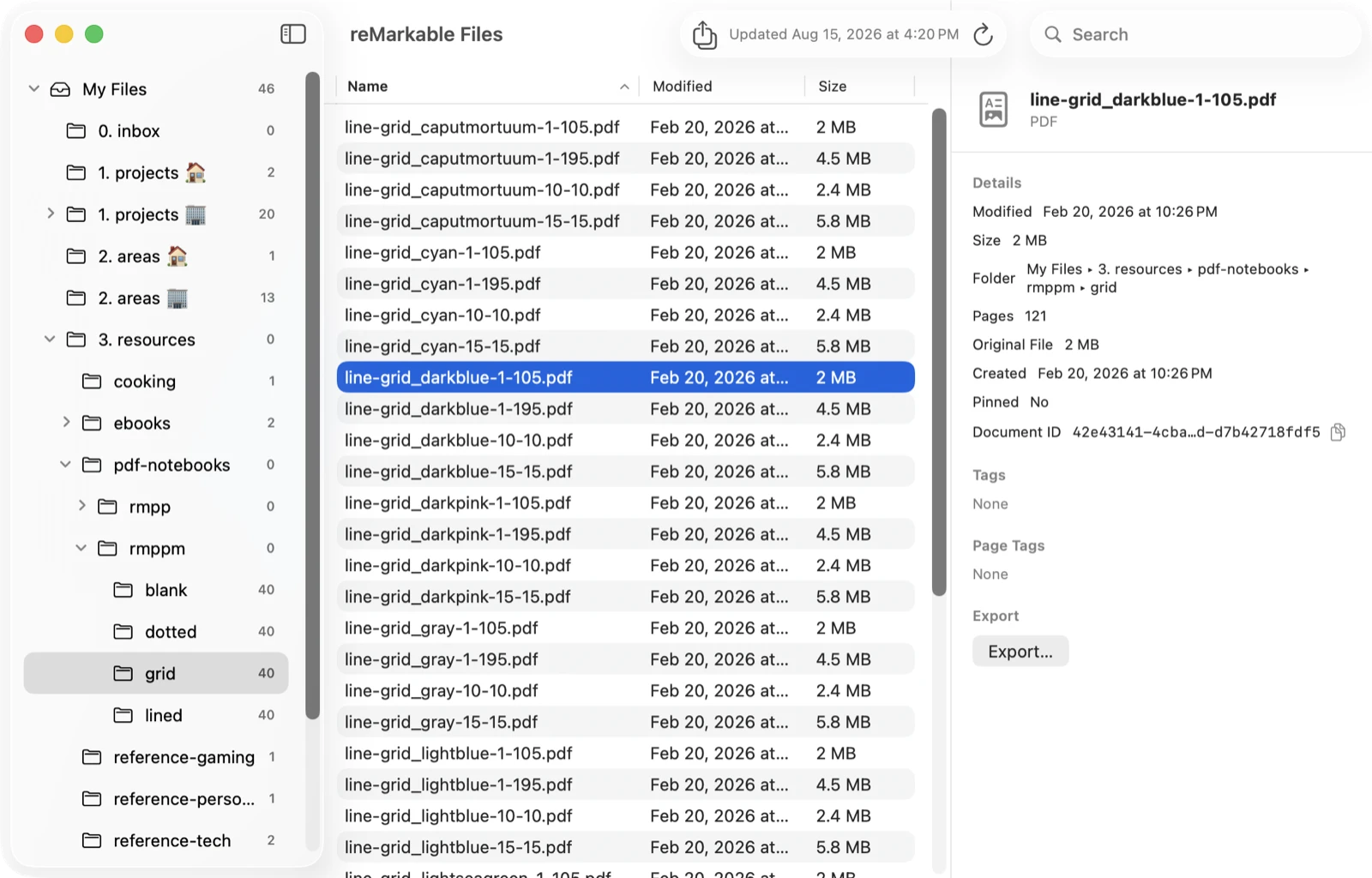
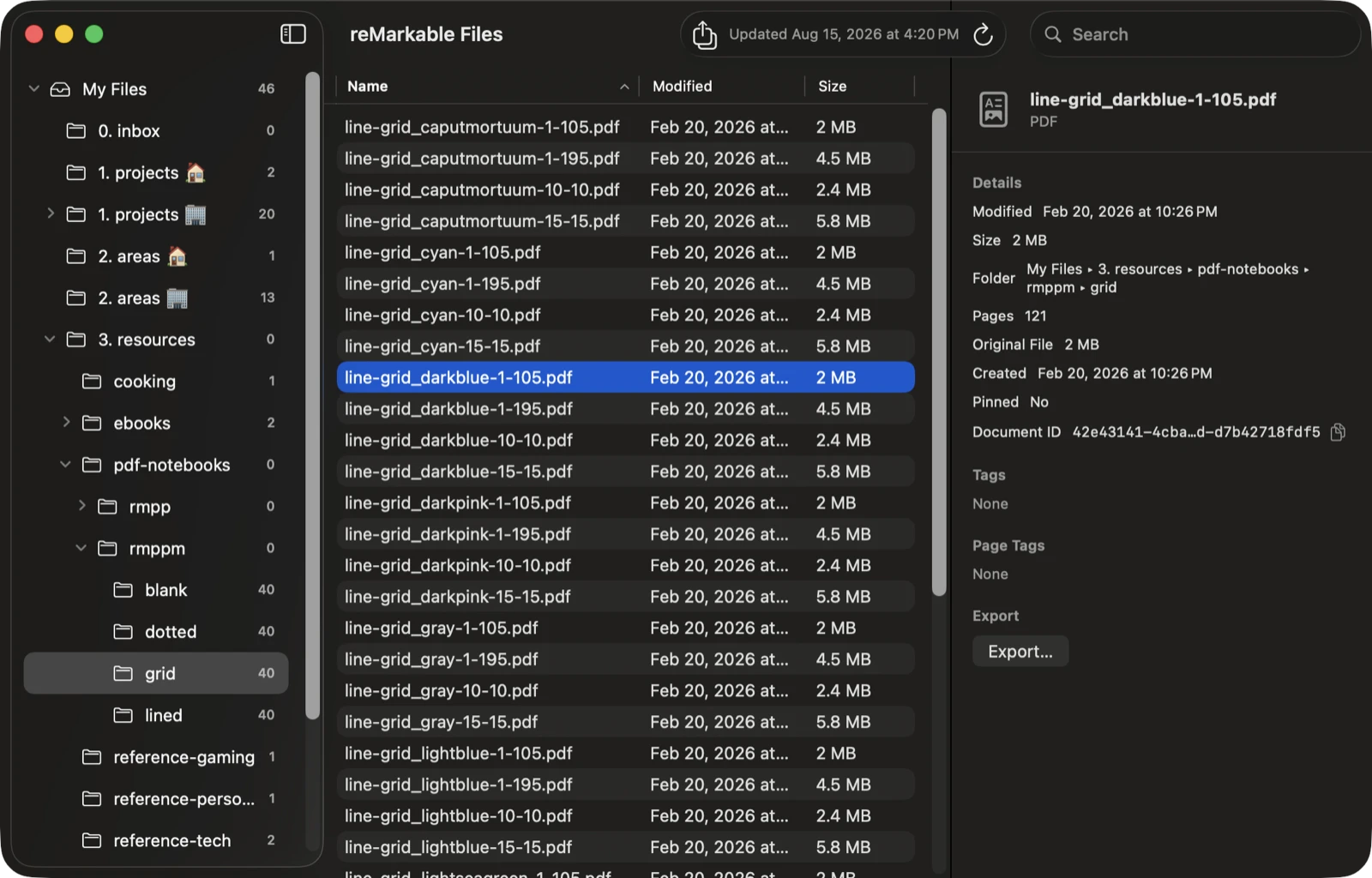
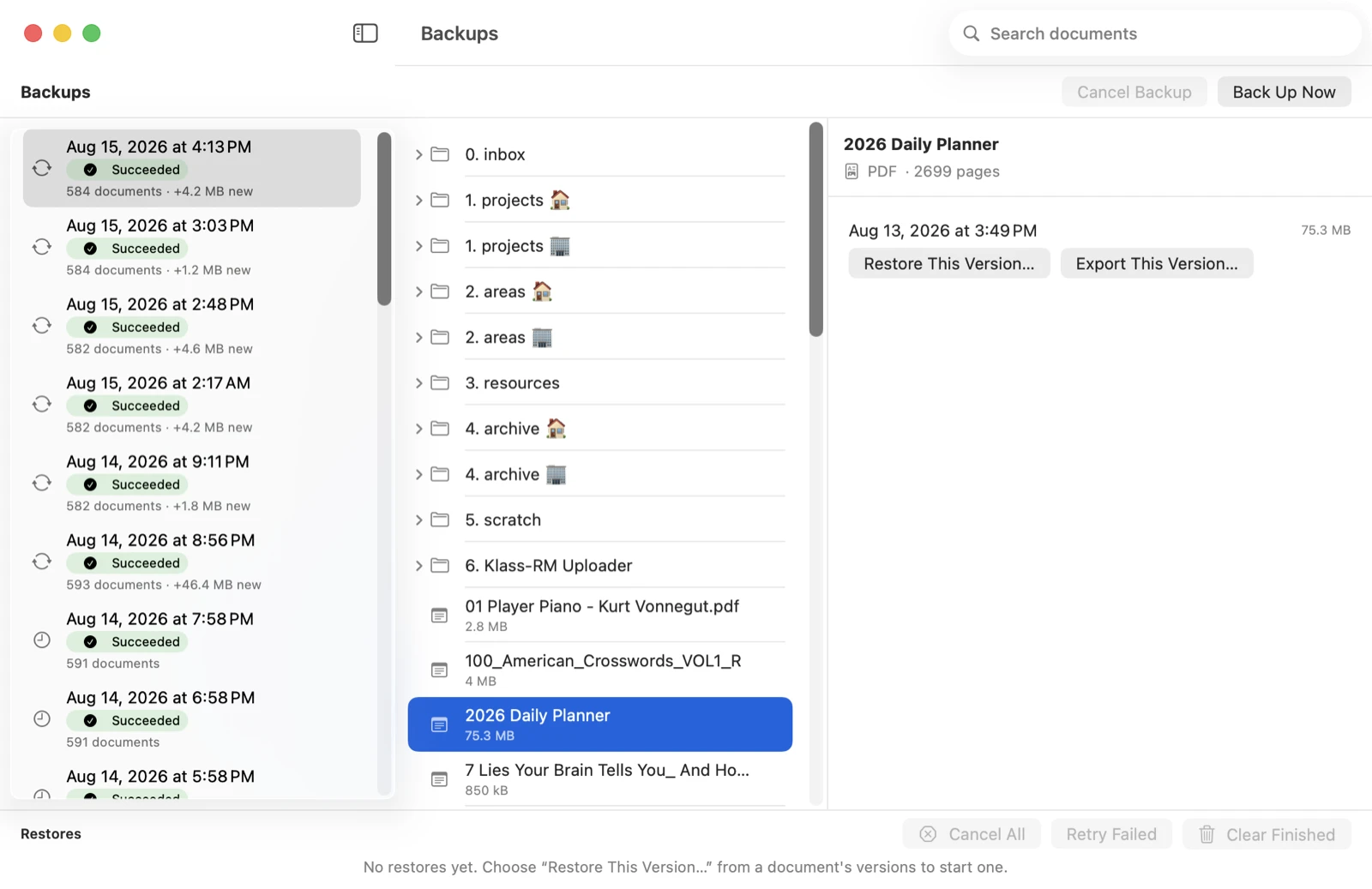
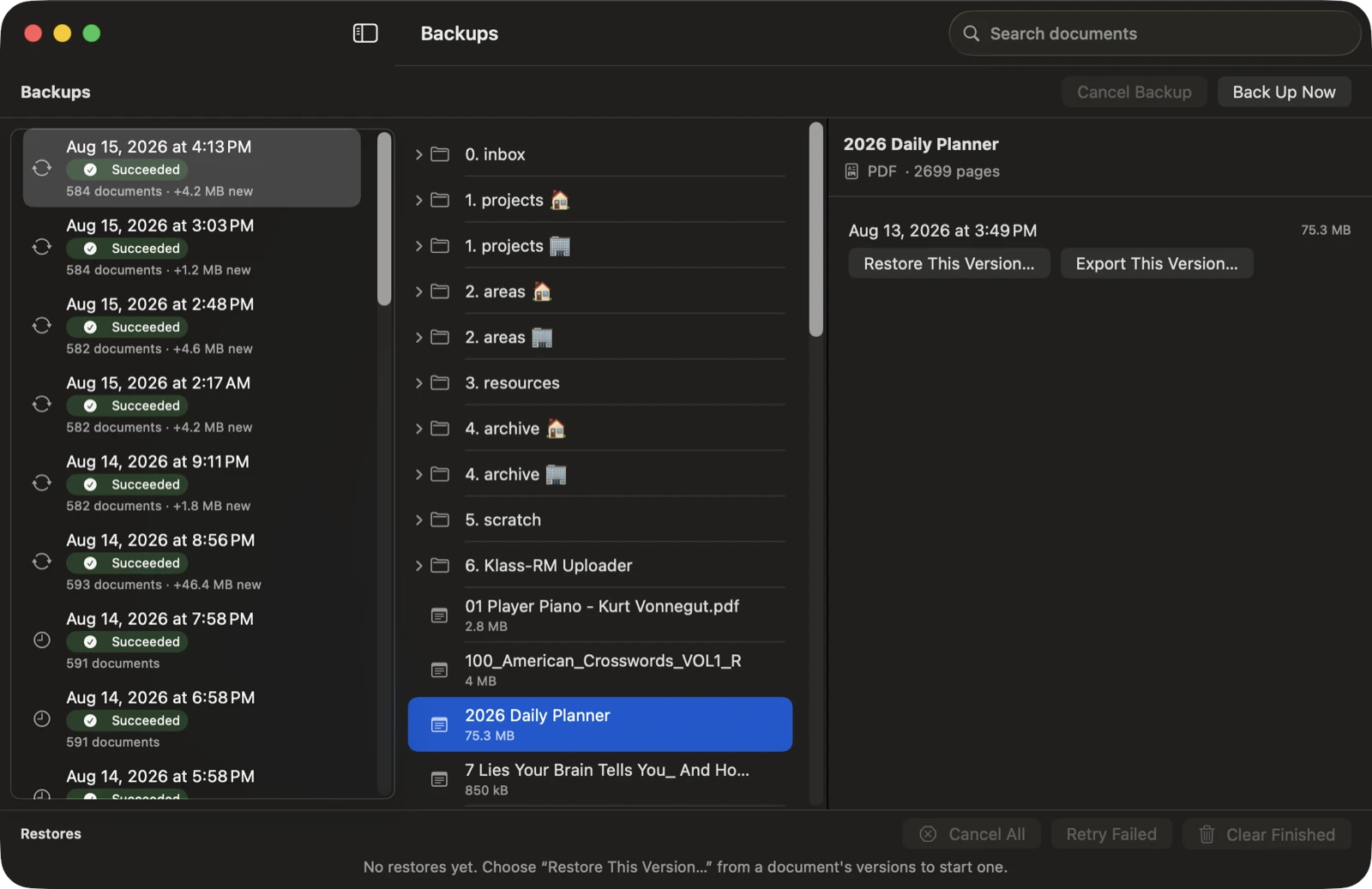
“Browse reMarkable Files” opens a dedicated window with your account’s folder tree on one side and the selected folder’s documents - size, modified date, tags, page count - on the other. It’s read-only, it’s free for everyone, and it’s where Export, Auto-Export, and Backup all connect back to.
Export any document - or your whole account - to the format you actually need, rendered locally with no server round trip.
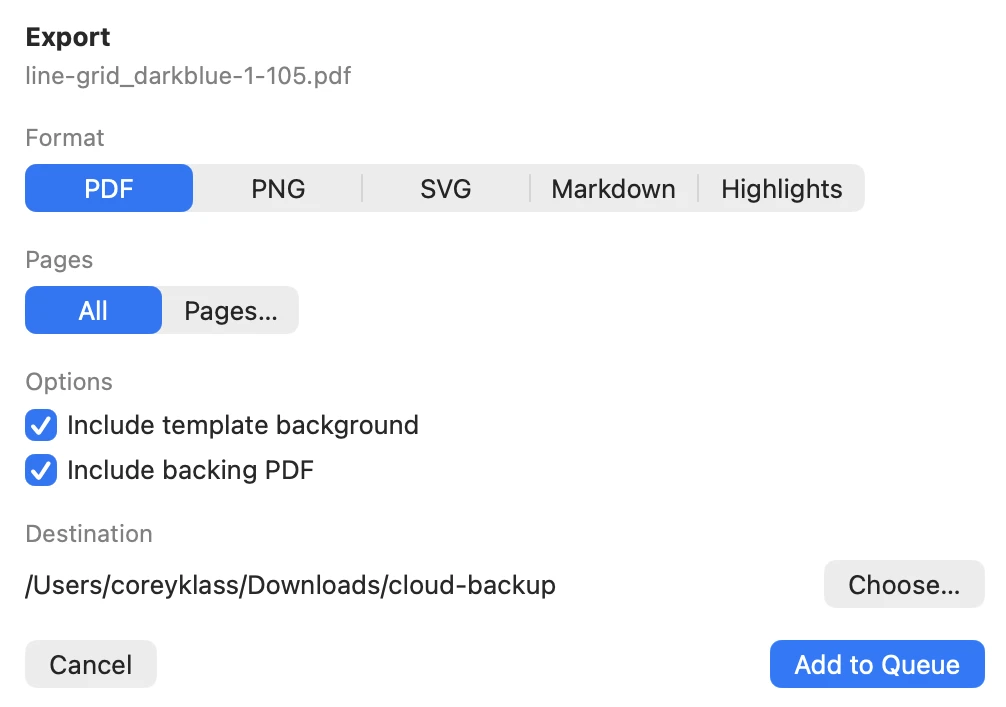
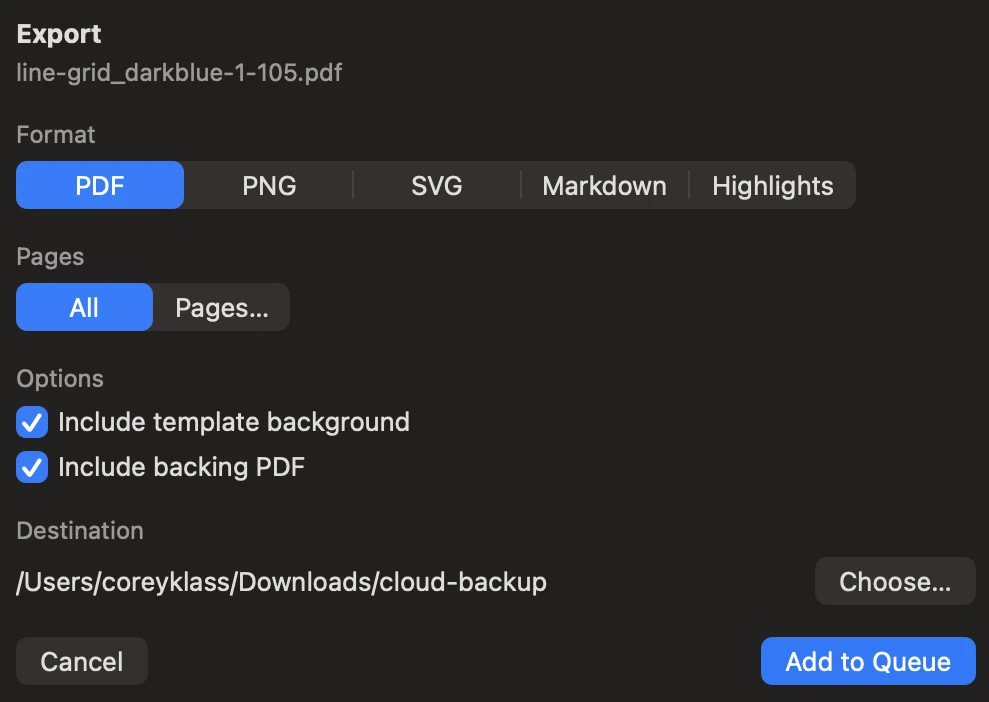
A faithful PDF of the document, ink and all - the same rendering pipeline the app already uses to display and print.
Per-page images, flat for a single page or in a numbered subfolder for multi-page exports.
Typed text plus highlighted ranges, exported as a single .md file. V6 documents only.
Just the highlighted text, exported as blockquotes - a quick way to pull out what you marked up.
“Export…” on one document or “Export All…” on a selection adds a job per document to a persistent export queue that keeps draining even if you close the browser window.
Exporting one page of one document is free for everyone. A page range, a whole document, or exporting more than one document at a time requires Pro. reMarkable Connect is never required for any of it - this is local rendering of documents you already own.
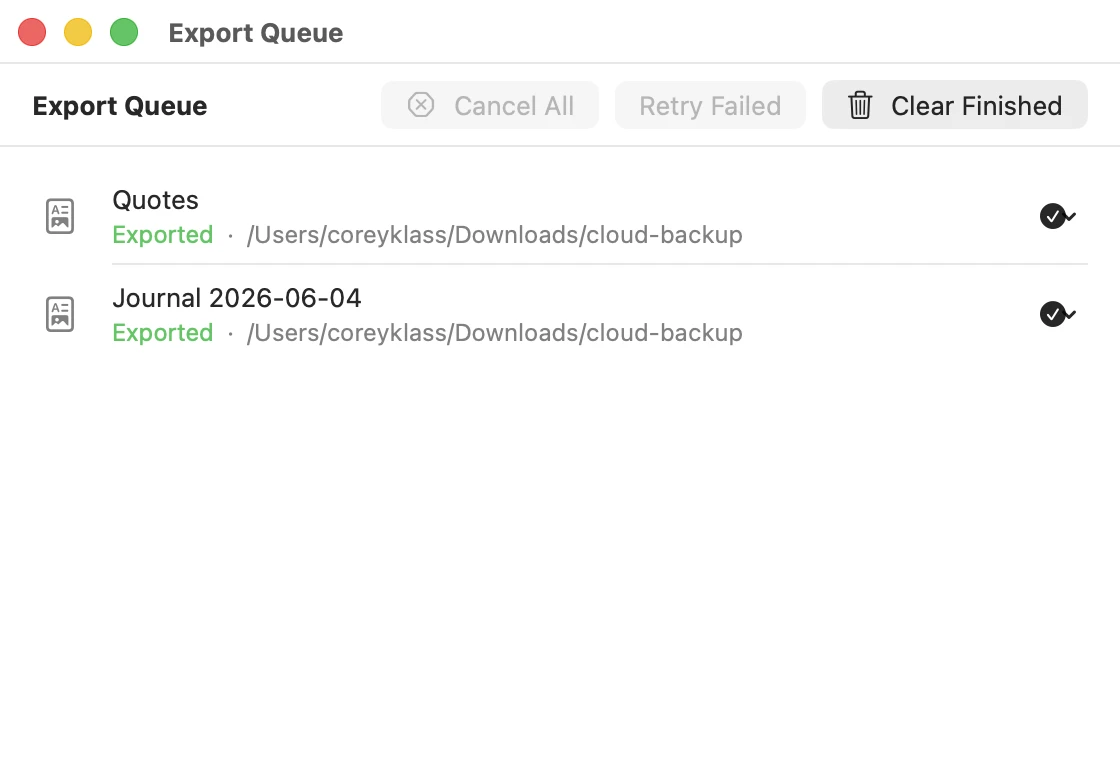
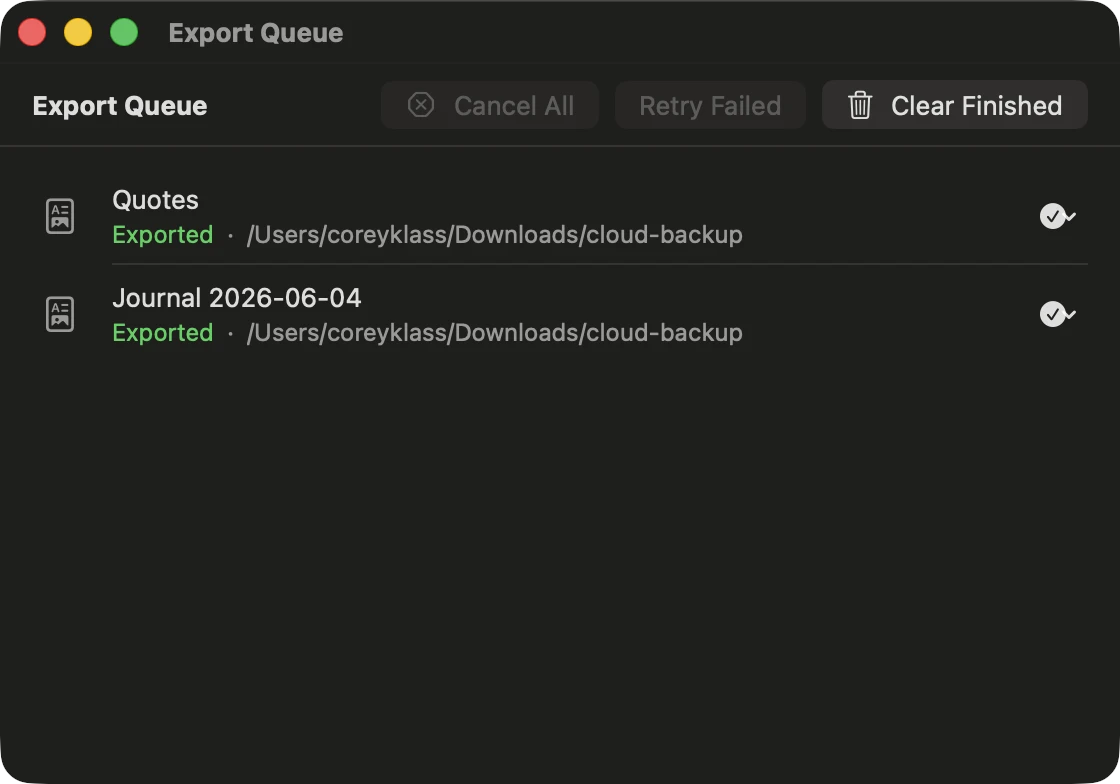
Define what to watch and where it should land, and Auto-Export handles the rest whenever your account changes - no manual “Export…” click required.
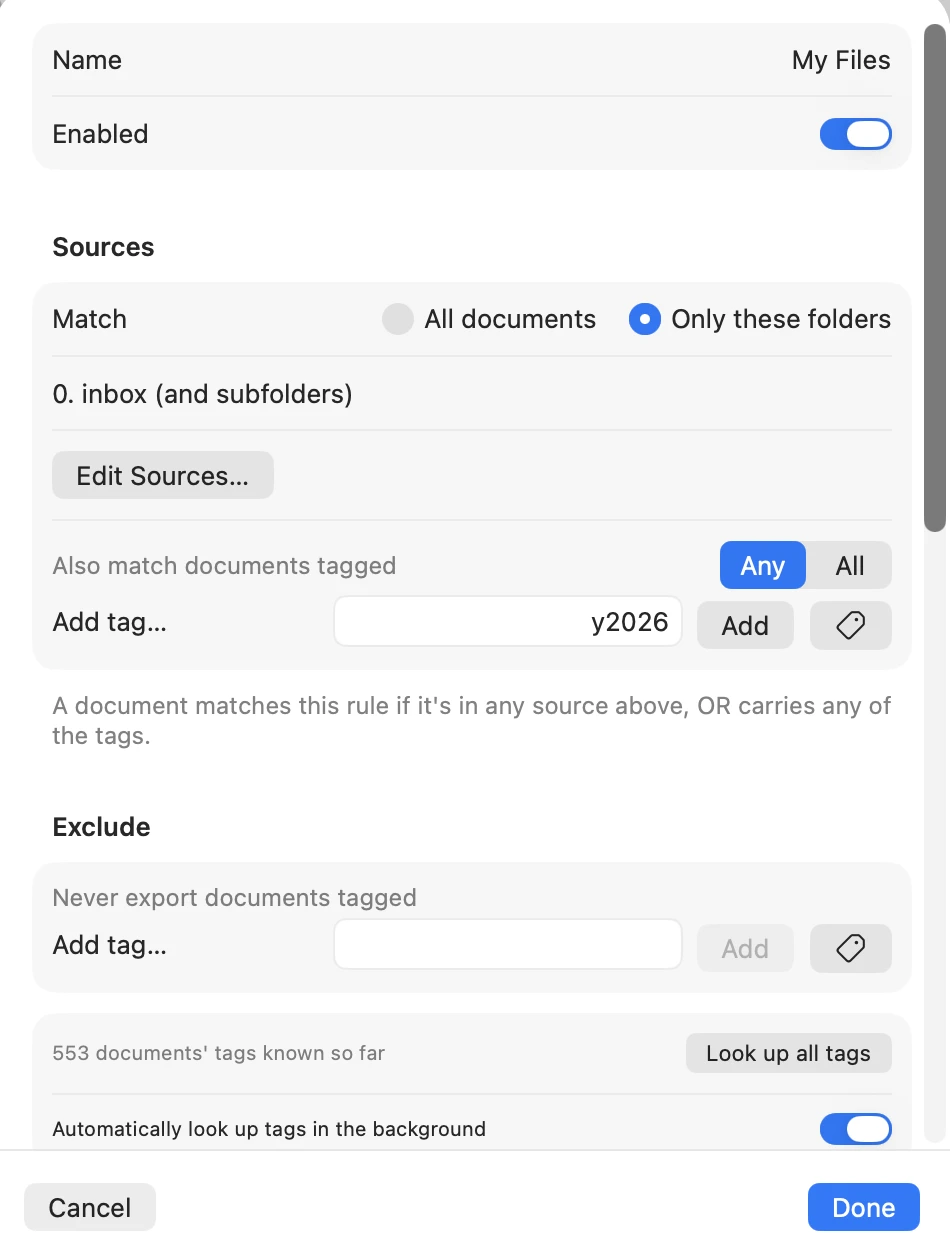
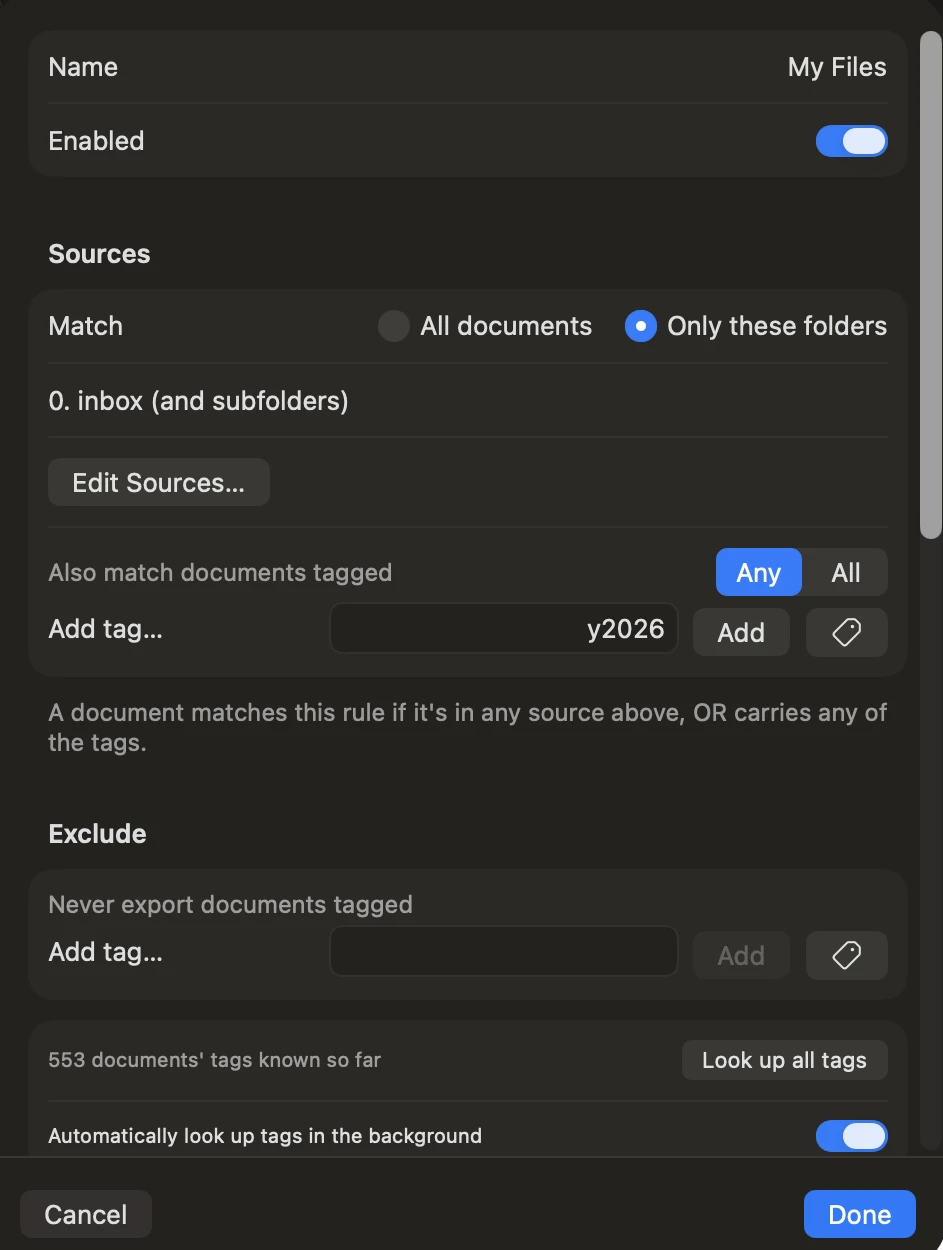
Every document, index and component blobs, saved to a local, network, or external folder - on a schedule, whenever your account changes, or on demand.
Creating a backup requires Pro and a paired reMarkable account. Restoring a document only requires pairing - it is never license-gated, since a backup already left your account once and you have a right to get it back. reMarkable Connect is never required for either direction.
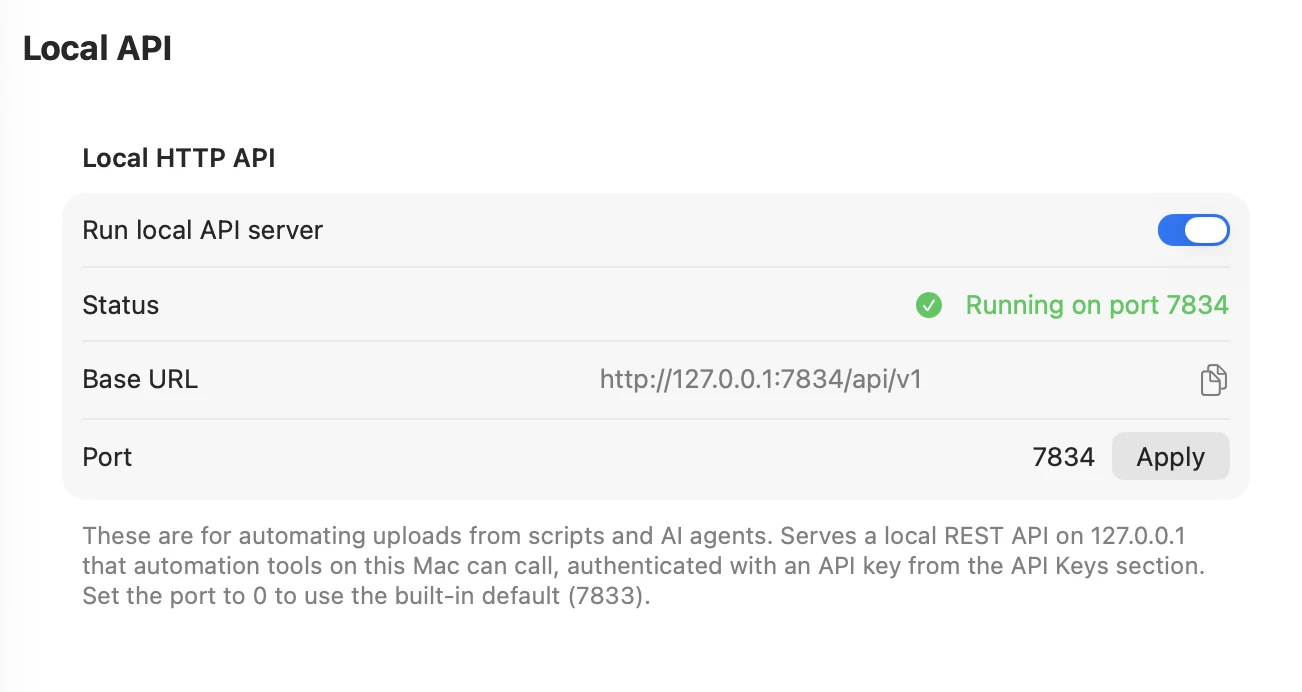
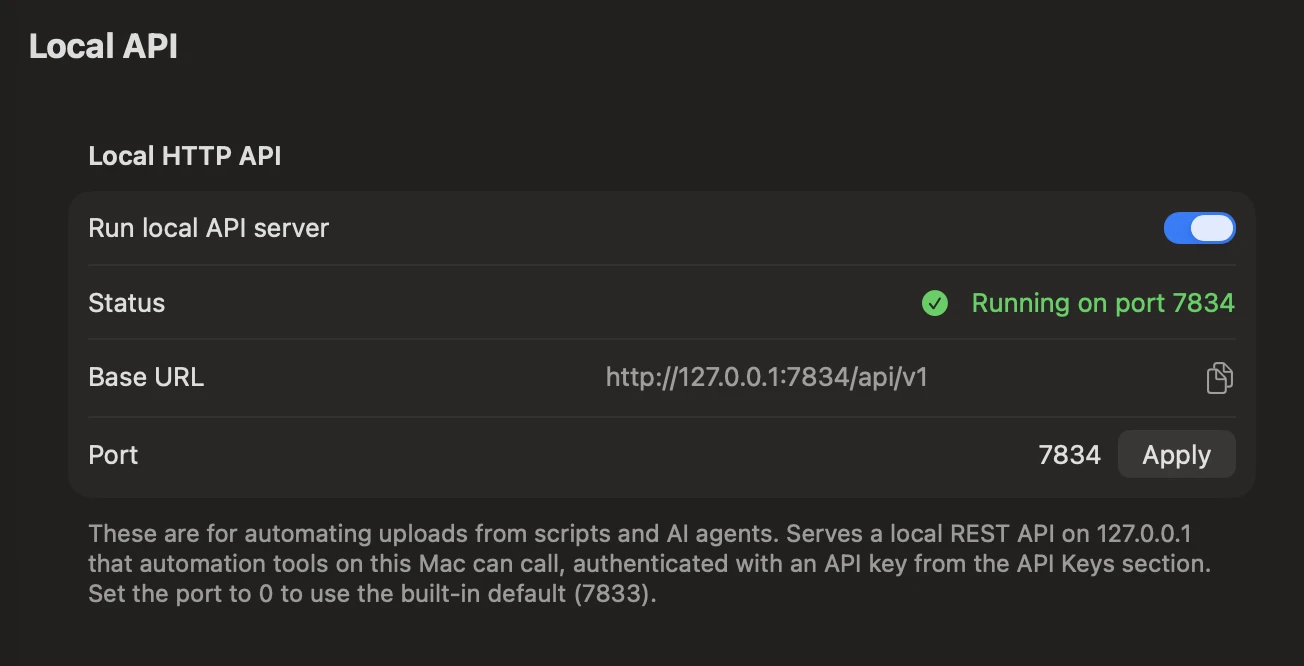
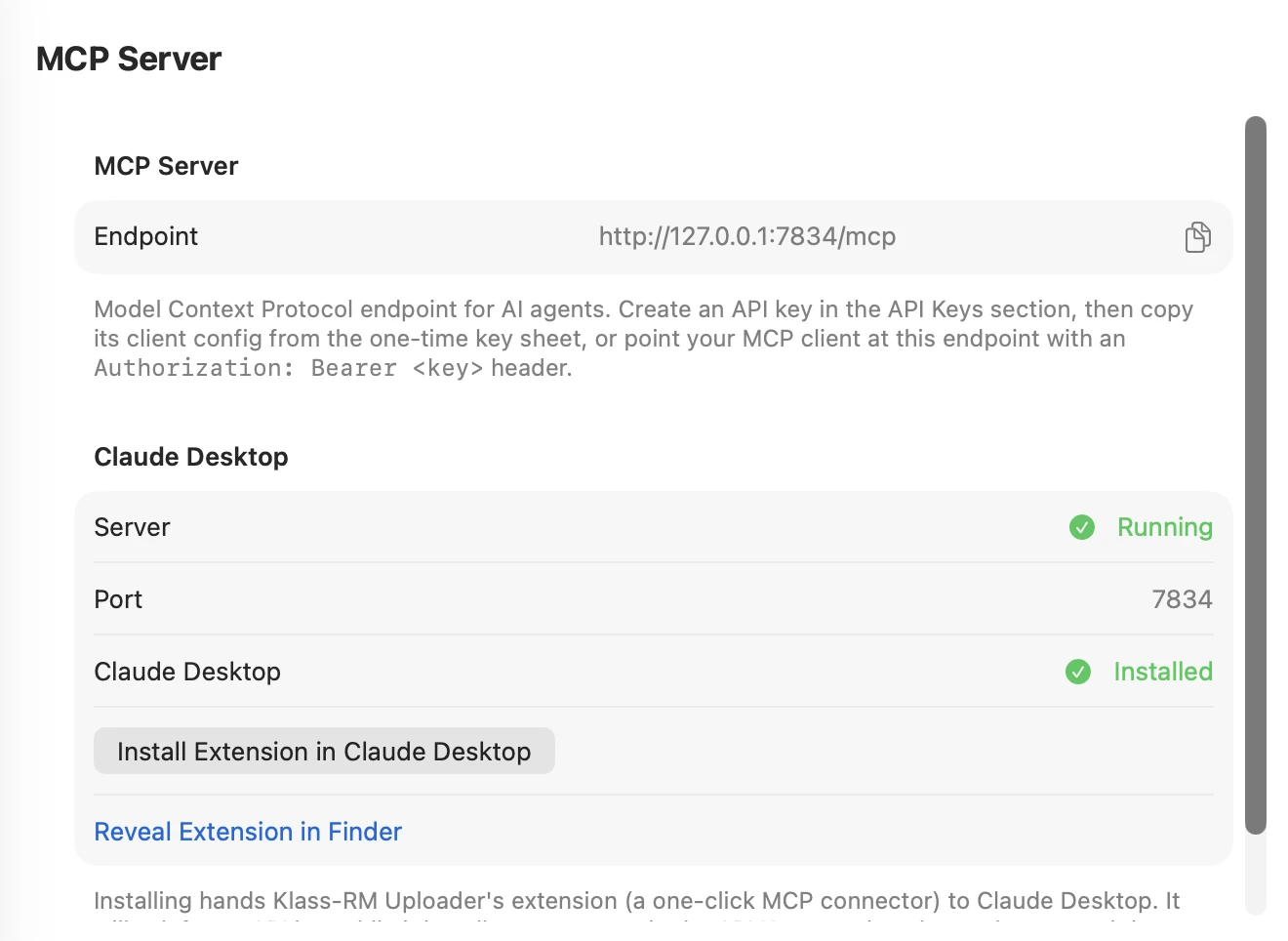
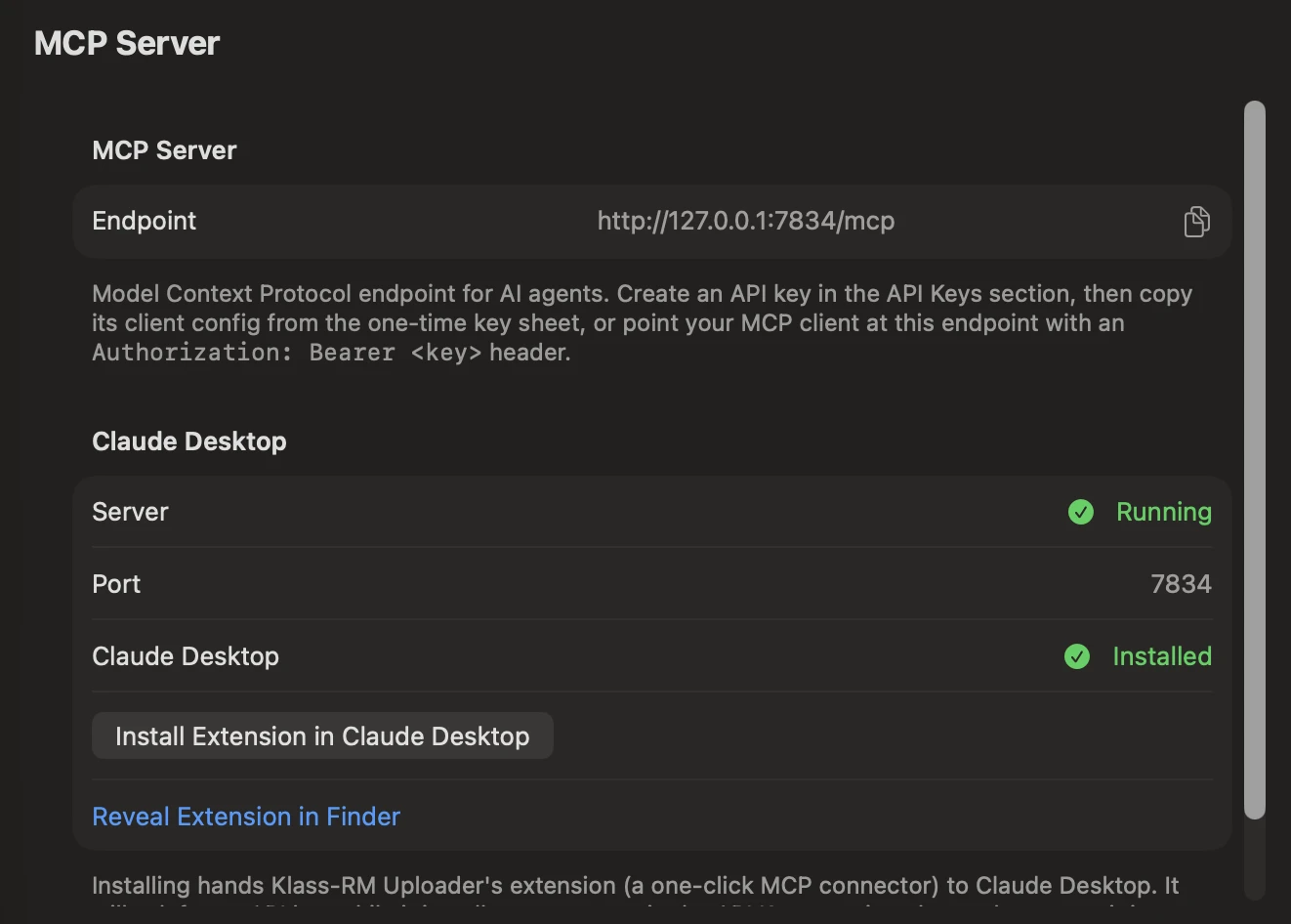
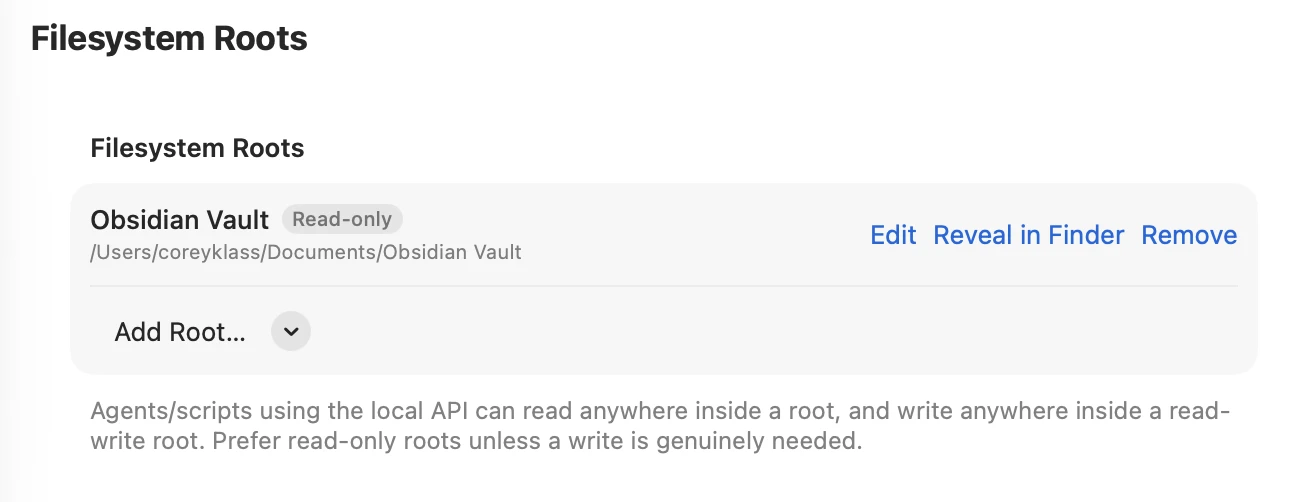
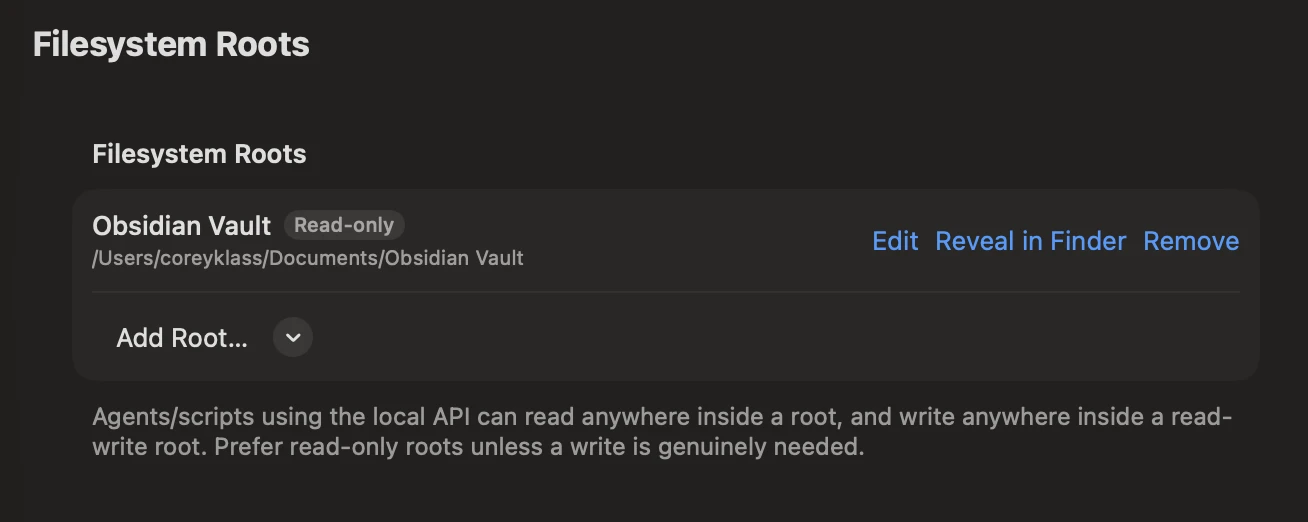
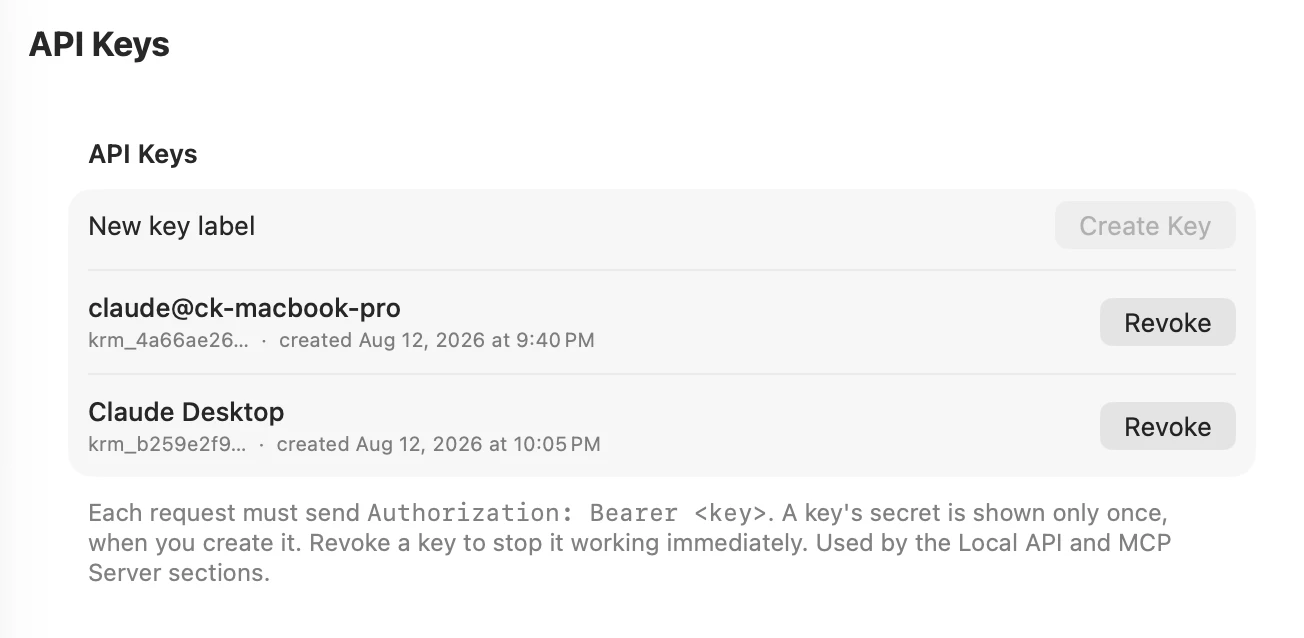
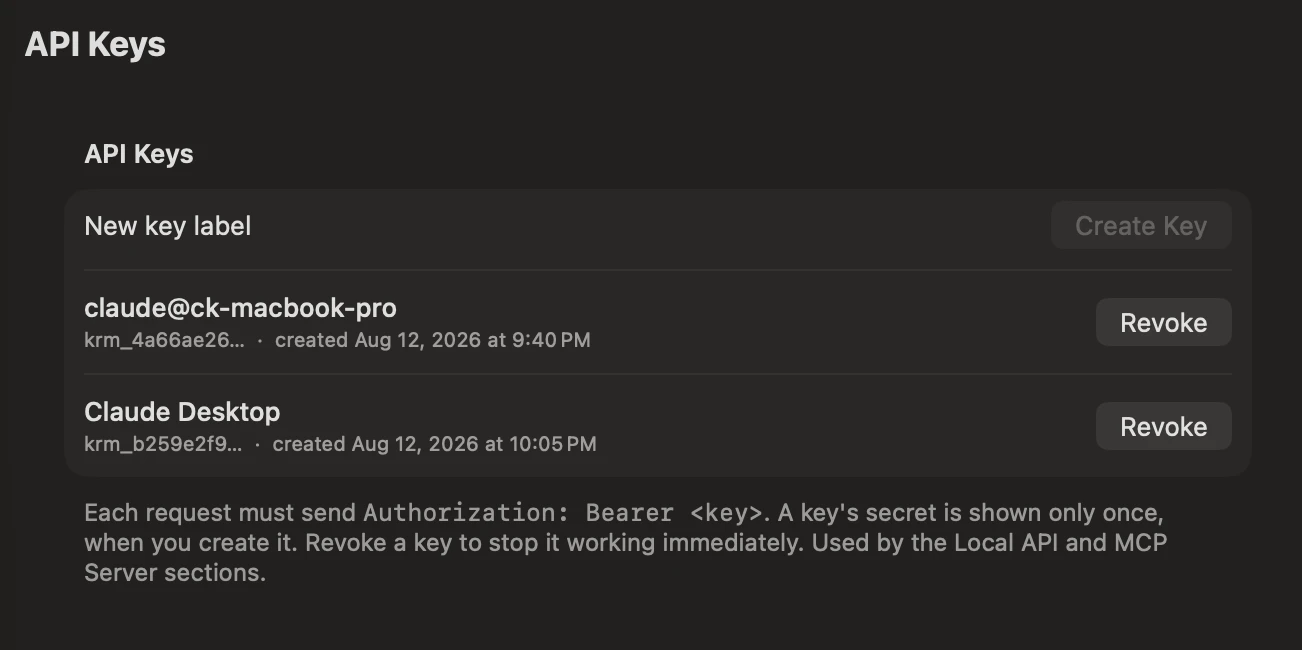
A local REST API and an MCP server so your own scripts, and AI agents like Claude Code and Claude Desktop, can check status, browse folders, queue uploads, and read and write files in folders you grant them access to - through the same pipeline the app itself uses.
Off by default: turning the server on requires both Pro and a “Run local API server” toggle, and it stops the moment either drops. Reading status needs no license, so a script can discover that fact on its own; actually listing folders, queuing uploads, creating folders, or touching a Filesystem Root - even just listing one - requires Pro. reMarkable Connect follows the normal upload rules - Notebook conversion still needs it, PDF/EPUB doesn’t; filesystem access is unrelated to your reMarkable account entirely.
Cloud Tools is part of the same native desktop app - browsing, export, backup, and the local API all run on your Mac.
Export rendering, backup snapshots, and the local API all run locally. Documents never pass through a Klass Paperless server - they go straight between your Mac and your reMarkable.
A key’s secret is shown once at creation and can be revoked anytime from Settings. The local API listens only on 127.0.0.1 - it is never reachable from outside your Mac.
An encrypted backup store keeps document names, sizes, and contents out of the clear; only you hold the password and recovery code. We never see either.
Send PDFs, images, articles, and comics to your reMarkable. Drag, drop, or watch folders on Mac and Windows; share and print on Mac. Free core, Pro from $19.99, which also includes Cloud Tools.
Keep documents updated on your reMarkable without losing your handwriting. Build calendar planners from your accounts, and turn a folder of Obsidian notes into one always-current PDF. Included with your Pro license, no Connect required.
Cloud Tools is included with Klass-RM Uploader Pro: a one-time purchase, not a subscription. One license covers every Mac in your household.
Ready to buy?