

PDFs, images, web articles, text, Markdown, comics, and sticker packs. Drag, print, share, or watch a folder. Klass-RM Uploader gets them there.
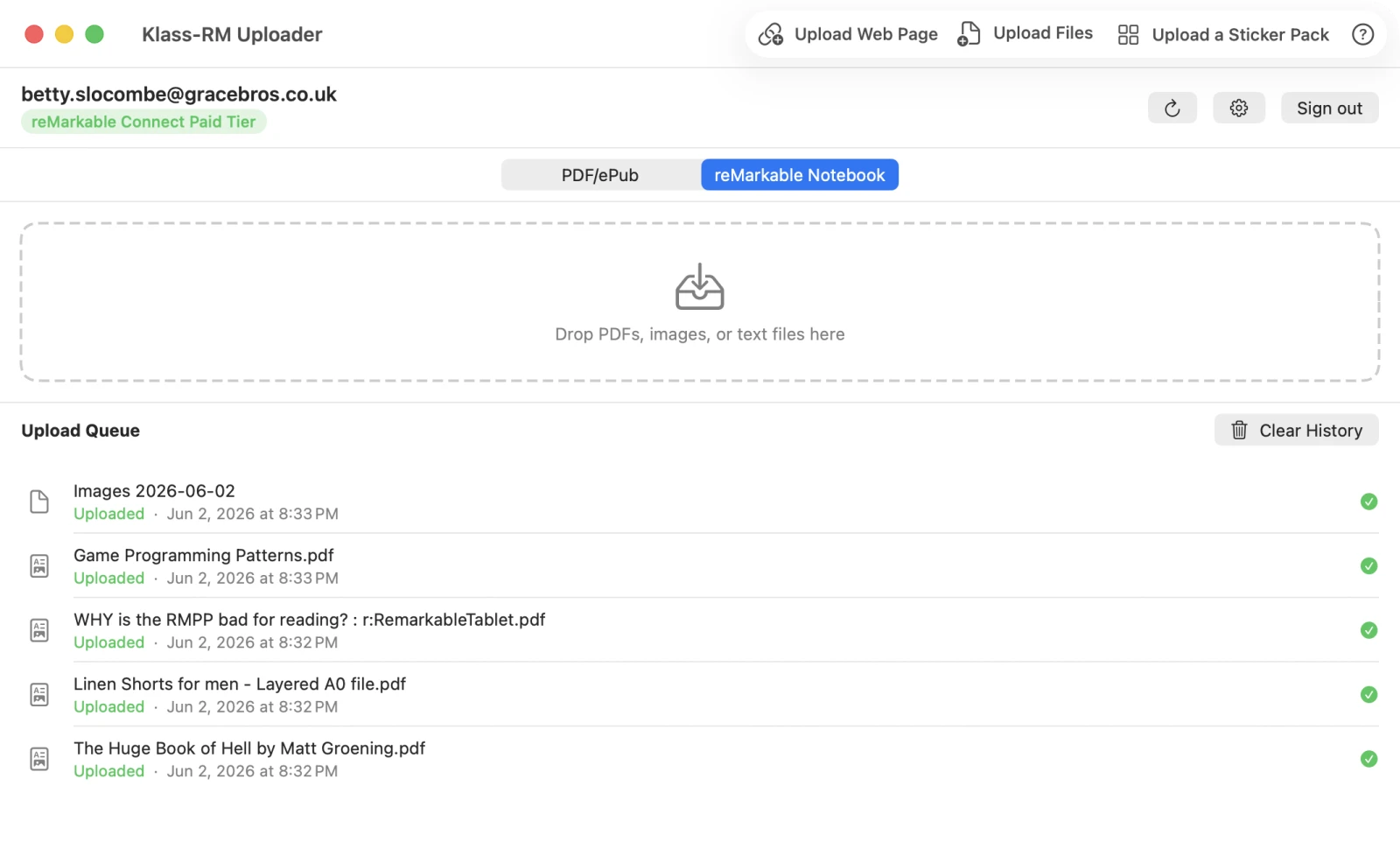
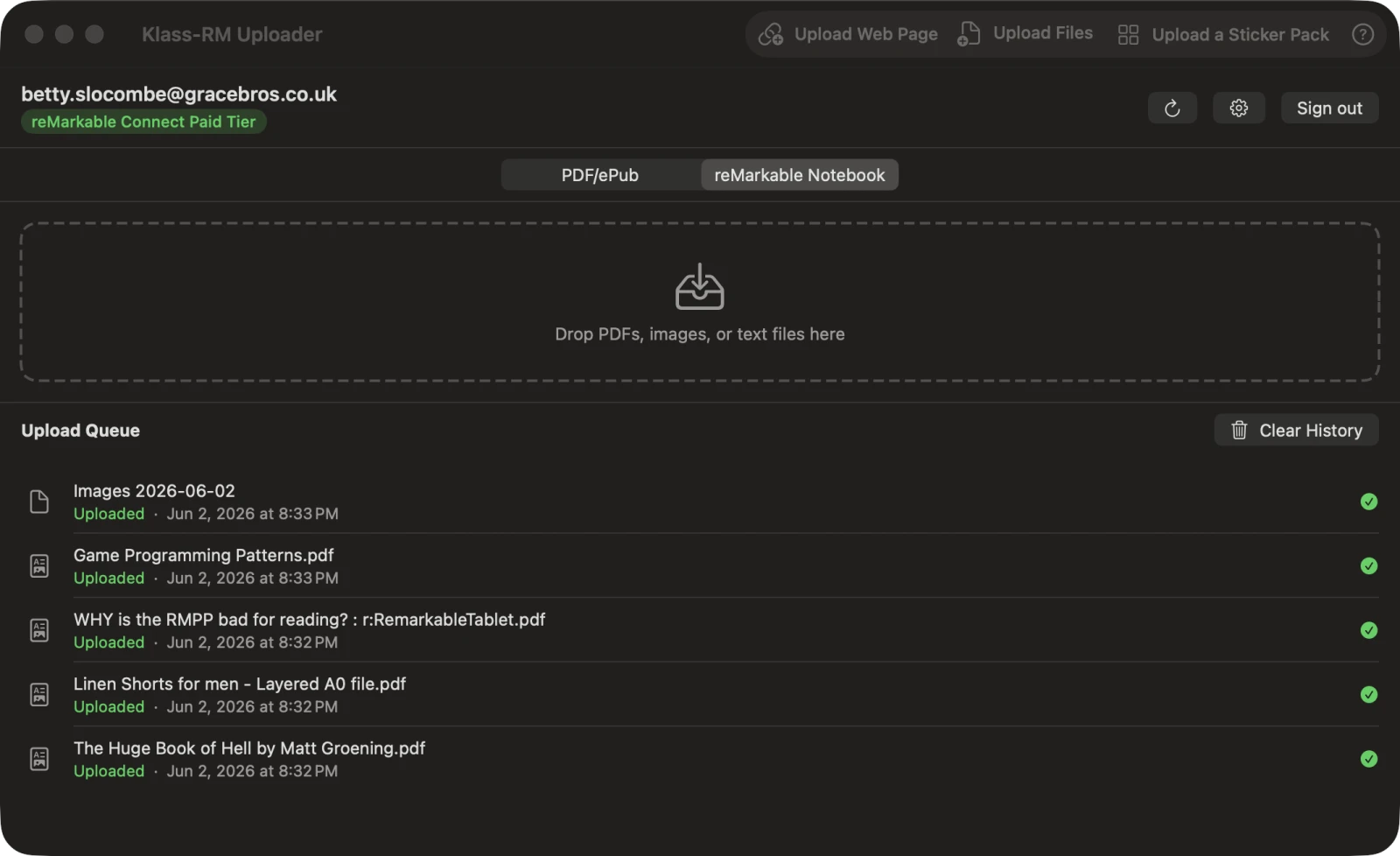
However you work, there’s an entry point that fits. Uploads run in the background and finish even after you close the app.
Drop PDFs, images, and text files directly onto the app window. The upload starts immediately.
Share from Safari, Mail, Finder, or any Mac app using the system share menu. No app switching needed.
From any app’s Print dialog, choose “Print to Klass-RM Uploader” from the PDF menu. Works in Word, Pages, Safari, and Preview, or anywhere you can print.
Point the app at a folder. Any PDF or image you drop in is automatically uploaded, no clicks required.
If it can share, print, or save to a folder, Klass-RM Uploader can send it to your reMarkable.
PDFs, images, web articles, text, comics, and sticker packs. Every format arrives ready to read and annotate.
Drop any PDF and it appears on your reMarkable in seconds. Annotations, forms, research papers, documents. Everything is preserved.
Paste any article URL. The app fetches the page, strips navigation and ads using the same algorithm as Firefox Reader Mode, and delivers a clean EPUB with embedded images to your reMarkable.
JPEG, PNG, GIF, HEIC, HEIF, TIFF, BMP, and WebP are all supported. Send diagrams, photos, or sketches with no conversion step.
Drop a plain-text or Markdown file and it arrives as a clean EPUB. Markdown formatting - headings, lists, emphasis, links, and code - is rendered, and images referenced in the file are embedded.
Drop a CBZ or CBR comic archive and it is converted to a downsampled PDF that reMarkable can read, automatically kept under the upload size limit. Page images are re-encoded so even big collections sync cleanly.
Build a sticker pack from your own images, or buy a sticker pack from somewhere, and send it as an editable reMarkable notebook where every sticker is its own copyable object you can paste anywhere. Pick a target device, display size, and quality. Transparency is preserved.
Klass-RM Uploader installs into the macOS share sheet, so it is one click away in Finder, Safari, Mail, Preview, and any app that can share. Send a file or a web page to your reMarkable without exporting first or switching apps.
With a Pro license and a reMarkable Connect subscription, every upload can appear as an editable Notebook instead of a static file. Start writing the moment it arrives.
Watch one or more folders at once. Klass-RM Uploader monitors them continuously and uploads new files the moment they arrive.
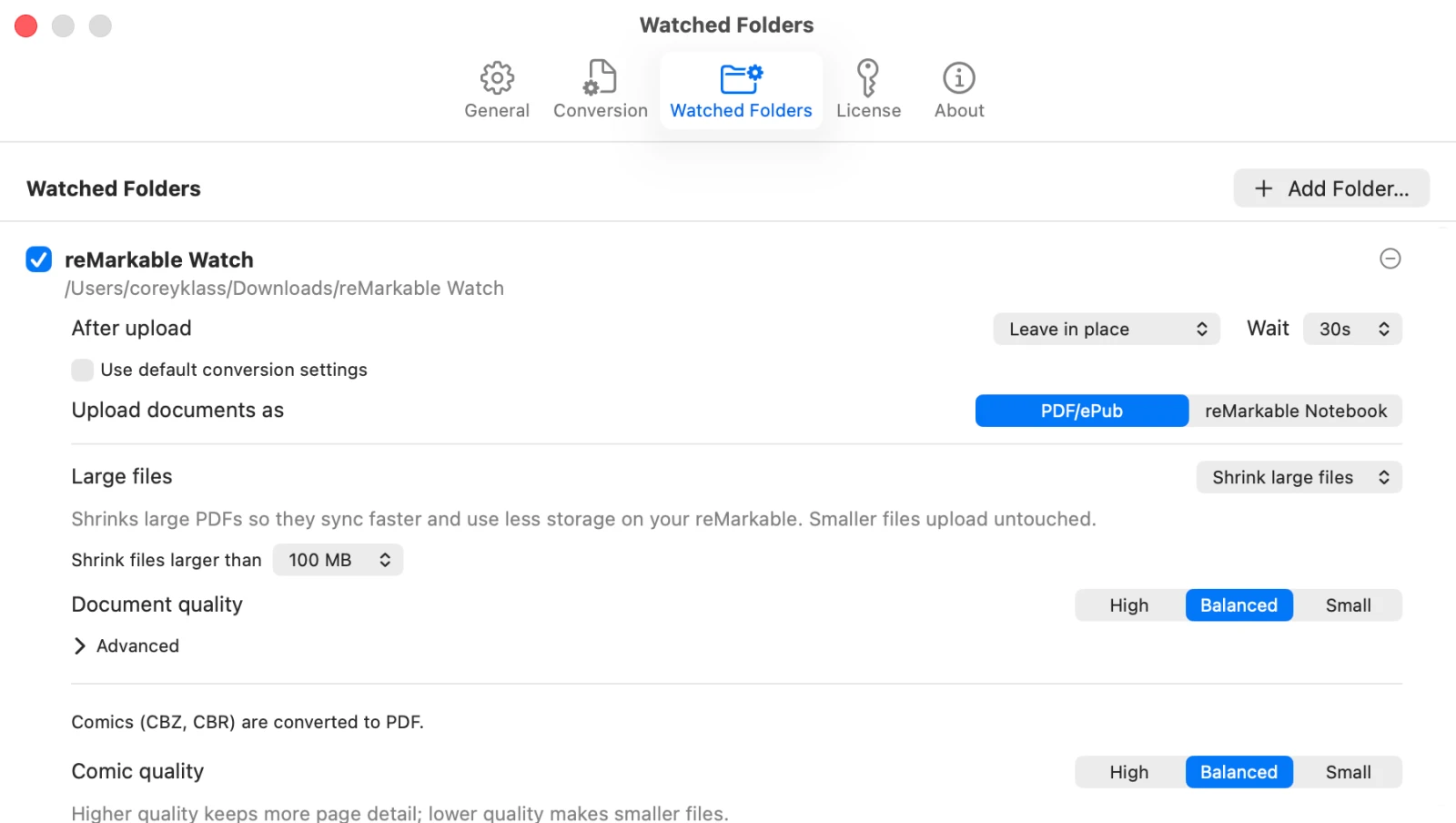
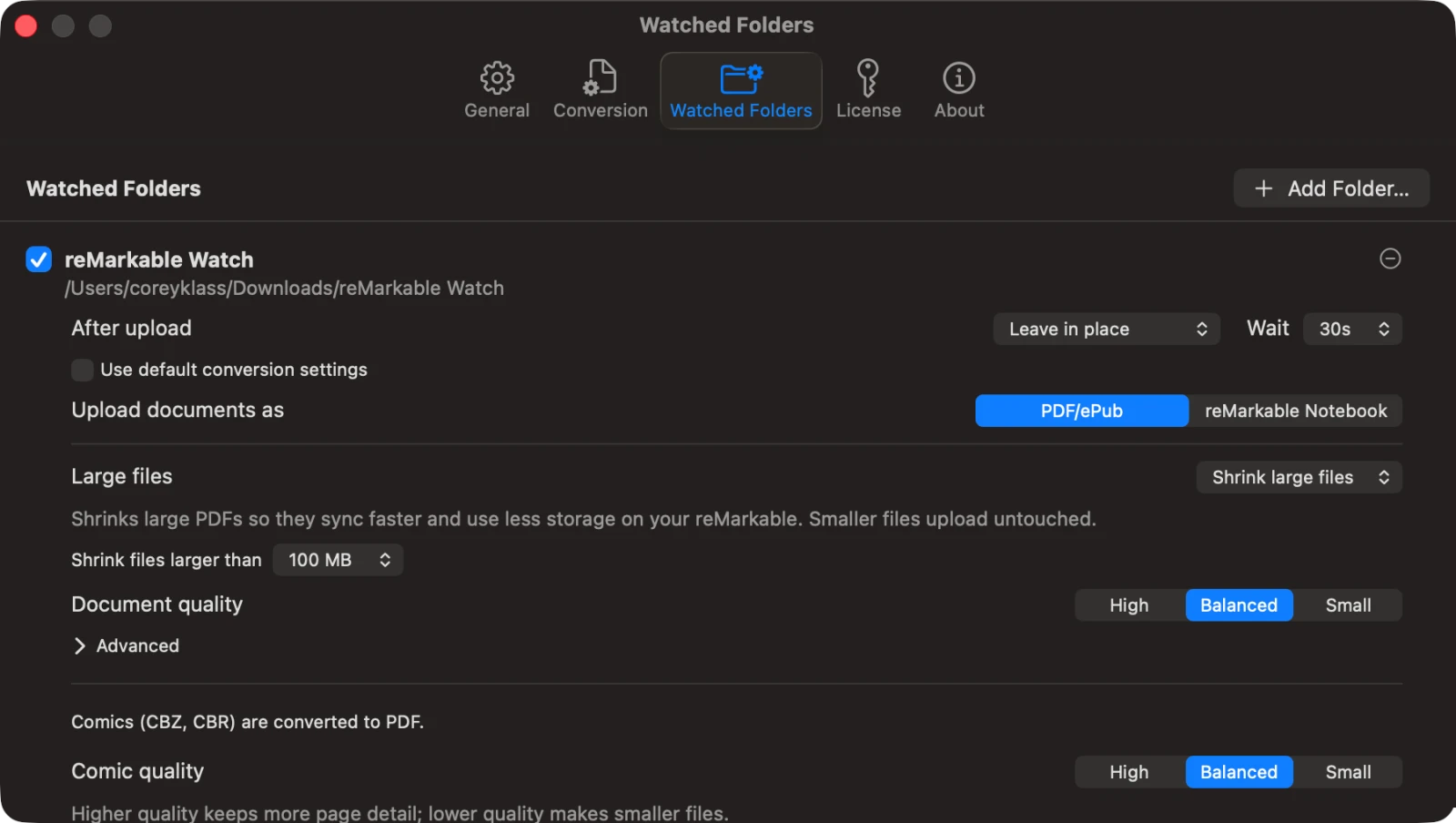
Large PDFs can be slow to sync and eat storage on your reMarkable. Klass-RM Uploader can shrink them automatically before they go up - no license required.
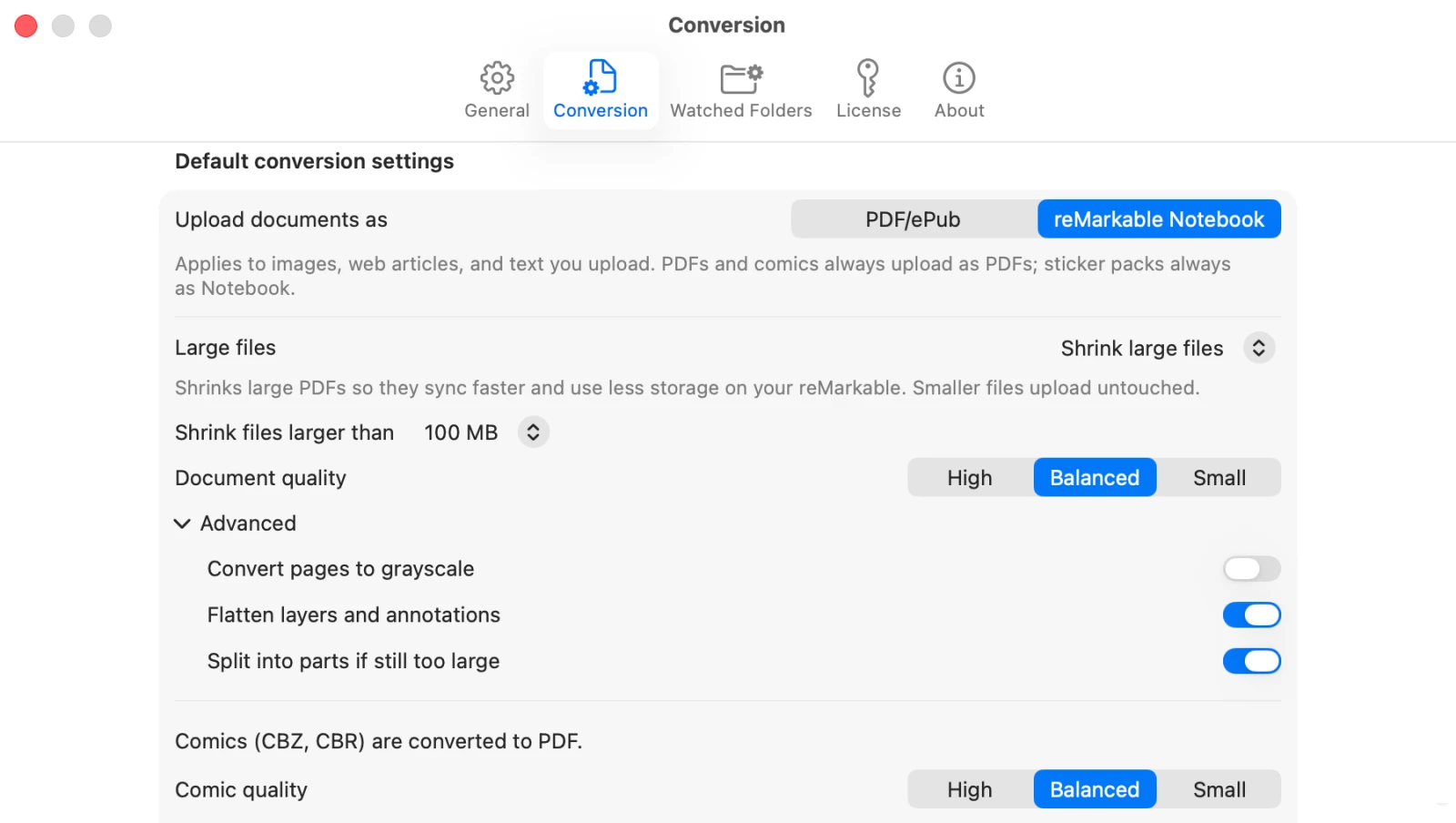
Core upload features are always free. A Pro license unlocks Watched Folders, comic conversion, and Notebook conversion (Notebook conversion and sticker packs also require a reMarkable Connect subscription).
| No license | Pro license | Pro + Connect | |
|---|---|---|---|
| Upload PDFs | |||
| Upload images | |||
| Upload web articles as EPUB | |||
| Upload text & Markdown as EPUB | |||
| Upload web articles as Notebooks | |||
| Send text & Markdown as Notebook | |||
| macOS share sheet | |||
| Print to reMarkable | |||
| Background uploads | |||
| Upload queue & history | |||
| Large-file optimization | |||
| Watched Folders | |||
| Comic conversion (CBZ & CBR) | |||
| Send as Notebook | |||
| Sticker packs (unlimited) |
Sign-in uses the official reMarkable authentication system. Industry-standard OAuth with PKCE ensures your credentials are never passed through this app.
The sign-in page is served by reMarkable in a dedicated sign-in window. Your email and password go directly to reMarkable’s servers, never through this app.
Your auth token lives in the macOS Keychain, the same secure system that stores your Wi-Fi credentials. Silent background refresh keeps you signed in.
All Pro features available for free during the beta.
Get a Free Pro Beta KeyReady to buy?
Buy Pro - $7.99 $9.99Or claim your free Pro beta key in-app